

編輯:Android 程式設計入門
下面這段程式碼示範如何呼叫 GitHub 的 API,抓取指定倉庫的最新 Release 資訊,並用來判斷 App 是否需要更新。核心做法是把更新檢查包裝成一個 AsyncTask,在背景執行緒發送 HTTP 請求取得 JSON,再於主執行緒解析版本號、判斷是否為預先發布版本,最後引導使用者前往下載頁面。
package me.chunsheng.hongbao.utils; import android.content.Context; import android.content.Intent; import android.content.pm.PackageInfo; import android.net.Uri; import android.os.AsyncTask; import android.widget.Toast; import org.apache.http.HttpResponse; import org.apache.http.StatusLine; import org.apache.http.client.HttpClient; import org.apache.http.client.methods.HttpGet; import org.apache.http.impl.client.DefaultHttpClient; import org.json.JSONObject; import me.chunsheng.hongbao.R; import java.io.ByteArrayOutputStream; import java.io.IOException; /** * Util for app update task. */ public class UpdateTask extends AsyncTask<String, String, String> { private Context context; private boolean isUpdateOnRelease; //public static final String updateUrl = "https://api.github.com/repos/geeeeeeeeek/WeChatLuckyMoney/releases/latest"; public static final String updateUrl = "https://api.github.com/repos/geeeee/WeChatLuckyMoney/releases/latest"; public UpdateTask(Context context, boolean needUpdate) { this.context = context; this.isUpdateOnRelease = needUpdate; if (this.isUpdateOnRelease) Toast.makeText(context, "正在檢查新版本……", Toast.LENGTH_SHORT).show(); } @Override protected String doInBackground(String... uri) { HttpClient httpclient = new DefaultHttpClient(); HttpResponse response; String responseString = null; try { response = httpclient.execute(new HttpGet(uri[0])); StatusLine statusLine = response.getStatusLine(); if (statusLine.getStatusCode() == 200) { ByteArrayOutputStream out = new ByteArrayOutputStream(); response.getEntity().writeTo(out); responseString = out.toString(); out.close(); } else { // Close the connection. response.getEntity().getContent().close(); throw new IOException(statusLine.getReasonPhrase()); } } catch (Exception e) { return null; } return responseString; } @Override protected void onPostExecute(String result) { super.onPostExecute(result); try { JSONObject release = new JSONObject(result); // Get current version PackageInfo pInfo = context.getPackageManager().getPackageInfo(context.getPackageName(), 0); String version = pInfo.versionName; String latestVersion = release.getString("tag_name"); boolean isPreRelease = release.getBoolean("prerelease"); if (!isPreRelease && version.compareToIgnoreCase(latestVersion) >= 0) { // Your version is ahead of or same as the latest. if (this.isUpdateOnRelease) Toast.makeText(context, R.string.update_already_latest, Toast.LENGTH_SHORT).show(); } else { if (!isUpdateOnRelease) { Toast.makeText(context, context.getString(R.string.update_new_seg1) + latestVersion + context.getString(R.string.update_new_seg3), Toast.LENGTH_LONG).show(); return; } // Need update. String downloadUrl = release.getJSONArray("assets").getJSONObject(0).getString("browser_download_url"); // Give up on the fucking DownloadManager. The downloaded apk got renamed and unable to install. Fuck. Intent browserIntent = new Intent(Intent.ACTION_VIEW, Uri.parse(downloadUrl)); browserIntent.setFlags(Intent.FLAG_ACTIVITY_NEW_TASK); context.startActivity(browserIntent); Toast.makeText(context, context.getString(R.string.update_new_seg1) + latestVersion + context.getString(R.string.update_new_seg2), Toast.LENGTH_LONG).show(); } } catch (Exception e) { e.printStackTrace(); if (this.isUpdateOnRelease) Toast.makeText(context, R.string.update_error, Toast.LENGTH_LONG).show(); } } public void update() { super.execute(updateUrl); } }
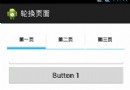 Android 實現ViewPager輪換頁面+TabHost 完整實例
本文示範如何結合 ViewPager 與 TabHost,做出左右滑動切換頁面、且與上方 Tab 連動的效果。 取得 ViewPager 控件 首先我們需要一個 Vie
 Android 開發中那些必備的坑與實用小技巧
本文彙總了 Android 開發中常見的一些坑點與實用技巧,涵蓋布局屬性、列表性能、異常處理、Fragment 管理等多個方面,希望能幫你少走彎路。1. android:
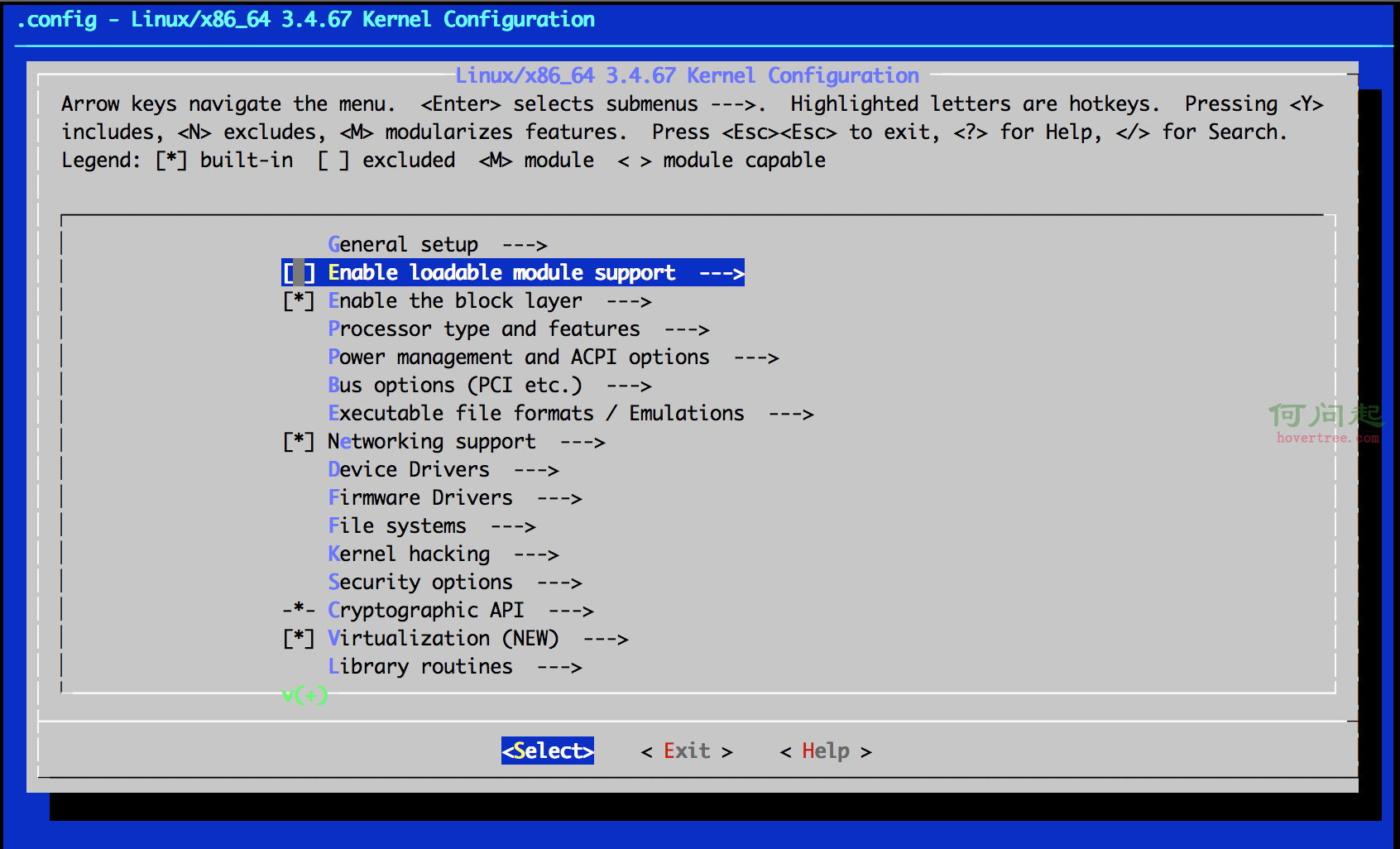 Android 內核驅動模組開發除錯筆記
在 Android 系統中,內核驅動模組是理解系統底層運作的重要起點。透過簡單的虛擬驅動範例,可以認識 proc、devfs 與 sysfs 等檔案系統接口,以及內核模組
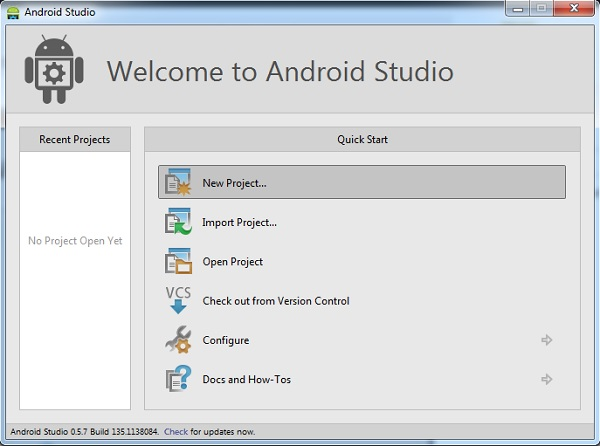 Android Studio 入門指南:從專案建立到模擬器測試
Android Studio 是以 IntelliJ IDEA 為基礎的 Android 整合開發環境,提供專案建立、版面預覽、模擬器、靜態分析與簽章打包等功能。以下整理