

編輯:Android 程式設計入門
控制 EditText 的輸入行為是表單開發中的常見需求。準確地說,讓 EditText 僅能輸入數字有兩種方法,都是透過 xml 屬性設定。
方法一:
<EditText android:id="@+id/u_account" android:layout_width="0dp" android:layout_height="match_parent" android:layout_marginLeft="13dp" android:inputType="phone|number" android:maxLength="11" android:numeric="integer" //這個屬性限制僅僅能輸入數字 android:singleLine="true" android:textColor="@color/hint_textcolor" android:textSize="14sp" />
方法二:
<EditText android:id="@+id/u_account" android:layout_width="0dp" android:layout_height="match_parent" android:background="@drawable/signup_input_pw_text_bg" android:digits="1234567890" //這個屬性限制僅僅能輸入0-9這些數字 android:inputType="phone|number" android:maxLength="11" android:singleLine="true" android:textColor="@color/hint_textcolor" android:textSize="14sp" />
儘管方法一、二都能達到目的,但方法一中的 android:numeric="integer" 已被官方放棄,所以不推薦使用,用法二更好!與時俱進嘛!
以上是曾經的博客內容,以下補充一些經常使用的技巧,實現方式都分為代碼與 xml 兩種:
以上是眼下知道比較經常使用的,以後若發現會繼續補上。
 如何開發 Android Wear 穿戴應用程式(完整入門指南)
Android Wear 是連接 Android 手機與穿戴裝置的平台。自今年上半年發表以來,它獲得了大量關注——不只是消費者,開發者也開始思考如何讓自己的應用程式準備好
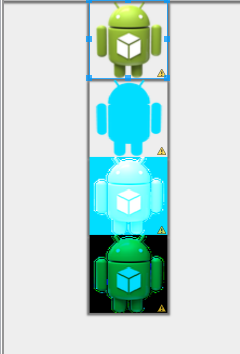 Android 5.x 特性概覽(五):著色 Tinting 與裁剪 Clipping
上一節介紹了 Material Design 對陰影效果的實現,本節則聚焦 Android 5.x 在圖像處理上新增的兩個特性——Tinting(著色)與 Clippin
 動手實現 Android 圖片輪播控件
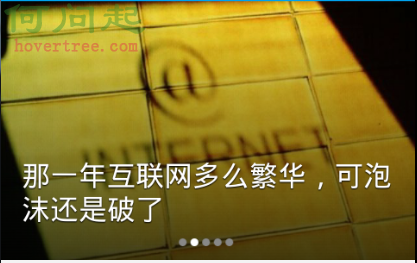
1. 輪播控件的組成部分 我們以知乎日報 Android 客戶端的輪播控件為例,拆解一下它的主要組成。 首先,我們需要一個用來顯示圖片的 View 對象。觀察上圖底部中
 Android 內核驅動模組開發除錯筆記
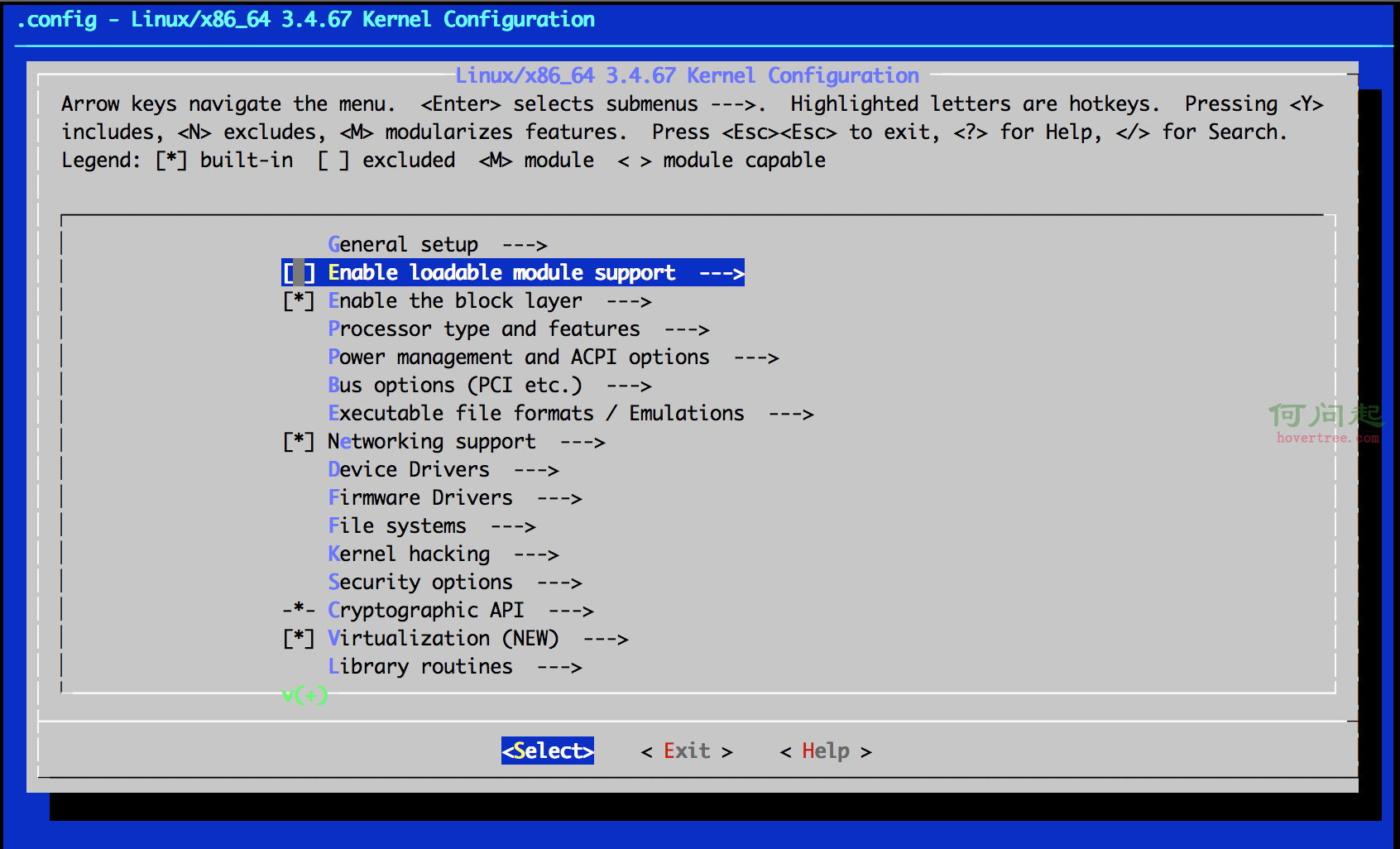
在 Android 系統中,內核驅動模組是理解系統底層運作的重要起點。透過簡單的虛擬驅動範例,可以認識 proc、devfs 與 sysfs 等檔案系統接口,以及內核模組