

編輯:Android 程式設計入門
本文詳細梳理 Service 的生命週期、進程優先級、使用注意事項,以及本地服務與跨進程通信(AIDL)的具體用法。
其中後台進程與空進程是最常被系統回收的兩類。
1. Service 裡能否寫耗時操作?不能。若有耗時操作可能導致 ANR。原因是:Service 這些回調方法的代碼運行在主線程上。
2. IntentService:該服務已經啟動了一個工作線程,你不必再自己啟動,只需把要做的事寫到 onHandleIntent,它會在子線程中處理。
// 啟動服務
Intent intent = new Intent(this, MyService.class);
startService(intent);

// 停止服務
Intent intent = new Intent(this, MyService.class);
stopService(intent);
(Activity 關閉時 Service 也會結束)
// 綁定和解綁服務
public void bindservice(View view) {
    Intent intent = new Intent(this, MyService.class);
    myServiceConnection = new MyServiceConnection();
    bindService(intent, myServiceConnection, BIND_AUTO_CREATE);
}

public void unbindservice(View view) {
    if (myServiceConnection != null) {
        unbindService(myServiceConnection);
    }
}

public void callLocalServiceMetod(View view) {
    if (binder != null) {
        final String callParentMethod = binder.callParentMethod();
        final int count = binder.getcount();
        Toast.makeText(this, callParentMethod + count, Toast.LENGTH_SHORT).show();
    }
}

class MyServiceConnection implements ServiceConnection {
    @Override
    public void onServiceConnected(ComponentName name, IBinder service) {
        if (service != null) {
            binder = (MyService.MyBinder) service;
        }
    }

    // 僅在 Service 被破壞或被殺死時調用(如系統資源不足回收服務)
    @Override
    public void onServiceDisconnected(ComponentName name) { }
}

// Service 內部
public class MyService extends Service {
    public int count;
    public boolean flag = true;

    class MyBinder extends Binder {
        public String callParentMethod() {
            return getName();
        }
        public int getcount() {
            return count;
        }
    }

    @Override
    public IBinder onBind(Intent intent) {
        new Thread() {
            @Override
            public void run() {
                while (flag) {
                    count++;
                    try {
                        Thread.sleep(1000);
                    } catch (InterruptedException e) {
                        e.printStackTrace();
                    }
                }
            }
        }.start();
        return new MyBinder();
    }

    @Override
    public void onDestroy() {
        super.onDestroy();
        flag = false;
    }
}
Android 使用接口定義語言 AIDL(Android Interface Definition Language)來暴露服務接口。實現過程:
// AIDL 接口文件
interface MyAIDLInterface {
    String callParentMethod();
    int getcount();
}

// 服務端實現 Stub
class MyBinder2 extends MyAIDLInterface.Stub {
    @Override
    public String callParentMethod() throws RemoteException {
        return getName();
    }
    @Override
    public int getcount() throws RemoteException {
        return count;
    }
}

// 客戶端綁定並調用
class MyConnection implements ServiceConnection {
    @Override
    public void onServiceConnected(ComponentName name, IBinder service) {
        if (service != null) {
            binder = MyAIDLInterface.Stub.asInterface(service);
        }
    }
    @Override
    public void onServiceDisconnected(ComponentName name) { }
}

public void bindremoteservice(View view) {
    Intent intent = new Intent();
    intent.setAction("com.ren.myservice");
    intent.setPackage("com.rgd.day16_bindservice");
    myConnection = new MyConnection();
    bindService(intent, myConnection, BIND_AUTO_CREATE);
}
透過以上方式,即可實現本地方法調用與跨進程通信兩種場景下的 Service 使用。
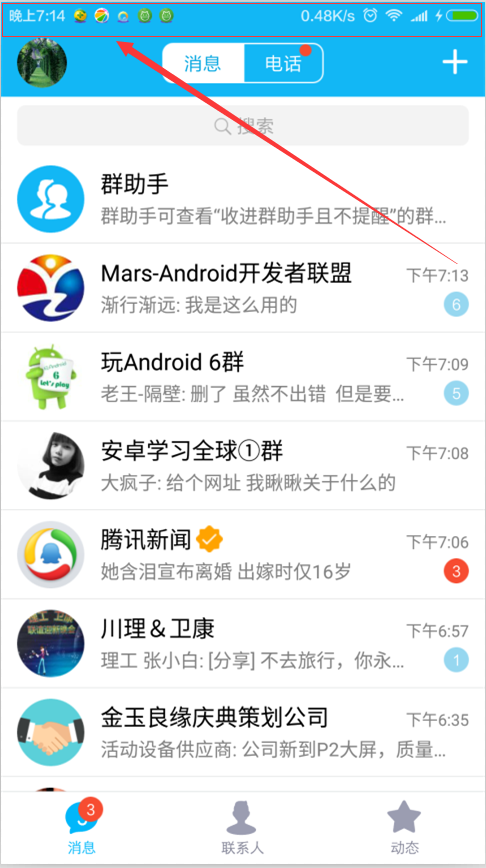 Android 沉浸式狀態列實作教學
為什麼要做沉浸式狀態列 傳統的手機狀態列是一條黑色或白色的條狀區域,有些還會與 App 主介面有明顯色差。這條區域在視覺上切走了一部分高度,讓可用畫面變小,也讓整體設計顯
 如何開發 Android Wear 穿戴應用程式(完整入門指南)
Android Wear 是連接 Android 手機與穿戴裝置的平台。自今年上半年發表以來,它獲得了大量關注——不只是消費者,開發者也開始思考如何讓自己的應用程式準備好
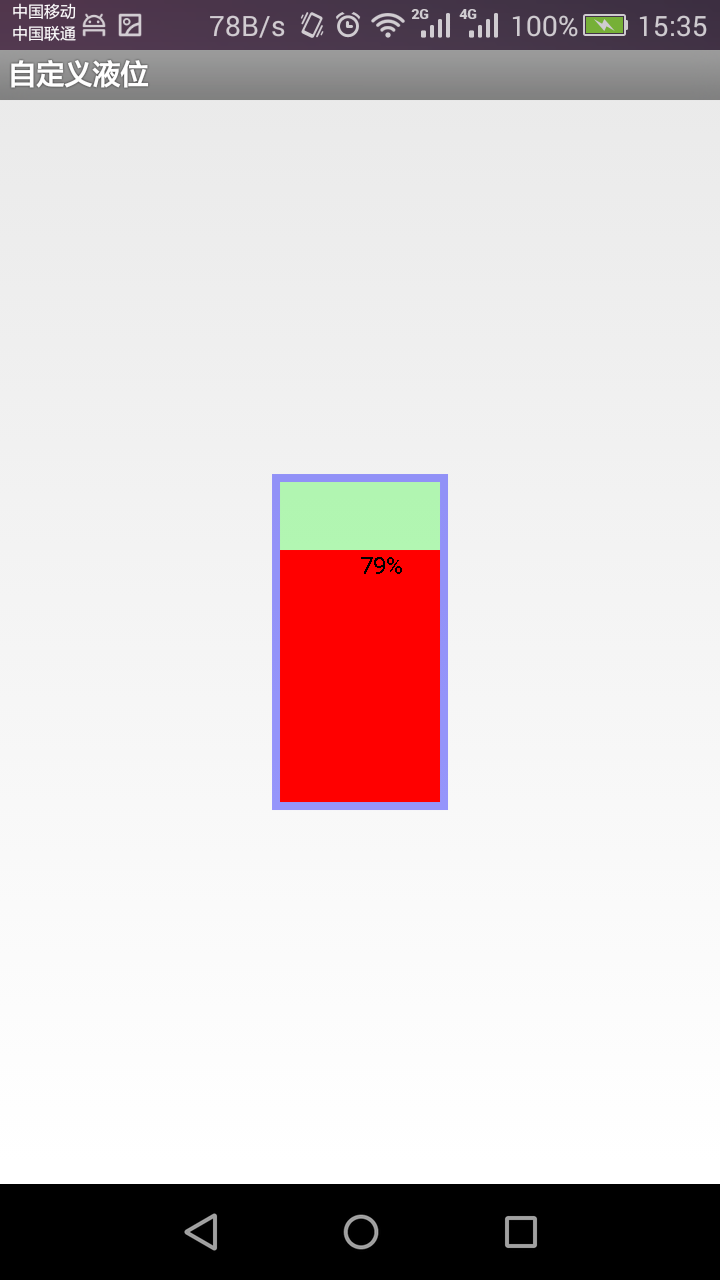 Android 自定義控件實戰:液位指示器
由於 Android 應用十分廣泛,工業領域也常有應用,例如用於工業數據的監測、顯示,甚至做一些自動化控制。本文不談自動化控制,只做一個液位指示控件。它本質上繼承自 Pr
 Android AsyncTask 異步任務詳解與實戰
由於 Android 的 UI 線程並非線程安全,若在 UI 線程中執行耗時任務,很容易導致程序崩潰;而且目前網絡任務也不允許在 UI 線程中執行。除了直接寫線程之外,A