

編輯:Android 開發實例
Android 通常以版面檔描述介面,並在 Activity 中以 setContentView() 把它顯示出來。但如果情境不在 Activity 之內——例如在自訂的 Adapter 裡——又想取得版面中的控制項進行設定,該怎麼辦?這時就需要 LayoutInflater。
<TextView
    android:id="@+id/tview"
    android:layout_width="fill_parent"
    android:layout_height="wrap_content"
    android:text="FENGFLY.COM"
/>
<Button
    android:layout_width="fill_parent"
    android:layout_height="wrap_content"
    android:id="@+id/button"
    android:text="按鈕"
/>
LayoutInflater flater = LayoutInflater.from(this);
View view = flater.inflate(R.layout.example, null);
inflate() 的回傳值是一個 View 物件,代表整棵版面樹的節點,後續所有操作都從它出發。
button = (Button) view.findViewById(R.id.button);
textView = (TextView) view.findViewById(R.id.tview);
button.setOnClickListener(new OnClickListener(){
    @Override
    public void onClick(View v) {
        textView.setText("WWW.FENGFLY.COM");
    }
});
LayoutInflater 最常出現的地方就是 Adapter 與 RecyclerView.ViewHolder 的實作中:先為項目版面建立 View,再對其中的控制項做資料綁定。兩個常見陷阱值得注意。
第一,inflate() 的第二與第三個參數決定版面參數如何處理。在 ListView 的 getView() 中,正確寫法是 inflate(R.layout.item, parent, false)——傳 true 會把 view 直接掛到 parent 上,導致控制項被重複附加而引發例外;而傳 null 則會讓根節點的 LayoutParams 遺失,造成版面錯位。
第二,findViewById() 必須從 inflate 出來的 view 呼叫,而不是從 Activity 呼叫,否則在項目版型中會取到錯誤的實例。列表滾動時也建議實作 ViewHolder 模式快取控制項參考,避免每次 bind 都重複搜尋而拖慢滾動流暢度。
 Android 登入實作:輸入欄位、驗證與鎖定機制
登入功能通常包含使用者名稱、密碼與登入按鈕。為了提升安全性,還可以加入錯誤次數限制,避免有心人士不斷嘗試。 密碼輸入欄位 密碼欄位必須設定 inputType 為 tex
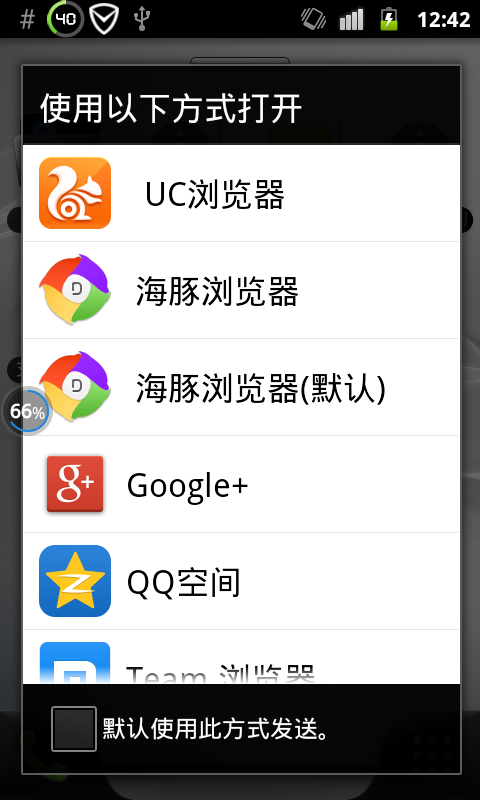 Android 檢查與設定預設應用程式的完整解析
Android 提供了設定「預設開啟程式」的機制。本文說明如何在程式中檢查是否已有預設程式、如何引導使用者變更,以及如何清除自己的預設設定。實務上分成兩種情況:已經有預設
 Android ScrollView 嵌套 ScrollView 的解法與原理
Android 有一條眾所周知的限制:同一方向的兩個 ScrollView 不能直接嵌套。但需求常常不是由懂平台規則的人提出的,所以問題最後還是落到開發者頭上。 好消息是
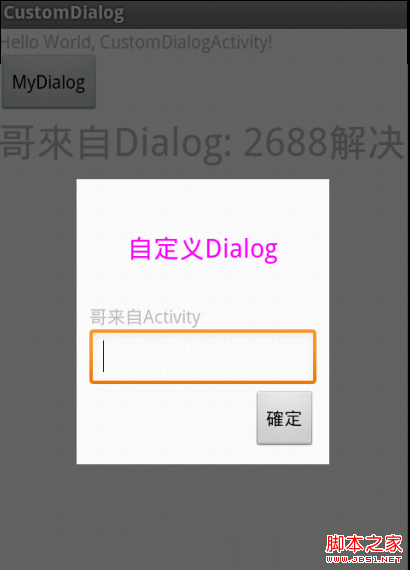 Android 控件封裝:把 Dialog 包成可重複使用的自定義元件
自定義 Dialog 幾乎每個專案都會寫,但每次都寫一遍實在混亂。與其反覆拼湊,不如一次封裝好,以後直接 copy 使用。 主 Activity public c