

編輯:Android 資訊
TextView 比較簡單,不能用來編輯,隻能用於顯示信息。
布局文件中一些常用的 XML 屬性:
android:gravity——設置控件內文本的對齊方式
android:layout_gravity——相對於父控件,設置控件自身的對齊方式
android:text——設置控件文本
android:layout_width——設置控件寬度
android:layout_height——設置控件高度
android:background——設置控件背景色
android:textColor——設置文本顏色
android:textSize——設置文本字號
android:width 和 android:height——功能與 layout_width/height 相似
區別:android:layout_width 隻能設 fill_parent(橫向填滿屏幕)或 wrap_content(填滿控件自身大小);而 android:width 用於設置具體像素寬度。
例如:TextView 顯示。
main.xml 布局文件:
<?xml version="1.0" encoding="utf-8"?> <LinearLayout xmlns:android="https://schemas.android.com/apk/res/android" android:orientation="vertical" android:layout_width="fill_parent" android:layout_height="fill_parent" > <TextView android:layout_width="fill_parent" android:layout_height="wrap_content" android:text="@string/hello" /> </LinearLayout>
string.xml 文件:
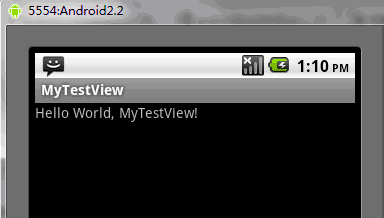
<?xml version="1.0" encoding="utf-8"?> <resources> <string name="hello">Hello World, MyTestView!</string> <string name="app_name">MyTestView</string> </resources>
MyTextView.java 文件:
package org.loulijun.MyTestView; import android.app.Activity; import android.os.Bundle; public class MyTestView extends Activity { /** Called when the activity is first created. */ @Override public void onCreate(Bundle savedInstanceState) { super.onCreate(savedInstanceState); setContentView(R.layout.main); } }
運行結果:
 Android 可滑動 Tab 的三種實作方式
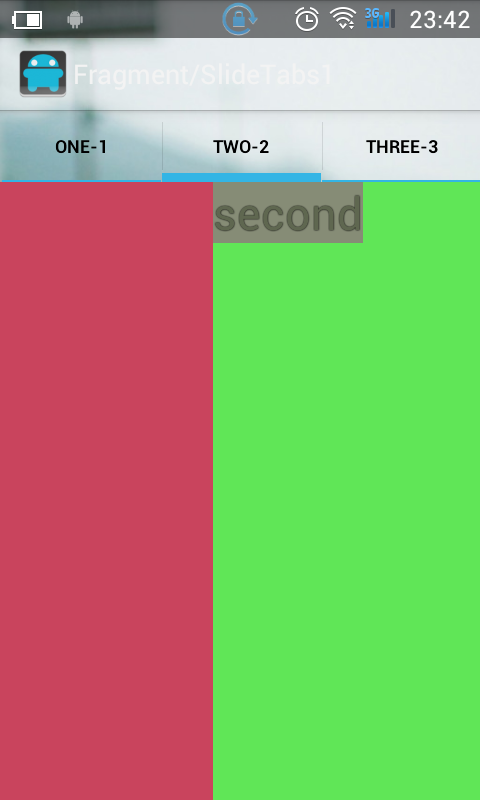
Android 上的 Tab 元件種類繁多,大多也支援滑動切換。本文實作三種不同的可滑動 Tab 方案,並比較各自的優缺點,供開發時挑選。 第一種:TabHost + V
 Android 夜間模式與多主題切換思路
夜間模式是多主題切換中比較複雜的一種。它不只是把背景變黑,還需要處理主色、次要色、圖示、狀態列、對話框、選單與特殊提示元件的配色。若夜間模式能做好,後續要擴充其他主題也會
 Android 測試實戰指南:單元測試、UI 測試與常用框架全解析
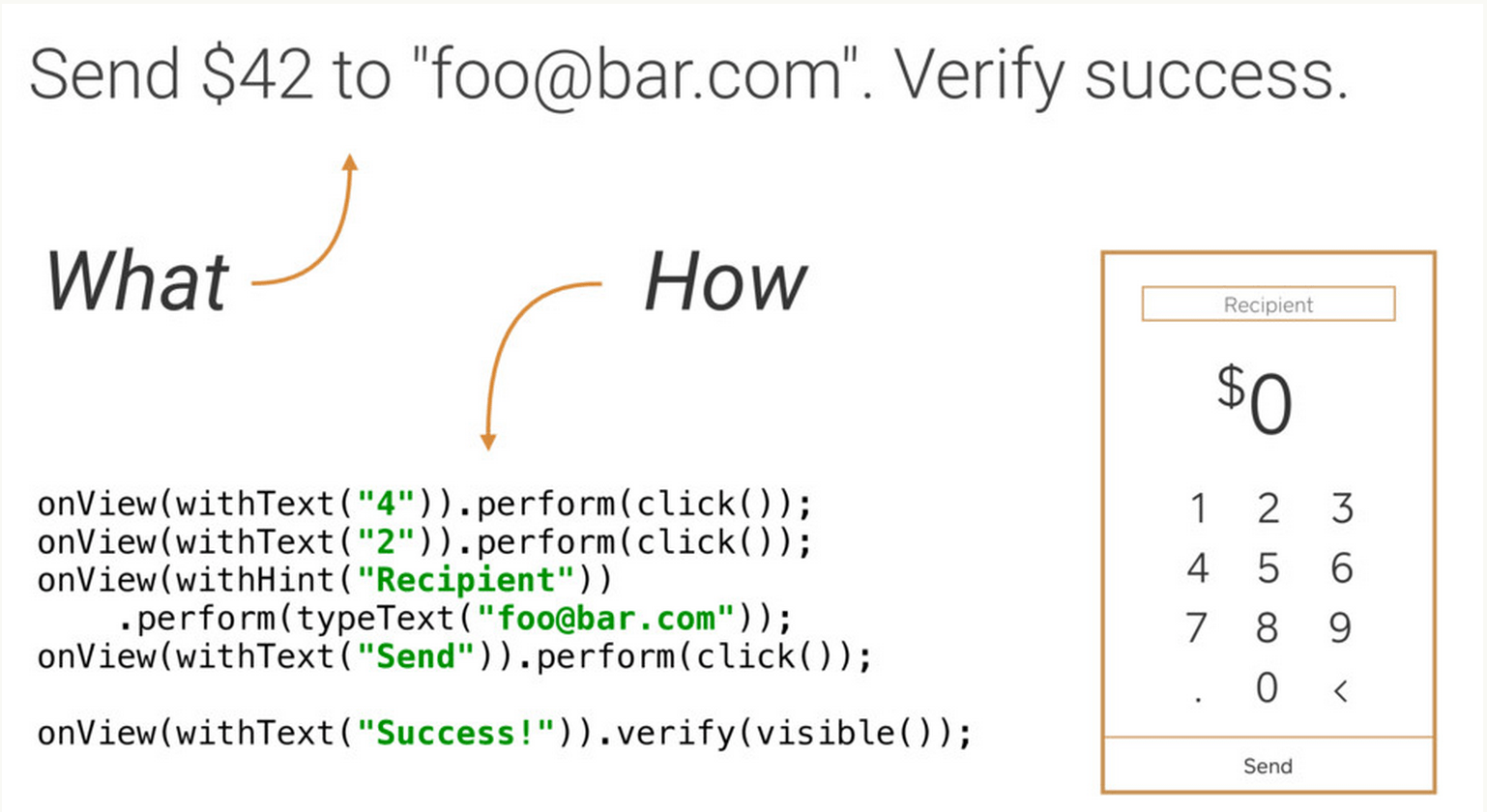
測試驅動開發(TDD)在 RoR 世界早已是標配,是相當可靠的開發思維;但在 Android 這兒卻始終沒有真正普及。今天就把 Android 上的單元測試、儀器測試,以
 Android Bitmap 核心知識全景梳理
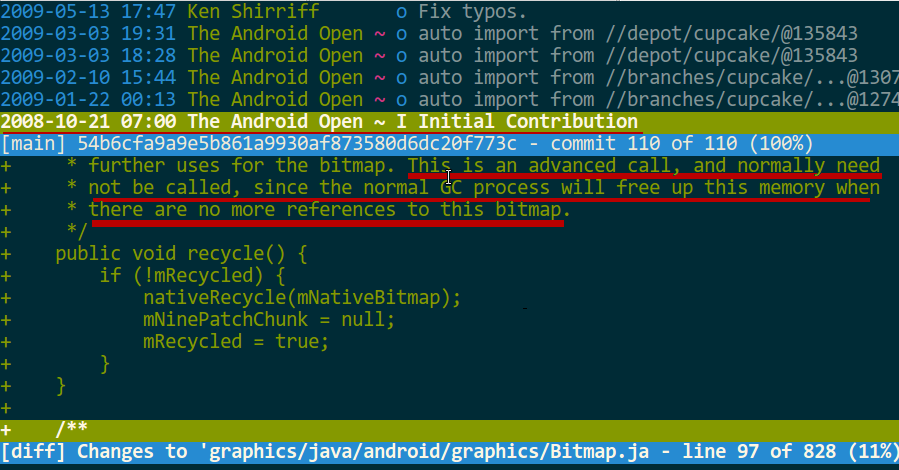
在日常開發中,Bitmap 低頭不見抬頭見,幾乎每個應用都會直接或間接用到它,而背後牽扯的知識點相當密集。本文把 Bitmap 的常用知識做一次系統梳理,涵蓋解碼參數、內