

編輯:關於 Android 程式設計
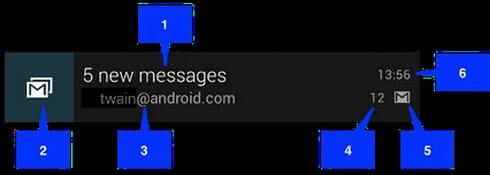
Notification 是在應用程式常規介面之外,向使用者展示訊息的機制。當 App 發送通知時,系統會先在狀態列顯示圖示,使用者可下拉通知抽屜查看詳細內容。
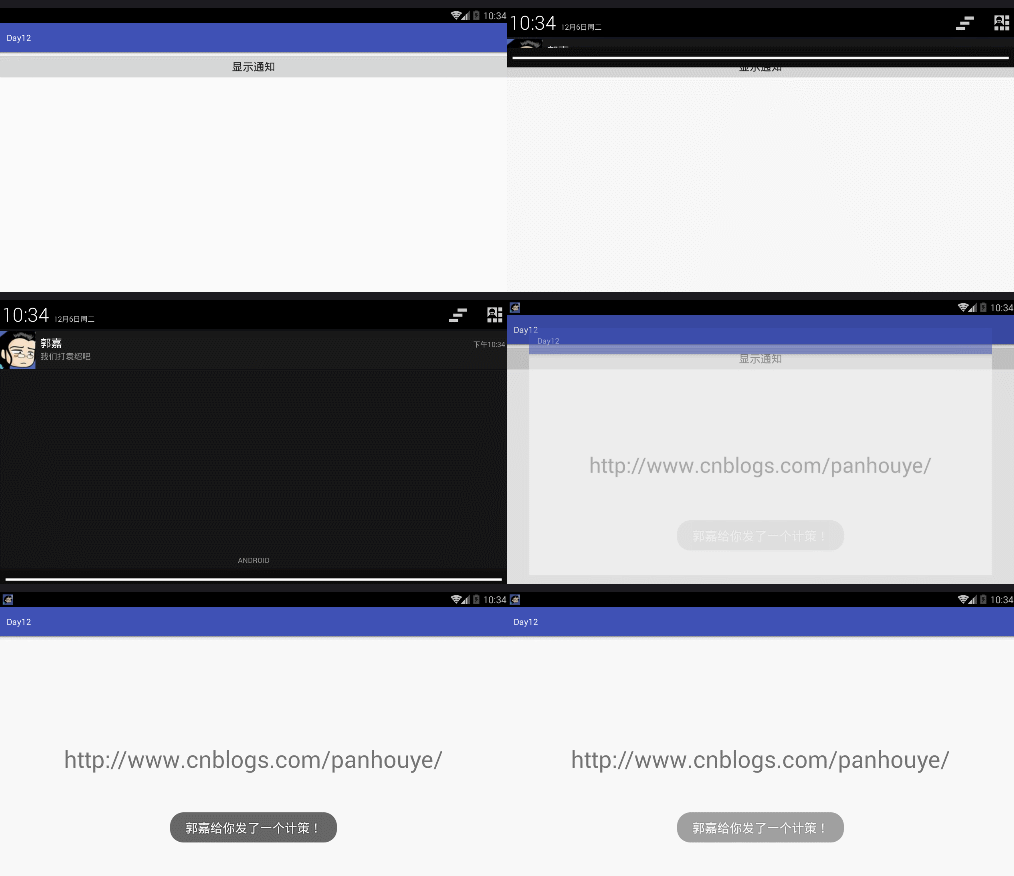
可使用 NotificationCompat.Builder 建立通知,再透過 NotificationManager 發送。
NotificationCompat.Builder builder = new NotificationCompat.Builder(this);

builder.setSmallIcon(R.mipmap.guojia);
builder.setContentTitle("郭嘉");
builder.setContentText("我們打袁紹吧");
builder.setDefaults(Notification.DEFAULT_ALL);

Intent intent = new Intent(this, ContentActivity.class);
intent.putExtra("info", "郭嘉給你發了一個計策!");

PendingIntent pi = PendingIntent.getActivity(
        this,
        0,
        intent,
        PendingIntent.FLAG_UPDATE_CURRENT);

builder.setContentIntent(pi);

Notification notification = builder.build();

NotificationManager manager =
        (NotificationManager) getSystemService(Context.NOTIFICATION_SERVICE);

manager.notify(0x1, notification);public class ContentActivity extends AppCompatActivity {
@Override
protected void onCreate(Bundle savedInstanceState) {
super.onCreate(savedInstanceState);
setContentView(R.layout.activity_content);
String info = getIntent().getStringExtra("info");
Toast.makeText(this, info, Toast.LENGTH_SHORT).show();
}
}在 Android 8.0 以上,若要發送通知,還需要建立 Notification Channel。這是後續實作時必須注意的重點。
 Android 數據存儲之 SQLite:SQLiteOpenHelper 與 SQLiteDatabase 實戰
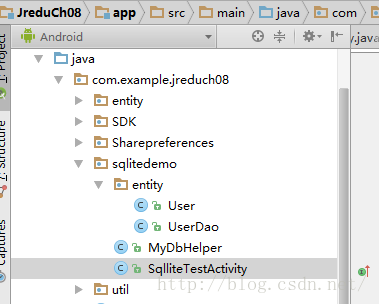
SQLite 是一種輕量級的嵌入式關系型數據庫,.db 文件多用於手機端。 其中 SQLiteOpenHelper 負責創建、打開、更新與關閉數據庫,並承擔創建數據表的職
 仿微信通訊錄:Android 聯絡人依字母排序與右側索引
只要 App 裡有聯絡人畫面,幾乎都會看到「依字母排序 + 右側字母索引」的設計。這個需求實作起來需要三個知識點: 1. 把中文轉成拼音並分類;2. 用可展開/分組的列表
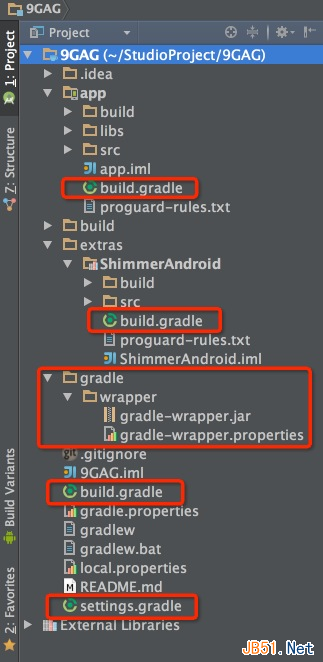 Android Studio 教程(四):Gradle 基礎知識
很早之前就寫過一篇 Gradle 基礎博客,但時隔已久,Gradle 已經更新了很多。這次就結合 Studio 1.0 正式版與最新的 Gradle 語法,帶大家一步步重
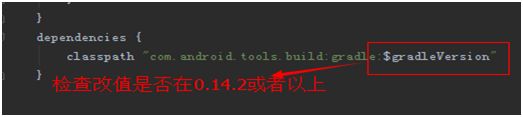 搞定 Android 65536 方法數上限:Unable to execute dex 問題全解析
身為一名 Android 開發者,相信你對「單一 App 方法數不能超過 65K」的限制有所耳聞。隨著功能越來越豐富,總有一天你會遇到這個異常: Conversion t