

編輯:關於 Android 程式設計
在看程式碼的時候,我看到了一些以 .rs 結尾的檔案,還有 RenderScript 類,當時一頭霧水、不知所云,於是上網查了一下,收穫還真不少——這東西在圖形處理領域用途相當廣泛。
今天先來聊聊 ScriptIntrinsicBlur。這個類不需要自行定義 rs 檔,從 Intrinsic 這個單字不難看出,它是 API 17 以後內建的類,專門用來處理圖像、讓圖片變模糊的。
public static Bitmap blurBitmap(Bitmap bitmap, float radius, Context context) { //創建渲染腳本上下文 RenderScript rs = RenderScript.create(context); //為位圖分配內存 Allocation allocation = Allocation.createFromBitmap(rs, bitmap); Type t = allocation.getType(); //用同樣的類型創建內存,一般用這兩種方式創建 <span >Allocation</span> Allocation blurredAllocation = Allocation.createTyped(rs, t); //創建高斯渲染腳本 ScriptIntrinsicBlur blurScript = ScriptIntrinsicBlur.create(rs, Element.U8_4(rs)); //設置模糊半徑 (maximum 25.0) blurScript.setRadius(radius); //為腳本設置輸入參數 blurScript.setInput(allocation); //調用腳本 結果存入 <span >blurredAllocation中</span> blurScript.forEach(blurredAllocation); //把腳本結果存入位圖中 因為為native層渲染,所以結果需要復制到上層 blurredAllocation.copyTo(bitmap); //Destroy everything to free memory allocation.destroy(); blurredAllocation.destroy(); blurScript.destroy(); t.destroy(); return bitmap; } 以上就是本文的全部內容,希望對大家的學習有所幫助,也歡迎大家多多支持本站。
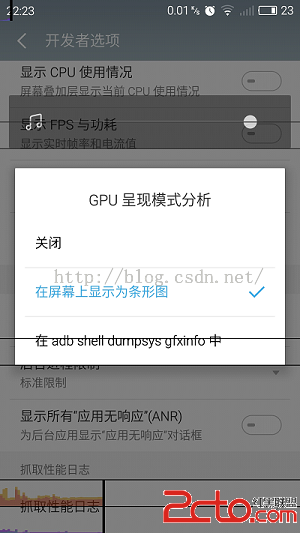 Android 客戶端性能優化實踐:指標、定位與工具
本文由魅族科技有限公司資深 Android 開發工程師 degao 撰寫,內容整理自其主導魅族多個專案過程中沉澱的性能優化經驗,實踐性很強。 功能強大之外,性能同樣決定產
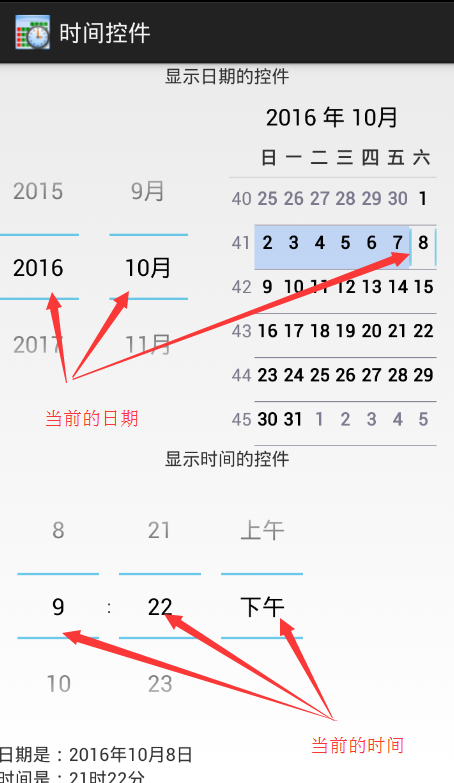 Android 日期與時間選擇器完整指南:DatePicker、TimePicker、Dialog 與 NumberPicker
常用時間與日期控制項 Android 中常見的日期時間控制項包括 DatePicker、TimePicker、DatePickerDialog、TimePickerDia
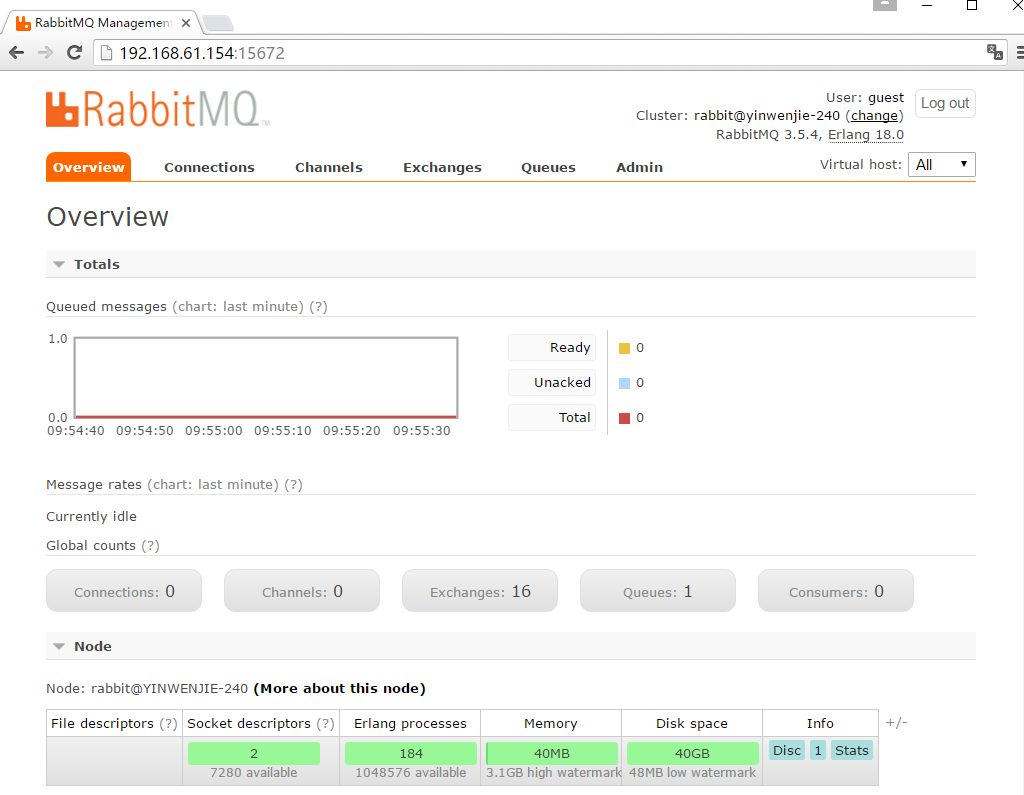 架構設計:系統間通信(27)——其他消息中間件及場景應用(上)
1、概述 目前業界有眾多消息中間件可供選擇,主要分為需要付費的商業軟件與開源共享的非商業軟件兩類。商業方案可選擇 IBM WebSphere 或 Oracle WebLo
 Android 如何判斷 App 處於前台還是後台(運行狀態)
本文將以圖文並茂的方式,帶大家一起了解在 Android 中如何判斷 App 的運行狀態,具體內容如下。 要理解這塊知識,先得弄清楚幾個概念:app、process、ta