

編輯:關於 Android 程式設計
Android 的版面若嵌套太多層,會拖累效能。想解決這個問題,可以在 include 引入時搭配 merge 作為根節點,藉此削減多餘的嵌套層級。本文記錄這個技巧的用法與它的侷限。
每個版面檔都需要一個根節點,但嵌套過深會造成效能問題。當你透過 include 引入子版面時,若把子版面的根節點設為 merge,就能把多餘的容器拿掉,讓顯示更有效率。
先用 merge 作為根節點,裡面放幾個 TextView:
<merge xmlns:android="https://schemas.android.com/apk/res/android" > <TextView android:layout_width="wrap_content" android:layout_height="wrap_content" android:text="張三" /> <TextView android:layout_width="wrap_content" android:layout_height="wrap_content" android:text="李四" /> <TextView android:layout_width="wrap_content" android:layout_height="wrap_content" android:text="王五" /> </merge>
再在主版面中透過 include 把它引入,這時 merge 內的元素會直接「嵌」進父容器,而不多一層包裹:
<LinearLayout xmlns:android="https://schemas.android.com/apk/res/android" xmlns:tools="https://schemas.android.com/tools" android:layout_width="match_parent" android:layout_height="match_parent" android:orientation="horizontal" tools:context="com.example.viewstub.MainActivity" > <include layout="@layout/top"/> <TextView android:layout_width="wrap_content" android:layout_height="wrap_content" android:text="@string/hello_world" /> <Button android:id="@+id/toggle" android:layout_width="wrap_content" android:layout_height="wrap_content" android:onClick="onClick" android:text="顯示/隱藏" /> <ViewStub android:id="@+id/vs" android:layout_margin="50dp" android:layout_width="match_parent" android:layout_height="match_parent" android:inflatedId="@+id/inflated_id" android:layout="@layout/view_stub_layout" /> </LinearLayout>
merge 最大的限制在於:merge 內元素的排列方式會「跟隨主版面」。以上面的例子來說,主版面是水平排列的 LinearLayout,那麼 merge 內的元素被引入後也會水平排列;若你希望它們垂直排列,merge 本身辦不到。理解這個特性後,就能在適當的場合善用 merge 來優化版面效能了。
 Android 使用 Bmob 移動後端雲 Restful API 的注意事項
如果你只想做個客戶端玩玩,又不想費勁搭建後台服務器,那麼 Bmob 移動後端雲無疑是個不錯的選擇。它同時提供了 Android SDK 和 Restful API。不過個
 Android 高手進階教程(二十二):圖像特效處理大集合
大家好,這一節要和大家分享幾個 Android 圖像特效處理的小技巧,包括圓角、倒影、圖片縮放,以及 Drawable 與 Bitmap 之間的相互轉換等實用手法。 廢話
 Android 自訂 Tab 式選單(TabMenu)實作教學
用過 UCWEB Android 版的人,大概都對它那個特殊的選單有印象:把選單做成帶分頁的 Tab 形式,能容納比 Android 傳統選單更豐富的內容(系統選單超過
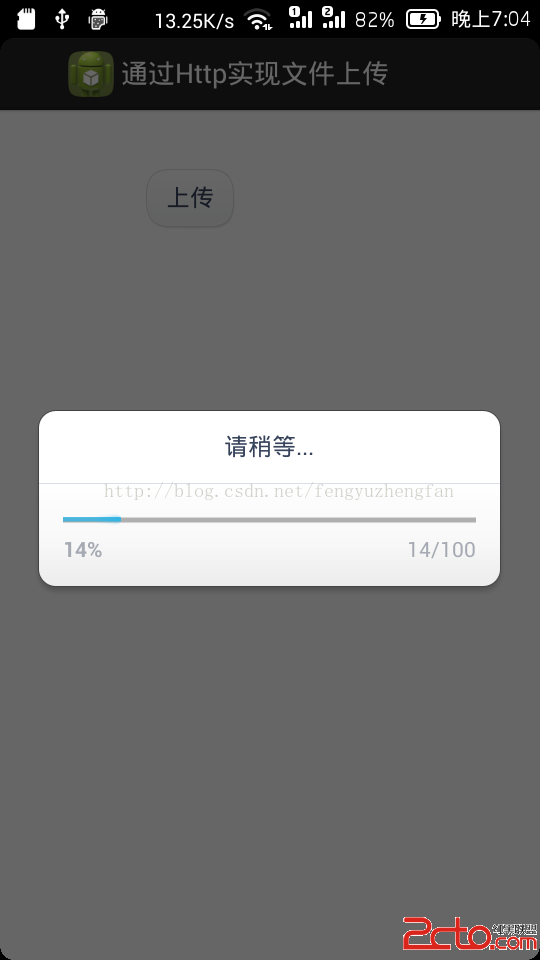 Android 網路編程:AsyncTask + HttpClient 批次上傳並監聽進度(二)
Android 網路編程之使用 HttpClient 批次上傳檔案(二):AsyncTask + HttpClient 並實作上傳進度監聽 我曾於《Android 網路