

編輯:關於 Android 程式設計
在 Android 中顯示一張來自網路的圖片其實相當容易,核心觀念就是把遠端的圖片下載下來、轉換成 Bitmap,再設定給 ImageView 顯示。以下用一個簡單的例子帶大家實作。
① 建立你的 Activity,本例以 ViewWebImageActivity 說明;
② 在 Activity 中撰寫下載並轉換圖片的程式碼:
復制代碼 代碼如下:String imageUrl = "https://www.jb51.net/images/logo.gif"; //這就是你需要顯示的網絡圖片---網上隨便找的
Bitmap bmImg;
ImageView imView;
Button button1;
@Override
public void onCreate(Bundle savedInstanceState) {
super.onCreate(savedInstanceState);
setContentView(R.layout.main);
imView = (ImageView) findViewById(R.id.imview);
imView.setImageBitmap(returnBitMap(imageUrl));
}
public Bitmap returnBitMap(String url) {
URL myFileUrl = null;
Bitmap bitmap = null;
try {
myFileUrl = new URL(url);
} catch (MalformedURLException e) {
e.printStackTrace();
}
try {
HttpURLConnection conn = (HttpURLConnection) myFileUrl.openConnection();
conn.setDoInput(true);
conn.connect();
InputStream is = conn.getInputStream();
bitmap = BitmapFactory.decodeStream(is);
is.close();
} catch (IOException e) {
e.printStackTrace();
}
return bitmap;
}
③ 其中,returnBitMap(String url) 這個方法就是負責把網路圖片轉換成 Bitmap 的關鍵。
在 main.xml 中放上一個 ImageView 作為顯示圖片的容器:
復制代碼 代碼如下:<?xml version="1.0" encoding="utf-8"?>
<LinearLayout xmlns:android="https://schemas.android.com/apk/res/android"
android:orientation="vertical"
android:layout_width="fill_parent"
android:layout_height="fill_parent" >
<ImageView
android:id="@+id/imview"
android:layout_width="wrap_content"
android:layout_height="wrap_content"
android:layout_gravity="center"/>
< /LinearLayout>
最後別忘了在 AndroidManifest.xml 中加上網路存取權限。由於 Android 對權限有嚴格的限制,若沒有宣告 INTERNET 權限,圖片是無法下載並顯示出來的。
希望本文對大家的 Android 開發有所幫助。
 Volley 用法全解析:請求隊列、JSON、圖片加載一次搞懂
Volley 簡介 Volley 是 Google 在 2013 年 Google I/O 大會推出的網路通訊框架。它適合資料量不大但請求頻繁的網路操作,例如新聞列表、資
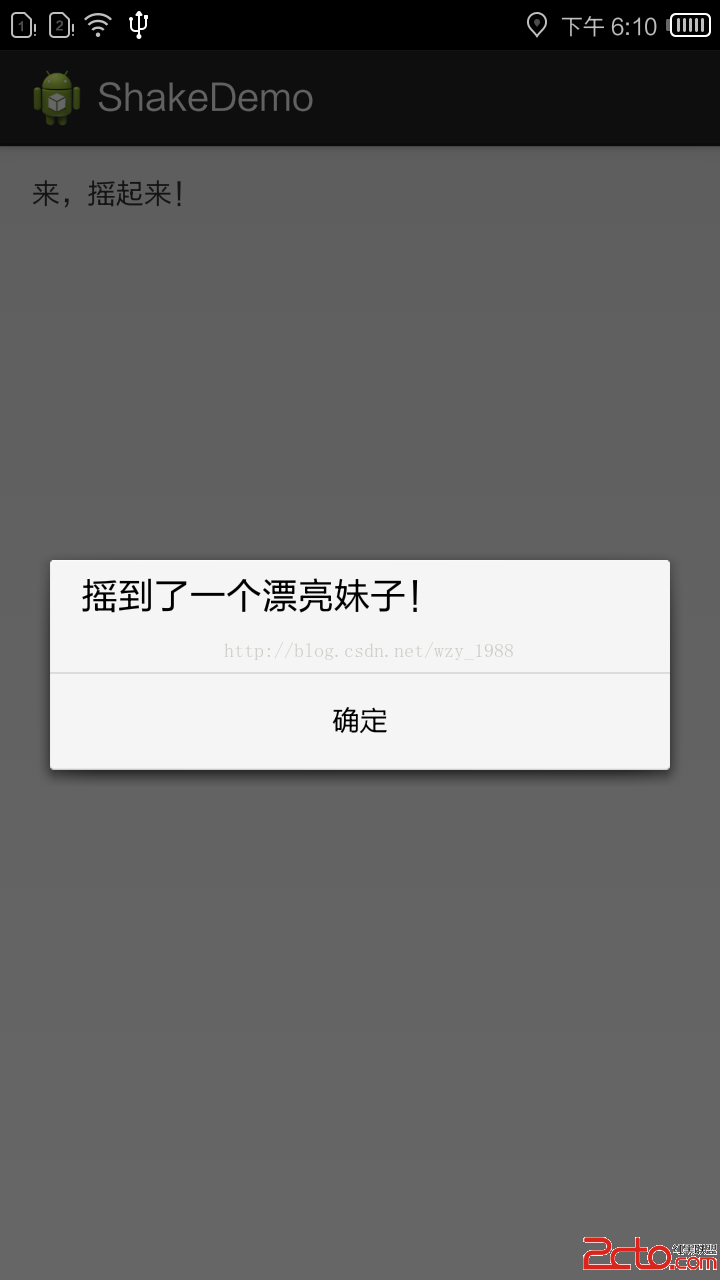 Android 搖一搖震動效果 Demo 實作
前言 微信剛流行的時候,搖一搖還能拿來「那啥」,我也曾經半夜拿著手機晃啊晃。當時心裡最常冒出的念頭是:為什麼搖一下得用這麼大的力氣?本以為這是什麼人性化設計,後來才發現—
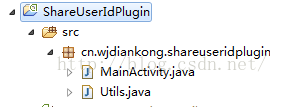 Android 逆向之旅:sharedUserId 屬性深入解析
一、前言 sharedUserId 大概是每個 Android 開發者都聽過、卻未必真正弄懂的屬性。最近專案剛好用到它,雖然知道一點皮毛,心裡還是有點模糊,於是寫了這篇來
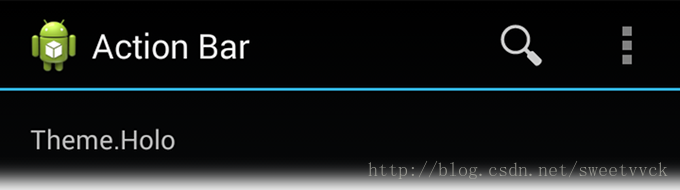 Android 開發實作(九):自訂 Action Bar 樣式的完整指南
Action Bar 为使用者提供了一种熟悉且可预期的方式来执行操作与导览,但这并不意味著它必须长得和其他应用一模一样。如果你想把 Action Bar 的样式调整为更贴