

編輯:關於 Android 程式設計
寫 Android 的時候,只要需要自訂 View,或者想在程式碼裡動態把一張 XML 佈局「吹」成真正的 View 物件,就繞不開 LayoutInflater。它像一台充氣機,把資源檔裡的標籤充氣成有生命、可互動的控制項。本文把取得這個物件的幾種常見寫法整理在一起,並順著原始碼把它們之間的關係串起來。
最直覺的方式,是把它當成一項系統服務來取:
LayoutInflater inflater = (LayoutInflater)context.getSystemService(Context.LAYOUT_INFLATER_SERVICE); View child = inflater.inflate(R.layout.child, null);
如果不喜歡記那串長得沒道理的常數,也可以走 LayoutInflater.from() 這個捷徑:
LayoutInflater inflater = LayoutInflater.from(context); View child = inflater.inflate(R.layout.child, null);
Activity 本身預設就提供了取得管道:
View child = getLayoutInflater().inflate(R.layout.child, item, false);
當然,也可以先取得 Context 再走系統服務,效果完全相同:
View view; LayoutInflater inflater = (LayoutInflater) getContext().getSystemService(Context.LAYOUT_INFLATER_SERVICE); view = inflater.inflate(R.layout.mylayout, null);
仔細對照就會發現,方法一與方法二並沒有本質差異,後者同樣是 getSystemService() 的呼叫,只是換了一條取得 Context 的路徑。
還有一種更精簡的寫法,直接把工作交給 View:
View view = View.inflate(context, R.layout.child, null);
翻開它的原始碼,語意一目了然:
/** * Inflate a view from an XML resource. This convenience method wraps the {@link * LayoutInflater} class, which provides a full range of options for view inflation. * * @param context The Context object for your activity or application. * @param resource The resource ID to inflate * @param root A view group that will be the parent. Used to properly inflate the * layout_* parameters. * @see LayoutInflater */ public static View inflate(Context context, int resource, ViewGroup root) { LayoutInflater factory = LayoutInflater.from(context); return factory.inflate(resource, root); }
而 LayoutInflater.from(context) 其實也只是方法一的包裝:
/** * Obtains the LayoutInflater from the given context. */ public static LayoutInflater from(Context context) { LayoutInflater LayoutInflater = (LayoutInflater) context.getSystemService(Context.LAYOUT_INFLATER_SERVICE); if (LayoutInflater == null) { throw new AssertionError("LayoutInflater not found."); } return LayoutInflater; }
三種寫法最終都收斂到同一個源頭:Context.getSystemService(Context.LAYOUT_INFLATER_SERVICE)。選哪一種,取決於你手上握有什麼——有 Context 就用 from(),在 Activity 裡就用 getLayoutInflater(),只想一行搞定就用 View.inflate()。
另外提醒一個常被忽略的細節:inflate() 的第二個參數 root 若傳入 null,佈局檔裡寫的 layout_width、layout_height 等 LayoutParams 屬性不會被套用。在為 ListView 產生單一項目時這通常是刻意的選擇,但在一般情境下可能造成尺寸不如預期,值得留意。
 Android 取得本地通訊錄聯絡人頭像原圖
先前介紹聯絡人(Contact)時,頭像多半是從資料庫取得,方式如下: cursor = context.getContentResolver().query(Conte
 Android 實戰教學(二十五)打造網絡圖片查看器
提到網絡訪問,Android 早已有成熟的框架可供選擇,比如各類異步網絡庫。不過本篇不談框架,而是回歸本源,帶大家把最基礎的 HttpURLConnection 用一遍,
 Android 開發筆記:RecyclerView 水平多行列表的加頭加尾封裝
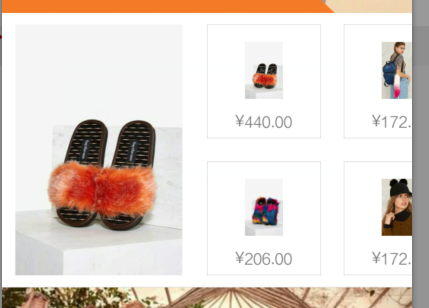
RecyclerView 本身並不提供 addHeaderView / addFooterView 這樣的 API,如果我們需要一個既能水平多行排列、又支持頭尾布局的列表
 Android 繪製波浪曲線動畫,效果很不錯
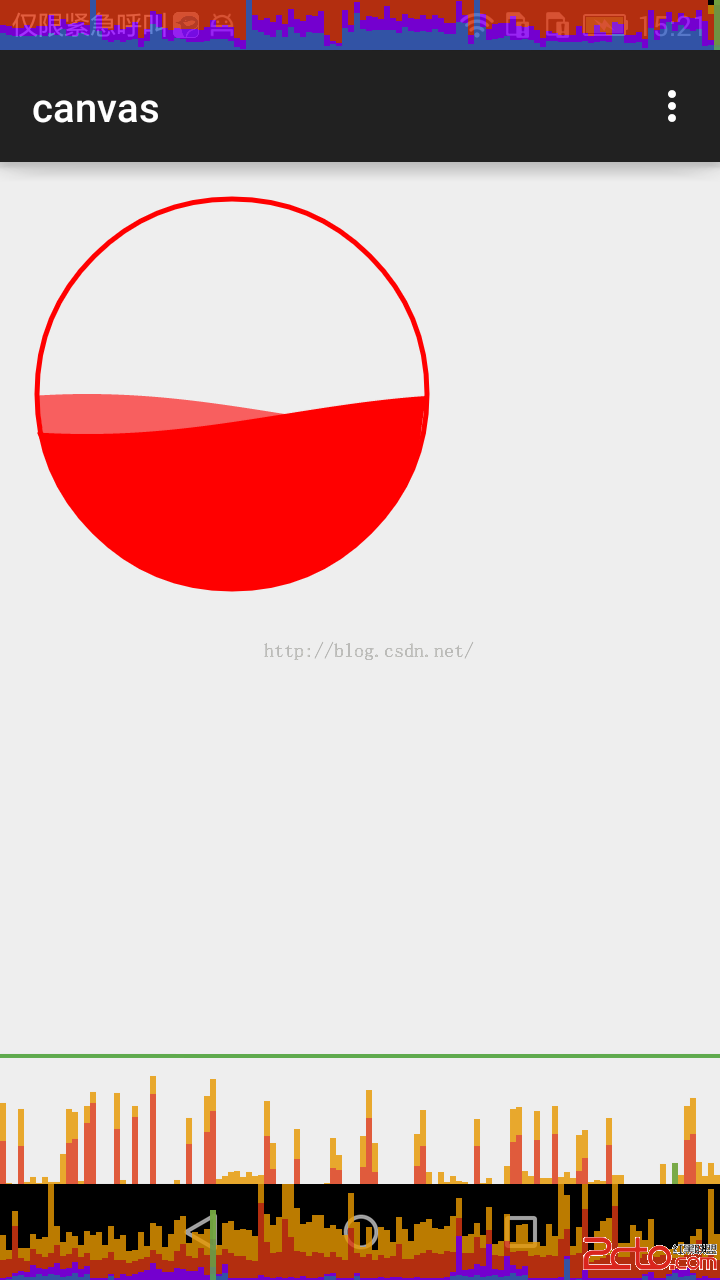
以下分享兩種在 Android 上繪製動態波浪曲線的做法,一個基於自定義 View,一個基於 SurfaceView,效果相當流暢。 做法一:自定義 View pack