

編輯:關於 Android 程式設計
自訂 ViewGroup 時,若不處理 onMeasure,子 View 的測量結果往往不如預期。核心觀念其實不複雜:先決定自己有多大,再把父容器給的約束「翻譯」成每個子 View 能理解的 MeasureSpec。
protected void onMeasure(int widthMeasureSpec, int heightMeasureSpec) {
    int measureWidth = MeasureSpec.getSize(widthMeasureSpec);
    int measureHeigth = MeasureSpec.getSize(heightMeasureSpec);
    setMeasuredDimension(measureWidth, measureHeigth);

    for (int i = 0; i < getChildCount(); i++) {
        View v = getChildAt(i);
        Log.v(TAG, "measureWidth is " + v.getMeasuredWidth()
                + " measureHeight is " + v.getMeasuredHeight());

        int widthSpec = 0;
        int heightSpec = 0;
        LayoutParams params = v.getLayoutParams();

        if (params.width > 0) {
            widthSpec = MeasureSpec.makeMeasureSpec(params.width, MeasureSpec.EXACTLY);
        } else if (params.width == -1) {
            widthSpec = MeasureSpec.makeMeasureSpec(measureWidth, MeasureSpec.EXACTLY);
        } else if (params.width == -2) {
            widthSpec = MeasureSpec.makeMeasureSpec(measureWidth, MeasureSpec.AT_MOST);
        }

        if (params.height > 0) {
            heightSpec = MeasureSpec.makeMeasureSpec(params.height, MeasureSpec.EXACTLY);
        } else if (params.height == -1) {
            heightSpec = MeasureSpec.makeMeasureSpec(measureHeigth, MeasureSpec.EXACTLY);
        } else if (params.height == -2) {
            heightSpec = MeasureSpec.makeMeasureSpec(measureHeigth, MeasureSpec.AT_MOST);
        }

        v.measure(widthSpec, heightSpec);
    }
}
關鍵在於讀出 LayoutParams.width 的值,並對應到三種情況:
高度方向的處理完全對稱。
第一,setMeasuredDimension() 一定要呼叫。少了它,View 的寬高會維持 0,後續排版全部失真。
第二,本文的示範為了簡潔,把 WRAP_CONTENT 直接映射到父容器尺寸,實務上通常還需要搭配 getChildMeasureSpec() 或呼叫 measureChild(),才能正確處理 padding 與群組本身的邊距。上面程式碼中高度 -2 那個分支誤用了 measureWidth,也是這類簡化版本常見的手抄錯誤,實際套用時記得改回 measureHeigth。
 用 ViewPager 實現 Gallery 效果:中間大圖、兩側小圖展示
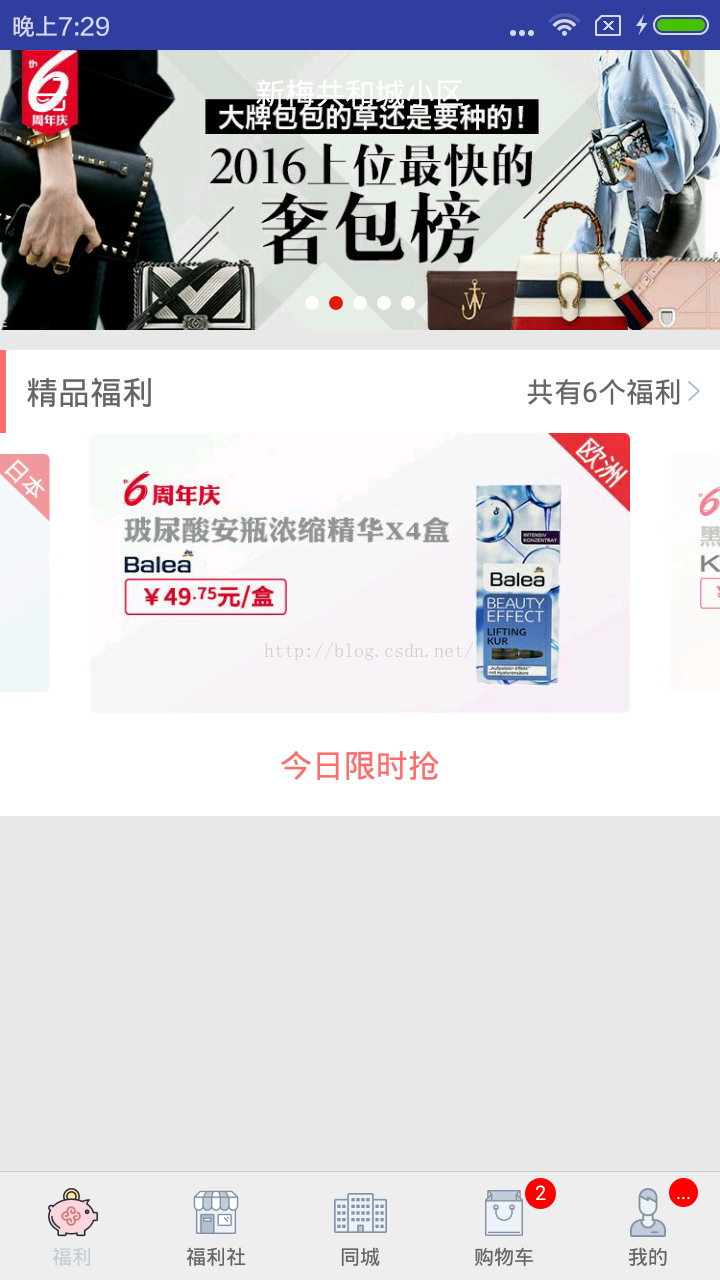
一般情況下,ViewPager 一頁只能顯示一項資料。但我們常看到,特別是電視機頂盒的首頁,中間是一張大圖、兩側還各露出半張小圖。這種效果該怎麼做呢?先看一張成果圖:
 Android 第三方授權登入與分享整合實作:ShareSDK 完整流程
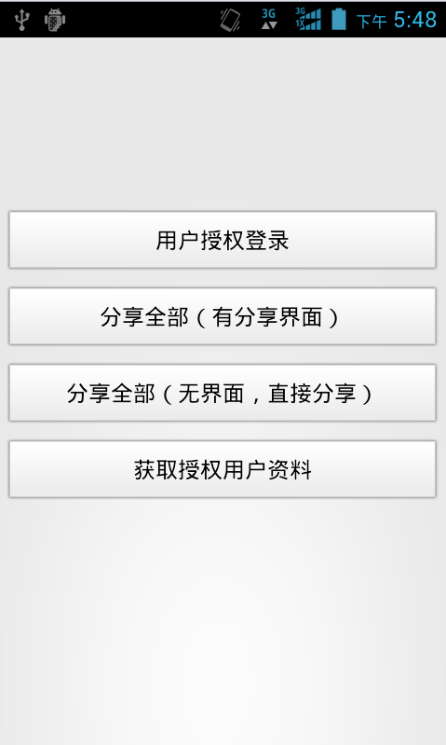
專案需要在 App 裡加入第三方授權登入,以及分享文字與圖片的功能。過程中繞了不少路、查了一輪資料,最後做出了一個可運行的 Demo。效果還不錯,於是整理成一份完整教學,
 Android 四種常見對話框實例詳解
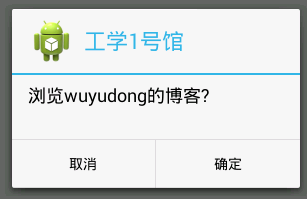
對話框是應用中與用戶互動的重要方式,無論是提示信息、讓用戶做選擇,還是展示加載進度,都离不开它。本文通過四個典型實例,帶大家逐一掌握 Android 中最常見的對話框用法
 Android 創建與使用 SQLite 數據庫完整指南
一、關系型數據庫 SQLite 每個應用都要使用數據,Android 也不例外,它使用開源的、與操作系統無關的 SQL 數據庫——SQLite。SQLite 第一個 Al