

編輯:關於 Android 程式設計
Intent 英文原意是「意圖」,而 Pending 表示即將發生或即將到來的事情。PendingIntent 這個類別,正是用來處理即將發生之事的。例如在通知(Notification)中用於跳轉頁面,但並不是馬上跳轉。
Intent 是即時啟動的,它會隨所在的 Activity 消失而消失。PendingIntent 則可以看作對 Intent 的包裝,通常透過 getActivity、getBroadcast、getService 來取得其實例。此時當前的 Activity 並不會馬上啟動它所包含的 Intent,而是在外部執行 PendingIntent 時才呼叫其中的 Intent。
正因為 PendingIntent 中保存了當前 App 的 Context,它賦予了外部 App 一種能力:讓外部 App 能如同當前 App 一般執行 PendingIntent 裡的 Intent,就算執行時當前 App 已經不存在,也能透過存在 PendingIntent 裡的 Context 照樣執行。此外,它還能處理 Intent 執行後的操作,常與 AlarmManager 和 NotificationManager 一起使用。
簡單來說,Intent 一般用於 Activity、Service、BroadcastReceiver 之間傳遞資料;而 PendingIntent 一般用於 Notification 上,可理解為「延遲執行的 Intent」,本質上是對 Intent 的一層包裝。
在建立 Notification 時,透過 notice.setLatestEventInfo 搭配 PendingIntent.getActivity,就能指定使用者點擊通知後要跳轉的目標頁面。此時頁面並不會立即跳轉,而是等到使用者真正點擊通知時才觸發。
在 GSM 網路中發送簡訊時,SmsManager.sendTextMessage 方法接受兩個 PendingIntent 參數:sentIntent 在簡訊成功發出時,會把它內部描述的 Intent 廣播出去,否則產生錯誤碼並回呼;deliveryIntent 則是在訊息已成功傳遞給收信人後所進行的廣播。
PendingIntent 就是一個 Intent 的描述——我們把這個描述交給別的程式,它就能在後續的某個時間點,替我們執行安排好的操作。別的程式收到這個 PendingIntent,就等同獲得了「如同你本人一般執行該 Intent」的權利。理解這層設計,是掌握 Android 通知與背景任務調度的關鍵。
 Android 網絡通信完全案例:HTTP 與 Socket 實作解析
因為專案需要,我研究了 Android 的網絡通信方式,發現它整體上和 Java 平台很相似。Android 提供了豐富的 API 供開發者使用,本文就系統性地整理幾種主
 Android 消息機制原理剖析:Handler、Looper 與 MessageQueue 如何協作
Android 消息機制由 Message、MessageQueue、Looper 與 Handler 組成,是線程間通訊與異步處理的基礎。理解這套機制,有助於設計更穩定
 自定義柱狀圖:帶生長動畫與點擊彈窗提示
專案裡要用到各種圖表。原本打算直接用 MPAndroidChart——這個庫確實強大,接入也快,但最終發現和設計稿差異太大,改起來還不如自己寫。於是就有了這份柱狀圖 de
 小米手機用久了變卡?六個讓它重新跑順的實用設定
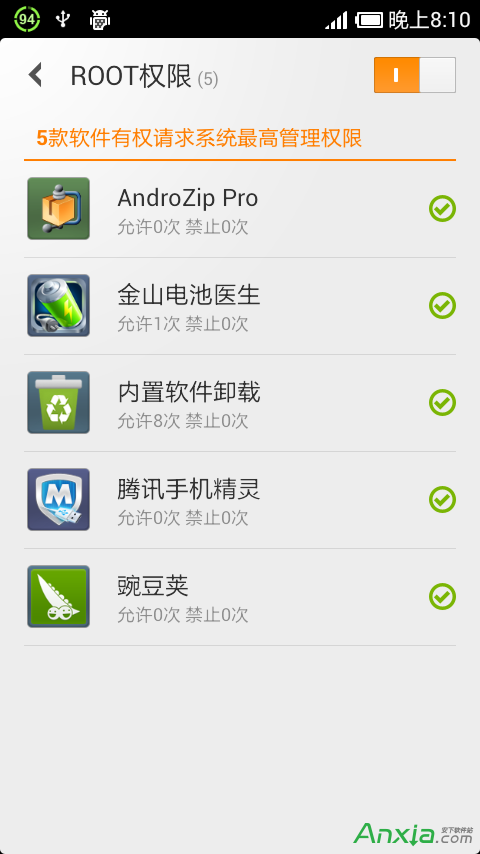
小米在國內的普及率相當高,但用上一段時間之後,不少使用者會發現手機變慢、開機變久。這其實多半不是硬體老化,而是啟動項與背景程序累積太多。以下幾個調整方向,做完之後速度會明