

編輯:關於 Android 程式設計
在 Android 開發過程中,Lint 檢查經常會跳出一些看似不起眼、卻容易讓新手卡關的提示。以下整理幾個最常見的狀況,並附上對應的解法。
報錯訊息:[Accessibility] Missing contentDescription attribute on image
Lint 說明:像 ImageView、ImageButton 這類沒有文字內容的元件,應該透過 contentDescription 屬性來描述它的用途,這樣螢幕閱讀器等無障礙工具才能正確朗讀介面內容。反過來說,如果某個元素純粹是裝飾性質、不承載資訊也不觸發操作,就不需要加上描述,此時可以直接用 tools:ignore="ContentDescription" 把警告壓掉。另外要注意,輸入框(如 EditText)不要同時設定 hint 和 contentDescription,因為 hint 永遠不會顯示,只設 hint 就好。
解法:為缺少文字的元素補上 android:contentDescription 屬性,說明這個控制項的作用即可。
報錯訊息:This tag and its children can be replaced by one and a compound drawable
當 TextView 旁邊緊挨著一個 ImageView 時,其實可以合併成一個帶有 compound drawable 的 TextView。
修改前:
<LinearLayout
    android:layout_width="fill_parent"
    android:layout_height="wrap_content"
    android:layout_marginTop="10dp">
    <TextView
        android:layout_width="wrap_content"
        android:layout_height="wrap_content"
        android:layout_weight="1"
        android:text="My Compound Button">
        <ImageView
            android:layout_width="wrap_content"
            android:layout_height="wrap_content"
            android:src="@drawable/my_drawable" />
    </TextView>
</LinearLayout>
修改後:
<TextView
    android:layout_width="fill_parent"
    android:layout_height="wrap_content"
    android:layout_marginTop="10dp"
    android:drawableRight="@drawable/my_drawable"
    android:padding="5dp"
    android:text="My Compound Button" />
報錯訊息:Hardcoded string "計算器", should use @string resource
解法:把 XML 佈局中直接寫死的字串抽出來,統一放進 strings.xml 資源檔,再於佈局中透過 @string 的方式引用。這樣做不僅消除警告,也方便日後做多語系與翻譯維護。
 Android 資料庫實作:SQLite 入門與 CRUD 封裝
SQLite 是什麼SQLite 是一款輕量級、嵌入式、跨平台的關聯式資料庫。它被廣泛用於行動裝置與桌面應用,Android 也使用 SQLite 作為應用程式本地資料儲
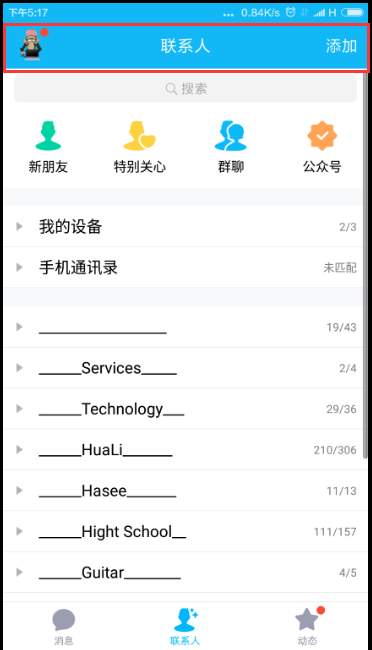 安卓自定義 View 入門(一):用組合 View 寫一個 TopBar
先搞清楚自定義 View 有哪幾條路 自定義 View 大致可以分成三類: 1. 組合 View——把若干現成控件拼成一個新控件。 2. 繼承重寫 View——繼承現有
 Android 自訂圓形按鈕:點擊時顯示進度
先來看看效果: 這其實是一個託管在 GitHub 上的開源控制項——一個圓形的按鈕 View,同時能顯示進度。 使用方式很簡單:把專案從 GitHub 下載下來匯入
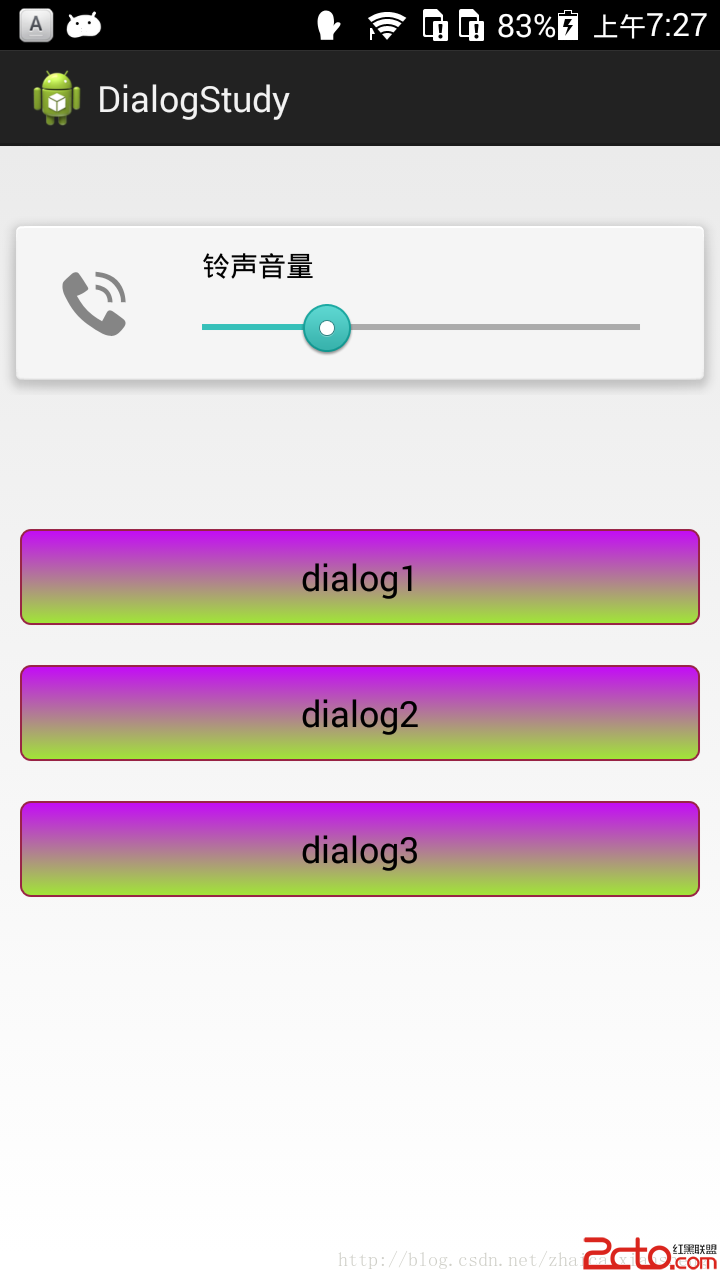 Android 對話框全面總結:系統 Dialog 與自定義 Dialog 怎麼選
一、什麼是對話框 對話框是一種次要視窗,內含按鈕與各種選項,用來完成某個特定指令或任務。它與一般視窗有別:沒有最大化鈕、沒有最小化鈕,而且大多不能改變大小形狀(「開啟檔案