

編輯:關於 Android 程式設計
Android 的檔案存取通常可分為私有目錄與公用儲存空間。私有目錄屬於特定應用,卸載後通常會被清除;公用儲存空間則可讓使用者或其他應用存取,例如舊稱 SD 卡的外部儲存空間。
私有目錄常用於保存應用內部資料,例如設定檔、暫存檔或資料庫。常見路徑概念如下:
私有檔案可透過 openFileInput 與 openFileOutput 讀寫。openFileOutput 的第二個參數可指定寫入模式,例如 MODE_PRIVATE 會覆蓋原內容,MODE_APPEND 則會附加內容。
以下範例示範如何從 assets 讀取文字檔,再寫入應用私有目錄。
FileInputStream input = null;
FileOutputStream output = null;

try {
    input = getResources().getAssets().open(fileName);
    output = openFileOutput(fileName, Context.MODE_PRIVATE);

    byte[] buffer = new byte[1024];
    int len;

    while ((len = input.read(buffer)) != -1) {
        output.write(buffer, 0, len);
    }

    output.flush();
} catch (IOException e) {
    e.printStackTrace();
} finally {
    if (input != null) {
        try {
            input.close();
        } catch (IOException e) {
            e.printStackTrace();
        }
    }

    if (output != null) {
        try {
            output.close();
        } catch (IOException e) {
            e.printStackTrace();
        }
    }
}
FileInputStream input = null;

try {
    input = openFileInput(fileName);
    byte[] buffer = new byte[input.available()];
    input.read(buffer);

    String content = new String(buffer).trim();
} catch (IOException e) {
    e.printStackTrace();
} finally {
    if (input != null) {
        try {
            input.close();
        } catch (IOException e) {
            e.printStackTrace();
        }
    }
}
若來源是圖片,可先將 InputStream 轉為 Bitmap,再透過 compress 輸出。
InputStream input = null;
FileOutputStream output = null;

try {
    input = getResources().getAssets().open(fileName);
    output = openFileOutput(fileName, Context.MODE_PRIVATE);

    Bitmap bitmap = BitmapFactory.decodeStream(input);
    bitmap.compress(Bitmap.CompressFormat.JPEG, 100, output);
} catch (IOException e) {
    e.printStackTrace();
} finally {
    if (input != null) {
        try {
            input.close();
        } catch (IOException e) {
            e.printStackTrace();
        }
    }

    if (output != null) {
        try {
            output.close();
        } catch (IOException e) {
            e.printStackTrace();
        }
    }
}
若要將檔案存到公用儲存空間,通常需要先確認外部儲存是否已掛載,再建立對應目錄與檔案。以下為簡化範例。
boolean isExternalStorageMounted() {
    return Environment.getExternalStorageState().equals(Environment.MEDIA_MOUNTED);
}

void saveTextToPublicStorage(String content) {
    if (!isExternalStorageMounted()) {
        return;
    }

    File dir = new File(Environment.getExternalStorageDirectory(), "MyApp");
    if (!dir.exists()) {
        dir.mkdirs();
    }

    File file = new File(dir, "note.txt");

    try {
        FileOutputStream output = new FileOutputStream(file);
        output.write(content.getBytes());
        output.flush();
        output.close();
    } catch (IOException e) {
        e.printStackTrace();
    }
}
void saveBitmapToPublicStorage(Bitmap bitmap) {
    if (!isExternalStorageMounted()) {
        return;
    }

    File dir = new File(Environment.getExternalStorageDirectory(), "MyApp");
    if (!dir.exists()) {
        dir.mkdirs();
    }

    File file = new File(dir, "photo.jpg");

    try {
        FileOutputStream output = new FileOutputStream(file);
        bitmap.compress(Bitmap.CompressFormat.JPEG, 100, output);
        output.flush();
        output.close();
    } catch (IOException e) {
        e.printStackTrace();
    }
}
Android 檔案存取需要釐清私有目錄與公用儲存空間的差異。私有目錄適合應用內部資料,公用儲存則適合需要對外分享或由使用者瀏覽的檔案。實作時應注意檔案是否存在、串流是否確實關閉,以及外部儲存是否可用。
 Android ContentProvider 電話簿案例:列表顯示、更新與刪除
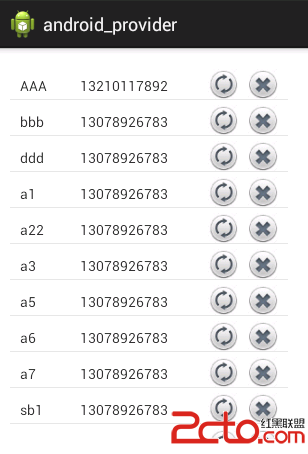
需求說明 本案例透過 ContentResolver 操作 ContentProvider 的資料,將姓名與電話顯示在 ListView 中,並提供更新與刪除功能。 列
 RecyclerView 上拉載入更多的回彈動畫:原理與完整實作
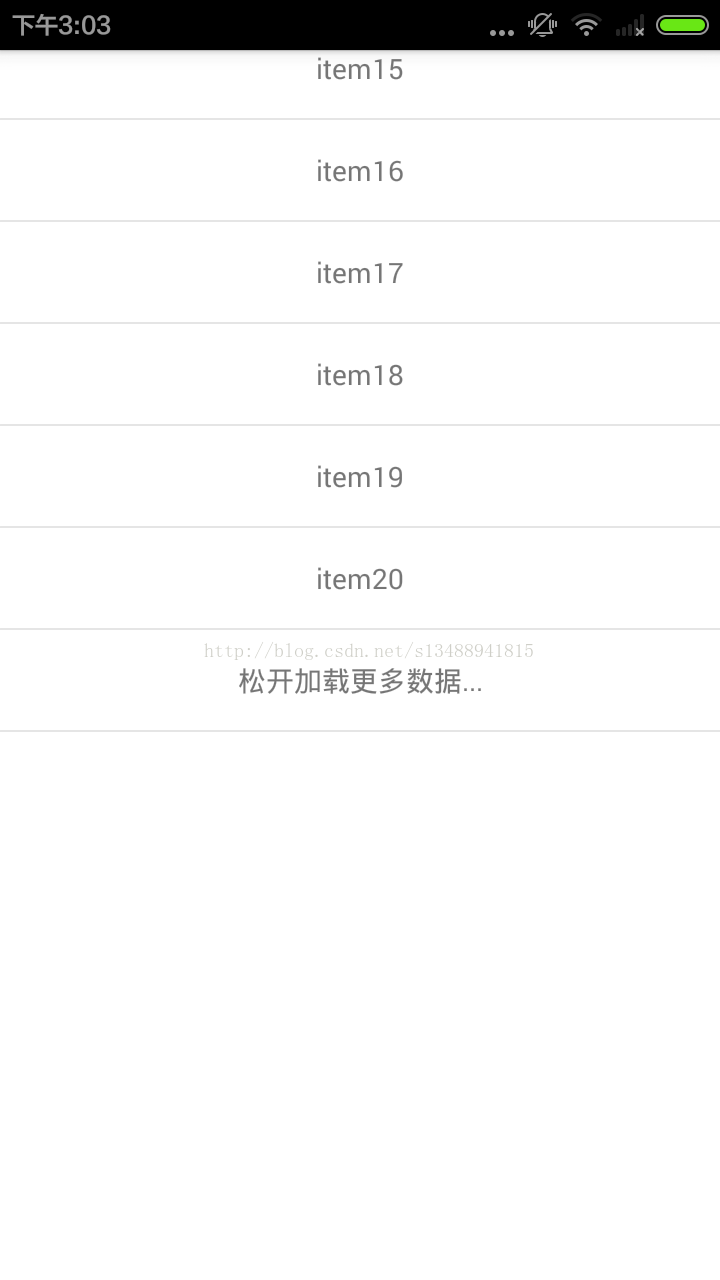
本文實作一個帶「阻尼回彈」效果的上拉載入更多:手指往下拉到底部時,載入提示會被逐漸拉出,並伴隨一個假的彈簧回彈動畫;放開後才真正觸發資料載入。整個效果靠一個「可變高度的空
 Android 新控件 TabLayout:最省事實作選項卡切換
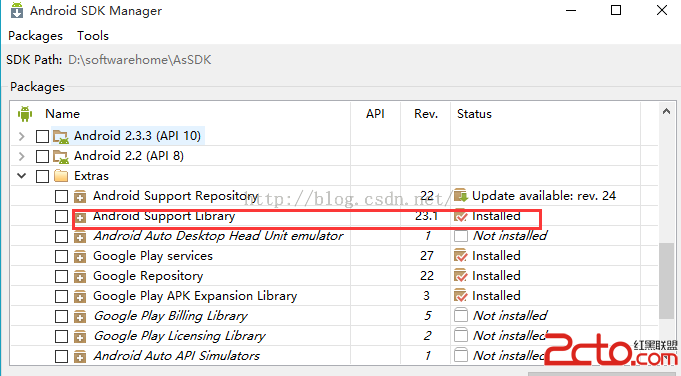
一、概述 TabLayout 是 2015 年 Google I/O 大會上隨 Android Support Design Library 一起發布的新組件,用來全面支
 一文吃透 Android 各種通信機制:組件、進程、線程與跨應用
什麼是通信? 通信,顧名思義,就是資訊的傳遞與交換。在 Android 這套龐大的體系裡,通信貫穿始終,是每一名開發者都必須跨過的門檻。 讀完本文,你將收穫什麼 依照目