

編輯:關於 Android 程式設計
做项目时经常遇到这样的需求:根据条件显示或隐藏某个控件。最直接的办法是调用 View.setVisibility(),功能上没问题,但切换过程生硬,观感欠佳。想要一个平滑的过渡动画,答案就是 LayoutTransition。
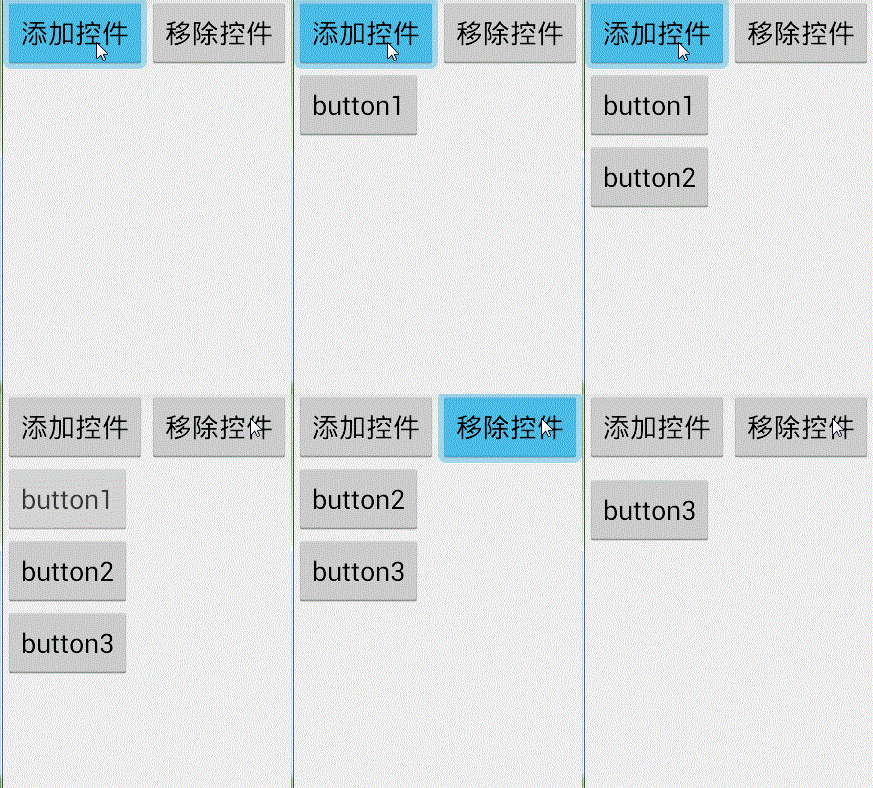
实现上面这个效果,只需在布局容器上加一个属性:
android:animateLayoutChanges="true"
布局大致如下:
<LinearLayout xmlns:android="https://schemas.android.com/apk/res/android"
    android:layout_width="match_parent"
    android:layout_height="match_parent"
    android:orientation="vertical">

    <LinearLayout
        android:layout_width="match_parent"
        android:layout_height="wrap_content"
        android:orientation="horizontal">

        <Button
            android:layout_width="wrap_content"
            android:layout_height="wrap_content"
            android:onClick="buttonClick"
            android:text="添加控件" />

        <Button
            android:layout_width="wrap_content"
            android:layout_height="wrap_content"
            android:onClick="buttonClick1"
            android:text="移除控件" />
    </LinearLayout>

    <LinearLayout
        android:id="@+id/parent"
        android:layout_width="match_parent"
        android:layout_height="wrap_content"
        android:animateLayoutChanges="true"
        android:orientation="vertical">

    </LinearLayout>

</LinearLayout>
如果不加 android:animateLayoutChanges="true",布局变化就没有动画。这个属性只能用在 ViewGroup 上,含义是容器内部布局改变时启用默认动画——比如动态添加或移除子控件,系统会自动补上淡入淡出、位移等过渡效果。对应的 Java 代码也就是在 addView / removeView 前后照常操作,动画由容器自动接管。
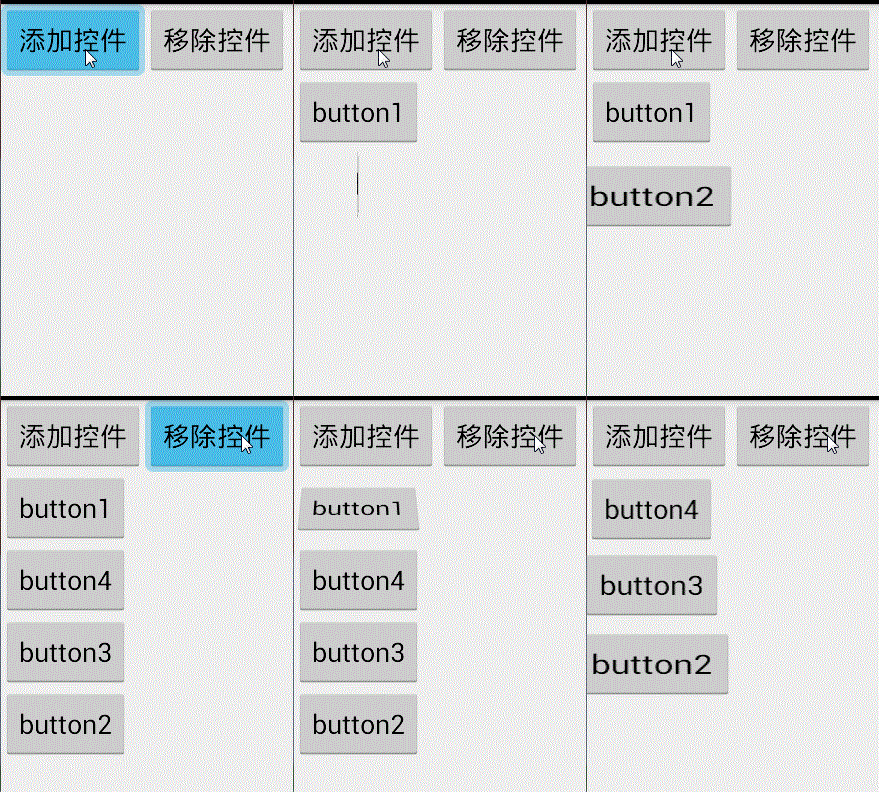
另一类常见需求是让 ListView、GridView 首次加载时有个逐个入场的编排效果,让页面呈现更有层次。
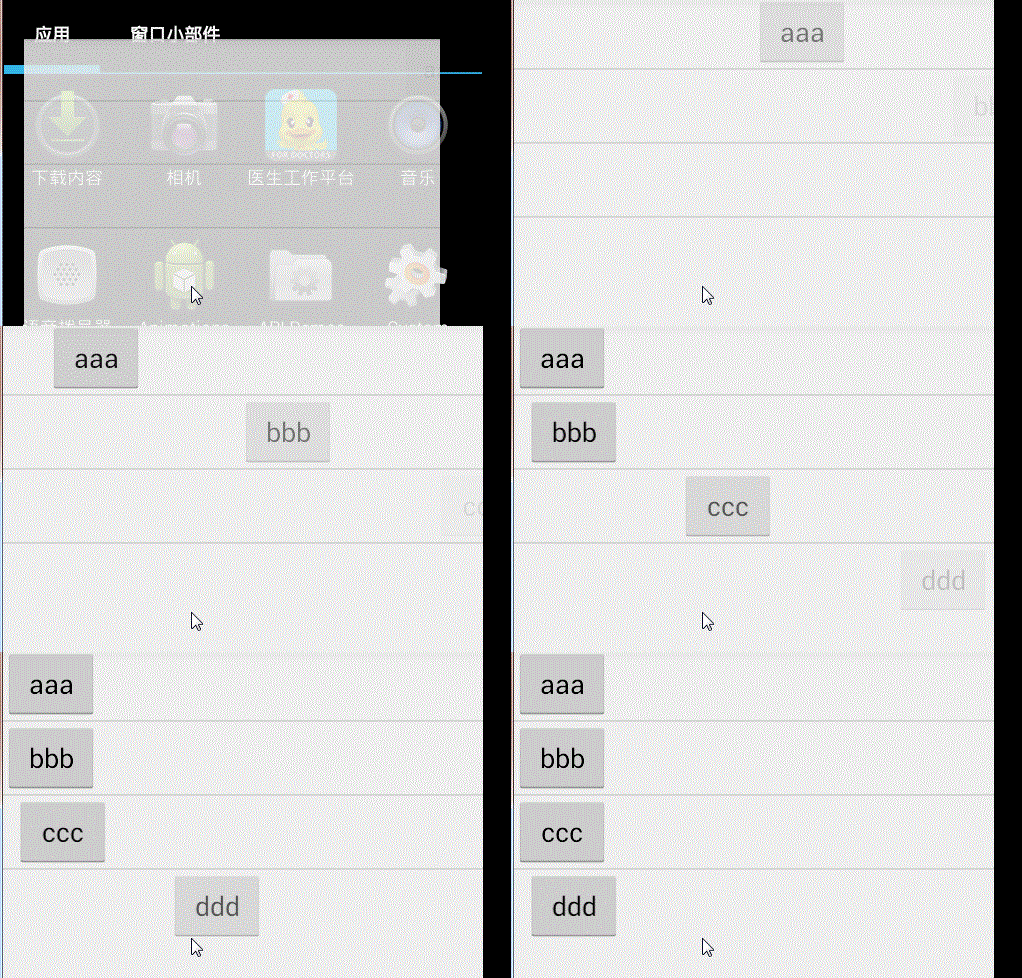
实现方式是给列表加上一个属性:
android:layoutAnimation="@anim/layout"
然后在 res/anim 目录下新建 layout.xml:
<layoutAnimation xmlns:android="https://schemas.android.com/apk/res/android"
    android:animation="@anim/left"
    android:animationOrder="normal"
    android:delay="30%" />
各属性含义:
再新建 left.xml 定义具体动画:
<set xmlns:android="https://schemas.android.com/apk/res/android">

    <translate
        android:duration="500"
        android:fromXDelta="100%"
        android:fromYDelta="0"
        android:toXDelta="0"
        android:toYDelta="0" />

    <alpha
        android:duration="500"
        android:fromAlpha="0"
        android:toAlpha="1" />

</set>
这样组合起来,就得到了上面那种从右侧滑入并逐渐显现的列表入场效果。
当然,同样的效果也可以在代码里实现:通过 AnimationUtils.loadAnimation() 加载动画资源,再用 LayoutAnimationController 包装并 setLayoutAnimation() 给容器,思路与 XML 声明完全一致,只是控制粒度更灵活。
 Android 中使用 SVG 圖片格式
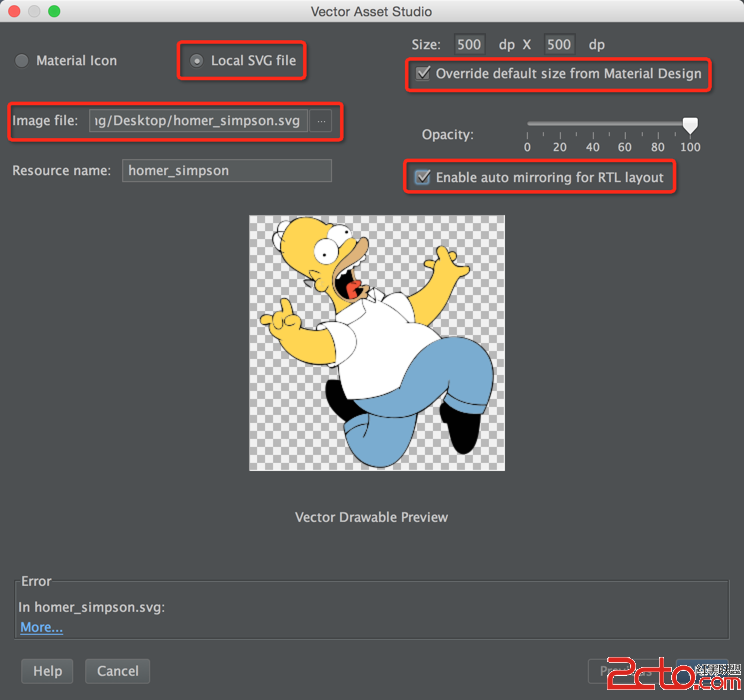
SVG 自適應屏幕、體積小,優點不少。本文說明如何在 Android 項目裡使用 SVG。 SVG:Scalable Vector Graphics,可縮放矢量圖形。I
 SharedPreferences 的正確使用:App 設置界面的數據保存與讀取
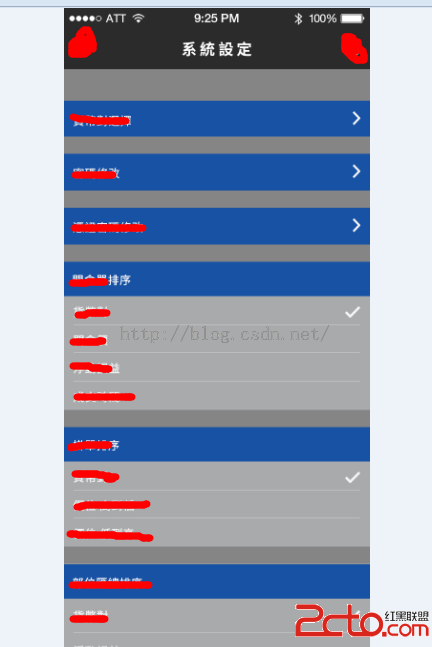
歷經兩個多月的努力,項目即將在 11 月交付使用,基礎功能都已完成,只剩下系統設置界面還沒做完,如下圖: 這個界面的實現要點是:多個界面需要顯示大量數據,並依據某一項進
 Android 基礎入門教程——10.8 LayoutInflater(布局服務)
 標籤:Android 基礎入門教程 本節引言 本節介紹 Android 系統服務中
 Eclipse 注釋模板的配置與使用(圖文詳解)
規範的代碼注釋能顯著提升可讀性與團隊協作效率。Eclipse 支持自定義注釋模板,讓新建文件、類和方法時自動生成標準注釋。以下介紹具體配置方法。 一、配置入口 在首選項中