

編輯:關於 Android 程式設計
近幾年在 Android Studio 新建專案或 Module 時,會發現最外層布局不再是 LinearLayout 或 RelativeLayout,而是一個陌生的傢伙:CoordinatorLayout。它是 Material Design 體系的重要組件,作為布局的頂層容器,負責協調(Coordinate)其子 View 之間的行為,讓「AppBar 收縮、FloatingActionButton 自動上移、Snackbar 把 FAB 頂開」這類聯動得以發生。
新建專案後,activity_main.xml 通常只剩一行 include:
<include layout="@layout/content_main" />
而 content_main.xml 裡就是一個普通的 TextView:
<TextView
    android:layout_width="wrap_content"
    android:layout_height="wrap_content"
    android:text="Hello World!" />
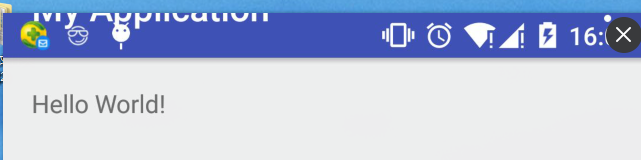
直接跑起來會發現狀態列被內容頂開、顯示異常。解法是在主布局(CoordinatorLayout 那一層)加上 android:fitsSystemWindows="true",讓它正確處理系統視窗的 insets。
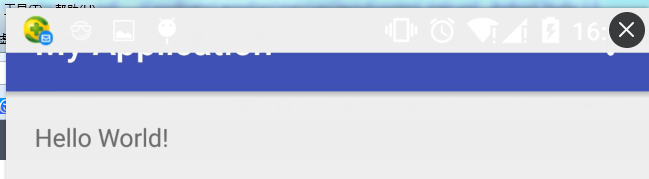
· app:layout_scrollFlags="scroll|enterAlways" 決定 Toolbar 是否會隨滾動滑出螢幕。
· app:layout_behavior="@string/appbar_scrolling_view_behavior" 讓 RecyclerView/NestedScrollView 知道該把滾動事件交給誰。
scrollFlags 的常見取值:
enterAlways:向上滾動時立即顯示。若同時設定了 minHeight,View 會在縮到最小高度時開始展開,滾回頂部時完全展開。
enterAlwaysCollapsed:進入時先以最小高度呈現,再視情況展開。
exitUntilCollapsed:向上滾動時收起到 minHeight 就不再消失,符合大標題圖片的收縮效果。
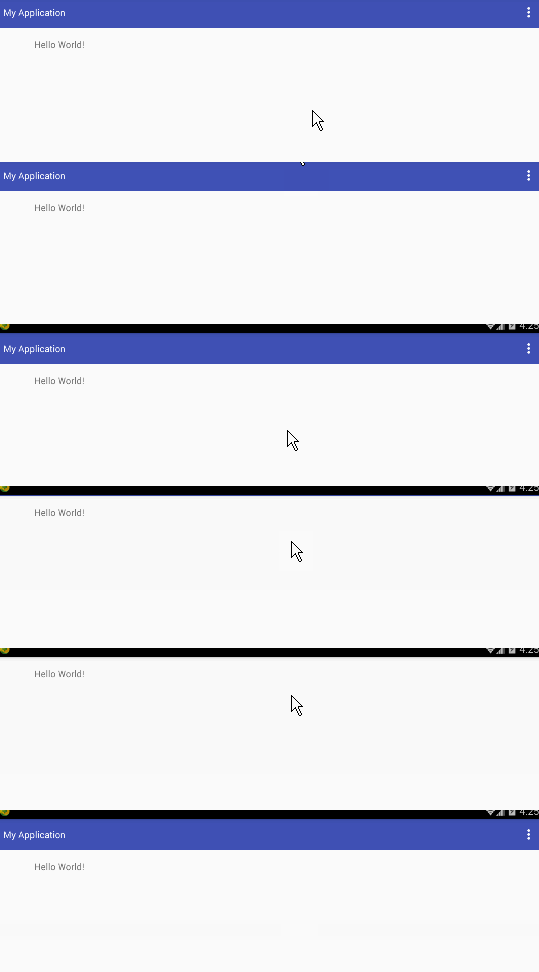
CoordinatorLayout 在佈局時會掃過所有子 View,找出那些宣告了 Behavior 的(透過 XML 的 app:layout_behavior,或在代碼中為 View 類別加上 @DefaultBehavior 註解)。滾動發生時,它會依序通知這些 Behavior,問一句「你在意的依賴對象有變化嗎?」。
那個看起來像字串資源的東西,其實是一個類別名稱:
<string name="appbar_scrolling_view_behavior" translatable="false">
    android.support.design.widget.AppBarLayout$ScrollingViewBehavior
</string>
自定義 Behavior 時,主要覆寫兩個方法:
public boolean layoutDependsOn(CoordinatorLayout parent, V child, View dependency) {
    return false;   // 回傳 true 代表「我在意 dependency」
}

public boolean onDependentViewChanged(CoordinatorLayout parent, V child, View dependency) {
    return false;   // dependency 變化時,這裡決定 child 怎麼動
}
三個參數的含義固定:parent 是 CoordinatorLayout 本身,child 是掛了這個 Behavior 的 View,dependency 則由 layoutDependsOn() 的回傳值決定。
在佈局中為 FloatingActionButton 掛上自定義行為:
app:layout_behavior="com.example.administrator.myapplication.FooterBehavior"
Behavior 的實作:
public class FooterBehavior extends CoordinatorLayout.Behavior<View> {

    public FooterBehavior(Context context, AttributeSet attributeSet) {
        super(context, attributeSet);
    }

    @Override
    public boolean layoutDependsOn(CoordinatorLayout parent, View child, View dependency) {
        return dependency instanceof AppBarLayout;   // 只關心 AppBarLayout
    }

    @Override
    public boolean onDependentViewChanged(CoordinatorLayout parent, View child, View dependency) {
        float scaleY = Math.abs(dependency.getY()) / dependency.getHeight();
        child.setTranslationY(child.getHeight() * scaleY);
        return true;
    }
}
邏輯是:先算出 AppBarLayout 目前暴露在螢幕上的比例,再讓 FAB 依同樣比例向下位移。AppBar 完全收起時比例為 0,FAB 回到原位;AppBar 完全展開時比例為 1,FAB 跟著移到底部。
實際 log 印出來的數值大致如下,可以看出比例與位移是線性對應的:
I/TAG: scaleY-->>0.0595,,child.getHeight() * scaleY-->>8.93
I/TAG: scaleY-->>0.3155,,child.getHeight() * scaleY-->>47.32
I/TAG: scaleY-->>0.8214,,child.getHeight() * scaleY-->>123.21
I/TAG: scaleY-->>1.0,,child.getHeight() * scaleY-->>150.0
I/TAG: scaleY-->>0.0,,child.getHeight() * scaleY-->>0.0
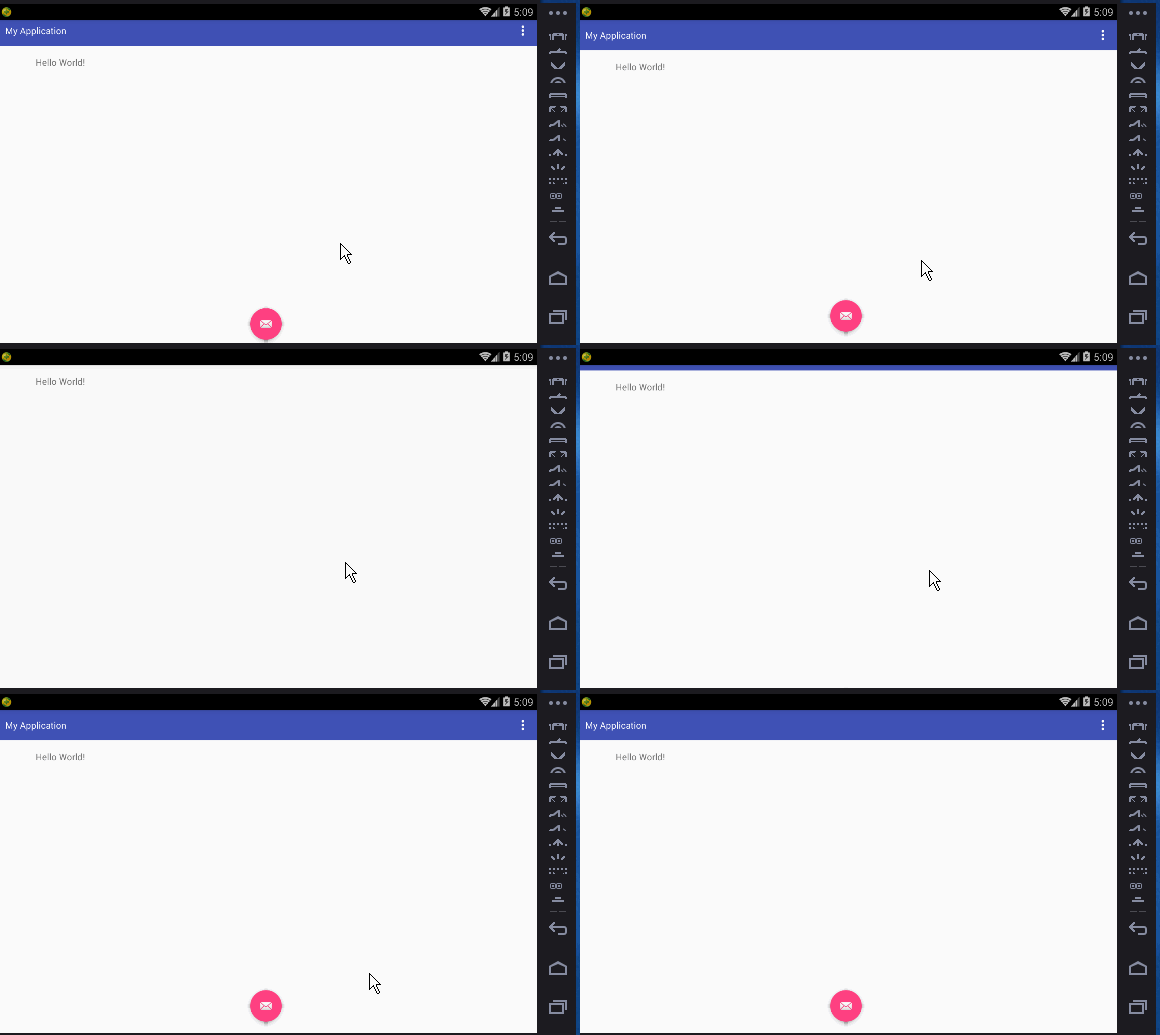
如果關心的不是「某個 View 的位置變化」,而是「列表本身的滾動量」,那就改用嵌套滾動(NestedScrolling)相關的回呼,layoutDependsOn() 與 onDependentViewChanged() 都不必再寫:
public class FooterBehavior extends CoordinatorLayout.Behavior<View> {

    private float targetY = -1;

    public FooterBehavior(Context context, AttributeSet attributeSet) {
        super(context, attributeSet);
    }

    @Override
    public boolean onStartNestedScroll(CoordinatorLayout coordinatorLayout, View child,
                                       View directTargetChild, View target, int nestedScrollAxes) {
        if (targetY == -1) {
            targetY = target.getY();     // 記錄起始位置
        }
        return (nestedScrollAxes & ViewCompat.SCROLL_AXIS_VERTICAL) != 0;
    }

    @Override
    public void onNestedPreScroll(CoordinatorLayout coordinatorLayout, View child, View target,
                                  int dx, int dy, int[] consumed) {
        super.onNestedPreScroll(coordinatorLayout, child, target, dx, dy, consumed);
        float scrolledY = targetY - Math.abs(target.getY());
        float scaleY = scrolledY / targetY;
        child.setTranslationY(child.getHeight() * scaleY);
    }
}
onStartNestedScroll() 決定要不要接手這次嵌套滾動,並趁機記錄 target 的起始 Y 座標;onNestedPreScroll() 則在每次滾動時依 target 與頂部的距離算出比例,再換算成 child 的位移。
原始碼註解對參數的描述值得抄下來:
· child:CoordinatorLayout 中掛了此 Behavior 的子 View(本例為 FloatingActionButton)
· target:發起嵌套滾動的 CoordinatorLayout 後代 View(本例為 AppBarLayout/列表)
· directTargetChild:直接包含滾動目標的那層子 View,涉及多層嵌套布局時才需要區分
掌握這兩個入口——「依賴型」的 layoutDependsOn / onDependentViewChanged,以及「滾動型」的 onStartNestedScroll / onNestedPreScroll——就足以應付絕大多數 CoordinatorLayout 聯動需求。自定義 Behavior 的本質其實很樸素:把「誰依賴誰」與「依賴變化時怎麼反應」這兩件事抽出來,交給容器統一調度。
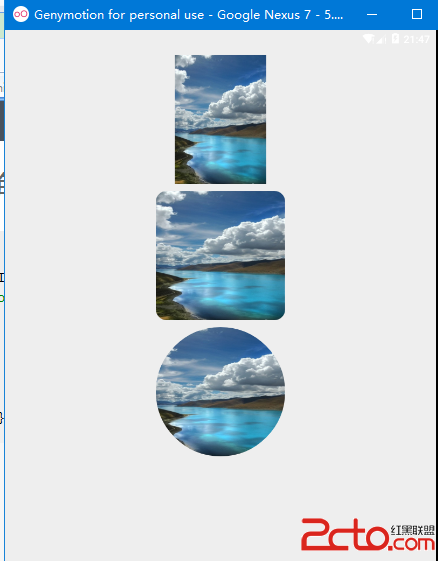 UniversalImageLoader 進階用法:載入圓形與圓角圖片
UniversalImageLoader 對寫過幾年 Android 的人來說再熟悉不過,新手一搜也一堆資料。這篇再談它,是因為它確實好用,而且可以順便把「圓形/圓角圖片
 在Android中運用OpenGL ES打造媒體視覺效果
Android 的媒體效果(Media Effects)框架為開發者鋪好了一條捷徑,讓你能為照片與影片套上各式各樣令人驚豔的視覺特效。這套框架的運算核心建立在 GPU 之
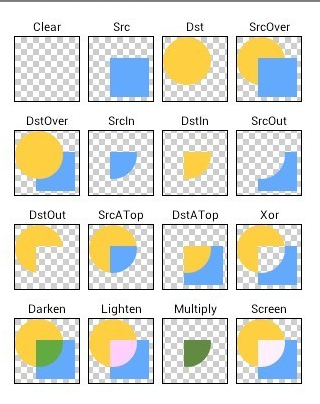 Android UI 繪圖篇(三):PorterDuffXfermode 與 Shader 渲染
本篇將重點介紹 PorterDuffXfermode 的圖形混合,以及 Shader 中的 BitmapShader 與 LinearGradient,幫助你掌握圓角圖片
 Android 自定義相機界面的實現思路與代碼
本文分享如何自定義一個相機界面,重點包括用 layer-list 實現圓形拍照按鈕,以及相機預覽界面的佈局與核心控件。 一、用 layer-list 實現圓形拍照按鈕