

編輯:關於 Android 程式設計
Android 的動畫體系主要分為三大類:
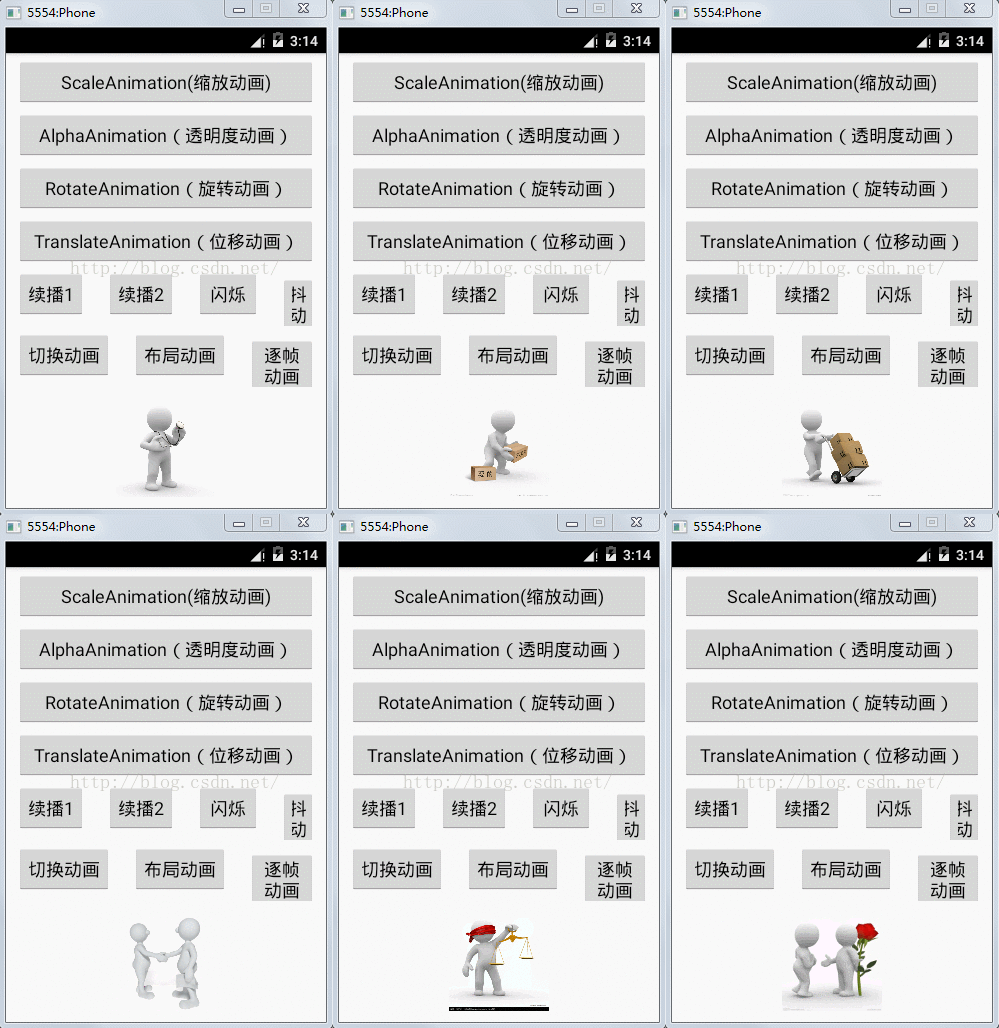
本文聚焦前兩類。Drawable Animation 的思路是把一張張圖片按時序播放出來,效果類似膠片放映;View Animation 則包含平移(translate)、縮放(scale)、旋轉(rotate)、透明度(alpha)四種基本變換。
用 <animation-list> 描述動畫,文件放在 res/drawable 或 res/anim 下。
anim_list.xml:
<animation-list xmlns:android="https://schemas.android.com/apk/res/android"
    android:oneshot="true">
    <!-- oneshot 為 true 表示只播放一次,false 表示循環播放 -->
    <item android:drawable="@drawable/one"   android:duration="500" />
    <item android:drawable="@drawable/two"   android:duration="500" />
    <item android:drawable="@drawable/three" android:duration="500" />
    <item android:drawable="@drawable/four"  android:duration="500" />
    <item android:drawable="@drawable/five"  android:duration="500" />
    <item android:drawable="@drawable/six"   android:duration="500" />
</animation-list>
代碼中取得 AnimationDrawable 後啟動即可,呼叫 stop() 停止:
private AnimationDrawable walkDrawable;

image.setImageResource(R.drawable.anim_list);
walkDrawable = (AnimationDrawable) image.getDrawable();
walkDrawable.start();
下面只介紹 XML 定義方式(代碼方式同理,用對應的 Animation 子類)。
<set xmlns:android="https://schemas.android.com/apk/res/android">
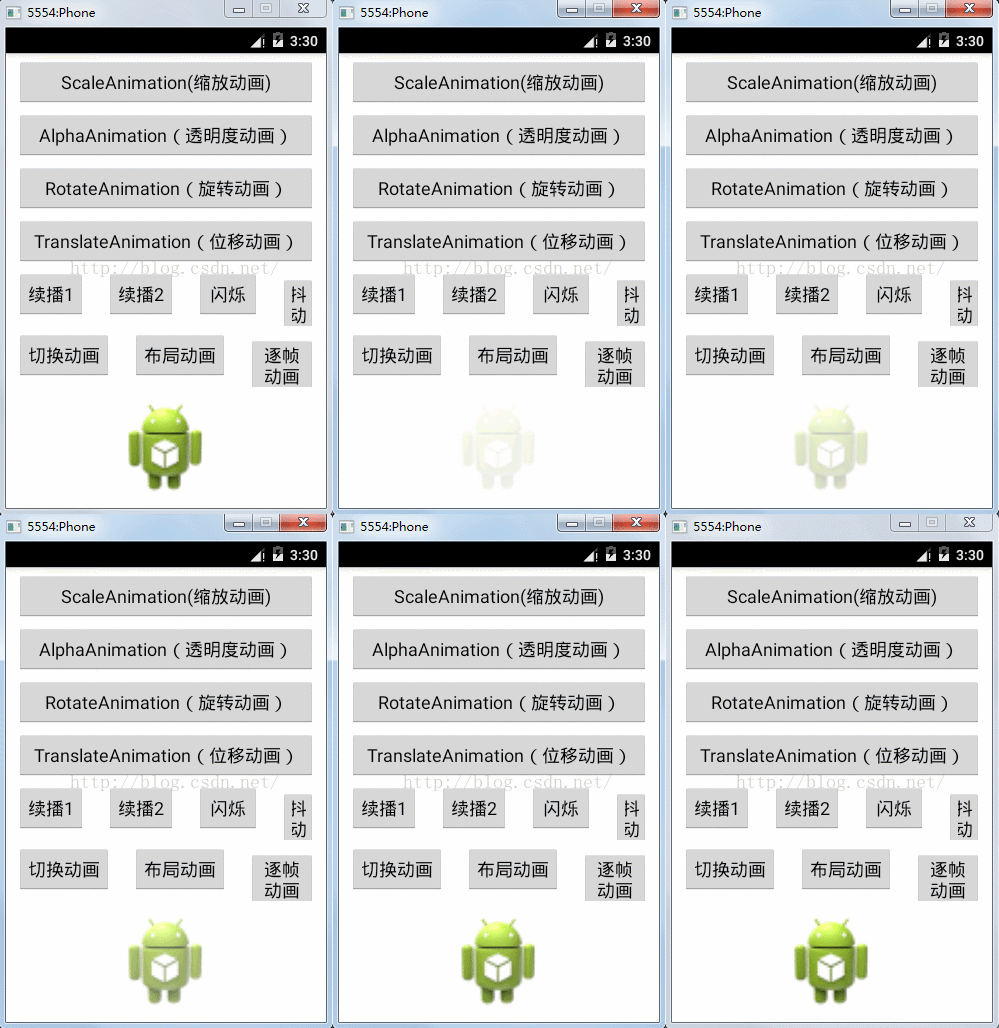
    <alpha android:duration="2000"
           android:fromAlpha="0.0"
           android:toAlpha="1.0" />
</set>
<set xmlns:android="https://schemas.android.com/apk/res/android">
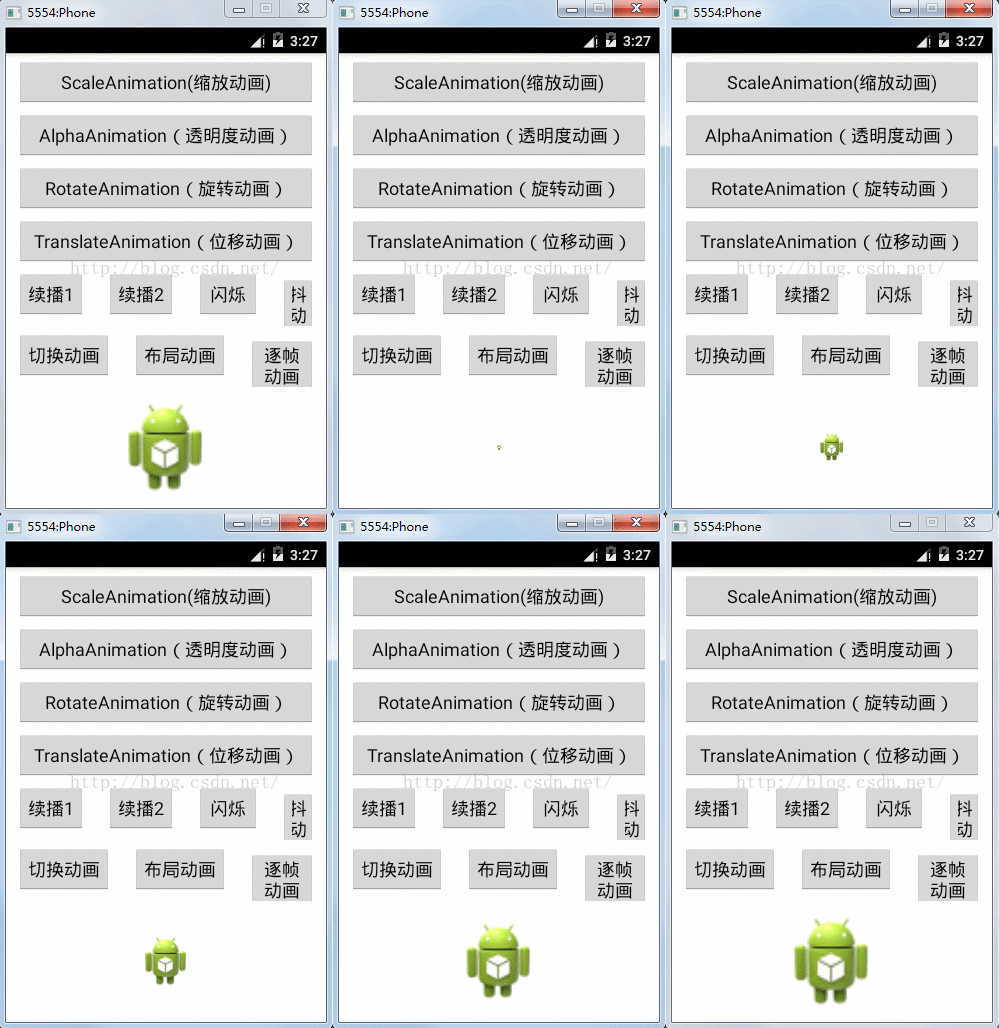
    <scale android:duration="2000"
           android:fillAfter="false"
           android:fromXScale="0.0"
           android:fromYScale="0.0"
           android:toXScale="1.0"
           android:toYScale="1.0"
           android:pivotX="50%"
           android:pivotY="50%"
           android:interpolator="@android:anim/accelerate_decelerate_interpolator" />
</set>
<set xmlns:android="https://schemas.android.com/apk/res/android">
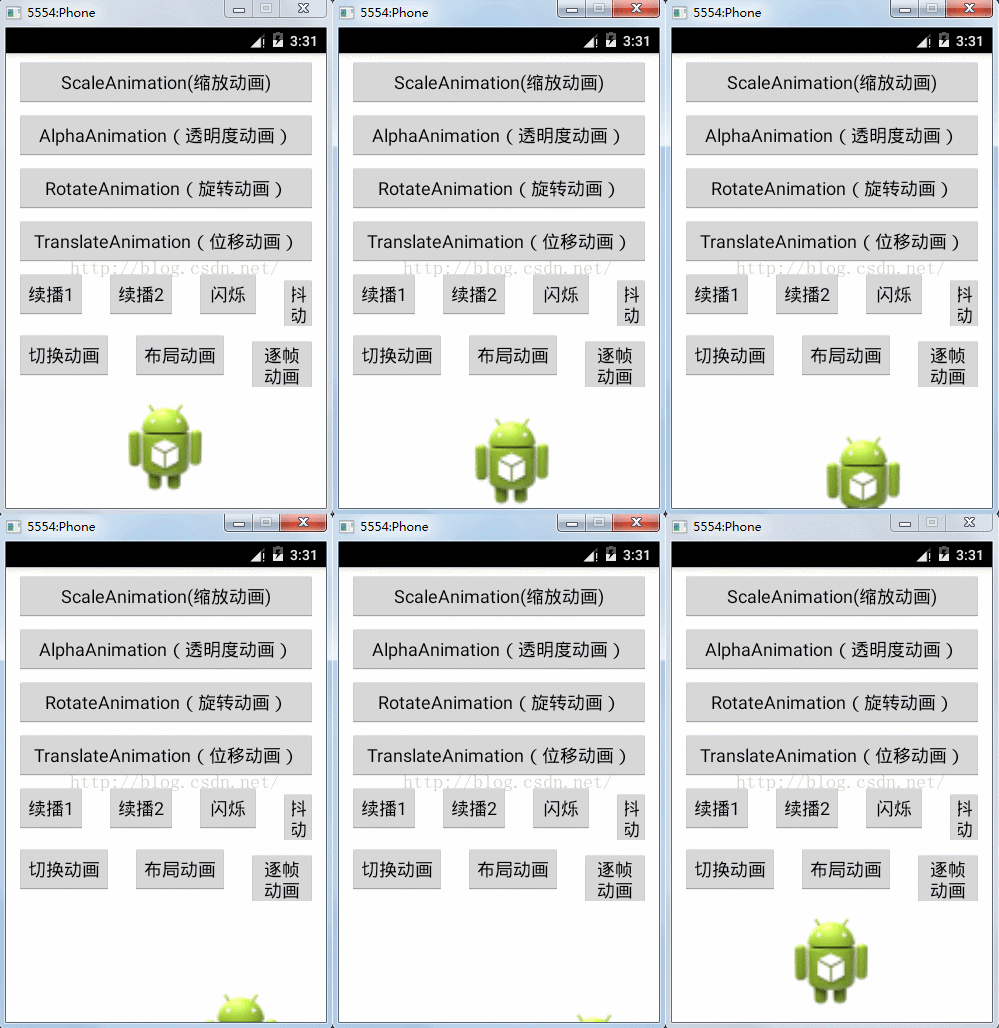
    <translate android:duration="2000"
               android:fromXDelta="0"
               android:fromYDelta="0"
               android:toXDelta="300"
               android:toYDelta="0" />
</set>
<set xmlns:android="https://schemas.android.com/apk/res/android">
    <rotate android:duration="1000"
            android:fromDegrees="0"
            android:toDegrees="+360"
            android:pivotX="50%"
            android:pivotY="50%"
            android:interpolator="@android:anim/accelerate_decelerate_interpolator" />
</set>
加載並播放:
Animation loadAnimation = AnimationUtils.loadAnimation(this, R.anim.xxx);
view.startAnimation(loadAnimation);
縮放效果
旋轉效果

透明度效果
平移效果
用動畫監聽器接住第一段的結束事件,再啟動第二段:
loadAnimation = AnimationUtils.loadAnimation(this, R.anim.translate);
image.startAnimation(loadAnimation);

final Animation loadAnimation2 = AnimationUtils.loadAnimation(this, R.anim.rotate);

loadAnimation.setAnimationListener(new Animation.AnimationListener() {
    @Override
    public void onAnimationStart(Animation animation) { }

    @Override
    public void onAnimationRepeat(Animation animation) { }

    @Override
    public void onAnimationEnd(Animation animation) {
        image.startAnimation(loadAnimation2);
    }
});
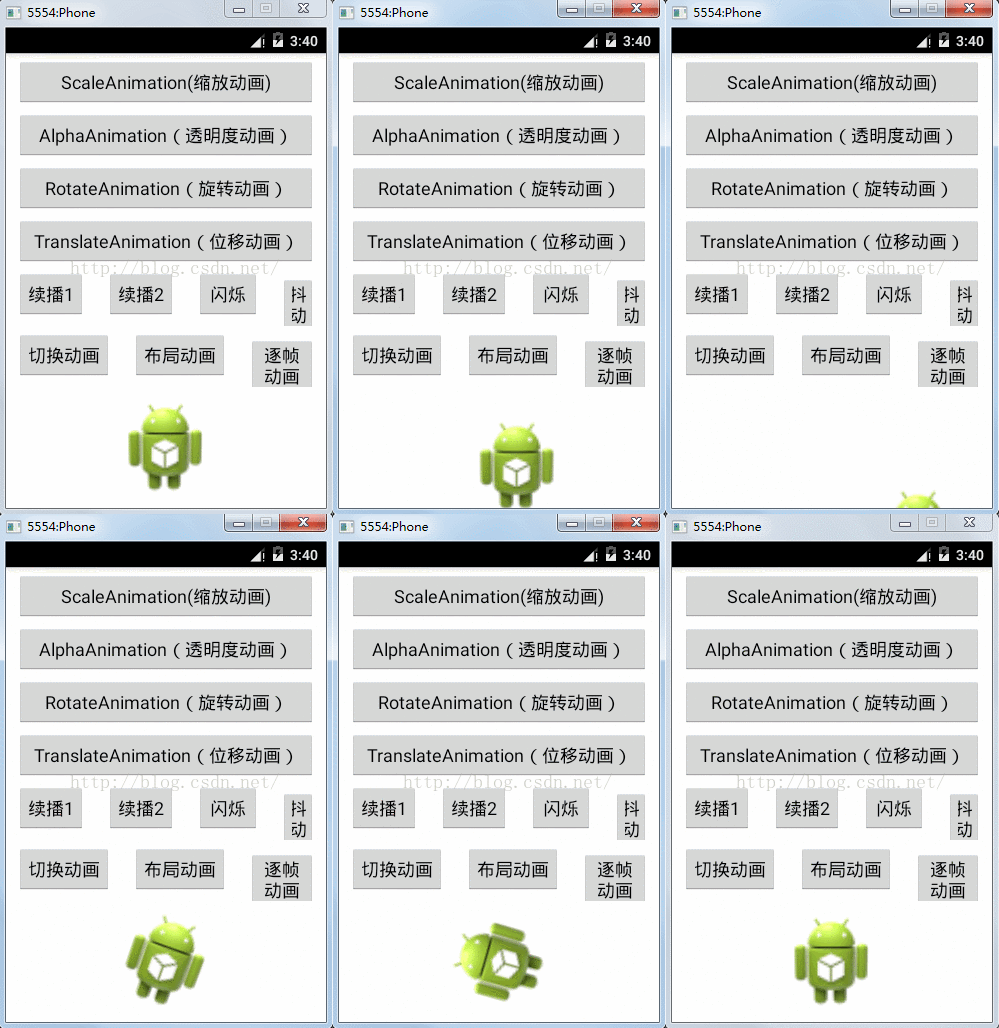
直接在 <set> 裡嵌套即可,順序執行不用寫一行 Java:
<set xmlns:android="https://schemas.android.com/apk/res/android">
    <translate android:duration="1000"
               android:fromXDelta="0" android:toXDelta="300"
               android:fromYDelta="0" android:toYDelta="0" />
    <rotate android:duration="1000"
            android:fromDegrees="0" android:toDegrees="360"
            android:pivotX="50%" android:pivotY="50%"
            android:startOffset="1000" />
</set>
調用:
loadAnimation = AnimationUtils.loadAnimation(this, R.anim.continue_anim);
image.startAnimation(loadAnimation);
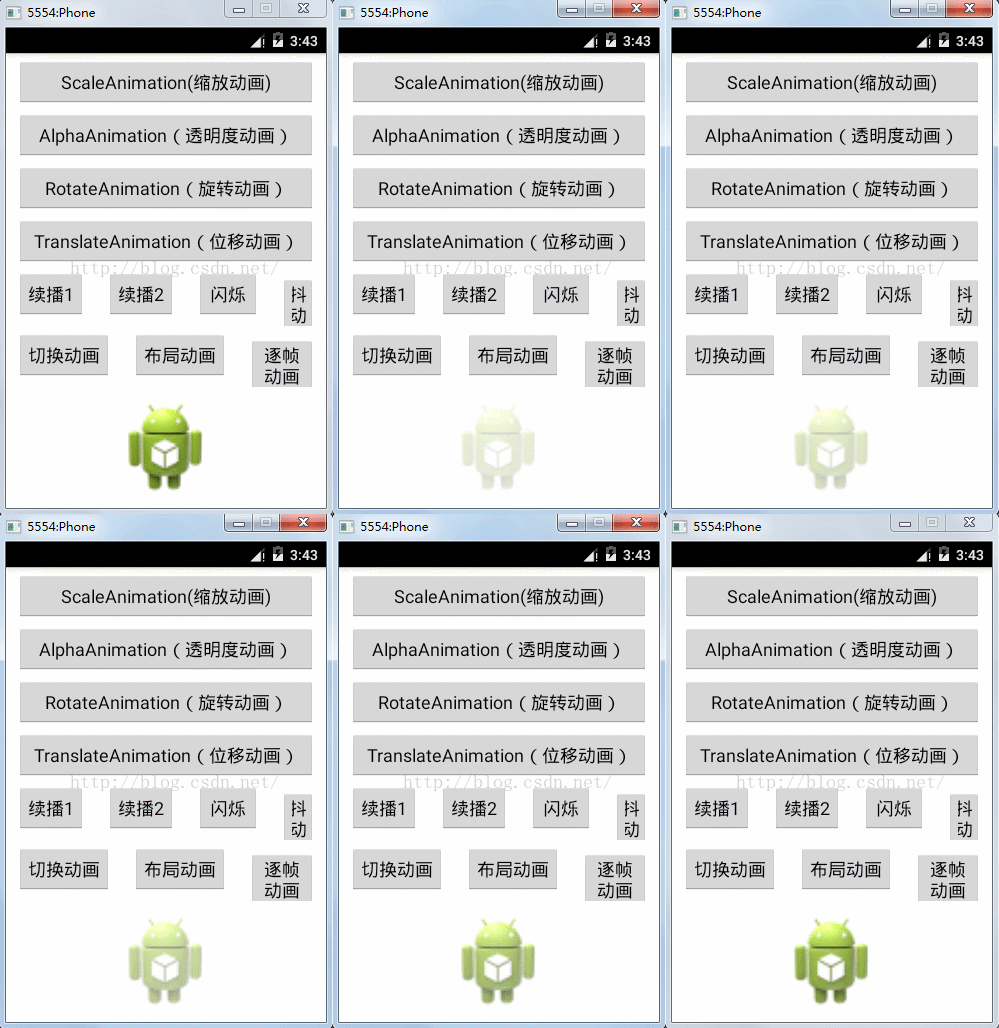
從半透明到不透明,設置倒序重複模式:
AlphaAnimation alphaAnimation = new AlphaAnimation(0.1f, 1.0f);
alphaAnimation.setDuration(100);
alphaAnimation.setRepeatCount(10);
// REVERSE 倒序重複,RESTART 正序重複
alphaAnimation.setRepeatMode(Animation.REVERSE);
image.startAnimation(alphaAnimation);
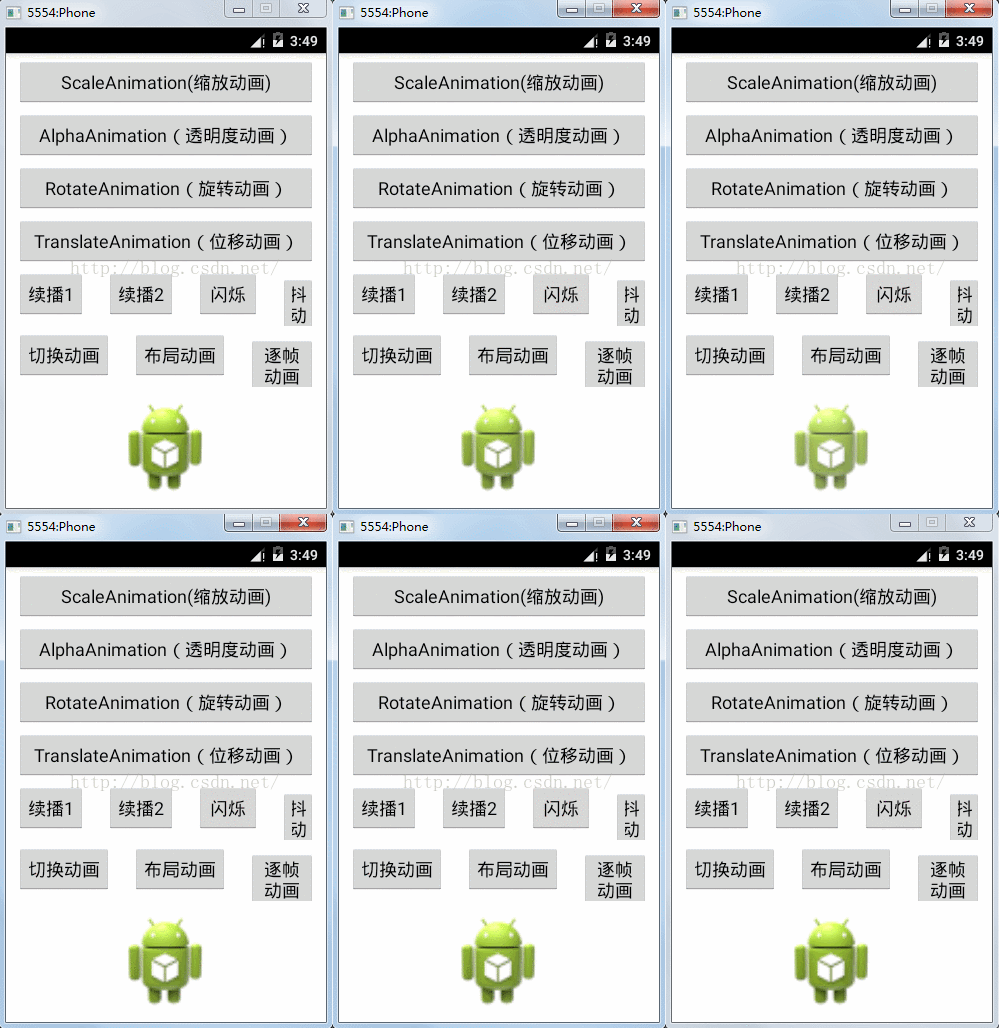
本質是左右來回平移,同樣靠反向重複實現:
TranslateAnimation translate = new TranslateAnimation(-50, 50, 0, 0);
translate.setDuration(1000);
translate.setRepeatCount(Animation.INFINITE);
translate.setRepeatMode(Animation.REVERSE);
image.startAnimation(translate);
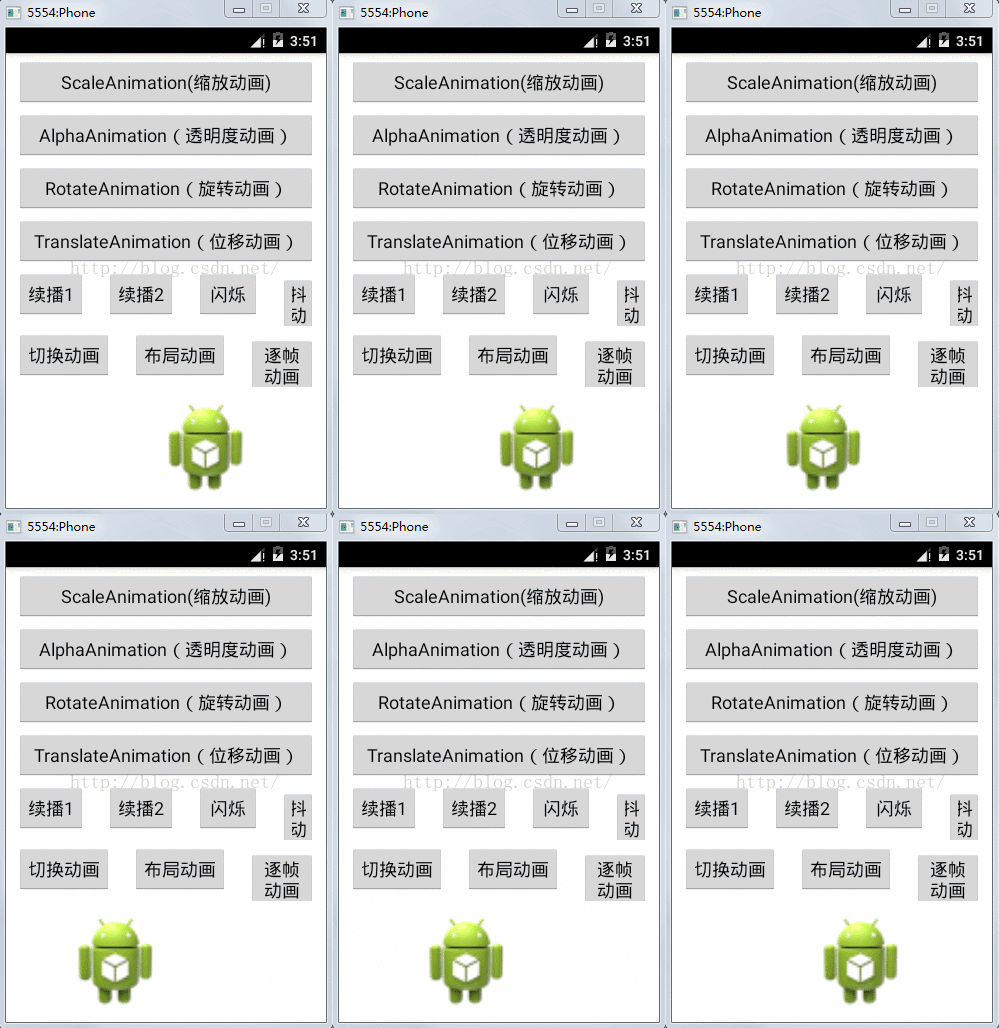
用 overridePendingTransition() 指定進出兩套動畫。
zoom_in.xml:
<set xmlns:android="https://schemas.android.com/apk/res/android"
    android:interpolator="@android:anim/decelerate_interpolator">
    <scale android:duration="1000"
           android:fromXScale="0.1" android:fromYScale="0.1"
           android:toXScale="1.0"   android:toYScale="1.0"
           android:pivotX="50%"     android:pivotY="50%" />
</set>
zoom_out.xml:
<set xmlns:android="https://schemas.android.com/apk/res/android"
    android:interpolator="@android:anim/decelerate_interpolator"
    android:zAdjustment="top">
    <scale android:duration="@android:integer/config_mediumAnimTime"
           android:fromXScale="1.0" android:fromYScale="1.0"
           android:toXScale="0.1"   android:toYScale="0.1"
           android:pivotX="50%p"    android:pivotY="50%p" />
</set>
使用:
overridePendingTransition(R.anim.zoom_in, R.anim.zoom_out);
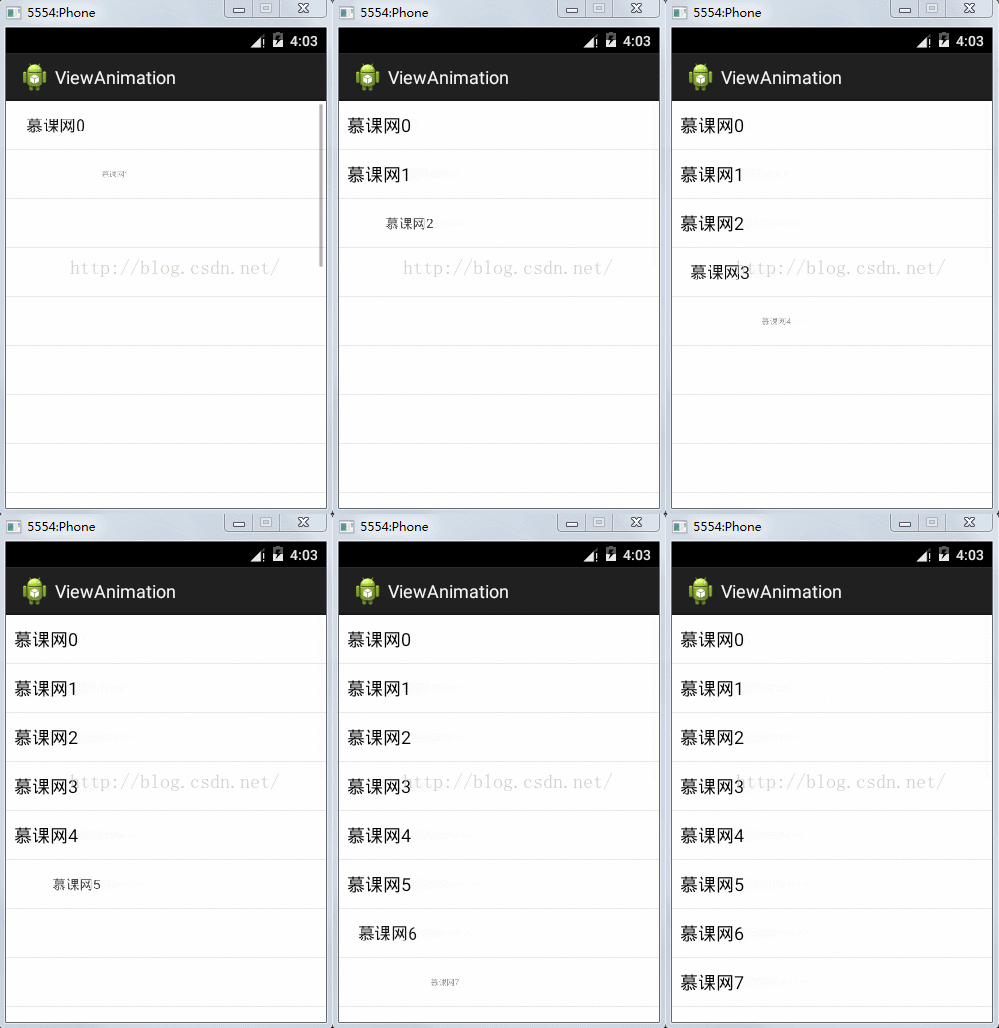
如果一個界面裡多個控件要用同一種動畫、但每個控件的播放時機不同,就用 LayoutAnimationController:
LayoutAnimationController lac = new LayoutAnimationController(
        AnimationUtils.loadAnimation(this, R.anim.zoom_in));
lac.setOrder(LayoutAnimationController.ORDER_NORMAL);  // 順序播放
listView.setLayoutAnimation(lac);
listView.startLayoutAnimation();
 Android AIDL 入門:跨進程通訊與簡單計算服務實作
AIDL 是什麼 AIDL,全名 Android Interface Definition Language,是 Android 用來定義跨進程通訊介面的語言。它讓不同應
 優步電話加密服務什麼時候上線?隱號通話方案介紹
優步電話加密服務與隱號通話方案 優步在全球多個城市提供即時用車服務。為保障車主與乘客隱私,優步在部分城市上線電話加密功能,並採用雲之訊的隱號通話方案。 該功能在乘客與車
 手機QQ能封鎖好友嗎?用「不常用聯絡人」達到同樣效果
用了幾年手機QQ,好友名單動輒數百人,裡面總有幾個不想打交道的人。電腦版有明確的黑名單機制,手機版早期卻沒有對應入口——所以很多人搜尋「手機QQ怎麼封鎖好友」,得到的答案
 Android 開發:MOB 短信驗證 SDK 自訂 GUI 篇(二)
上一篇已介紹如何快速整合 MOB 短信驗證 SDK,本篇則要談談如何不使用 SDK 內建的 GUI 介面——也就是自訂 GUI。說得直白一點,就是自己打造介面,再把開發所