

編輯:關於 Android 程式設計
本文記錄一個仿網易雲音樂風格唱片機動畫的實現思路,包含唱片磁盤的旋轉與機械臂的升降擺動。
初始狀態如下:
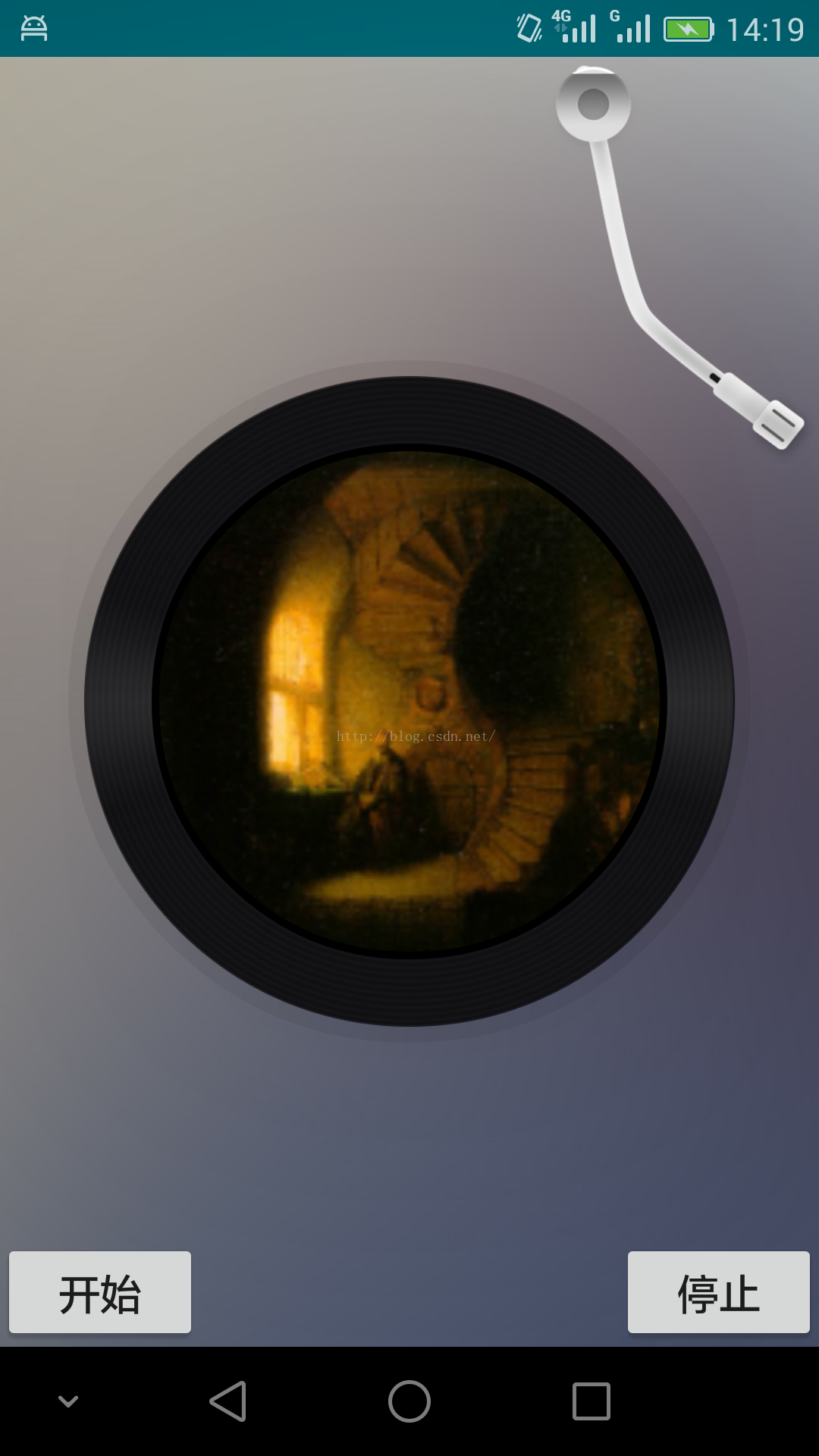
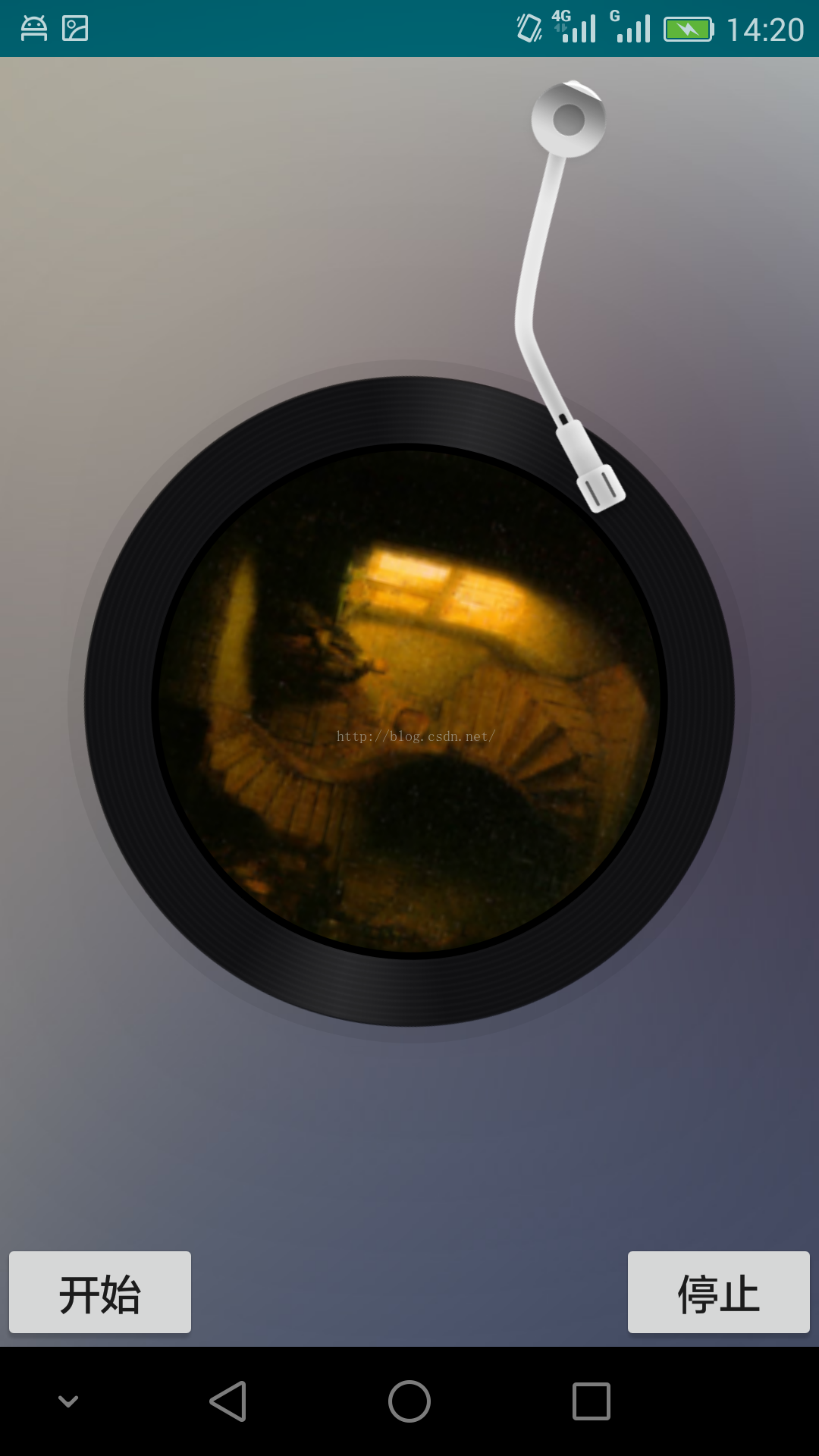
點擊「開始」後,機械臂勻速接近唱片磁盤,同時磁盤開始勻速順時針旋轉:
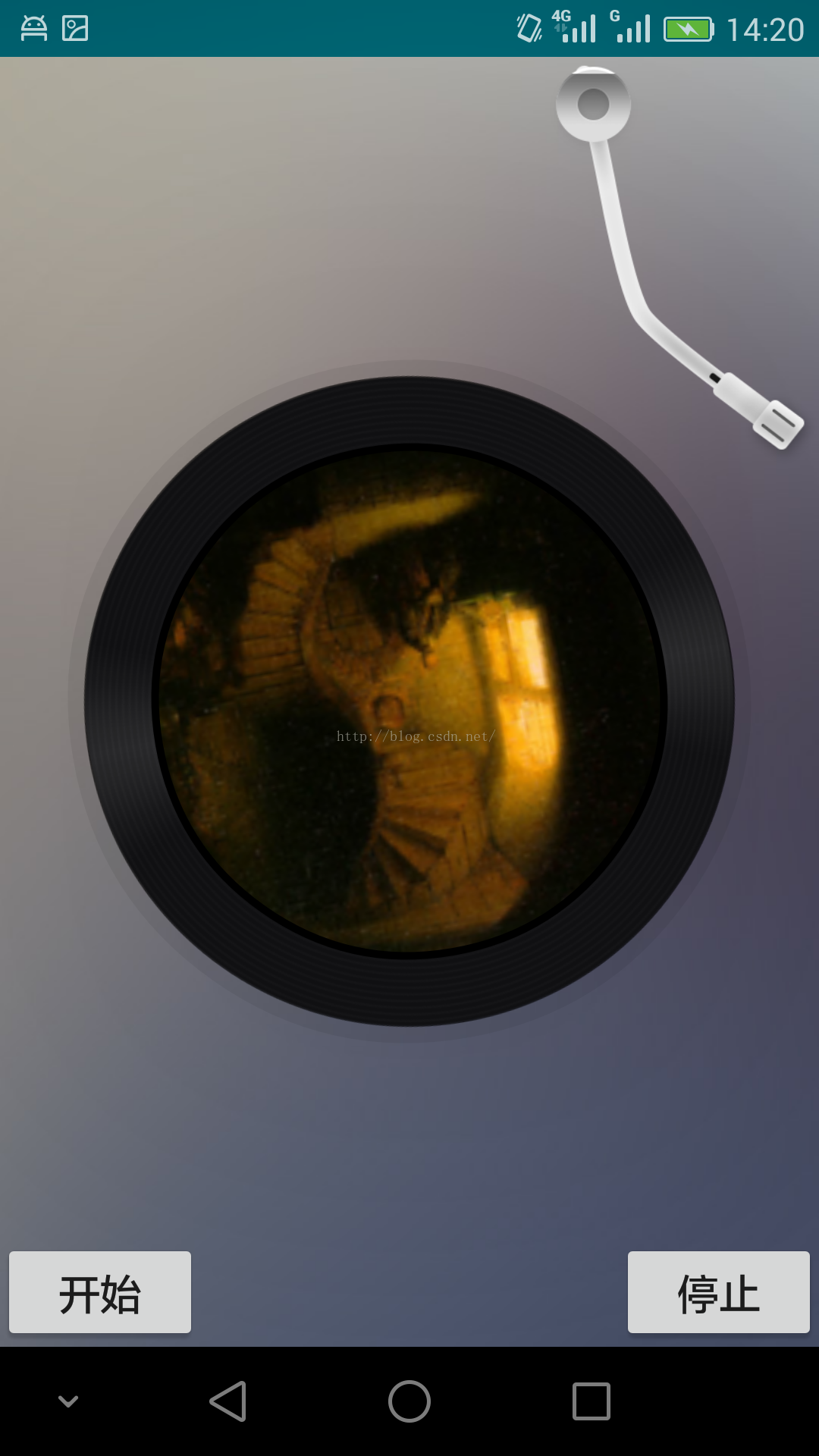
點擊「停止」後,機械臂勻速抬離磁盤,磁盤停止旋轉:
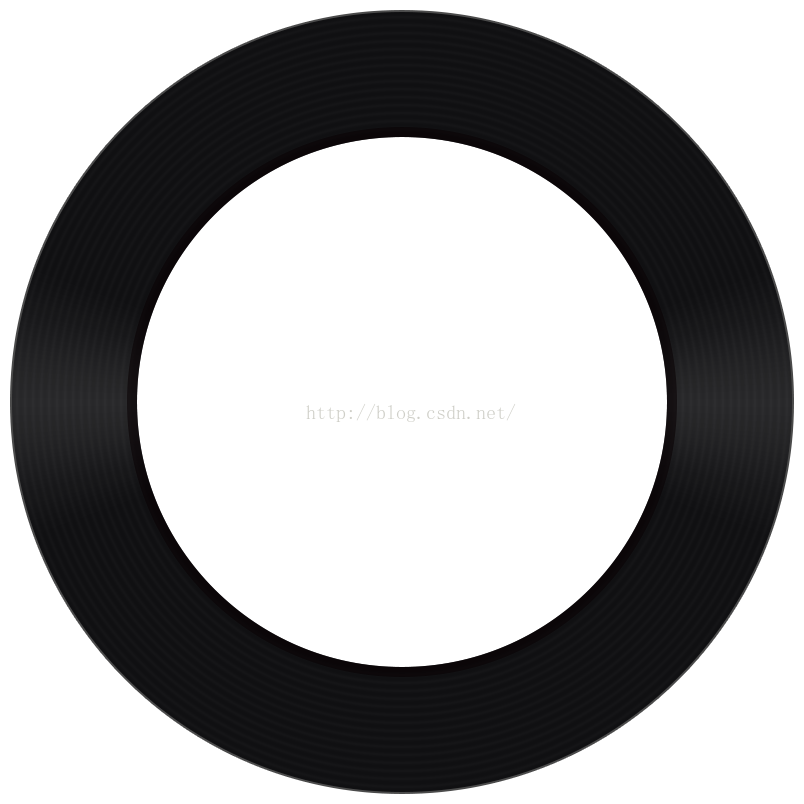
磁盤通過 LayerDrawable 疊加多個圖層實現:最外層半透明邊線、黑色唱片邊框、內層黑色邊線、最裡面的頭像,並用 setLayerInset 為每個圖層設置內縮,使各圓環之間留有間隔而不重合成一個。
// 最外部半透明邊線
ShapeDrawable drawable0 = new ShapeDrawable(new OvalShape());
drawable0.getPaint().setColor(0x10000000);
drawable0.getPaint().setStyle(Paint.Style.FILL);
drawable0.getPaint().setAntiAlias(true);

// 黑色唱片邊框
RoundedBitmapDrawable drawable1 = RoundedBitmapDrawableFactory.create(
    getResources(), BitmapFactory.decodeResource(getResources(), R.drawable.disc));
drawable1.setCircular(true);
drawable1.setAntiAlias(true);

// 內層黑色邊線
ShapeDrawable drawable2 = new ShapeDrawable(new OvalShape());
drawable2.getPaint().setColor(Color.BLACK);
drawable2.getPaint().setStyle(Paint.Style.FILL);

// 最裡面的頭像
RoundedBitmapDrawable drawable3 = RoundedBitmapDrawableFactory.create(
    getResources(), BitmapFactory.decodeResource(getResources(), R.drawable.zhangphil));
drawable3.setCircular(true);

Drawable[] layers = new Drawable[]{drawable0, drawable1, drawable2, drawable3};
LayerDrawable layerDrawable = new LayerDrawable(layers);
int width = 10;
layerDrawable.setLayerInset(1, width, width, width, width);
layerDrawable.setLayerInset(2, width * 11, width * 11, width * 11, width * 11);
layerDrawable.setLayerInset(3, width * 12, width * 12, width * 12, width * 12);

final View discView = findViewById(R.id.myView);
discView.setBackgroundDrawable(layerDrawable);
磁盤旋轉則借助屬性動畫 ObjectAnimator 實現順時針不間斷旋轉:
discObjectAnimator = ObjectAnimator.ofFloat(discView, "rotation", 0, 360);
discObjectAnimator.setDuration(20000);
discObjectAnimator.setInterpolator(new LinearInterpolator()); // 勻速平滑
discObjectAnimator.setRepeatCount(ValueAnimator.INFINITE);    // 無限循環
discObjectAnimator.setRepeatMode(ValueAnimator.INFINITE);
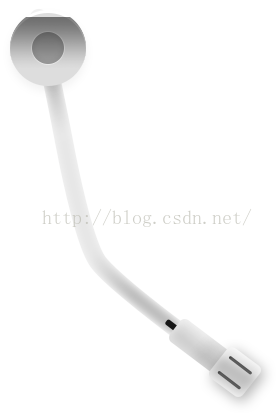
在頂部放置一個 ImageView 作為機械臂素材。點擊「開始」時,用屬性動畫操作該 ImageView 以左上角坐標(x=0, y=0)為軸向下順時針勻速旋轉一定角度,使機械臂恰好落入磁盤內;點擊「停止」時,一方面停止磁盤旋轉,另一方面讓機械臂逆時針向上轉回。
neddleObjectAnimator = ObjectAnimator.ofFloat(needleImage, "rotation", 0, 25);
needleImage.setPivotX(0);
needleImage.setPivotY(0);
neddleObjectAnimator.setDuration(800);
neddleObjectAnimator.setInterpolator(new LinearInterpolator());
按鈕邏輯很直觀:開始時同時啟動兩個動畫,停止時磁盤動畫 cancel、機械臂動畫 reverse。
1. 機械臂以圖像左上角(x=0, y=0)為軸旋轉並不精準,因為素材本身左上角留有空隙,無法恰好以螺絲銜接處為中心。更完美的做法是把機械臂分兩段設計:將頂部銜接螺絲單獨抽出固定,螺絲下方遮住機械臂尾部,只旋轉機械臂本體,這樣更逼真。
2. 代碼中大量位置、角度、距離寫死,作為 demo 尚可,但面對尺寸各異的眾多設備時,需要精心計算這些空間參數。
3. 還發現一個現象:若把背景圖換成高分辨率(如 1080×1920),動畫會非常卡;換成低分辨率(540×960)則不影響流暢度。
用到的素材包括背景圖、機械臂 needle.png、唱片外圈 disc.png 及頭像圖片。
 Android 轉盤選單實作:以 CircleLayout 自訂群組元件
本文示範一個可旋轉的圓形(轉盤式)選單,做法是自己寫一個 ViewGroup 把子元件沿圓周排開,再處理觸控與手勢。 Activity 端的用法 package com
 Android 圖片異步加載利器:Universal-Image-Loader 完整解析
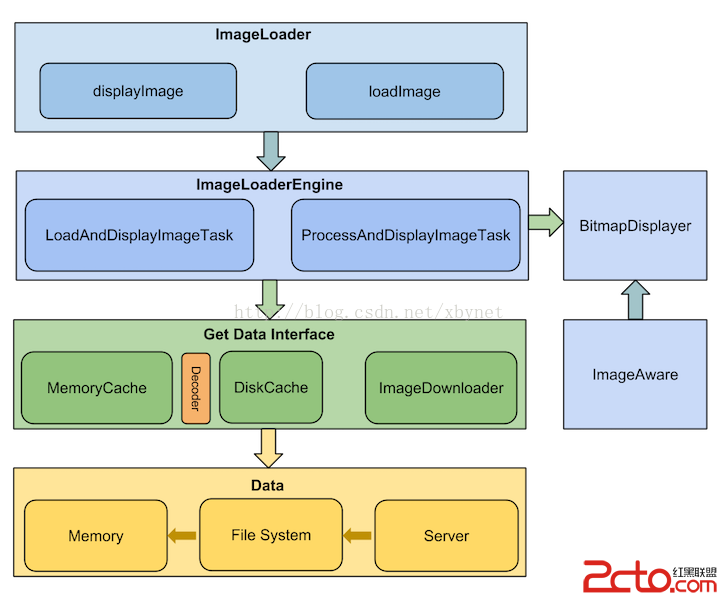
概述專案地址:https://github.com/nostra13/Android-Universal-Image-LoaderUIL(Universal-Image-
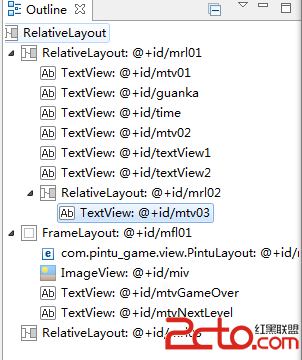 Android 拼圖遊戲完整實作:圖片切割、拖拽交換與關卡計時
這是一個無線分裂式拼圖遊戲的完整實現,涵蓋圖片切割、方塊打亂、點擊交換動畫、關卡遞進與倒計時等環節。核心是一個自訂的 PintuLayout 佈局,對外只暴露回調接口,A
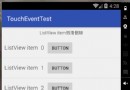 自訂 ListView 側滑刪除:仿 QQ 訊息列表的橫向滑動互動實作
從長按刪除到側滑刪除的改版起點最近參與的專案裡,ListView 的項目刪除一直沿用 Android 常見的長按或點擊方式。老闆看完之後覺得這樣的互動不夠直觀,於是提出了