

編輯:關於 Android 程式設計
Google 推出 android-percent-support 這個支持庫,終於讓我們可以用「百分比」的方式來描述控件尺寸了。回想此前那套靠自定義分辨率文件或動態計算的屏幕適配方案,多少有些笨重,難免令人激動。
這個庫主要提供了兩種布局容器:PercentRelativeLayout 與 PercentFrameLayout,顧名思義,它們分別繼承自 RelativeLayout 和 FrameLayout。支持的屬性涵蓋寬高與各種 margin:
layout_widthPercent、layout_heightPercent、layout_marginPercent,以及 layout_marginLeft/Top/Right/Bottom/Start/End Percent。使用時,只要把原本的 FrameLayout、RelativeLayout 換成對應的 Percent 版本即可。
遺憾的是官方並未提供 LinearLayout 版本——雖然它有 weight,但 weight 只能約束單一方向。這恰好給了我們一個動手擴展 PercentLinearLayout 的機會。本文分三部分:使用、源碼分析、自定義擴展。
使用前記得在 build.gradle 中添加依賴:
compile 'com.android.support:percent:22.2.0'
以 PercentFrameLayout 為例,直接為子 View 標註百分比寬高:
<TextView
    android:text="width:30%,height:20%"
    app:layout_widthPercent="30%"
    app:layout_heightPercent="20%" />
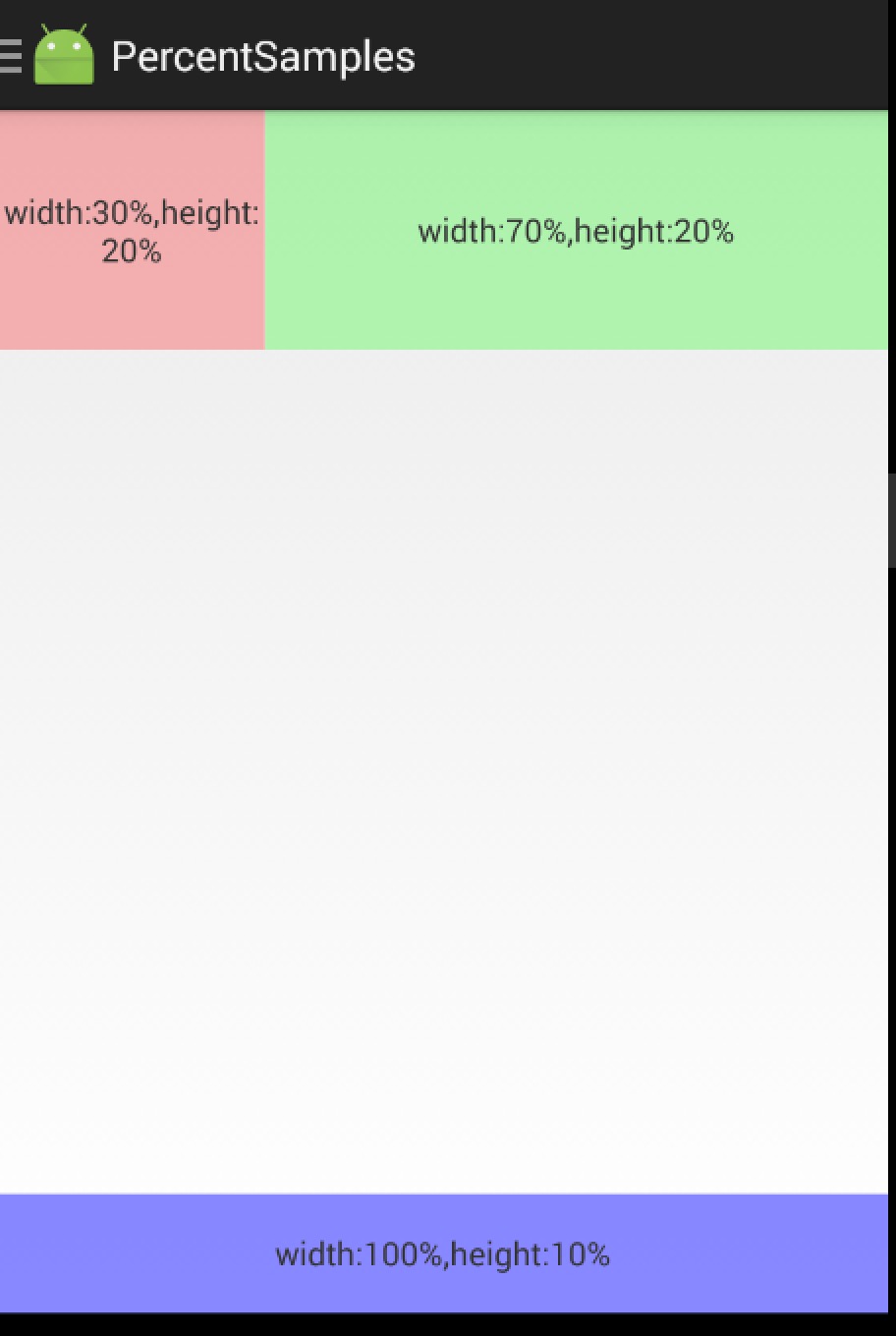
PercentRelativeLayout 的用法同理,可以與原有相對定位屬性混合使用。
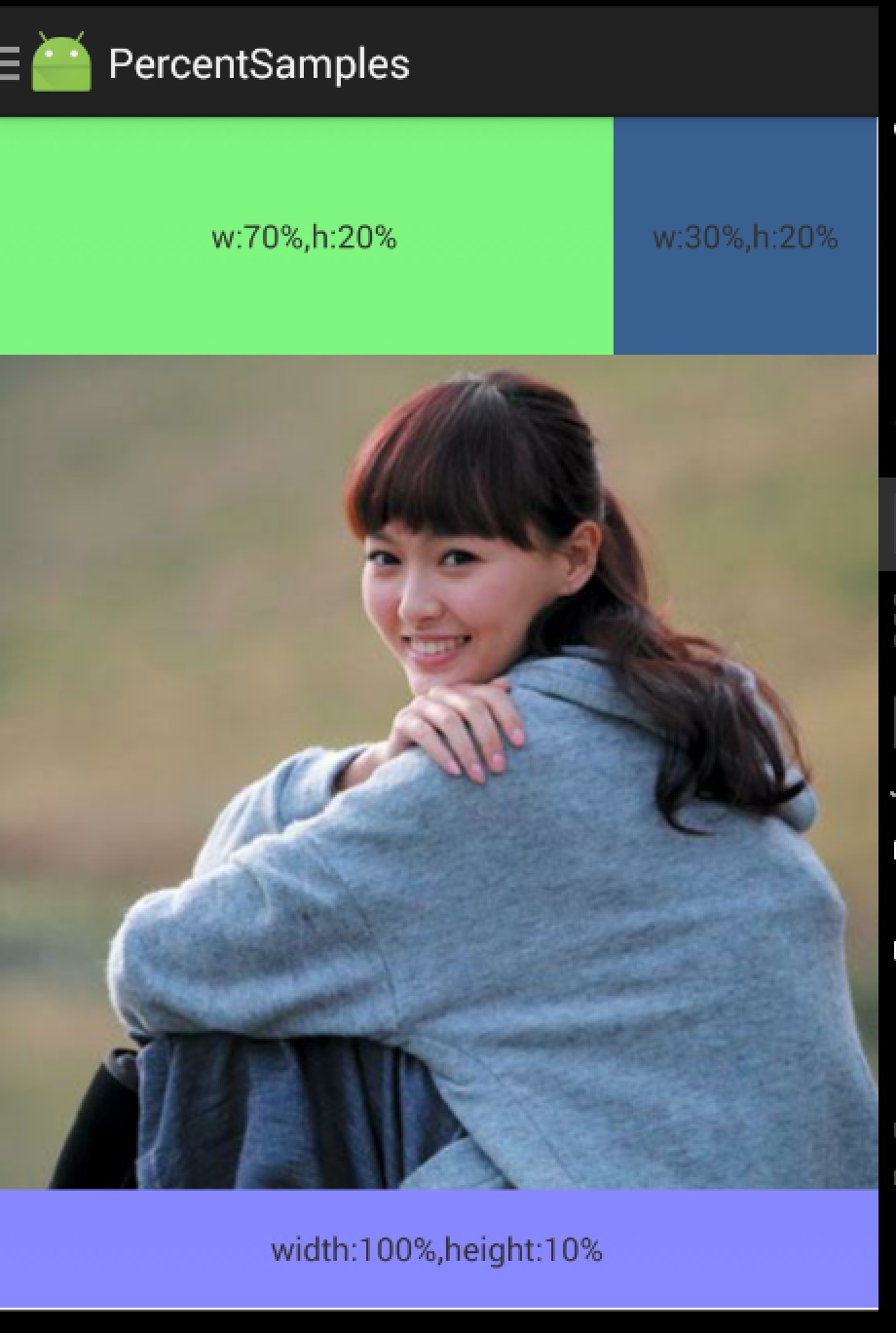
細想一下,Google 所做的其實就是對熟悉的 RelativeLayout 和 FrameLayout 進行功能擴展。如果是我們來做,思路大致是:先通過 LayoutParams 讀取子 View 設置的百分比屬性,再在 onMeasure 時,用「容器寬高 × 百分比」計算出實際尺寸傳給 child.measure。
打開 PercentFrameLayout 源碼,可以看到它重寫了 generateLayoutParams、onMeasure、onLayout 三個方法,核心邏輯都委託給了 PercentLayoutHelper。
LayoutParams 在構造時,會調用 PercentLayoutHelper.getPercentLayoutInfo,把 attrs 中解析出的各項百分比屬性封裝進一個 PercentLayoutInfo 對象。這段取值邏輯與我們日常使用 TypedArray 的方式並無二致,只是把所有百分比相關的值統一收攏到一個 info 對象裡。
onMeasure 中調用 mHelper.adjustChildren,它會遍歷所有子 View,取出容器的寬高 hint,判斷 LayoutParams 是否為 PercentLayoutParams 類型,若是則根據百分比重新計算 params 的 width 與 height:
if (widthPercent >= 0) {
    params.width = (int) (widthHint * widthPercent);
}
if (heightPercent >= 0) {
    params.height = (int) (heightHint * heightPercent);
}
這裡有個貼心細節:如果按百分比算出來的測量值過小(MEASURED_STATE_TOO_SMALL),而布局裡又寫的是 wrap_content,庫會把尺寸重置為 WRAP_CONTENT 並觸發二次測量,避免內容被壓縮顯示不全。
測量完成後,onLayout 會調用 mHelper.restoreOriginalParams,把之前被臨時改動的 params 寬高恢復成布局文件中編寫的原始值。這意味著,你在代碼裡讀取 v.getLayoutParams().width 拿到的仍然是布局中寫的那個值(通常是 0),百分比換算只是測量階段的臨時行為。
總結起來,整個機制就四步:LayoutParams 中獲取屬性、onMeasure 中改寫尺寸並測量、必要時二次測量、onLayout 中還原原始值。
由於核心邏輯都由 PercentLayoutHelper 封裝,自己擴展一個 LinearLayout 版本其實很簡單——只需照搬 PercentFrameLayout 的結構,把父類換成 LinearLayout,並在 LayoutParams 中繼承 LinearLayout.LayoutParams 即可:
public class PercentLinearLayout extends LinearLayout {
    private PercentLayoutHelper mPercentLayoutHelper;

    public PercentLinearLayout(Context context, AttributeSet attrs) {
        super(context, attrs);
        mPercentLayoutHelper = new PercentLayoutHelper(this);
    }
    @Override
    protected void onMeasure(int widthMeasureSpec, int heightMeasureSpec) {
        mPercentLayoutHelper.adjustChildren(widthMeasureSpec, heightMeasureSpec);
        super.onMeasure(widthMeasureSpec, heightMeasureSpec);
        if (mPercentLayoutHelper.handleMeasuredStateTooSmall()) {
            super.onMeasure(widthMeasureSpec, heightMeasureSpec);
        }
    }
    @Override
    protected void onLayout(boolean changed, int l, int t, int r, int b) {
        super.onLayout(changed, l, t, r, b);
        mPercentLayoutHelper.restoreOriginalParams();
    }
    @Override
    public LayoutParams generateLayoutParams(AttributeSet attrs) {
        return new LayoutParams(getContext(), attrs);
    }
    // LayoutParams 內部類省略,結構與 PercentFrameLayout 類似
}
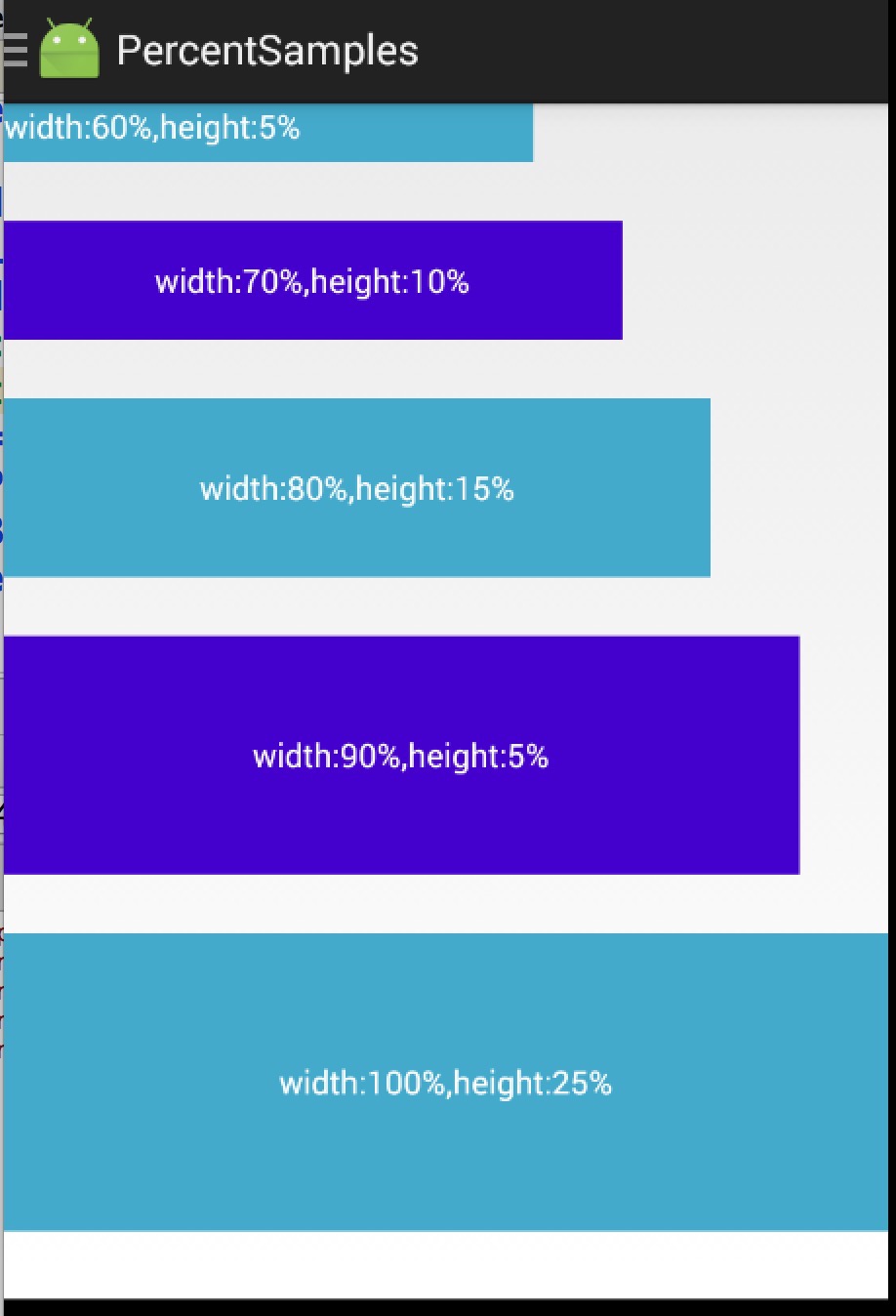
至此,從使用、源碼剖析到自定義擴展,百分比布局的整套思路就完整了。掌握它之後,多屏幕適配會變得優雅許多。
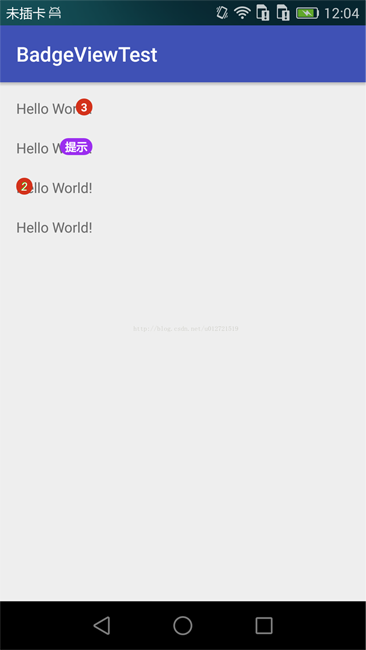 Android BadgeView 紅點更新提示示例
下圖展示紅點提示的效果。 BadgeView 常用功能 BadgeView 常用來在圖示或文字旁顯示未讀數量。它可設定提示數字、位置、字型、陰影、背景色與背景圖片,也能
 用 Vitamio 打造萬能播放器(5):內嵌網頁搞定線上影片播放
前言 為了守住「每週一篇」的更新節奏,加上 Vitamio 新版本遲遲未見蹤影,我決定把本地播放的幾個細節功能(截圖、進度顯示、畫面尺寸切換等)往後挪一挪,先跳進線上播放
 AsyncTask 入門筆記:三個泛型、四個回調與實戰範例
Android 的 UI 只能有一條線程操作,這是為什麼所有耗時工作都必須丟到非主線程去跑。而 AsyncTask 就是官方提供、用來把「背景運算」與「UI 更新」優雅串
 Android 輸入框表情實作:ViewPager + GridView 插入 Emoji
前言 真正動手寫聊天功能才發現,程式碼積累的價值。這篇記錄的其實沒什麼高難度,瑣碎但耗時間——而這正是積累的意義:寫過一次整理下來,下次直接拿來用,不必重新摸索。否則下