

編輯:關於 Android 程式設計
本篇要達成的目標:
系列目前的完整源碼:
https://download.csdn.net/detail/iwanghang/9505907
xUtils 簡介:
https://blog.csdn.net/iwanghang/article/details/51268639
xUtils 在 Android Studio 中的安裝:
https://blog.csdn.net/iwanghang/article/details/51268890
實作完成的畫面如下:
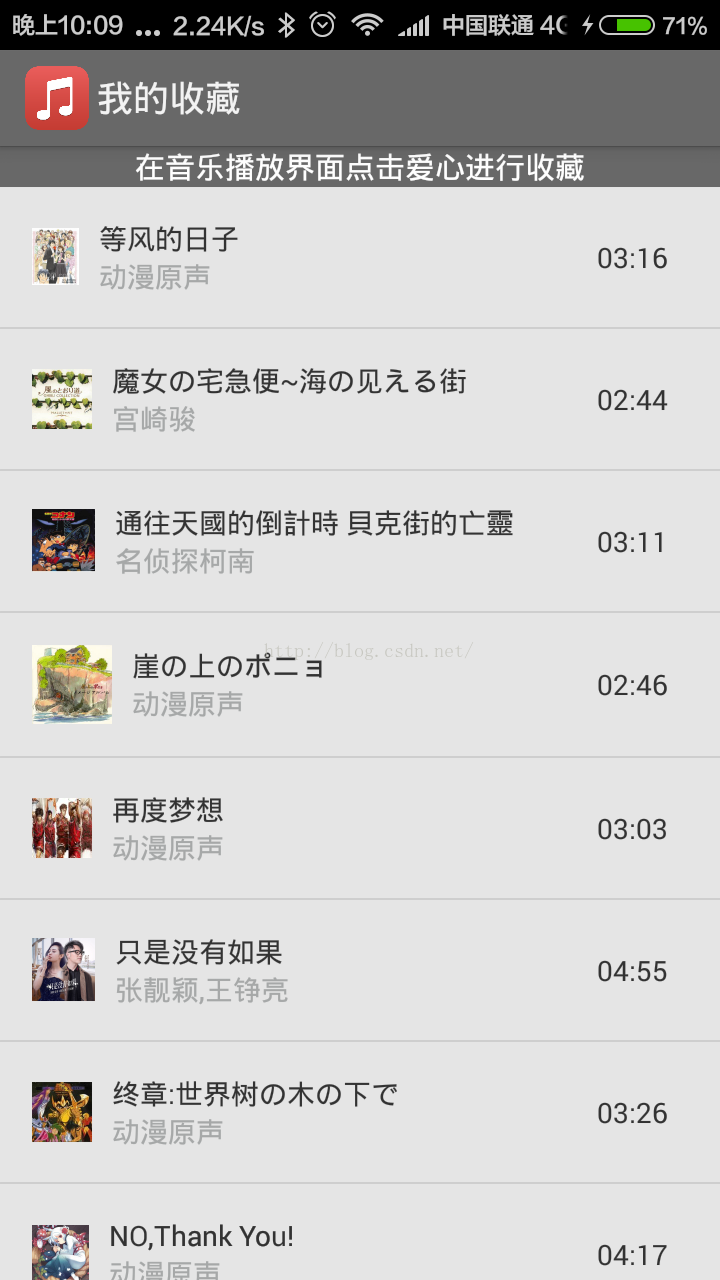

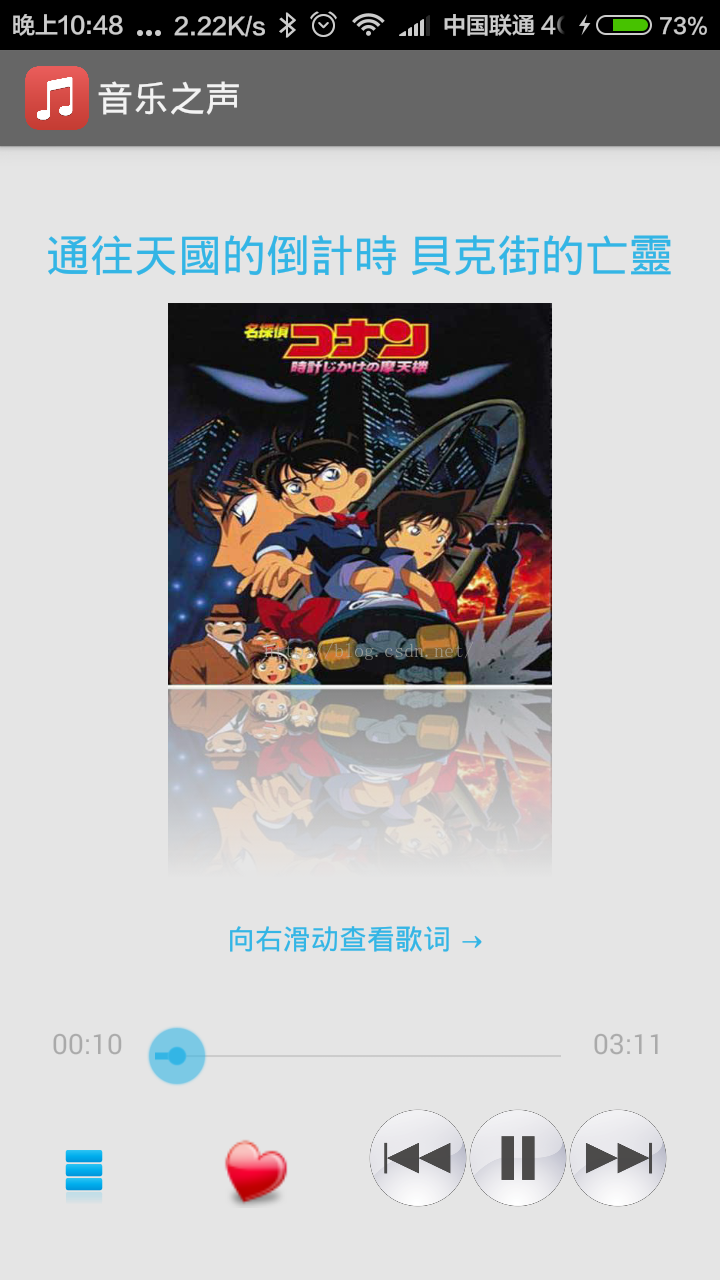
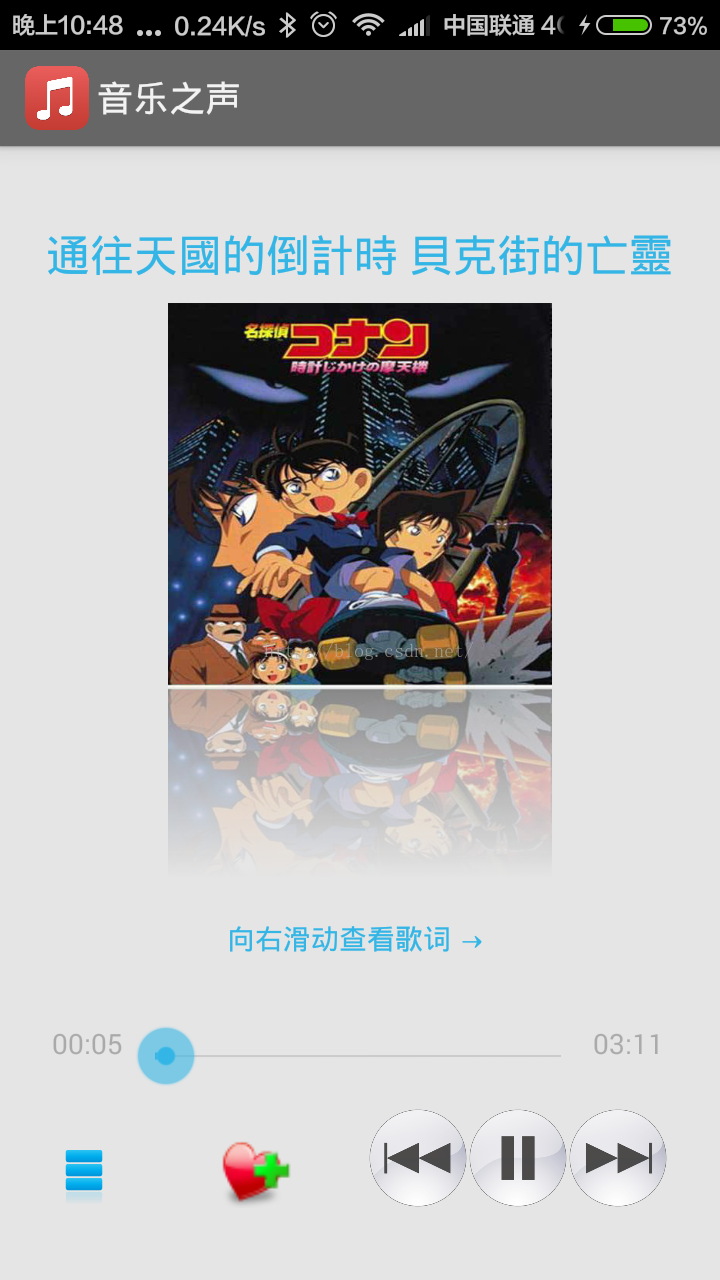
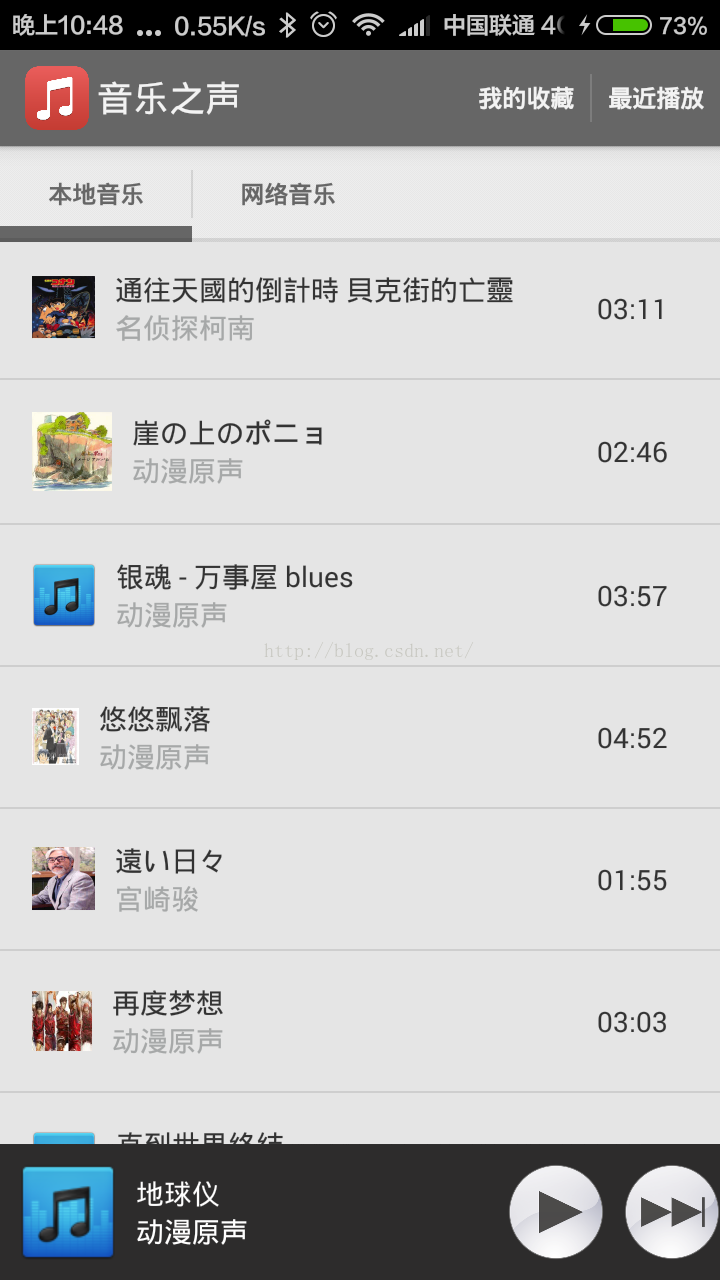

這個頁面的資料來源不是全部媒體庫,而是資料庫中 playTime 不為 0 的紀錄,依播放時間排序後取前 5 筆。若一筆都沒有,就顯示提示文字並把 ListView 隱藏起來。
private void initData() {
    try {
        List mp3List = app.dbUtils.findAll(
            Selector.from(Mp3Info.class)
                    .where("playTime", "!=", "0")
                    .orderBy("playTime", true)
                    .limit(Constant.MY_RECORD_NUM));   // 只取 5 首
        if (mp3List == null || mp3List.size() == 0) {
            textView2_no_data.setVisibility(View.VISIBLE);
            listView_record.setVisibility(View.GONE);
        } else {
            textView2_no_data.setVisibility(View.GONE);
            listView_record.setVisibility(View.VISIBLE);
            recordMp3Infos = (ArrayList) mp3List;
            listView_record.setAdapter(new MyMusicListAdapter(this, recordMp3Infos));
        }
    } catch (DbException e) {
        e.printStackTrace();
    }
}
點擊事件的重點是「先比對目前播放清單,再決定要不要切換」:
public void onItemClick(AdapterView parent, View view, int position, long id) {
    if (playService.getChangePlayList() != PlayService.RECORD_MUSIC_LIST) {
        playService.setMp3Infos(recordMp3Infos);
        playService.setChangePlayList(PlayService.RECORD_MUSIC_LIST);
    }
    playService.play(position);
}
對應的 activity_my_record_music_list.xml 結構很單純:頂部一條深灰色標題(「記錄您最近聽過的 5 首歌曲」),中間一個佔滿剩餘空間的「暫無最近播放音樂」提示 TextView,以及一個 ListView。兩者互斥顯示,就能做到空清單時的友善提示。
PlayService 需要知道自己正在播的是哪一份清單,因此定義了三個常數:
public static final int MY_MUSIC_LIST    = 1;   // 本地音樂
public static final int LOVE_MUSIC_LIST  = 2;   // 收藏音樂
public static final int RECORD_MUSIC_LIST= 3;   // 最近播放
private int changePlayList = MY_MUSIC_LIST;    // 預設本地音樂
播放模式則沿用先前的三種:ORDER_PLAY(順序)、RANDOM_PLAY(隨機)、SINGLE_PLAY(單曲循環),並在 onCompletion 中依模式決定下一步:
public void onCompletion(MediaPlayer mp) {
    switch (play_mode) {
        case ORDER_PLAY:  next(); break;
        case RANDOM_PLAY: play(random.nextInt(mp3Infos.size())); break;
        case SINGLE_PLAY: play(currentPosition); break;
    }
}
進度條的更新靠一個單執行緒的 ExecutorService 每 500 毫秒回呼一次 MusicUpdatrListener,把目前播放秒數丟給界面;播放本身則是標準的 reset → setDataSource → prepare → start 四步,並把位置寫回 currentPosition。
「關掉 App 再打開,要接著上次那首歌繼續聽」是播放器的基本禮貌。做法是把狀態的讀寫分散到三個生命週期:
// DRMPlayerApp.onCreate:建立 SharedPreferences
// PlayService.onCreate:還原上次的曲目與播放模式
currentPosition = app.sp.getInt("currentPosition", 0);
play_mode       = app.sp.getInt("play_mode", PlayService.ORDER_PLAY);

// MainActivity.onDestroy:寫回狀態
SharedPreferences.Editor editor = app.sp.edit();
editor.putInt("currentPosition", playService.getCurrentPosition());
editor.putInt("play_mode", playService.getPlay_mode());
editor.commit();
還原之後,即使使用者從未點過任何歌曲就直接按下播放鍵,也能從上次的位置續播,不會出現空指標。
問題背景是:本地音樂清單裡的 id 來自媒體庫,而收藏清單中的 id 是資料庫自己的主鍵,兩者不能直接混用。解法是在 Mp3Info 中額外增加一個 mp3InfoId 欄位,收藏時把媒體庫的 id 存進去,查詢收藏狀態時一律以 mp3InfoId 為條件。
private long getId(Mp3Info mp3Info) {
    switch (playService.getChangePlayList()) {
        case PlayService.MY_MUSIC_LIST:   return mp3Info.getId();        // 本地清單用媒體庫 id
        case PlayService.LOVE_MUSIC_LIST: return mp3Info.getMp3InfoId(); // 收藏清單用 mp3InfoId
        default: return 0;
    }
}
點擊收藏時的邏輯是「查得到就 update、查不到就 save」,同時用 isLove 欄位(1 已收藏/0 未收藏)驅動愛心圖示的切換:
Mp3Info current = playService.mp3Infos.get(playService.getCurrentPosition());
Mp3Info love = app.dbUtils.findFirst(
        Selector.from(Mp3Info.class).where("mp3InfoId", "=", getId(current)));
if (love == null) {
    current.setMp3InfoId(current.getId());
    current.setIsLove(1);
    app.dbUtils.save(current);
    imageView1_favorite.setImageResource(R.mipmap.app_love_selected);
} else {
    if (love.getIsLove() == 1) {
        love.setIsLove(0);
        imageView1_favorite.setImageResource(R.mipmap.app_love_unselected);
    } else {
        love.setIsLove(1);
        imageView1_favorite.setImageResource(R.mipmap.app_love_selected);
    }
    app.dbUtils.update(love, "isLove");
}
進入播放頁時的初始化也要對稱處理:查到紀錄但 isLove 為 0,同樣要顯示為「未收藏」;完全查不到紀錄,也是「未收藏」。少了這層判斷,就會出現「明明沒收藏卻顯示愛心」的 bug。
1. ActionBar 左上角圖示不顯示:在 styles.xml 的主題中補上一行即可。
style name="ActionBarStyle.BlueActionBarStyle" parent="ActionBarStyle"
   item name="android:icon": @mipmap/app_icon
   item name="android:background": #FF686868
2. 服務的綁定與解綁:把 bindPlayService() 放在 onResume、unbindPlayService() 放在 onPause 與 onDestroy,這樣每次回到頁面前都會重新取一次播放狀態,UI 與服務不會脫節。要注意綁定是非同步的,因此在 onCreate 中直接呼叫 change() 更新界面會拿到空值,必須透過 BaseActivity 的 change() 回呼來觸發。
這一步把「清單」與「播放」之間的關係正式打通了:PlayService 用 changePlayList 標記當前來源,各清單頁在點擊時負責切換來源,收藏狀態則靠 mp3InfoId 與 isLove 兩個欄位在同一張表裡共存。再加上 SharedPreferences 記住曲目與模式,一個功能完整的播放器雛形就成形了。
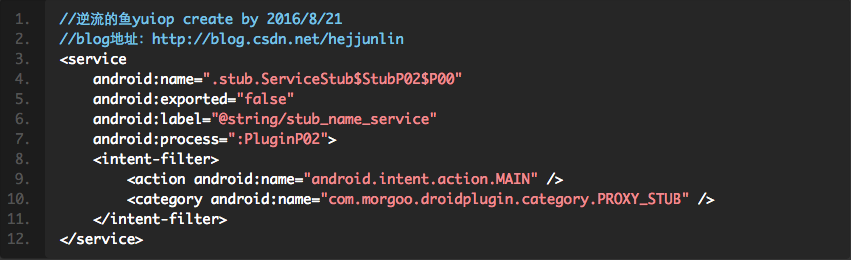 插件化開發:360 DroidPlugin 源碼分析(五)Service 預注册占坑
在理解了系統 Activity、Service、BroadcastReceiver 的啟動流程之後,本篇將聚焦一個關鍵問題:360 DroidPlugin 是如何實現 S
 Android 程式碼優化:透過 ProGuard 關閉輸出的日誌
開發時,我們經常會輸出各種日誌來 debug 程式碼;但等到應用發布的 apk 運行時,往往不希望它再輸出日誌。本文說明如何關閉 Log.v()、Log.i()、Log.
 Android 模擬器串口測試:使用 android-serialport-api 收發資料
在 Android 模擬器中測試串口通訊,可以透過 android-serialport-api 這類開源專案完成。本文說明如何建立虛擬 COM 口、啟動模擬器並監聽與傳
 榮耀Note8怎麼裝SIM卡 雙卡與單卡安裝圖解
華為榮耀於8月1日下午發表了6.6吋大屏的榮耀Note8。剛拿到新機的朋友可能會疑惑:SIM卡該怎麼裝?下面就隨小編一起看示範。 華為榮耀Note8裝SIM卡步驟 雙SI