

編輯:關於 Android 程式設計
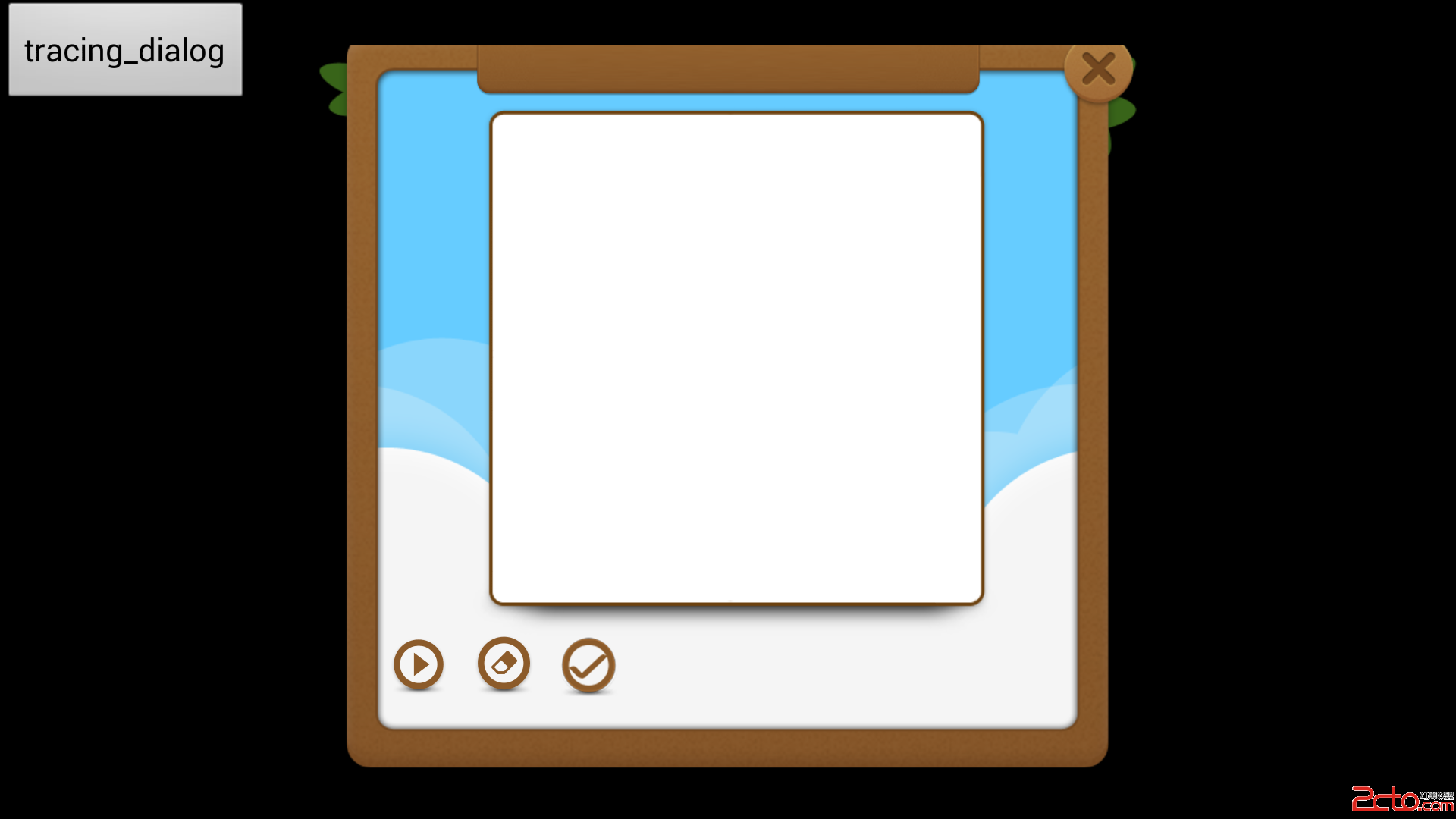
先來看看異常的效果:點擊 tracing_dialog 按鈕後彈出的對話框。
再來看理論上應有的效果:
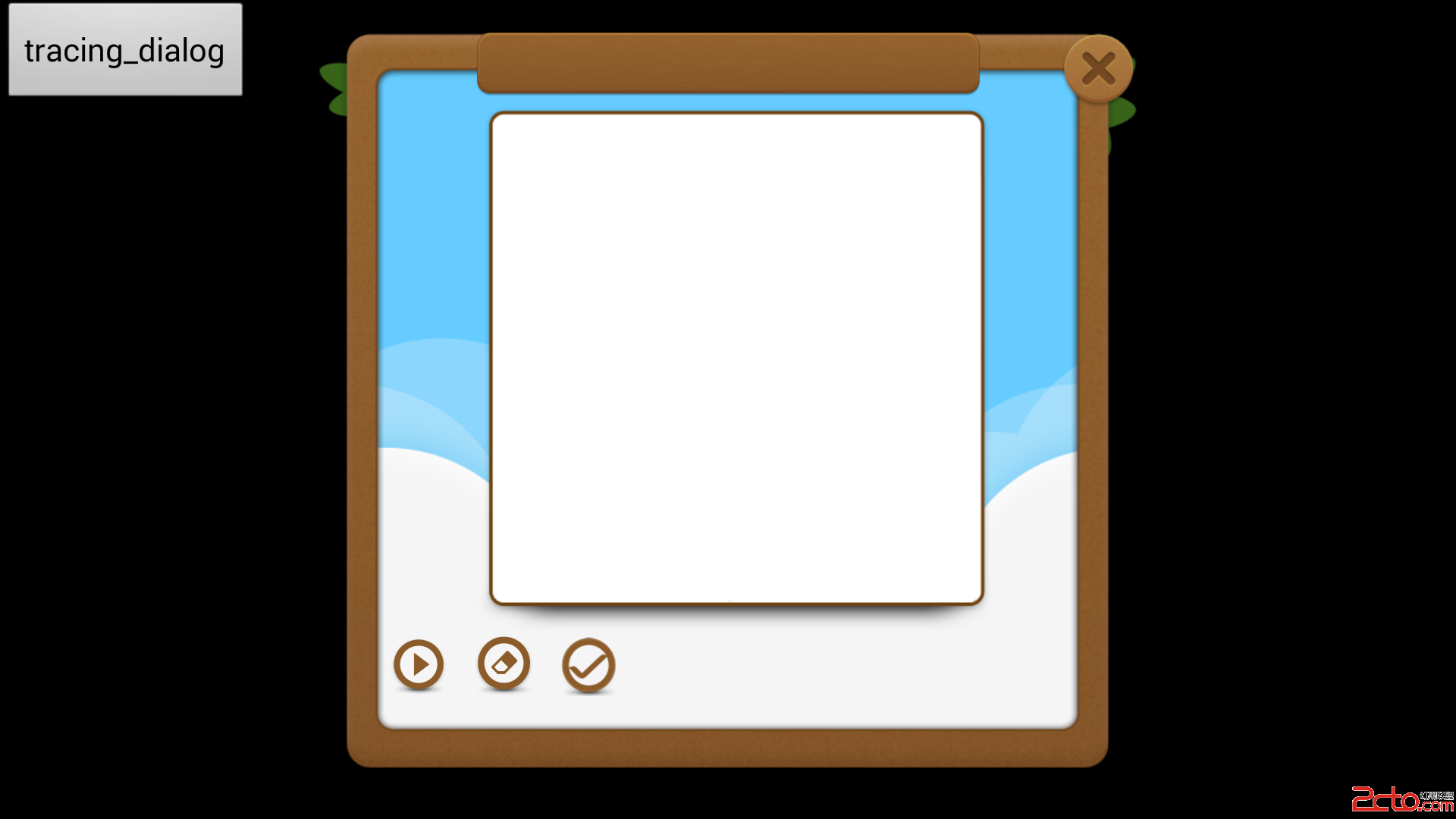
對比兩張圖可以發現,異常的圖最上方被狀態欄遮擋住了,而這個問題出現在 Android 4.4 版本中。為了解決它,我們可以在 Dialog 的子類中新增一個方法,針對 Android 4.4 及以上版本進行修正,而 4.4 以下版本則不做處理。
先來看看有問題的程式碼:
package cn.edu.zafu.demo; import android.app.Dialog; import android.content.Context; import android.os.Build; import android.os.Bundle; import android.view.WindowManager; /** * Created by lizhangqu on 2015/5/22. */ public class TracingDialog extends Dialog { public TracingDialog(Context mContext, int style) { super(mContext, style); setCancelable(false); } protected void onCreate(Bundle paramBundle) { setContentView(R.layout.tracing_dialog); } }
建立 Dialog 的方法如下,第一個參數是 Context 物件,第二個參數是主題檔對應的 ID:
TracingDialog dialog=new TracingDialog(MainActivity.this, R.style.kdialog); dialog.show();
對應的 style 如下:
接著,我們在 TracingDialog 中新增一個方法,讓它對 Android 4.4 及以上版本進行適配,使顯示恢復正常:
private void applyCompat() { if (Build.VERSION.SDK_INT < 19) { return; } getWindow().setFlags( WindowManager.LayoutParams.FLAG_FULLSCREEN, WindowManager.LayoutParams.FLAG_FULLSCREEN); }
在 TracingDialog 的 onCreate 方法中呼叫這個方法即可:
protected void onCreate(Bundle paramBundle) { applyCompat(); setContentView(R.layout.tracing_dialog); }
姑且不論繼承 Dialog 這種寫法(這屬於歷史遺留問題),官方其實已建議改用 DialogFragment 來建立 Dialog。就這樣,一個簡單的方法便解決了問題。
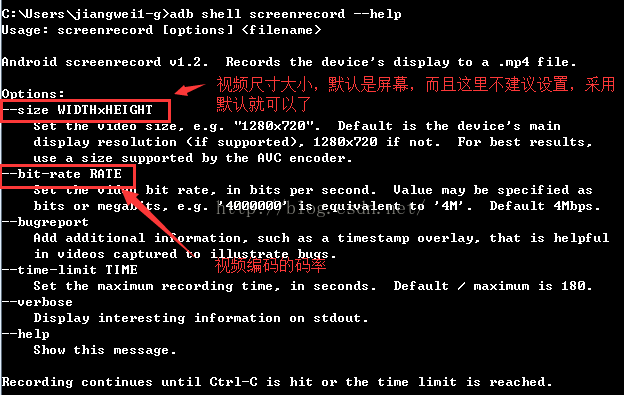 Android直播視訊技術:桌面螢幕視訊數據源採集分析
前言 在Android直播應用中,除了攝影鏡頭,桌面螢幕也是重要的視訊來源。許多遊戲直播、教學錄製與操作分享,都需要擷取螢幕畫面。本文分析Android中常見的螢幕採集方
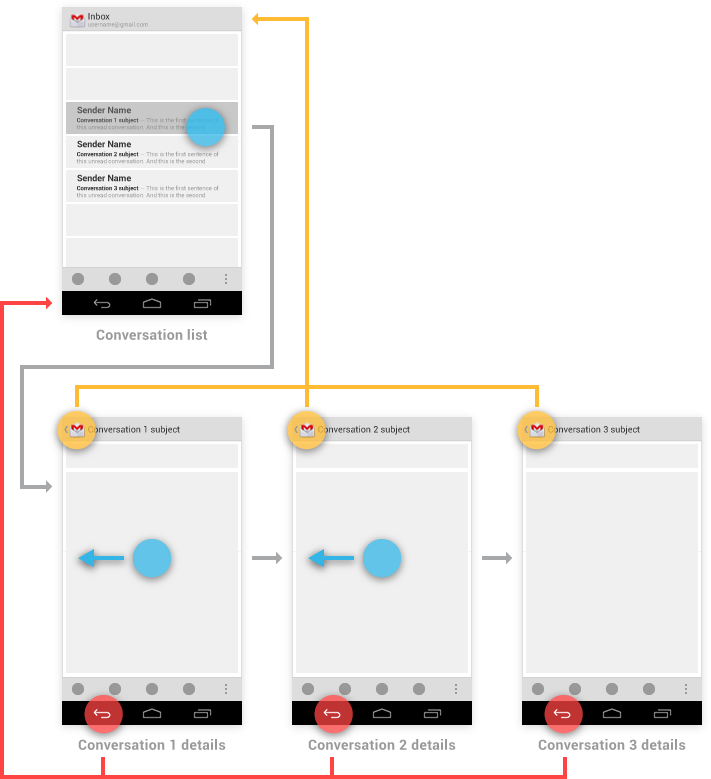 Android 標題欄(二):ActionBar 與 Toolbar 深入實踐
本篇承接上文,繼續深入探討 ActionBar 與 Toolbar 的進階用法,包括 ActionView、ActionProvider、自定義 ActionLayout
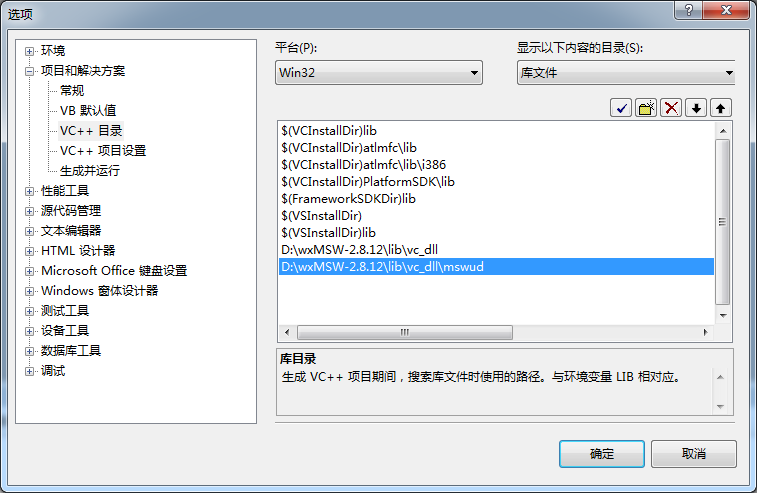 在 Visual Studio 中打造 wxWidgets C++ GUI 開發環境(含中文亂碼解法)
wxWidgets 是跨平台 C++ GUI 函式庫中相當經典的一個。本文示範的建置方式為 Unicode + DLL + Debug,主要考量是最後產出的 exe 不會
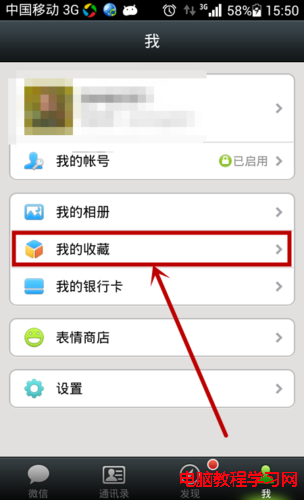 微信收藏如何導出到電腦?兩種方法整理
若想備份微信收藏內容,可嘗試以下兩種方式。方法一:複製本機資料圖片通常位於 Tencent/MicroMsg/camera;文件則位於 sdcard 的 Tencent/