

編輯:關於 Android 程式設計
專案開發中有時候會遇到很單純的需求:下載檔案的同時把進度反映到界面上。上網查到的許多 Utils 工具類往往寫得相當冗長,於是我就自己動手做了一個精簡的版本。
/** * 下載文件,更新UI簡單幫助類 * * @author jarlen * */ public class DownLoadHelper { private static final int DOWN_BEGIN = 0; private static final int DOWN_UPDATA = 1; private static final int DOWN_FINISH = 2; private static final int DOWN_ERROR = 3; private Context mContext; private TextView mTextView; private ProgressBar mBar; private Handler handler = new Handler() { public void handleMessage(Message msg) { if (!Thread.currentThread().isInterrupted()) { switch (msg.what) { case DOWN_BEGIN: if (mTextView != null) { mTextView.setText(開始下載); } if(mBar != null) { mBar.setProgress(0); } break; case DOWN_UPDATA: int factor = msg.arg1; if (mTextView != null) { mTextView.setText(factor + %); } if(mBar != null) { mBar.setProgress(factor); } break; case DOWN_FINISH: if (mTextView != null) { mTextView.setText(下載完成); } if(mBar != null) { mBar.setProgress(100); } break; case DOWN_ERROR: if (mTextView != null) { mTextView.setText(下載錯誤); } if(mBar != null) { mBar.setProgress(0); } break; default: break; } } }; }; public DownLoadHelper(Context context) { this.mContext = context; } public void setUpdataView(TextView view) { this.mTextView = view; } public void setUpdataBar(ProgressBar bar) { this.mBar = bar; } public void startDownLoad(final String url, final String path) { new Thread() { public void run() { sendMsg(DOWN_BEGIN, 0); try { long downloadSize = downloadUpdateFile(url, path); if (downloadSize > 0) { sendMsg(DOWN_FINISH, 0); } } catch (Exception e) { e.printStackTrace(); sendMsg(DOWN_ERROR, 0); } }; }.start(); } private long downloadUpdateFile(String down_url, String path) throws Exception { int down_step = 1; int totalSize; int downloadCount = 0; int updateCount = 0; InputStream inputStream; OutputStream outputStream; URL url = new URL(down_url); HttpURLConnection httpURLConnection = (HttpURLConnection) url .openConnection(); httpURLConnection.setConnectTimeout(30 * 1000); httpURLConnection.setReadTimeout(30 * 1000); totalSize = httpURLConnection.getContentLength(); if (httpURLConnection.getResponseCode() == 404) { sendMsg(DOWN_ERROR, 0); throw new Exception(fail!); } inputStream = httpURLConnection.getInputStream(); File dir = new File(path); if (!dir.exists()) { dir.mkdir(); } String name = down_url.substring(down_url.lastIndexOf(/) + 1, down_url.length()); File updateFile = new File(dir, name); outputStream = new FileOutputStream(updateFile, false); byte buffer[] = new byte[1024]; int readsize = 0; while ((readsize = inputStream.read(buffer)) != -1) { outputStream.write(buffer, 0, readsize); downloadCount += readsize; if (updateCount == 0 || (downloadCount * 100 / totalSize - down_step) >= updateCount) { updateCount += down_step; sendMsg(DOWN_UPDATA, updateCount); } } if (httpURLConnection != null) { httpURLConnection.disconnect(); } inputStream.close(); outputStream.close(); return downloadCount; } private void sendMsg(int flag, int factor) { Message msg = new Message(); switch (flag) { case DOWN_BEGIN: case DOWN_FINISH: case DOWN_ERROR: break; case DOWN_UPDATA: msg.arg1 = factor; break; default: break; } msg.what = flag; handler.sendMessage(msg); } }
使用方式非常直覺,只要把負責更新的 TextView 與 ProgressBar 交給它,再呼叫 startDownLoad 即可:
DownLoadHelper helper1 = new DownLoadHelper(this); helper1.setUpdataView(tv1); helper1.startDownLoad(https://img1.2345.com/appsimg/wallpaper/4/139460306960.jpg, path);
它的運作邏輯是:在背景執行緒裡讀取串流並寫入檔案,每下載一段就換算成百分比,透過 Handler 把進度回送到主執行緒更新介面。因為 Handler 是綁定建立它的執行緒的,所以在主執行緒 new 出來的 Handler 才能安全地操作 UI。
 Android Support Design 完全解析(七):CoordinatorLayout 與 Behavior
概述 前面我們簡單接觸過 CoordinatorLayout,本篇將深入剖析這個 ASD(Android Support Design)庫中最重要、也最強大的控件。回想一
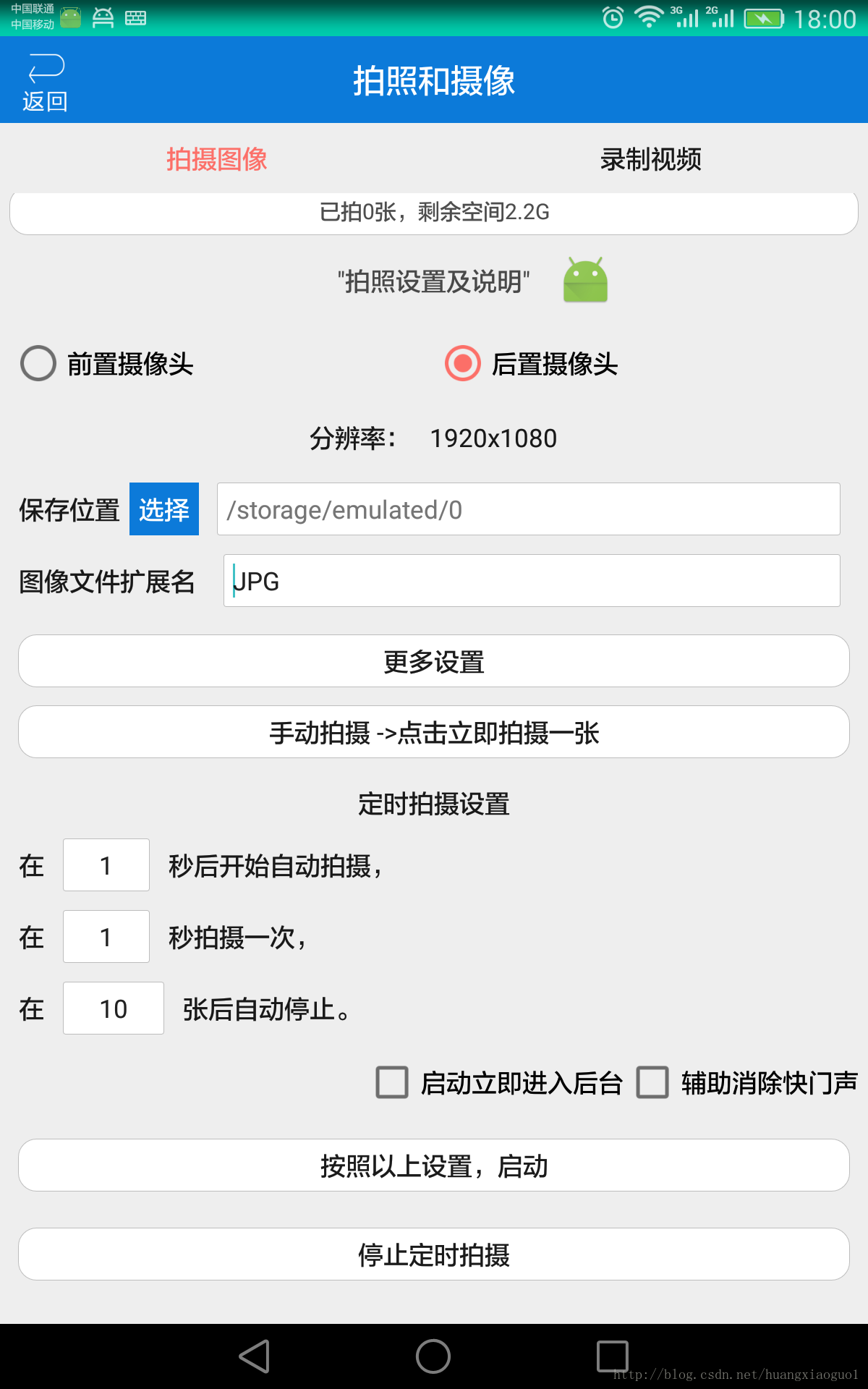 Android 懸浮相機窗口實戰:WindowManager + Service + Camera 全流程
懸浮窗裡嵌一個相機預覽,是很多工具類應用的常見需求,比如掃碼懸浮入口、遠程監控小窗、拍照打卡等。本文把這個功能的完整鏈路走一遍:用 WindowManager 把一個極小
 Android 四大組件總結:註冊、激活、關閉與生命週期一網打盡
一、註冊 四大組件都必須先註冊才能使用。Activity、Service、Content Provider 一律在 AndroidManifest.xml 中聲明;未在清
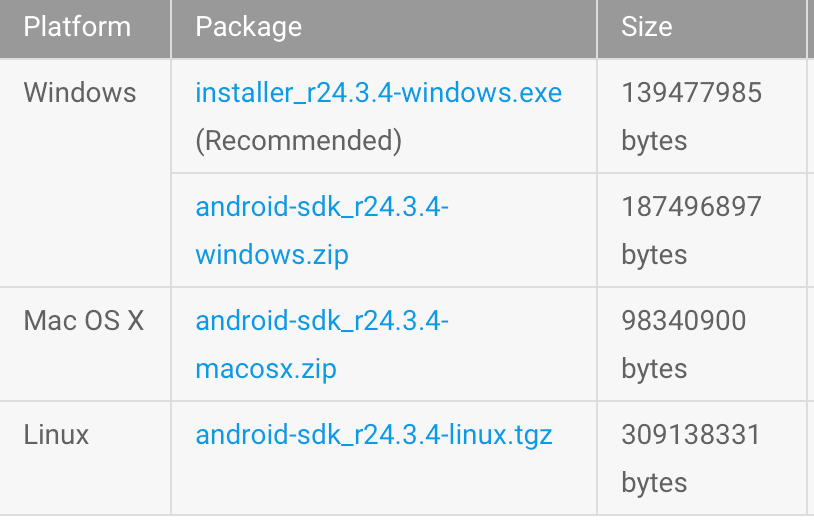 Android Studio的安裝、配置與實用技巧全攻略
該專題的目的:學習Android Studio的特性和技巧,學習Gradle的黑魔法,學習Android最受歡迎的框架,學習Android 5.0以上的新特性。該專題的行