

編輯:關於 Android 程式設計
在登入或註冊頁面中,常有「密碼可見/隱藏」的需求,讓使用者能確認自己輸入的內容。實作起來其實非常簡單。
在 EditText 上將 inputType 設為 textPassword,並在旁邊放一個切換顯示狀態的按鈕:
<LinearLayout
    android:background="@drawable/update_password_item_bg_bottom"
    android:gravity="center_vertical"
    android:layout_height="50.0dip"
    android:layout_marginLeft="15dip"
    android:layout_marginRight="15dip"
    android:layout_width="fill_parent"
    android:orientation="horizontal">

    <TextView
        android:gravity="right|center_vertical"
        android:layout_height="fill_parent"
        android:layout_width="wrap_content"
        android:paddingLeft="5.0dip"
        android:text="@string/login_pwd"
        android:textColor="@android:color/black"
        android:textSize="16.0sp" />

    <EditText
        android:id="@+id/my_lottery_login_page_password"
        android:background="@android:color/white"
        android:hint="@string/login_imput_pwd"
        android:inputType="textPassword"
        android:layout_height="fill_parent"
        android:layout_marginLeft="5.0dip"
        android:layout_marginRight="5.0dip"
        android:layout_weight="3"
        android:layout_width="0px"
        android:maxLength="20"
        android:paddingLeft="5.0dip"
        android:singleLine="true"
        android:textSize="16.0sp" />

    <Button
        android:id="@+id/my_lottery_login_page_show_password"
        android:background="@drawable/btn_yangzhengma_selector"
        android:layout_height="30dip"
        android:layout_width="45dip"
        android:layout_marginRight="3dip"
        android:text="顯示"
        android:textColor="#454545"
        android:textSize="14sp" />
</LinearLayout>
在 Java 程式碼中定義一個布林旗標,用來記錄目前的顯示狀態,並在點擊時切換:
private Boolean showPassword = false;

if (showPassword) {
    // 目前為顯示狀態,切換為隱藏密碼
    showPassword = !showPassword;
    login_show_password.setText("顯示");
    login_page_password.setTransformationMethod(PasswordTransformationMethod.getInstance());
    login_page_password.setSelection(login_page_password.getText().toString().length());
} else {
    // 目前為隱藏狀態,切換為顯示密碼
    showPassword = !showPassword;
    login_show_password.setText("隱藏");
    login_page_password.setTransformationMethod(HideReturnsTransformationMethod.getInstance());
    login_page_password.setSelection(login_page_password.getText().toString().length());
}
關鍵在於兩個轉換方法:PasswordTransformationMethod 會把輸入內容顯示為圓點,而 HideReturnsTransformationMethod 則以明文呈現。切換後呼叫 setSelection() 把游標移到文字末尾,讓使用者能繼續順暢地輸入。
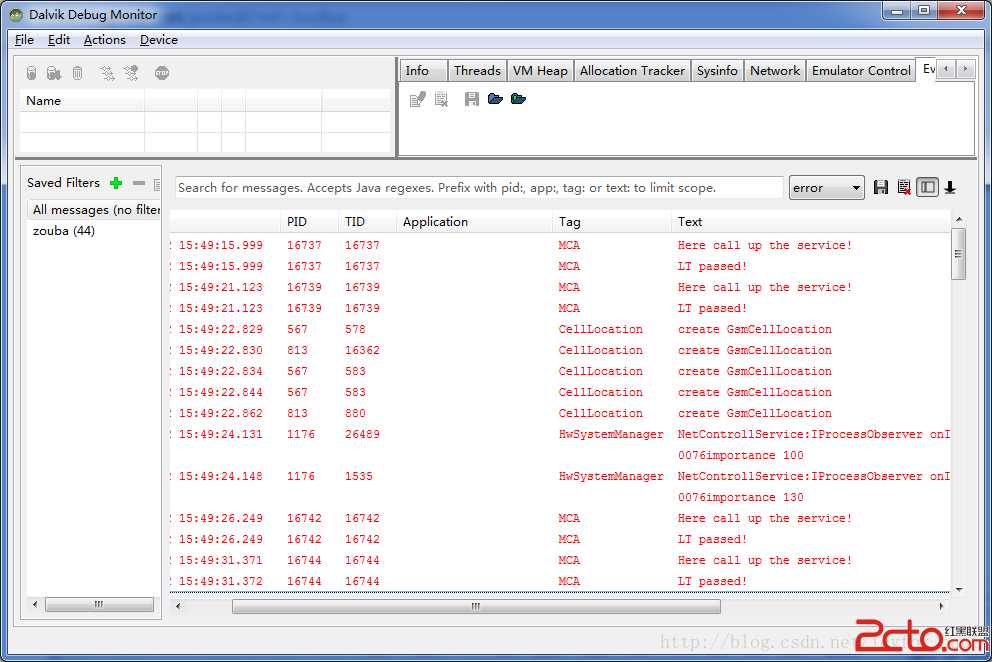 Android 開發技巧:讓 LogCat 分屏顯示,告別擁擠
Eclipse 裡有文件列表、編輯區、類結構等眾多介面元件,在這麼多元件裡再塞一個 Logcat,基本就沒有空間了。與其擠在一起,不如把它拆成兩個視窗;如果你有兩台螢幕,
 Android 平鋪圖片實作教學:XML 與程式碼兩種寫法
做 App 時常會遇到這種狀況:設計師丟來一張帶有鋸齒邊緣的背景素材,卻只給了「一格」的樣本,剩下的要你自己想辦法鋪滿整個區域。本文就以這個鋸齒邊框為例,說明在 Andr
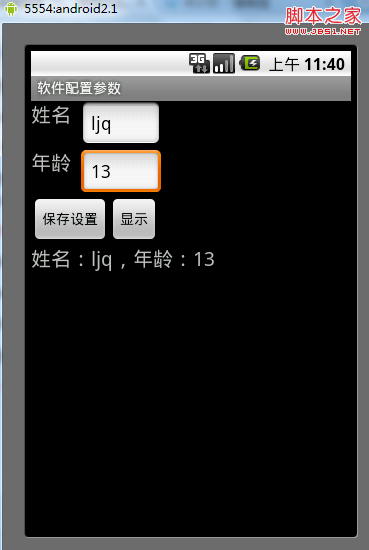 SharedPreferences 用法詳解:輕量級參數存儲與跨應用訪問
很多應用都需要提供參數設置功能,比如 QQ 裡「是否允許陌生人加我為好友」。保存這類配置參數,Windows 軟體通常用 ini 檔,J2SE 應用常用 properti
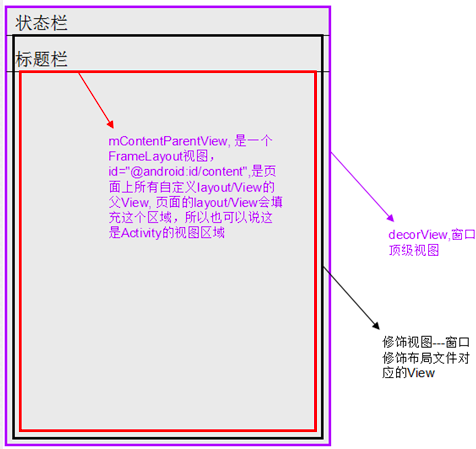 實例講解 Android 自定義組合控件的方法
自定義 View 大致可分為四類:繼承 View、組合 View、自繪 View(用 Paint 和 Canvas)、自定義 ViewGroup(Widget)。本文聚焦