

編輯:關於 Android 程式設計
上一篇談完了磁碟快取的概念,本篇往下看實作。UniversalImageLoader 的磁碟快取由四個類別組成:DiskLruCache、LruDiskCache、StrictLineReader 與工具類 Util。以下逐一拆解。
先看類別本身的註解:
/**
 * A cache that uses a bounded amount of space on a filesystem. Each cache
 * entry has a string key and a fixed number of values. Each key must match
 * the regex [a-z0-9_-]{1,64}. Values are byte sequences, accessible as
 * streams or files. Each value must be between 0 and Integer.MAX_VALUE
 * bytes in length.
 *
 * This class is tolerant of some I/O errors. If files are missing from the
 * filesystem, the corresponding entries will be dropped from the cache. If
 * an error occurs while writing a cache value, the edit will fail silently.
 */
翻成白話:這是一個建在檔案系統上、佔用空間有上限的快取。每個條目有一個字串 key 與固定數量的值;key 必須符合正則表達式 [a-z0-9_-]{1,64};值是位元組序列,可作為串流或檔案存取,長度介於 0 與 Integer.MAX_VALUE 之間。這個類別對部分 I/O 錯誤是寬容的:檔案從檔案系統消失時,對應條目會被移出快取;寫入過程中出錯則此次編輯靜默失敗,其餘問題由呼叫端捕捉 IOException 自行處理。
static final String JOURNAL_FILE = "journal";
static final String JOURNAL_FILE_TEMP = "journal.tmp";
static final String JOURNAL_FILE_BACKUP = "journal.bkp";
static final String MAGIC = "libcore.io.DiskLruCache";
static final String VERSION_1 = "1";
static final long ANY_SEQUENCE_NUMBER = -1;
static final Pattern LEGAL_KEY_PATTERN = Pattern.compile("[a-z0-9_-]{1,64}");

private static final String CLEAN = "CLEAN";
private static final String DIRTY = "DIRTY";
private static final String REMOVE = "REMOVE";
private static final String READ  = "READ";

private final File directory;
private final File journalFile;
private final int appVersion;
private long maxSize;
private final int valueCount;
private long size = 0;
private Writer journalWriter;
private final LinkedHashMap<String, Entry> lruEntries =
        new LinkedHashMap<String, Entry>(0, 0.75f, true);
private int redundantOpCount;
private long nextSequenceNumber = 0;
final ThreadPoolExecutor executorService = new ThreadPoolExecutor(
        0, 1, 60L, TimeUnit.SECONDS, new LinkedBlockingQueue<Runnable>());
歸納起來就五類:日誌檔的命名(含暫存與備份)、日誌檔頭幾行 metadata 相關的常數、容量與數量上限、一個以存取順序排序的 LinkedHashMap(第三個參數 true 表示啟用 access-order,這正是 LRU 的基礎),以及一個單執行緒的清理執行緒池。
redundantOpCount 累積到一定程度便會觸發。讀取流程因此形成一個閉環:get() 取 Snapshot 給呼叫端讀檔,edit() 取 Editor 讓呼叫端寫檔,寫完 commit() 才真正落地並更新日誌,失敗則 abort() 回滾。
顧名思義,這是一個「最近最少使用」的磁碟快取實作。類別中可以看到這麼一個成員:
protected DiskLruCache cache;
由此不難判斷,LruDiskCache 其實是 UIL 自訂快取介面與 DiskLruCache 之間的適配器。幾個代表方法:
@Override
public File getDirectory() {
    return cache.getDirectory();
}
取得快取所在目錄。
public File get(String imageUri) {
    DiskLruCache.Snapshot snapshot = null;
    try {
        snapshot = cache.get(getKey(imageUri));
        return snapshot == null ? null : snapshot.getFile(0);
    } catch (IOException e) {
        L.e(e);
        return null;
    } finally {
        if (snapshot != null) {
            snapshot.close();
        }
    }
}
以圖片 URI 取得檔案 handle,底層靠的是 DiskLruCache 的快照機制。注意 finally 中一定會關閉 snapshot,這是避免檔案 handle 洩漏的必要動作。
public boolean save(String imageUri, InputStream imageStream, IoUtils.CopyListener listener)
        throws IOException {
    DiskLruCache.Editor editor = cache.edit(getKey(imageUri));
    if (editor == null) {
        return false;
    }
    OutputStream os = new BufferedOutputStream(editor.newOutputStream(0), bufferSize);
    boolean copied = false;
    try {
        copied = IoUtils.copyStream(imageStream, os, listener, bufferSize);
    } finally {
        IoUtils.closeSilently(os);
        if (copied) {
            editor.commit();
        } else {
            editor.abort();
        }
    }
    return copied;
}
寫入則是透過 Editor 取得輸出串流,把網路串流的內容複製進去,成功就 commit、失敗就 abort。這個「先寫暫存、成功才提交」的模式,正是快取不會出現半截檔案的原因。
其餘方法(remove()、clear()、close() 等)都是同樣的包裝手法,逐一轉呼 DiskLruCache 即可。
這個類別可以理解為輔助工具,專門負責讀取快取日誌的內容。核心方法 readLine() 的邏輯是:
public String readLine() throws IOException {
    synchronized (in) {
        if (buf == null) {
            throw new IOException("LineReader is closed");
        }
        if (pos >= end) {
            fillBuf();
        }
        for (int i = pos; i != end; ++i) {
            if (buf[i] == LF) {
                int lineEnd = (i != pos && buf[i - 1] == CR) ? i - 1 : i;
                String res = new String(buf, pos, lineEnd - pos, charset.name());
                pos = i + 1;
                return res;
            }
        }
        // 行尾不在目前緩衝區內,改用 ByteArrayOutputStream 逐段拼裝
        ...
    }
}
它先在当前緩衝區中尋找換行符,找到就回傳該行並前移游標;找不到則改用 ByteArrayOutputStream 逐段累積,直到遇見換行。之所以要「嚴格」,是因為日誌格式的正確性直接影響快取能否被還原,任何格式偏差都可能導致整個快取失效重建。
整機制的設計相當經典:DiskLruCache 提供 LRU 淘汰與日誌容錯的底層能力,LruDiskCache 把它適配成 UIL 需要的介面,StrictLineReader 保證日誌能被安全解析,Util 則收拾零碎瑣事。理解這四者的分工之後,再去看 UIL 整體的圖片請求流程,很多細節就會豁然開朗。
 Android SwipeRefreshLayout 下拉刷新使用說明
SwipeRefreshLayout 簡介 SwipeRefreshLayout 是 Android 支援庫提供的下拉刷新控制元件,常出現在 Gmail 等應用中。它只能
 Android 打造竖向新特性引導頁:DirectionalViewPager 實戰
手機管家啟動時有台小飛機在那邊晃啊晃,還挺好玩的,而它展示新功能的方式是竖向的。這兩件事各自都讓我好奇:這種竖向翻頁是怎麼做出來的?那個動來動去的小傢伙又是怎麼實現的?於
 動手打造 Android 自訂星星評分控件(支援 0.1 精度)
在 Android 開發裡,評分功能幾乎是各類應用不可避免的環節。本文將帶你從零開始,一步步打造一個高效、靈活、可自訂的星星評分控件。整個思路是直接用 onDraw 繪製
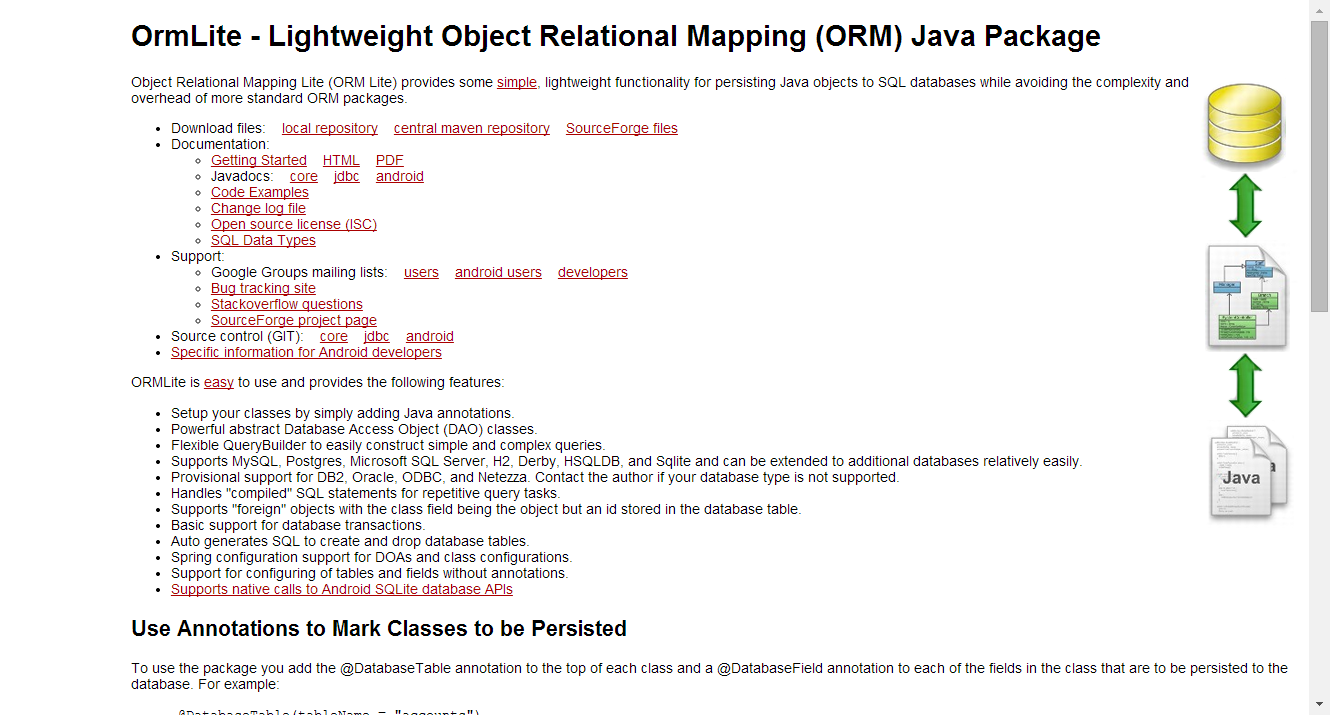 Android ORMLite 入門實戰:用註解搞定資料庫的增刪改查
做 Android 開發的人,大概都寫過 SQLiteOpenHelper。建表語句、游標取值、資源關閉,這些瑣碎又容易出錯的環節反覆出現,於是社群裡各種各樣的封裝框架應