

編輯:關於 Android 程式設計
問題現象是這樣的:後台播放音樂的同時設定了鬧鐘,期間打了一通電話,掛斷之後鬧鐘與音樂卻同時響起。根因出在通話結束後音訊焦點(Audio Focus)的重新分配判斷過於寬鬆,導致互不關聯的兩路音訊一起被喚醒。
需要修改的檔案:frameworks\base\media\java\android\media\MediaFocusControl.java
import com.android.internal.telephony.ITelephony;
import android.os.ServiceManager;
優先透過 ITelephony#getPreciseCallState() 取得精確狀態;若該服務不可用或拋出 RemoteException,則退回使用 TelephonyManager#getCallState() 的較粗粒度結果。
private int getPhoneCallState() {
    int phoneCallState = TelephonyManager.CALL_STATE_IDLE;

    TelephonyManager telephonyManager =
            (TelephonyManager) mContext.getSystemService(Context.TELEPHONY_SERVICE);
    ITelephony telephonyService = ITelephony.Stub.asInterface(
            ServiceManager.getService(Context.TELEPHONY_SERVICE));

    if (telephonyService != null) {
        Log.w(TAG, "getPhoneCallState: telephonyService != null");
        try {
            phoneCallState = telephonyService.getPreciseCallState();
        } catch (RemoteException ex) {
            if (telephonyManager != null) {
                phoneCallState = telephonyManager.getCallState();
            }
            Log.w(TAG, "Catch exception when getPreciseCallState: ex = " + ex.getMessage());
        }
    } else {
        Log.w(TAG, "getPhoneCallState: telephonyService == null");
        if (telephonyManager != null) {
            phoneCallState = telephonyManager.getCallState();
        }
    }
    Log.w(TAG, "getPhoneCallState: phoneCallState = " + phoneCallState);
    return phoneCallState;
}
原本的方法只檢查焦點堆疊頂端是否為通話焦點(IN_VOICE_COMM_FOCUS_ID)。修改後再加上「當前通話狀態必須不是 IDLE」這個條件,也就是只有在通話進行中或來電響鈴時,才拒絕重新分配焦點。
修改前:
private boolean canReassignAudioFocus() {
    // focus requests are rejected during a phone call or when the phone is ringing
    // this is equivalent to IN_VOICE_COMM_FOCUS_ID having the focus
    if (!mFocusStack.isEmpty() && mFocusStack.peek().hasSameClient(IN_VOICE_COMM_FOCUS_ID)) {
        return false;
    }
    return true;
}
修改後:
private boolean canReassignAudioFocus() {
    // focus requests are rejected during a phone call or when the phone is ringing
    // this is equivalent to IN_VOICE_COMM_FOCUS_ID having the focus
    if (!mFocusStack.isEmpty()
            && mFocusStack.peek().hasSameClient(IN_VOICE_COMM_FOCUS_ID)
            && (getPhoneCallState() != TelephonyManager.CALL_STATE_IDLE)) {
        Log.w(TAG, "canReassignAudioFocus: return false");
        return false;
    }
    Log.w(TAG, "canReassignAudioFocus: return true");
    return true;
}
這樣一來,通話結束、焦點堆疊已空或狀態回到 IDLE 時,焦點就能正常重新分配,不會再出現鬧鐘與音樂同時發聲的情況。修改原始碼後需重新編譯 framework 並刷新機器的系統鏡像才能驗證。
 圖解 Windows 環境下 Android Studio 安裝與第一個專案實作
Google 推出 Android Studio 之後,這個開發環境迅速成為 Android 開發者的新寵,筆者自己也是抱著一探究竟的心態實際裝了一遍。這篇文章把整個安裝
 Android 圖片拖拽功能實例與 scaleType 詳解
圖片的拖動是一個實用且常見的功能。由於手機螢幕尺寸有限,往往無法一次顯示一張較大的圖片,此時就可以透過拖動來查看圖片的各個部分。下面透過一個範例學習如何實現圖片拖動。範例
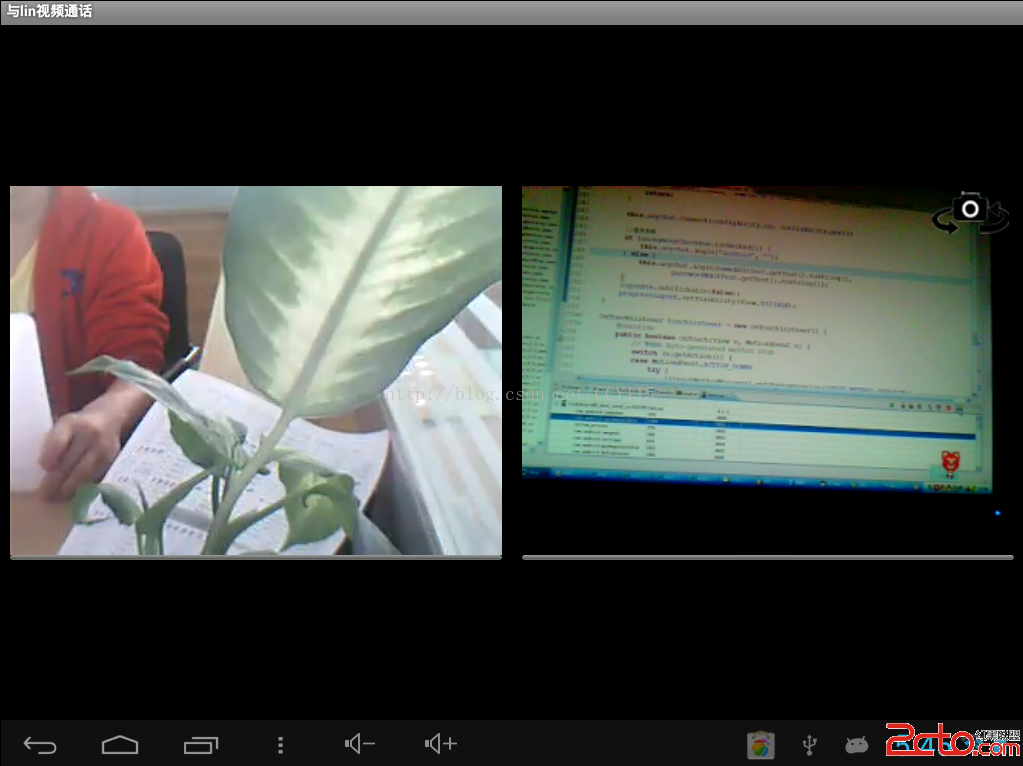 Android 平台透過 JNI 快速實現音視頻通信
音視頻通信是門檻極高的領域。它牽涉到底層採集、編解碼、FFmpeg 這類媒體處理方案、以及各種媒體流傳輸協議,任何一塊都能耗掉一個團隊數月時間。對獨立開發者,或者只是想縮
 Android APK 反編譯:Smali 語法入門
Smali 是 Android 中常見的中間表示語言,常用於分析 APK 的執行邏輯。當我們使用 apktool 反編譯 APK 後,通常會得到 smali 資料夾,其中