

編輯:關於 Android 程式設計
layout_weight 一直是個容易混淆的屬性。要真正搞懂它,最好的方式就是看官方定義加上動手做實驗。
Android 官方文件的說法是:android:layout_weight 用於分配 LinearLayout 中的額外空間(extra space)。如果某個 View 不希望被拉伸,就把 layout_weight 設為 0;否則剩餘的像素會按比例分配給所有 weight 大於 0 的 View。
換句話說,這個屬性是在告訴 LinearLayout:剩下的空間該怎麼分給子組件。
建立一個水平方向的 LinearLayout,放入兩個 TextView,都不設定 layout_weight:
<LinearLayout xmlns:android="https://schemas.android.com/apk/res/android"
    xmlns:tools="https://schemas.android.com/tools"
    android:layout_width="match_parent"
    android:layout_height="wrap_content"
    android:orientation="horizontal" >

    <TextView
        android:layout_width="wrap_content"
        android:layout_height="wrap_content"
        android:background="#f00"
        android:text="TextView1" />

    <TextView
        android:layout_width="wrap_content"
        android:layout_height="wrap_content"
        android:background="#0f0"
        android:text="ThisIsTextView2" />
</LinearLayout>
執行後可以看見,兩個 TextView 只佔據內容所需的寬度,右側空餘的白色部分就是官方文件所說的 extra space(額外空間)。
給每個 TextView 加上 android:layout_weight="1",額外空間就被平均分給兩者。
把 TextView1 與 TextView2 的 weight 分別設為 2 和 1、再換成 1 和 2,執行後可以清楚看到寬度按 2:1 與 1:2 的比例分配。透過這幾組對比,weight 的用法就非常直觀了。
直覺上會覺得兩個都設 weight=1 就等寬了,但如果 TextView 的 layout_width 是 wrap_content,第一步會先按內容分配空間,剩下的額外空間才平均分,結果兩者寬度並不相等。
正解是:把各子組件的 layout_width 設為 0dp,這樣就跳過了第一步的內容分配,LinearLayout 只會單純依 weight 來分配空間。
<LinearLayout xmlns:android="https://schemas.android.com/apk/res/android"
    xmlns:tools="https://schemas.android.com/tools"
    android:layout_width="match_parent"
    android:layout_height="wrap_content"
    android:orientation="horizontal" >

    <TextView
        android:layout_width="0dp" <!-- 設為 0dp 以跳過第一步的空間分配 -->
        android:layout_height="wrap_content"
        android:background="#f00"
        android:layout_weight="1" <!-- LinearLayout 依此值分配空間 -->
        android:text="TextView1" />

    <TextView
        android:layout_width="0dp"
        android:layout_height="wrap_content"
        android:background="#0f0"
        android:layout_weight="1"
        android:text="ThisIsTextView2" />
</LinearLayout>
這也是為什麼在實際專案中,做等分佈局時幾乎都會看到 0dp + layout_weight 的組合——它既保證了精確等分,也避免了多餘的測量與佈局運算,效能上更划算。
 Android 圖片緩存系列:Bitmap 與 BitmapFactory 詳解(一)
準備研究圖片緩存框架之前,先把基礎打牢更為妥當。本篇聚焦兩個最核心的類:Bitmap 與 BitmapFactory。 Bitmap 類 Bitmap 是 Android
 搞懂 ViewPager.PageTransformer:為翻頁加上自定義動畫
每當 ViewPager 中某個可見或依附的頁面發生滾動,PageTransformer 就會被回呼一次。這個機制讓開發者可以把自定的 transformation 套到
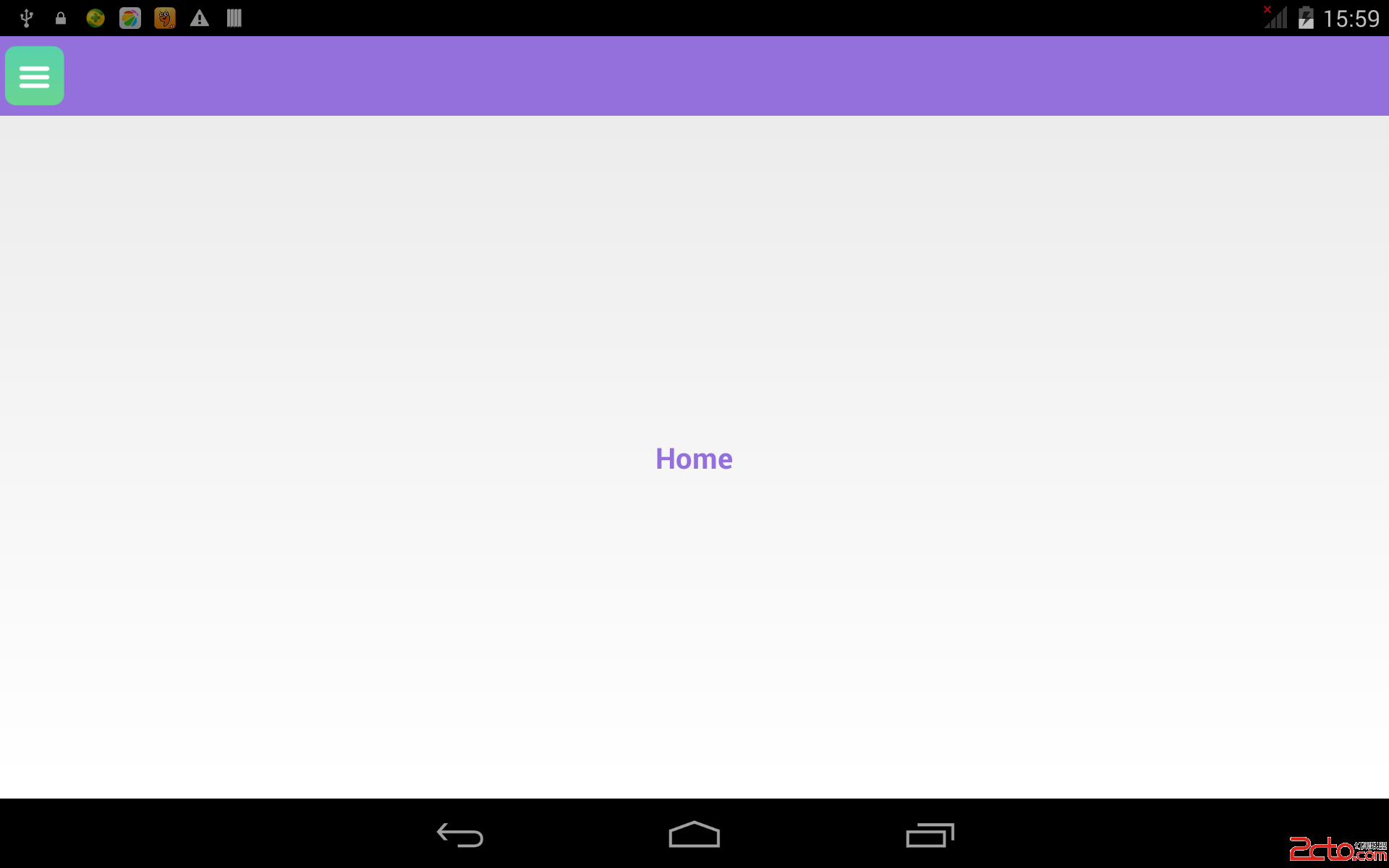 Android DrawerLayout 側滑抽屜菜單實戰
初識 DrawerLayout DrawerLayout 位於 supportV4 庫中(android.support.v4.widget.DrawerLayout),
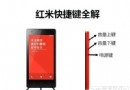 紅米手機快捷鍵使用技巧總整理
紅米在市場上的位置愈來愈吃重,價格親民又好用。不過它其實藏了不少快捷操作,知道之後能省下很多翻選單的時間。以下把按鍵與組合鍵整理成清單,方便對照。 紅米手機快捷鍵使用技巧