

編輯:關於 Android 程式設計
廣播(Broadcast)是 Android 元件間通訊的重要機制之一。本文示範如何發送並接收自訂廣播,同時發送兩個不同 action 的廣播訊息。
透過 sendBroadcast() 即可發送自訂 action 的廣播:
Intent intent = new Intent();
intent.setAction("com.wxq.CUSTOM_INTENT");
sendBroadcast(intent);
intent.setAction("com.wxq.test2");
sendBroadcast(intent);
在 BroadcastReceiver 的 onReceive() 方法中,可以透過判斷 action 來區分不同的廣播並做相應處理:
@Override
public void onReceive(Context context, Intent intent) {
    String intentName = "com.wxq.CUSTOM_INTENT";
    String intentName2 = "com.wxq.test2";
    if (intent.getAction().equals(intentName))
        Toast.makeText(context, intentName + " Intent Detected", Toast.LENGTH_LONG).show();
    else if (intent.getAction().equals(intentName2))
        Toast.makeText(context, intentName2 + " Intent Detected", Toast.LENGTH_LONG).show();
}
最後別忘了在 AndroidManifest.xml 中加入 receiver 宣告,並為每個 action 配置對應的 intent-filter:
<receiver android:name="MyReceiverTest">
    <intent-filter>
        <action android:name="com.wxq.CUSTOM_INTENT" />
    </intent-filter>
    <intent-filter>
        <action android:name="com.wxq.test2" />
    </intent-filter>
</receiver>
透過以上三個步驟,就能完成自訂廣播的發送與接收。這種機制常用於元件鬆耦合的通訊場景,例如 Activity 之間、Service 與 Activity 之間的通知傳遞。
 [Android] ContentProvider 從概念到實戰詳解
一、ContentProvider 是什麼? ContentProvider(內容提供者)是 Android 四大組件之一,它以結構化的方式管理數據,將數據(表)安全地封
 用 ThumbnailUtils 提取視頻縮略圖
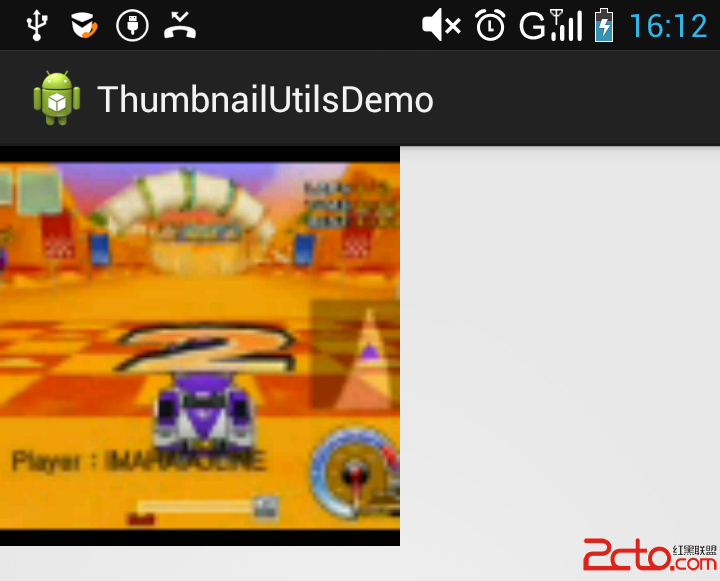
視頻播放器的列表裡總有成排的預覽圖,這些都是縮略圖。Android 提供 ThumbnailUtils 類來做這件事。 先看效果: MainActivity 的實
 Android 項目實戰:帶進度條的系統通知欄下載消息
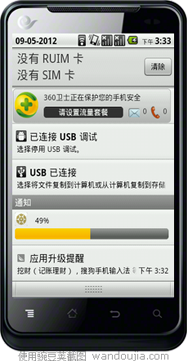
在做 Android 開發時,我們常常會遇到後台線程執行耗時任務的情況,比如下載文件。這時如果能讓用戶直觀地看到「後台正在忙」,體驗會好很多——而進度條正是最合適的載體。
 Shiro 回顧筆記:用 ini 檔動手驗證授權機制
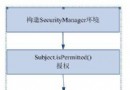
一、Shiro 的授權是怎麼跑的 授權流程可以概括成一句話:先問「你是誰」,再問「你能做什麼」。而跟認證環節類似,Shiro 在判定權限時,最後仍然是回到 Realm 去