

編輯:關於 Android 程式設計
這是一個開發中很常遇到的怪現象:自訂 ListView 的 item 裡放了 Button、ImageButton 或 CheckBox 這類子控件,結果點擊整列完全沒反應,焦點被不明不白地吃掉了。
原因其實不複雜。當 item 中存在 Button 或 Checkable 的子類控件時,這些子控件會搶走焦點,於是你點擊時有反應的是子控件本身,而 item 的點擊監聽永遠等不到回呼。
官方對這個屬性的描述是:定義當尋找一個檢視取得焦點時,ViewGroup 與其後代之間的關係。

也就是說,這個屬性用來宣告「在這個容器裡,焦點該先給誰」。它有三個可選值:
beforeDescendants:ViewGroup 會優先於其子檢視取得焦點。
afterDescendants:只有當子檢視不需要焦點時,ViewGroup 才會取得焦點。
blocksDescendants:ViewGroup 直接拿走焦點,覆蓋所有子檢視的請求。
實務上最常用的是第三種。只要在 item 布局的根節點加上 android:descendantFocusability="blocksDescendants",焦點就不會被內部的 Button 搶走,item 的點擊隨即恢復正常,這個「靈異事件」也就落幕了。
下面是一個實際的 item 布局:
<?xml version="1.0" encoding="utf-8"?>
<RelativeLayout xmlns:android="https://schemas.android.com/apk/res/android"
    android:layout_width="fill_parent"
    android:layout_height="wrap_content"
    android:background="@color/background" >

    <RelativeLayout
        android:id="@+id/rel_group"
        android:layout_width="fill_parent"
        android:layout_height="60dip"
        android:layout_toLeftOf="@+id/linear_view"
        android:background="@drawable/list_selector"
        android:descendantFocusability="blocksDescendants" >

        <ImageView
            android:id="@+id/iamge_group_photo"
            android:layout_width="wrap_content"
            android:layout_height="wrap_content"
            android:layout_alignParentLeft="true"
            android:layout_centerVertical="true"
            android:layout_marginLeft="10dip"
            android:background="@drawable/btn_group_change_normal"
            android:contentDescription="@string/app_name" />

        <!-- 顯示組名和聯繫人人數 -->
        <LinearLayout
            android:layout_width="wrap_content"
            android:layout_height="wrap_content"
            android:layout_centerVertical="true"
            android:layout_marginLeft="10dip"
            android:layout_toRightOf="@+id/iamge_group_photo"
            android:orientation="vertical" >

            <TextView
                android:id="@+id/txt_group_name"
                android:layout_width="wrap_content"
                android:layout_height="wrap_content"
                android:textColor="#000000"
                android:maxEms="8"
                android:singleLine="true"
                android:ellipsize="end"
                android:textSize="17sp" />

            <TextView
                android:id="@+id/txt_contact_count"
                android:layout_width="wrap_content"
                android:layout_height="wrap_content"
                android:layout_marginTop="4dip"
                android:textSize="14sp" />
        </LinearLayout>
    </RelativeLayout>

    <LinearLayout
        android:id="@+id/linear_view"
        android:layout_width="0.5dip"
        android:layout_height="50dip"
        android:orientation="vertical"
        android:layout_centerVertical="true"
        android:layout_toLeftOf="@+id/rel_delete"
        android:background="@drawable/list_item_divide_line" />

    <!-- 刪除分組按鈕 -->
    <RelativeLayout
        android:id="@+id/rel_delete"
        android:layout_width="60dip"
        android:layout_height="60dip"
        android:layout_alignParentRight="true"
        android:background="@drawable/list_selector"
        android:descendantFocusability="blocksDescendants" >

        <ImageView
            android:layout_width="wrap_content"
            android:layout_height="wrap_content"
            android:layout_centerInParent="true"
            android:background="@drawable/delete_groupmember_icon_selector"
            android:contentDescription="@string/app_name" />
    </RelativeLayout>

</RelativeLayout>
這裡在兩個子容器上都加了 blocksDescendants:外層 rel_group 讓整列的點擊能正常回應,內層 rel_delete 則讓右側的刪除區塊自成一個可點擊區域,兩者互不搶焦點。
補充一點:如果你希望 item 內部的按鈕仍可獨立點擊,同時整列也要能點,blocksDescendants 用在最外層反而會讓子按鈕失效。這種情況的正確做法是把焦點屬性只加在需要「整塊可點」的那層容器上,或者乾脆改用 android:focusable="false" 搭配 android:focusableInTouchMode="false" 逐一關掉子控件的焦點,並為 item 根布局設定 android:descendantFocusability="blocksDescendants" 之外,另用 OnItemClickListener 處理整列點擊。
累積的經驗是:遇到看起來沒有道理的行?,除了搜尋資料,動手把每個屬性逐一試一遍往往更快;能讀官方原文就不要只看翻譯,語意上的細微差別常常正是問題所在。
 AndroidEventBus:輕量級事件總線框架設計解析
為什麼需要事件總線 先看一段傳統寫法。ActivityA 要接收 ActivityB 發出的資料,得自己註冊廣播接收器: // ActivityA 中註冊廣播接收器
 動手實作:仿手機 QQ 的列表左滑刪除動畫
新版手機 QQ 的對話列表藏著一個很順手的小設計:手指向左一劃,右側那顆平時隱藏的「刪除」按鈕會帶著動畫滑進視野。本文就來拆解它的可能原理,並自己動手做一個同效果的列表控
 一步一步打造 Android 帳號系統(二):資料同步機制與帳號設定頁
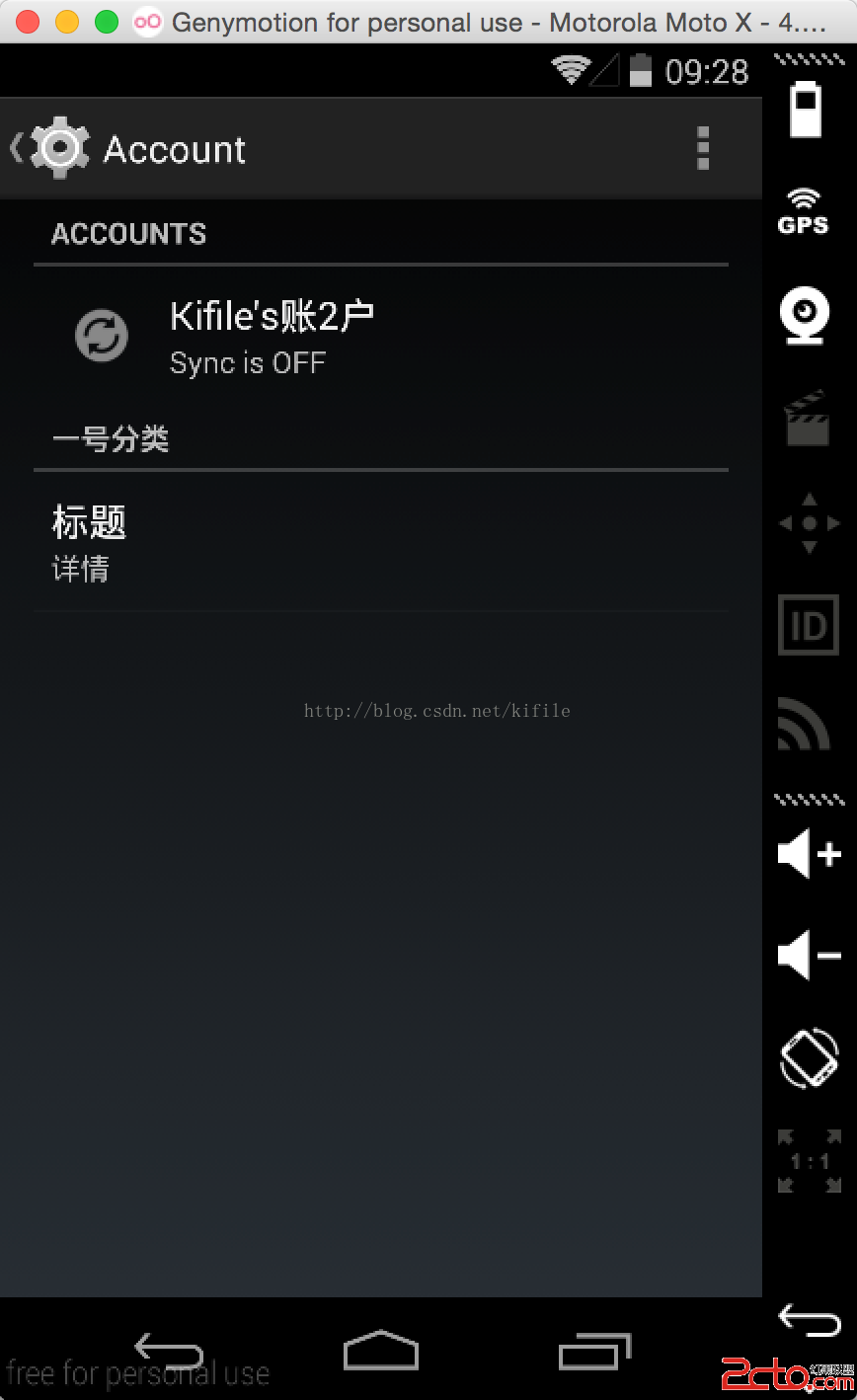
上一篇我們把 Android 帳戶系統的骨架搭了起來——建立帳戶類型、實作 Authenticator、註冊同步服務。這一前半段來談「怎麼用」,也就是資料同步;後半段則說
 Android 開發常見錯誤排查合集(一):簽名、模擬器與 DDMS 問題
Android 開發過程中難免遇到各種奇怪的錯誤訊息。本文整理幾個高頻出現的問題與解法,幫你少走冤枉路。 1. Re-installation failed due t