

編輯:關於 Android 程式設計
在 Android 開發中,shape 是一種強大的背景繪製工具,可以透過純 XML 定義矩形、橢圓、線、環等形狀,並為它們加上漸層、圓角、描邊等效果,無需依賴圖片資源。
此標籤的 XML 檔放在 res/drawable 資料夾下,基本結構如下:
<?xml version="1.0" encoding="utf-8"?>
<shape xmlns:android="https://schemas.android.com/apk/res/android" android:shape="rectangle">
shape 屬性:android:shape 決定形狀,預設為矩形,可設為 rectangle(矩形)、oval(橢圓)、line(線性)、ring(環形)。
當 android:shape="ring" 時,可用的屬性有:
圓角 corners:
<corners
    android:radius="8dp"
    android:topLeftRadius="5dp"
    android:topRightRadius="15dp"
    android:bottomLeftRadius="20dp"
    android:bottomRightRadius="25dp" />
漸層 gradient:
<gradient
    android:startColor="#FFFF0000"
    android:endColor="#80FF00FF"
    android:angle="45" />
內邊距 padding(內容與邊的距離):
<padding
    android:left="10dp"
    android:top="10dp"
    android:right="10dp"
    android:bottom="10dp" />
大小 size:android:width 與 android:height 分別設定寬與高。
<size android:width="600dp" />
內部填充 solid:android:color 設定填充顏色。
<solid android:color="#ffff9d77" />
描邊 stroke:
<stroke
    android:width="2dp"
    android:color="#dcdcdc" />
</shape>
將步驟一建立的檔作為 TextView 的背景即可:
<?xml version="1.0" encoding="utf-8"?>
<LinearLayout
    xmlns:android="https://schemas.android.com/apk/res/android"
    android:layout_width="fill_parent"
    android:layout_height="fill_parent">
    <TextView
        android:layout_width="wrap_content"
        android:layout_height="wrap_content"
        android:text="ShapeTest"
        android:background="@drawable/gradient_box"
        android:textSize="24.0dp"
        android:textColor="@android:color/black" />
</LinearLayout>
透過靈活組合上述標籤,你就能用純代碼方式做出豐富多樣的介面背景效果。
 Android 開源元件 ViewPagerIndicator 原始碼解析
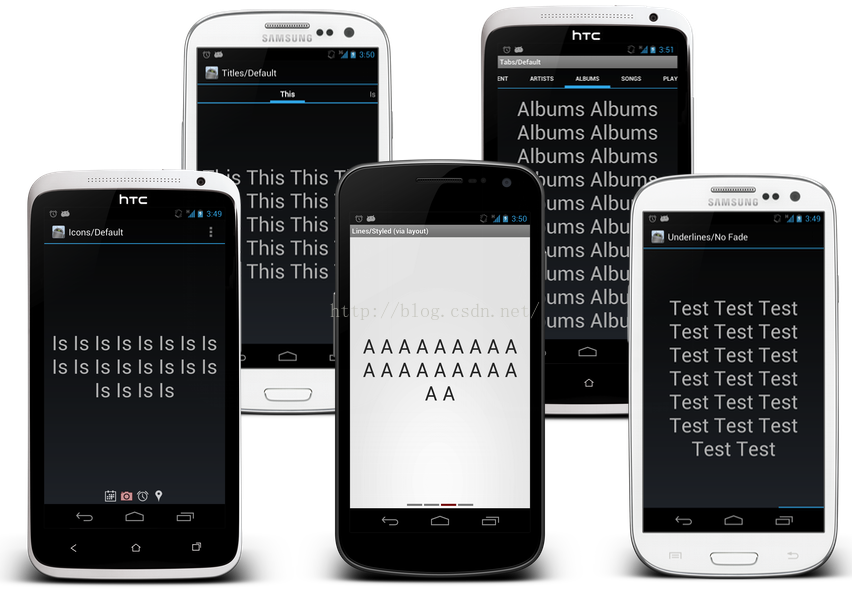
元件定位 ViewPagerIndicator 是搭配 ViewPager 使用的開源指示器元件,常見於新聞類 App 的頂部標籤,也可用於引導頁的小圓圈或小橫線效果。這
 動手寫一個自己的 Android 第三方庫
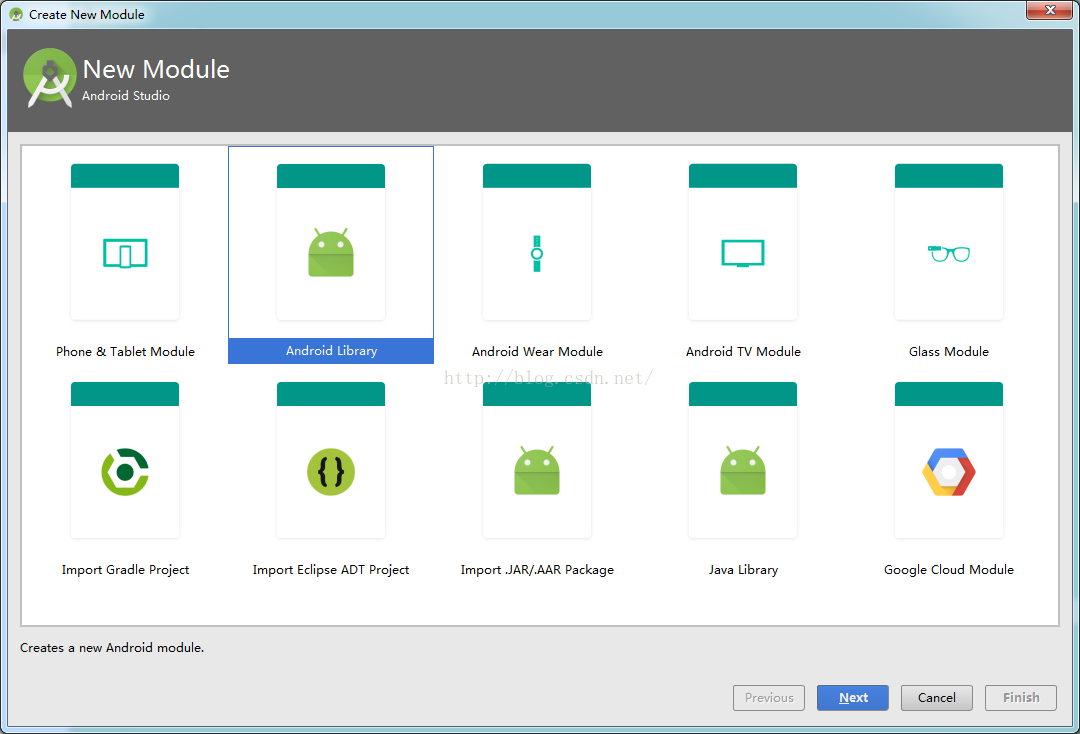
Android Studio 的出現大幅簡化了開發流程,今天來談談怎麼打造屬於自己的庫。路徑很簡單:File → New Module → Android Library
 Retrofit 入門實作:用 Android Studio 抓取並解析百度首頁
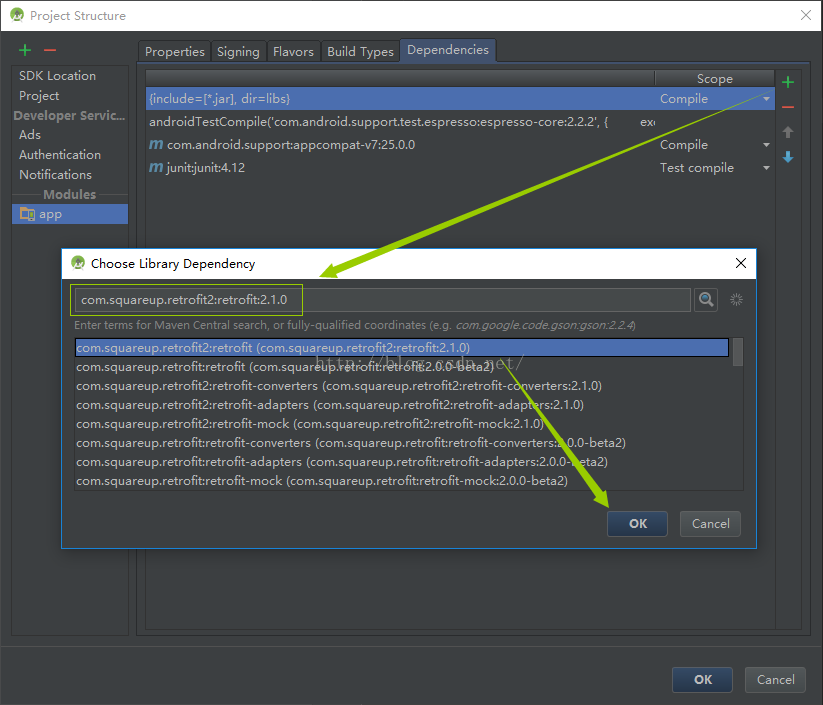
如果已經熟悉這套庫,建議直接看官方範例:https://github.com/square/retrofit 這裡用最簡單的例子開個頭——抓百度首頁的 HTML 並顯示出
 百度地圖 Android SDK 快速入門:打造你的第一個地圖應用
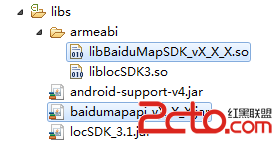
想快速把百度地圖能力帶進 Android 應用,最合適的起點就是先跑通一個最小可用的地圖頁面。本文以「Hello Baidu Map」為例,說明如何從開發包導入、密鑰配置