

編輯:關於 Android 程式設計
除了 HttpURLConnection,Apache HttpClient 也是早期 Android 上常見的 HTTP 方案。它的介面抽象度更高,把「開啟瀏覽器、輸入網址、按下 Enter」這三個動作映射成 DefaultHttpClient、HttpGet 與 execute(),寫起來很好理解。
/**
 * 以 HttpClient 的 GET 方式發送請求
 *
 * @param username 使用者名稱
 * @param password 密碼
 * @return null 表示請求路徑有問題,text 為請求取得的資料
 */
public static String httpclientGet(String username, String password) {
    try {
        // 1. 建立一個客戶端,相當於打開瀏覽器
        HttpClient client = new DefaultHttpClient();

        // 2. 組出網址,指定請求方式為 GET
        String path = "https://172.22.64.156:8080/0001AndroidWebService/LoginServlet?username="
                + URLEncoder.encode(username)
                + "&password="
                + URLEncoder.encode(password);
        HttpGet get = new HttpGet(path);

        // 3. 送出請求,相當於按下 Enter
        HttpResponse response = client.execute(get);

        // 取得回應狀態碼
        int code = response.getStatusLine().getStatusCode();
        if (code == 200) {
            InputStream is = response.getEntity().getContent();
            String text = StreamUtil.readStream(is);
            return text;
        } else {
            return null;
        }
    } catch (Exception e) {
        e.printStackTrace();
        return null;
    }
}
Apache HttpClient 在 Android 上已被官方標記為不建議使用:從 Android 6.0(API 23)起,它自平台中被移除,若仍要使用必須自行在 build.gradle 宣告 useLibrary 'org.apache.http.legacy' 或手動引入 jar 檔。新專案請改用 HttpURLConnection、OkHttp 或 Retrofit。
讀懂這段程式碼仍有意義,因為它清楚示範了 HTTP 請求的三個必要環節:客戶端、請求物件、回應處理。這套心智模型換到任何 HTTP 函式庫上都成立。
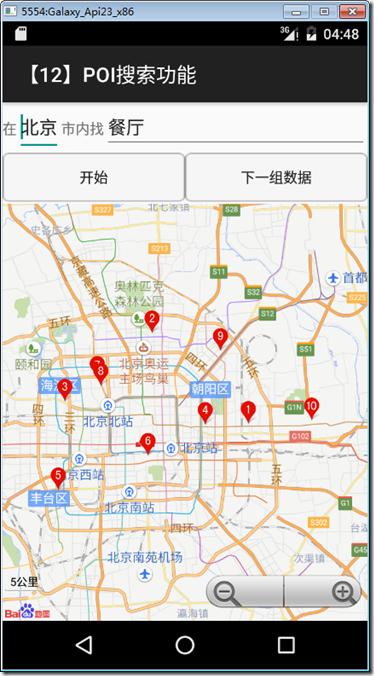 Android 百度地圖 POI 搜尋功能實作(C# / Xamarin 版)
先說清楚 POI 是什麼 因為工作關係,常在文件裡看到「POI」這個縮寫,卻一直沒認真研究過它的含義。POI 是英文 Point of Interest 的縮寫,直譯就是
 Android 讓 SwipeRefreshLayout 首次進入自動刷新
Android 版知乎那種「一打開 App 就自動轉一下刷新球」的體驗,其實很好做。以下提供兩種寫法。 方法一:在 onWindowFocusChanged 中觸發
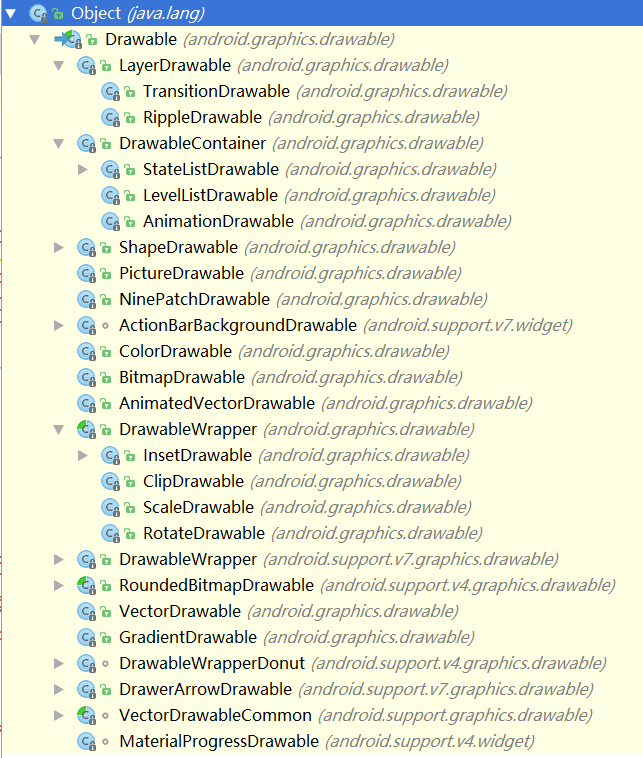 Android 學習筆記:Drawable 完整整理
什麼是 DrawableDrawable 是 Android 中可繪製的抽象資源,常用於 View 背景、圖示或自定義繪圖。它可以是圖片,也可以是純色、漸層、形狀或多層組
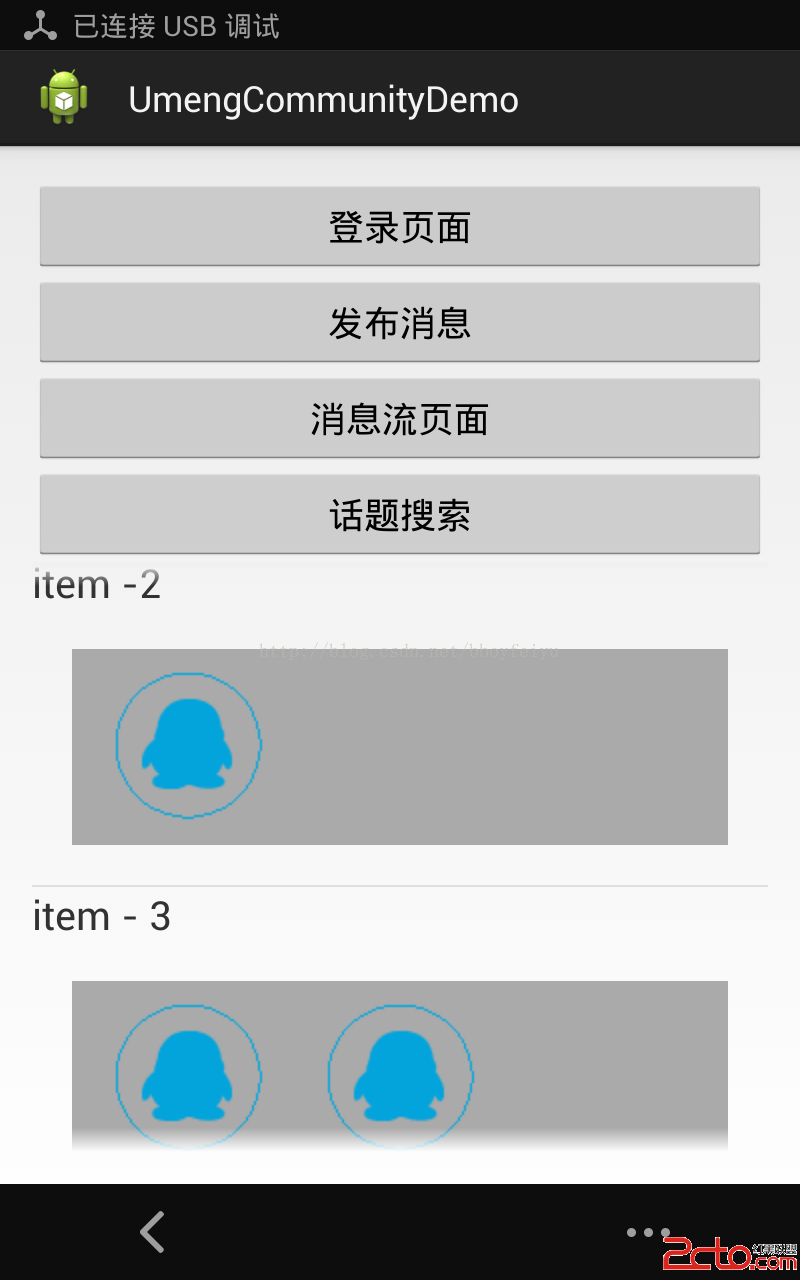 Android 中 ListView 嵌套 GridView 實現簡單消息流 UI(附寬高問題解決方案)
最近在做一个專案,需要用到類似新浪微博那樣的消息流,也就是每一項都包含文字與九宮格圖片,於是就牽扯到 ListView 或 ScrollView 嵌套 GridView