

編輯:關於 Android 程式設計
先說說 Parcel。你可以把它理解成一個「數據包裹」,什麼類型的數據都能往裡面塞。它的用法很簡單:
創建對象:parcel = Parcel.obtain();
寫入數據:
parcel.writeString("abc"); parcel.writeInt(123); parcel.writeFloat(1.4f);
讀取數據:
parcel.setDataPosition(0); String str = parcel.readString(); int i = parcel.readInt(); float f = parcel.readFloat();
這裡要解釋一下:往 Parcel 裡寫數據時,可以理解成有一個指針,每寫一個值指針就向後移動一位;讀的時候先用 setDataPosition(0) 把指針歸零,再依次把值取出來,順序才能對得上。
下面是一個綁定 Service 並完成雙向傳值的完整例子。
MainActivity.java
package com.yx.boundservicetransact; import android.os.Binder; import android.os.Bundle; import android.os.IBinder; import android.os.Parcel; import android.os.RemoteException; import android.app.Activity; import android.content.ComponentName; import android.content.Intent; import android.content.ServiceConnection; import android.view.Menu; import android.view.View; import android.view.View.OnClickListener; import android.widget.Button; public class MainActivity extends Activity { private Button boundButton; private Button sendButton; private Binder binder; @Override protected void onCreate(Bundle savedInstanceState) { super.onCreate(savedInstanceState); setContentView(R.layout.activity_main); boundButton = (Button) findViewById(R.id.boundButton); sendButton = (Button) findViewById(R.id.sendButton); boundButton.setOnClickListener(new OnClickListener() { @Override public void onClick(View arg0) { Intent intent = new Intent(); intent.setClass(MainActivity.this, SecondService.class); bindService(intent, conn, BIND_AUTO_CREATE); } }); sendButton.setOnClickListener(new OnClickListener() { @Override public void onClick(View v) { Parcel data = Parcel.obtain(); Parcel reply = Parcel.obtain(); data.writeString("avtivity中的data數據"); try { binder.transact(0, data, reply, 0); System.out.println("在activity得到返回後的reply數據:"+reply.readString()); } catch (RemoteException e) { e.printStackTrace(); } } }); } ServiceConnection conn = new ServiceConnection() { @Override public void onServiceDisconnected(ComponentName name) { } @Override public void onServiceConnected(ComponentName name, IBinder service) { System.out.println("onServiceConnected"); MainActivity.this.binder = (Binder) service; } }; }
SecondService.java
package com.yx.boundservicetransact; import android.app.Service; import android.content.Intent; import android.os.Binder; import android.os.IBinder; import android.os.Parcel; import android.os.RemoteException; public class SecondService extends Service { @Override public IBinder onBind(Intent arg0) { return new MyBinder(); } class MyBinder extends Binder{ @Override protected boolean onTransact(int code, Parcel data, Parcel reply, int flags) throws RemoteException { //data為發往service的數據,reply為返回activity的數據 System.out.println("service中接收的data-->"+data.readString()); reply.writeString("service中的reply數據"); return super.onTransact(code, data, reply, flags); } } }
關鍵在於:Activity 通過 bindService 拿到 Binder 後,調用 transact 把 data 發給 Service;Service 端在 onTransact 裡讀取 data,並把結果寫進 reply 返回。這樣一來一往,兩個組件之間就完成了數據交換。
AndroidManifest.xml
<?xml version="1.0" encoding="utf-8"?> <manifest xmlns:android="https://schemas.android.com/apk/res/android" package="com.yx.boundservicetransact" android:versionCode="1" android:versionName="1.0" > <uses-sdk android:minSdkVersion="8" android:targetSdkVersion="18" /> <application android:allowBackup="true" android:icon="@drawable/ic_launcher" android:label="@string/app_name" android:theme="@style/AppTheme" > <activity android:name="com.yx.boundservicetransact.MainActivity" android:label="@string/app_name" > <intent-filter> <action android:name="android.intent.action.MAIN" /> <category android:name="android.intent.category.LAUNCHER" /> </intent-filter> </activity> <service android:name="com.yx.boundservicetransact.SecondService"></service> </application> </manifest>
別忘了在清單文件裡把 SecondService 聲明出來,否則綁定會失敗。掌握 Parcel 與 Binder 的 transact 機制,就能實現進程內組件間靈活的數據通信。
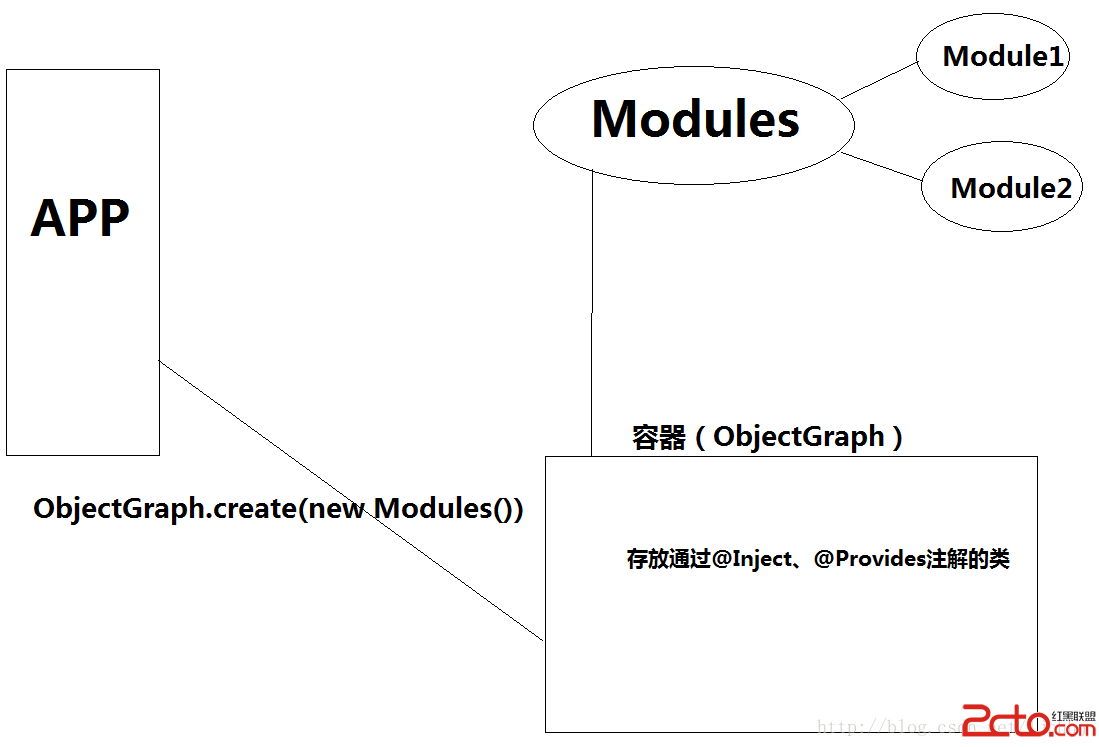 Android Dagger 依賴注入框架入門:概念、環境配置與常見規則
第一次接觸 Dagger 這套 Android 依賴注入(DI)框架時,會覺得它跟 Spring 的 IoC 概念很像。但兩者有個關鍵差異:Spring 依靠執行期反射完
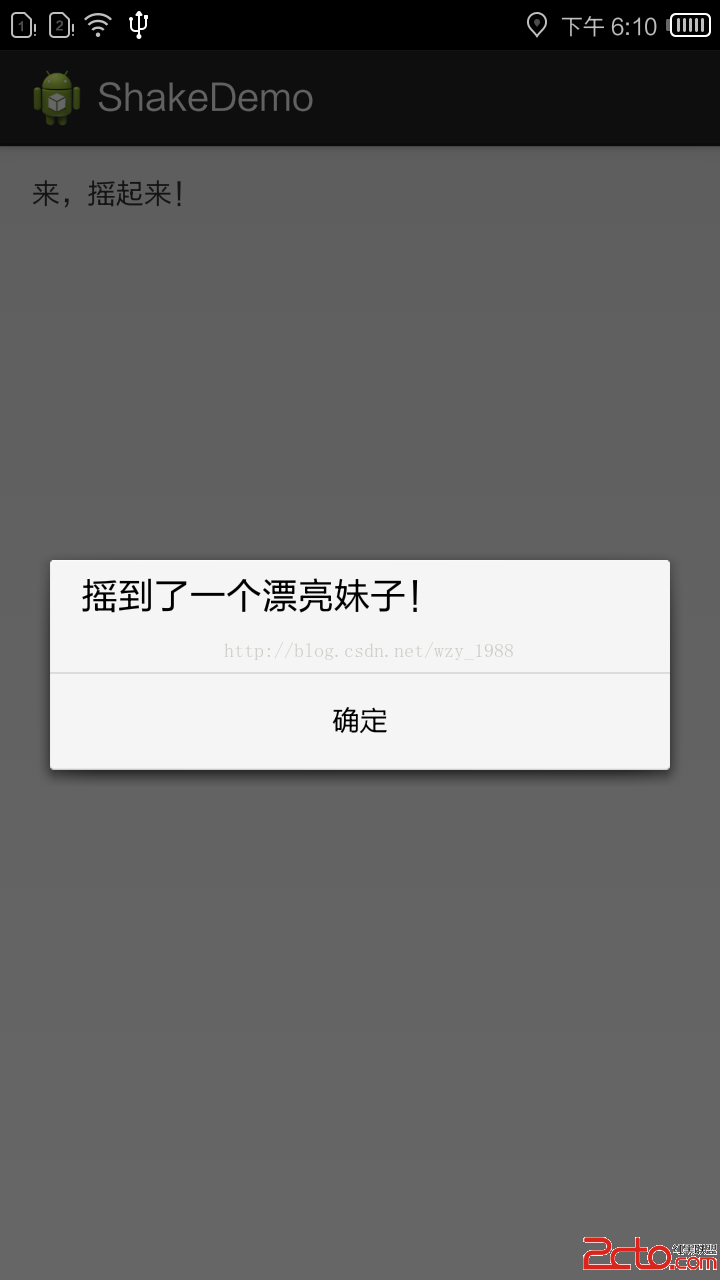 Android 搖一搖震動效果 Demo 實作
前言 微信剛流行的時候,搖一搖還能拿來「那啥」,我也曾經半夜拿著手機晃啊晃。當時心裡最常冒出的念頭是:為什麼搖一下得用這麼大的力氣?本以為這是什麼人性化設計,後來才發現—
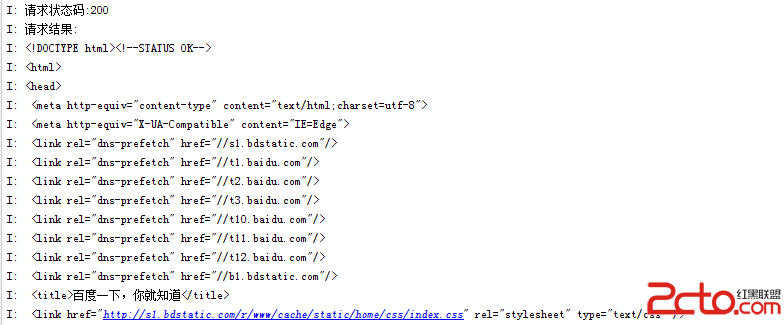 Android 網絡編程(二):HttpClient 與 HttpURLConnection 實戰
前言 上一篇我們了解了 HTTP 協議原理,這一篇來談談 Apache 的 HttpClient 與 Java 的 HttpURLConnection。這兩者都是我們平常
 Linux 下用 adt-bundle 快速架設 Android 開發環境並跑起 Hello World
本文是 Windows 版的姊妹篇,這次把操作環境換成 Linux,以 Ubuntu 為例。無論哪個平台,JDK + Eclipse + ADT + SDK 或 JDK