

編輯:關於 Android 程式設計
本文精選一批與 Android 開發工具、測試工具相關的優秀開源專案,幫助開發者提升效率。
Buck:Facebook 開源的 Android 編譯工具,效率約為 ant 的兩倍。優點包括:透過並行利用多核 CPU 與追蹤不變資源減少增量編譯時間;可在編譯系統中生成編譯規則;編譯同時可生成單元測試結果;既能用於 IDE 編譯也可用於持續集成;並持續優化中。專案地址:https://github.com/facebook/buck
Android Maven Plugin:用於管理 Android 三方依賴,可統一管理依賴庫。https://github.com/jayway/maven-android-plugin
Spoon:可用於 Android 不同機型設備的自動化測試,能將應用 apk 與測試 apk 運行在不同機器上並生成測試報告。https://github.com/square/spoon
Android FEST:提供一系列方便的斷言,可用於提高編寫 Android 自測程式碼的效率。https://github.com/square/fest-android
SelectorChapek for Android:可根據固定檔名格式的資源自動生成 drawable selectors xml 檔。https://github.com/inmite/android-selector-chapek
Android Resource Navigator:Chrome 外掛,可方便查看 GitHub 上 Android 原始碼工程的 styles.xml 與 themes.xml,支援快速開啟、資源間跳轉、搜尋 style/theme、自動下載不同解析度的 drawable 等功能。https://github.com/jgilfelt/android-resource-navigator
Android Action Bar Style Generator:可線上選擇 ActionBar 樣式並自動生成所需的圖片資源與 xml 檔。https://github.com/jgilfelt/android-actionbarstylegenerator
ViewServer:允許 app 運行在任何手機上都能用 HierarchyViewer 檢視。https://github.com/romainguy/ViewServer
GridWichterle for Android:在整個系統上顯示一個 grid,用來幫助檢視應用佈局並讓佈局更美觀,可設定網格大小與顏色(Android 推薦 48dp 與 8dp)。https://github.com/inmite/android-grid-wichterle
Catlog:手機端 log 檢視工具,支援不同顏色顯示、關鍵字過濾、級別過濾、行程 id 過濾、錄製功能等。https://github.com/nolanlawson/Catlog
PID Cat:根據 package 檢視 logcat 日誌。https://github.com/JakeWharton/pidcat
Hugo:用於印出函式資訊及執行時間的工具,僅在 debug 模式生效。https://github.com/JakeWharton/hugo
scalpel:在應用下添加一層用於界面除錯。https://github.com/JakeWharton/scalpel
渠道打包工具:Umeng 提供的多渠道打包工具。https://github.com/umeng/umeng-muti-channel-build-tool 另可參考 Google 的建置系統 Gradle。
 Android 自定義控件基本原理詳解(一):從 Measure、Layout 到 Draw
前言:在日常的 Android 開發中,我們會頻繁地和各種控件打交道。然而,Android 原生提供的控件未必都能滿足業務需求,這時候就得靠我們自己動手實作自定義控件了。
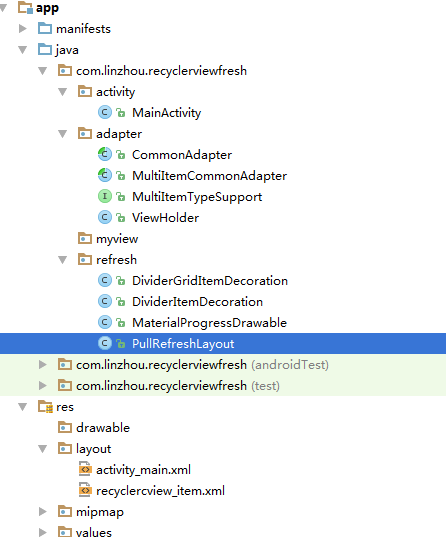 下拉刷新 + 上拉加載:給 RecyclerView 加一套完整的手勢支持
下拉刷新有 SwipeRefreshLayout 現成可用,上拉加載更多卻得自己想辦法。常見做法是給 RecyclerView 掛一個 ScrollListener,判斷
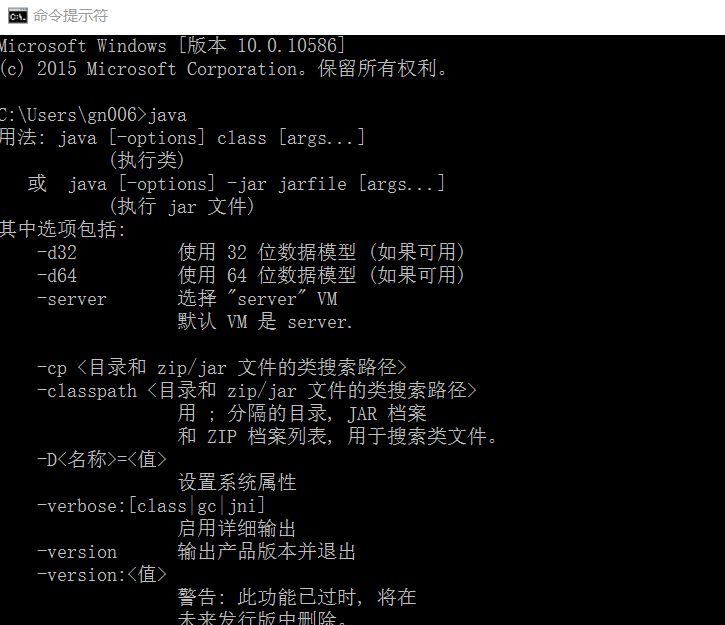 在 Windows 10 上安裝 React Native Android 開發環境
搭建 React Native 環境 首先你必須裝好 Java JDK,且版本要在 1.8 以上。下載並安裝 JDK 1.8(64 位或 32 位)後,記得配置好相關的環
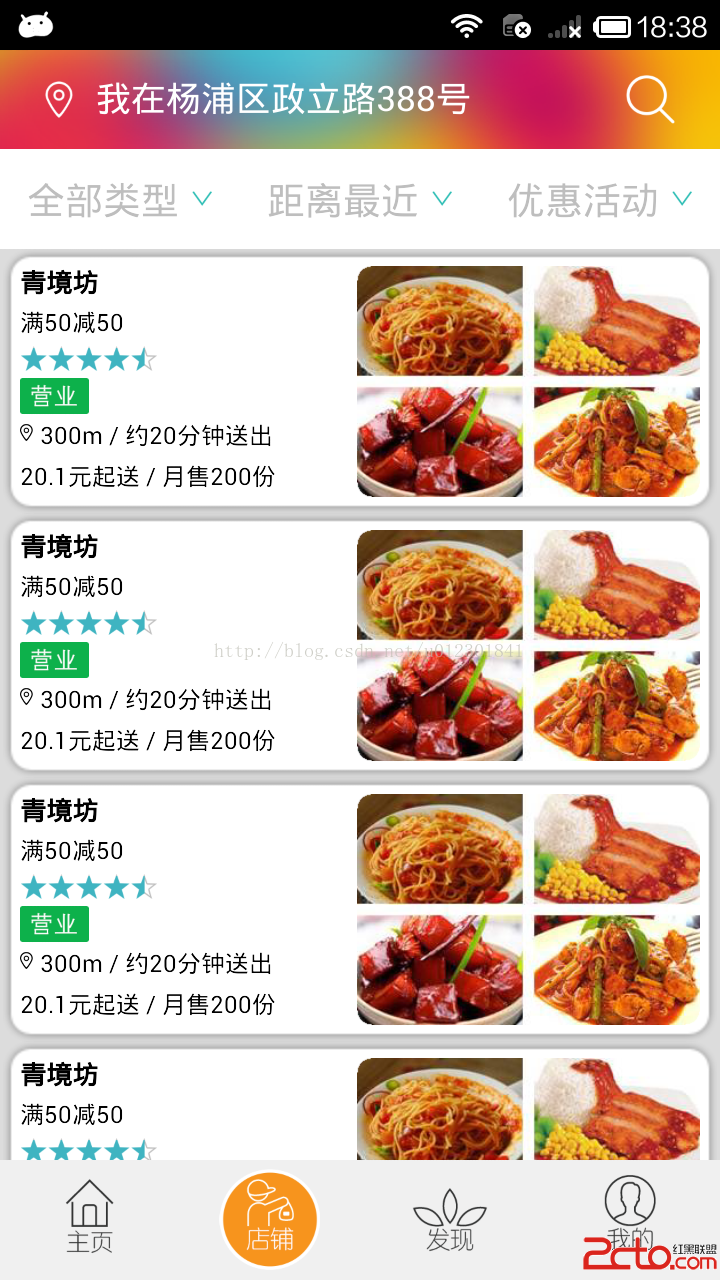 Android 關於 ListView 的優化問題
今天和朋友一起研究了一些 ListView 的優化方案,整理出來與大家分享。 第一點:ViewHolder 寫成靜態類 ListView 數據加載時經常用到的 ViewH