

編輯:關於 Android 程式設計
在 Android 中實現圖片平鋪(repeating)背景效果,主要有三種做法:系統 API、XML 配置,以及自訂繪製。以下分別說明。
透過 BitmapDrawable 的 setTileModeXY() 設定平鋪模式,並指定為 View 的背景:
Bitmap bitmap = BitmapFactory.decodeResource(getResources(), R.drawable.pic);
BitmapDrawable drawable = new BitmapDrawable(bitmap);
drawable.setTileModeXY(TileMode.REPEAT, TileMode.REPEAT);
drawable.setDither(true);
view.setBackgroundDrawable(drawable);
在 res/drawable/bg.xml 中以 <bitmap> 標籤設定 tileMode,較為簡潔:
<bitmap xmlns:android="https://schemas.android.com/apk/res/android"
    android:src="@drawable/img"
    android:tileMode="repeat" />
若需要更靈活的控制(例如僅在水平或垂直方向平鋪到指定寬度),可自行以 Canvas 反覆貼圖:
public static Bitmap createRepeater(int width, Bitmap src) {
    int count = (width + src.getWidth() - 1) / src.getWidth();
    Bitmap bitmap = Bitmap.createBitmap(width, src.getHeight(), Config.ARGB_8888);
    Canvas canvas = new Canvas(bitmap);
    for (int idx = 0; idx < count; ++idx) {
        canvas.drawBitmap(src, idx * src.getWidth(), 0, null);
    }
    return bitmap;
}
setDither(true) 改善漸層色帶。選擇哪一種取決於需求:追求簡單靜態就用 XML,需要動態切換就用系統 API,而追求特殊排版效果時則可考慮自訂繪製。
 Android 左右滑動切換頁面:ViewPager 與底部指示條實作
許多常見 App 都支援左右滑動切換頁面,例如影片與音樂分頁、新聞與動態切換等。這種互動在 Android 中可以透過 ViewPager 搭配 PagerAdapter
 Fragment 使用入門:靜態加載與動態切換兩種姿势
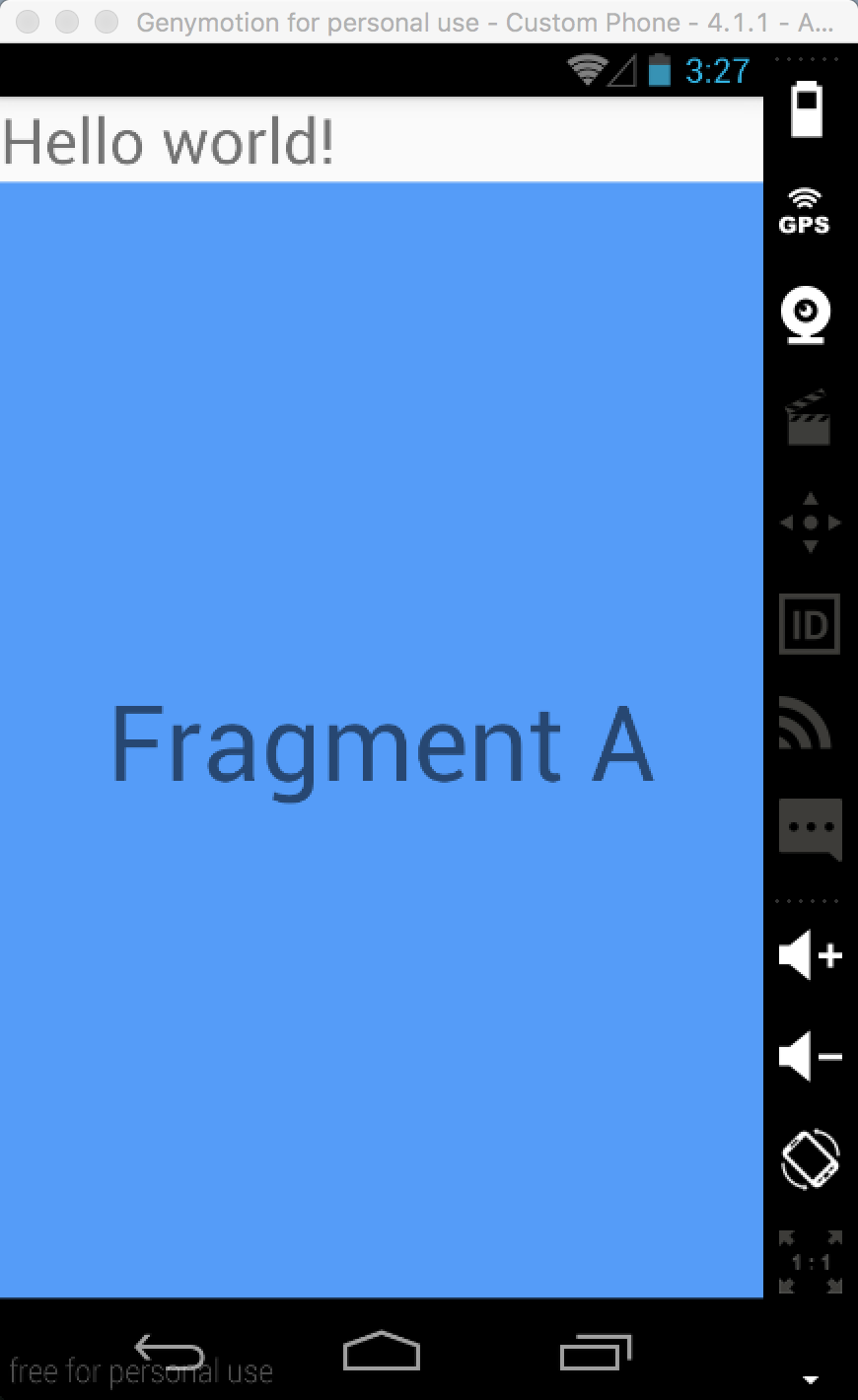
一、為什麼要用 Fragment 兩句話概括:解決局部刷新問題;在一定程度上緩解屏幕適配問題。 二、Fragment 是什麼 Fragment 直譯過來就是「碎片」,在
 Android Activity 跳轉動畫效果整理
Activity 轉場動畫Android 原生的 Activity 切換較為生硬,但可利用 overridePendingTransition 指定進入與退出動畫,讓畫面
 Android 正方形顯示圖片並適配手機:GridView 圖標牆實作解析
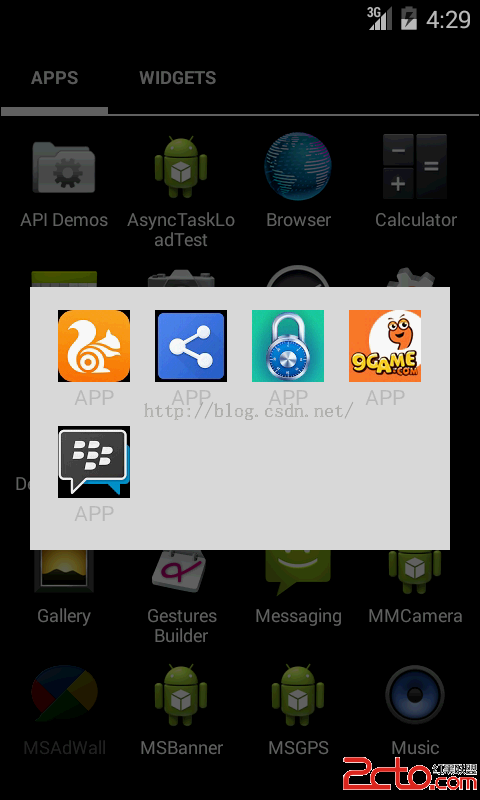
問題背景 在應用牆中,需要用 GridView 顯示圖標與名稱。若只設定四列,不同分辨率的手機會出現圖片大小不一致與拉伸問題。 設定 GridView 列寬 可將 n