

編輯:關於 Android 程式設計
ListView 預設帶了幾個視覺效果,在大多數自訂設計的畫面裡反而顯得多餘:捲到頭尾時出現的黑色漸層陰影、拖動時閃出的黑底、點選瞬間的黃色高亮。這四行屬性就能把它們一一關掉,並加上右側的快速捲動條。
android:fadingEdge="none"
android:cacheColorHint="#00000000"
全透明的 color hint 等於告訴 ListView「背景沒有固定顏色,不必做優化快取」。這也是自訂背景或多色列舉時最常見的除錯寫法。
android:listSelector="#00000000"
<ListView
    android:id="@+id/listView"
    android:layout_width="fill_parent"
    android:layout_height="fill_parent"
    android:fastScrollEnabled="true"
    android:focusable="true" />
<ListView
    android:id="@+id/listView"
    android:layout_width="match_parent"
    android:layout_height="match_parent"
    android:fadingEdge="none"
    android:cacheColorHint="#00000000"
    android:listSelector="#00000000"
    android:fastScrollEnabled="true"
    android:drawSelectorOnTop="false" />
android:fadingEdgeLength 調整長度。fastScrollEnabled 需要列表項有字串型標籤才能正確跳轉,自訂 Adapter 時請實作 SectionIndexer 介面。RecyclerView,它內建 fastScrollEnabled、ItemDecoration 與更完整的回收機制,效能與彈性都優於 ListView。 Android 逐幀動畫(Frame Animation)實作入門
逐幀動畫的原理是人眼的「視覺暫留」:把一連串靜態圖片依固定間隔快速切換,大腦就把它們拼接成連續動作。它特別適合做角色走路、載入中的小人、按鈕的精緻回饋這類「多張美術圖構成
 一款精緻美觀的 Android 日曆自訂控件
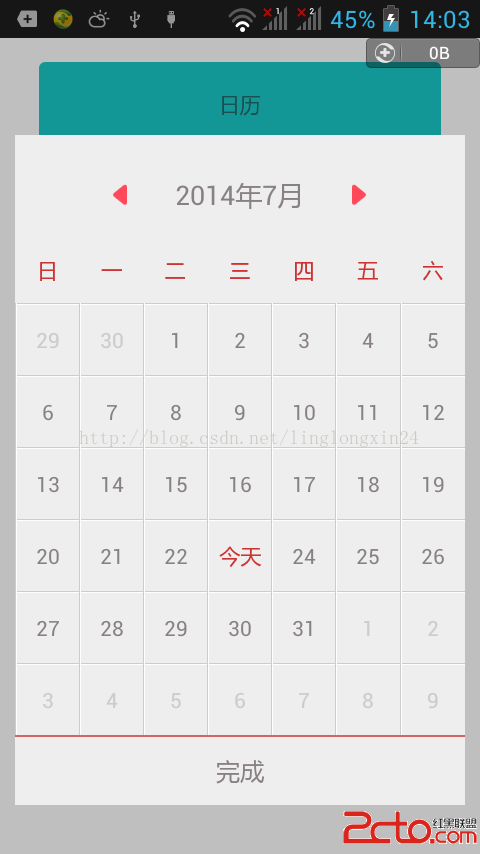
※效果預覽 ※使用方法 本文介紹一個相當漂亮的日曆控件 KCalendar,透過 PopupWindow 彈出,支援月份切換、日期標記與點選日期後回傳格式化結果。以下為
 Android 筆記:讓 ListView 隨捲動自動顯示與隱藏頂部布局
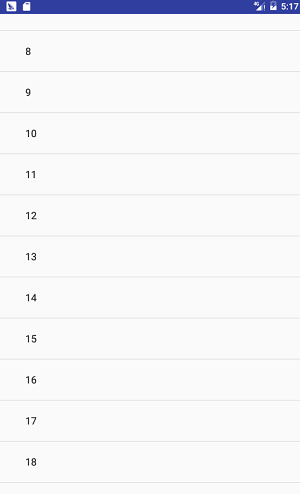
學 Android 一段時間了,學過的東西老是忘,於是決定寫成筆記逼自己整理一次。這次要做的是一個常見互動:往上捲動時 Toolbar 收起,往下捲動時滑回來。 先認識
 Android Preference進階指南:PreferenceActivity、PreferenceGroup與設定頁管理
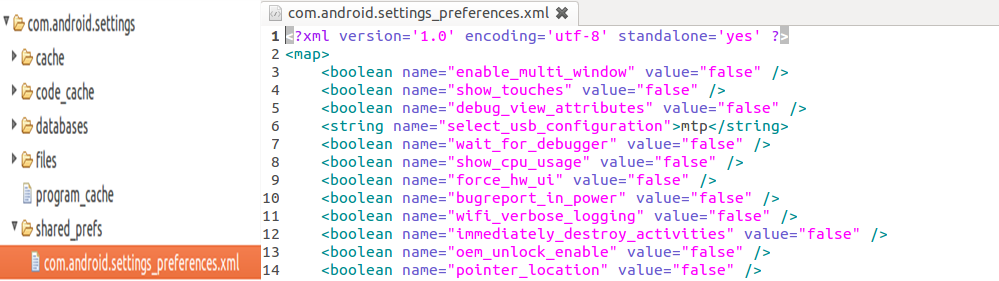
引言 Preference是Android中用來構建設定頁的重要元件。它能夠將使用者設定以列表形式呈現,並自動透過SharedPreferences保存狀態。本文將整理P