

編輯:關於 Android 程式設計
這是改進後的版本,我實測可以加載到五萬張圖片,判斷五萬以上應該也沒問題——不過現實中大概一千張就很夠用了,我的專案其實到一百張就差不多。以下用不同載入方式做對比,順便示範如何用軟引用做快取。
package com.lanlong.test;

import java.io.File;
import java.lang.ref.SoftReference;
import java.util.HashMap;
import java.util.Map;

import android.app.Activity;
import android.graphics.Bitmap;
import android.graphics.drawable.BitmapDrawable;
import android.graphics.drawable.Drawable;
import android.os.Bundle;
import android.os.Environment;
import android.util.Log;

public class AndrodTestActivity extends Activity {
    int number = 50000;
    Drawable[] array;
    Bitmap[] array2;
    private Map<String, SoftReference<Drawable>> imageCache =
            new HashMap<String, SoftReference<Drawable>>();

    public void onCreate(Bundle savedInstanceState) {
        super.onCreate(savedInstanceState);
        setContentView(R.layout.main);

        String iconPath = Environment.getExternalStorageDirectory()
                + "/vpn/Bafangtong/image/weixin.png";

        array = new Drawable[number]; // BitmapDrawable 一樣
        array2 = new Bitmap[number];

        File mfile = new File(iconPath);
        Log.i("", "mfile.exists() = " + mfile.exists());

        Drawable draw = null;
        long timeBegin = System.currentTimeMillis();

        for (int i = 0; i < number; i++) {
            Log.e("", "測試第" + (i + 1) + "張圖片");
            // 各種載入方式的耗時(供對照):
            // getResources().getDrawable:1000 ok
            // BitmapFactory.decodeFile:max 222
            // Drawable.createFromPath:max 221
            // BitmapDrawable.createFromPath:max 221
            // Drawable.createFromStream:max 111
            // BitmapFactory.decodeStream:max 221
            addDrawableToCache("" + i, iconPath);
            draw = getDrawableByPath("" + i, iconPath);
            Log.i("", "draw = " + draw);
        }

        long timeEnd = System.currentTimeMillis();
        Log.v("", "time = " + (timeEnd - timeBegin) / 1000 + " second");
    }

    public void addDrawableToCache(String id, String path) {
        // 強引用的 Drawable 物件
        Drawable drawable = Drawable.createFromPath(path);
        // 用軟引用包裝
        SoftReference<Drawable> softDrawable = new SoftReference<Drawable>(drawable);
        // 加入 Map 中作為快取
        imageCache.put(id, softDrawable);
        Log.w("", "add, imageCache.size() = " + imageCache.size());
    }

    public Drawable getDrawableByPath(String id, String path) {
        // 從快取中取出軟引用的 Drawable
        SoftReference<Drawable> softDrawable = imageCache.get(id);
        if (softDrawable == null) {
            return null;
        }
        // 取出 Drawable;若因記憶體不足被回收,將取得 null
        Drawable drable = softDrawable.get();
        return drable;
    }
}
圖片是記憶體大戶,大量載入時極易觸發 OutOfMemoryError。SoftReference(軟引用)的特性是:當記憶體充足時,它持有的物件會被保留;一旦系統記憶體吃緊,垃圾回收器就會主動回收這些軟引用物件,而不會等到 OOM 才崩潰。因此把它用作圖片快取,能在「快取命中」與「記憶體安全」之間取得良好平衡,讓應用即使載入成千上萬張圖片也能穩定運行。
 Android 屏幕適配、版本適配與科大訊飛語音集成實戰
屏幕適配 原型圖和設計圖: 800*480 —> 向下兼容 1280*720 —> 向上兼容 圖片適配: 根據屏幕的分辨率,選擇 dr
 Intent 實用套路(上):簡訊、郵件、通話、拍照與錄影
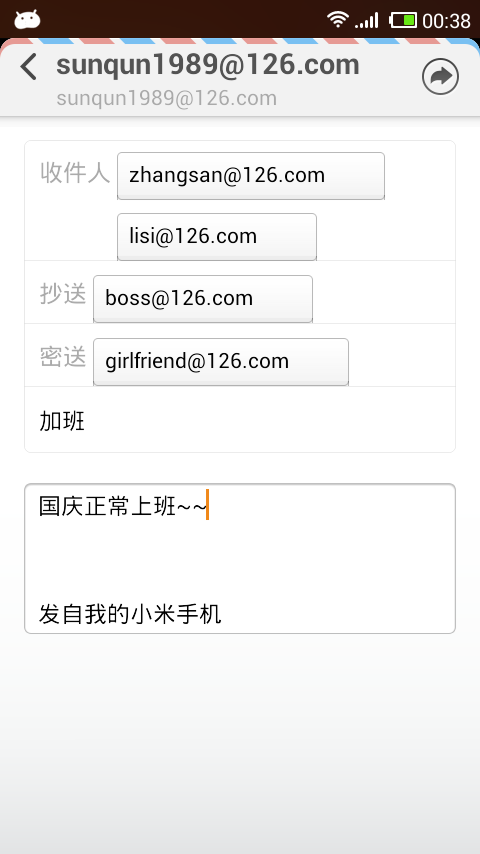
Intent 是 Android 裡極重要的一個類別。若對它或 Intent Filter 的觀念還不清楚,可先讀〈Intent 使用方法詳解〉與〈Intent Filt
 Android 資料庫輔助類:SQLiteOpenHelper 基本用法
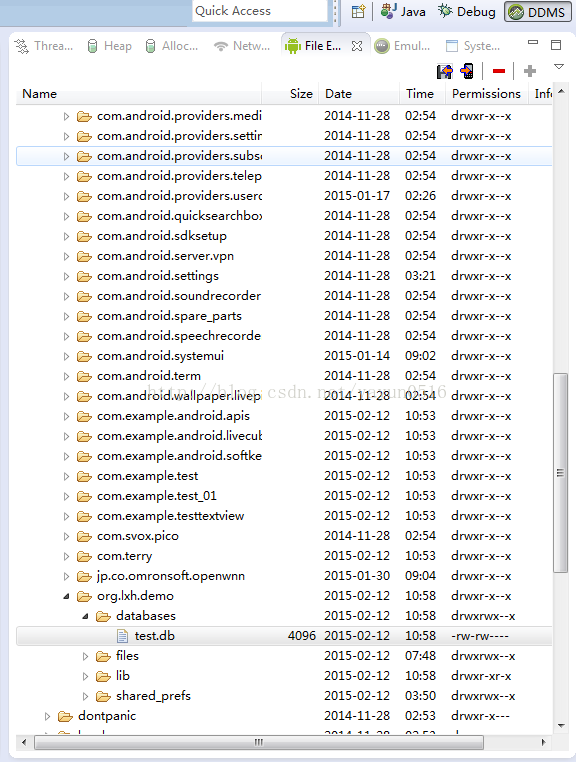
SQLiteOpenHelper 是 Android 中管理 SQLite 資料庫的輔助類別。它負責建立資料庫、建立資料表,以及處理版本升級時的變更。 基本結構 自訂 H
 自訂 View 實作:用 ViewPager 打造可縮放的封面畫廊
基本介紹 畫廊效果在許多 App 裡都看得到——滑到中央的圖片會放大,離開中央的會縮小,營造出封面瀏覽的層次感: 這是我閒暇時寫的小專案,完整源碼在 https: