

編輯:關於 Android 程式設計
近來翻看別人的程式碼時,注意到一個名為 onNewIntent 的方法,於是決定深入研究它的用途與觸發時機。本文透過實驗,把 singleTask 模式下 onNewIntent 的行為梳理清楚。
在一個名為 IntentActivity 的頁面中,我們重載了完整的生命週期方法:onCreate、onStart、onRestart、onResume、onPause、onStop、onDestroy,以及本文的主角 onNewIntent,藉此觀察它們的呼叫順序。
當其他應用發送一個 Intent(例如以自訂 scheme 觸發 VIEW 動作)時:
Uri uri = Uri.parse("philn://blog.163.com");
Intent it = new Intent(Intent.ACTION_VIEW, uri);
startActivity(it);
若 IntentActivity 尚未啟動,系統會依序呼叫 onCreate → onStart → onResume。
關鍵在於把 Activity 的 launchMode 設為 singleTask,並配置對應的 intent-filter:
<activity android:name=".IntentActivity"
    android:launchMode="singleTask"
    android:label="@string/testname">
    <intent-filter>
        <action android:name="android.intent.action.VIEW" />
        <category android:name="android.intent.category.DEFAULT" />
        <category android:name="android.intent.category.BROWSABLE" />
        <data android:scheme="philn"/>
    </intent-filter>
</activity>
如果 IntentActivity 已存在於任務堆疊頂端(此時它處於 onPause、onStop 狀態),其他應用再次發送 Intent 時,執行順序會變成:
onNewIntent → onRestart → onStart → onResume
注意,此時系統「不會」再呼叫 onCreate,而是改呼叫 onNewIntent。這正是 singleTask 模式的核心特性:當系統中已存在相同實例時,會把請求直接發送到該實例上,避免重複創建。
在 onNewIntent 中處理新資料時,有一個容易忽略的細節:必須呼叫 setIntent(intent),否則後續透過 getIntent() 拿到的會是舊的 Intent。
protected void onNewIntent(Intent intent) {
    super.onNewIntent(intent);
    setIntent(intent); // 必須保存新的 intent,否則 getIntent() 會回傳舊的
    processExtraData();
}
此外,系統可能隨時殺掉背景的 Activity。一旦發生這種情況,再次啟動時系統會改走 onCreate 而非 onNewIntent。因此一個穩健的做法,是在 onCreate 與 onNewIntent 中呼叫同一個處理資料的方法:
public void onCreate(Bundle savedInstanceState) {
    super.onCreate(savedInstanceState);
    setContentView(R.layout.main);
    processExtraData();
}

protected void onNewIntent(Intent intent) {
    super.onNewIntent(intent);
    setIntent(intent);
    processExtraData();
}

private void processExtraData() {
    Intent intent = getIntent();
    // 在這裡統一使用收到的資料
}
把資料處理邏輯抽成獨立方法,兩處共用,就能從容應對「實例已存在」與「實例被銷毀重建」這兩種截然不同的情境,確保行為一致。
 Android 自定義流式布局:View 繪制流程與實作解析
什麼是流式布局 流式布局常用於標籤、規格選擇、商品分類等場景。當子項寬度不一致時,容器會依序排列,一行放不下就換到下一行。與固定格線不同,它更適合內容長度不固定的情況。
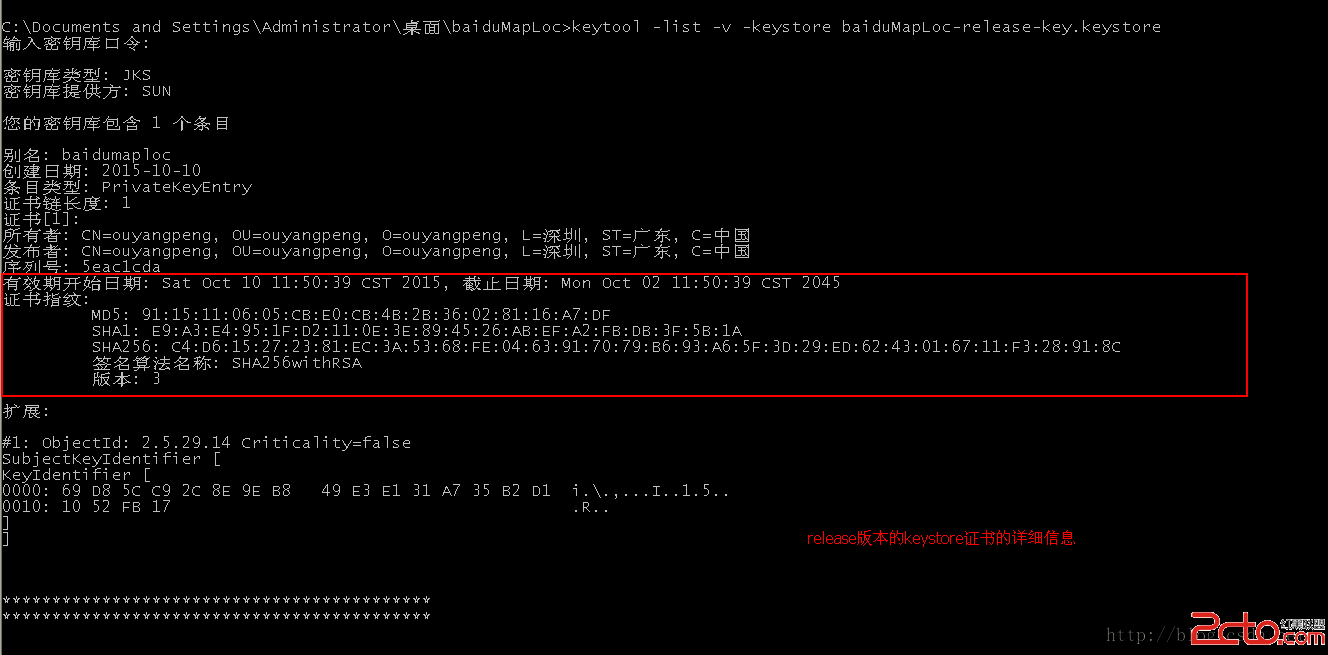 我的 Android 進階之旅——查看應用簽名信息
一、查看自己的證書簽名信息 如上一篇《我的 Android 進階之旅——製作和查看自訂的 Debug 版本簽名證書》所述,我們可以透過 keytool 命令查看生成的 k
 Android Service 完整解析:分類、生命週期與使用方式
Service 是 Android 四大元件之一,也是最容易被誤解的一個——很多人直覺地把它當成「背景執行緒」,事實上兩者完全不同。本文把 Service 的分類、與 T
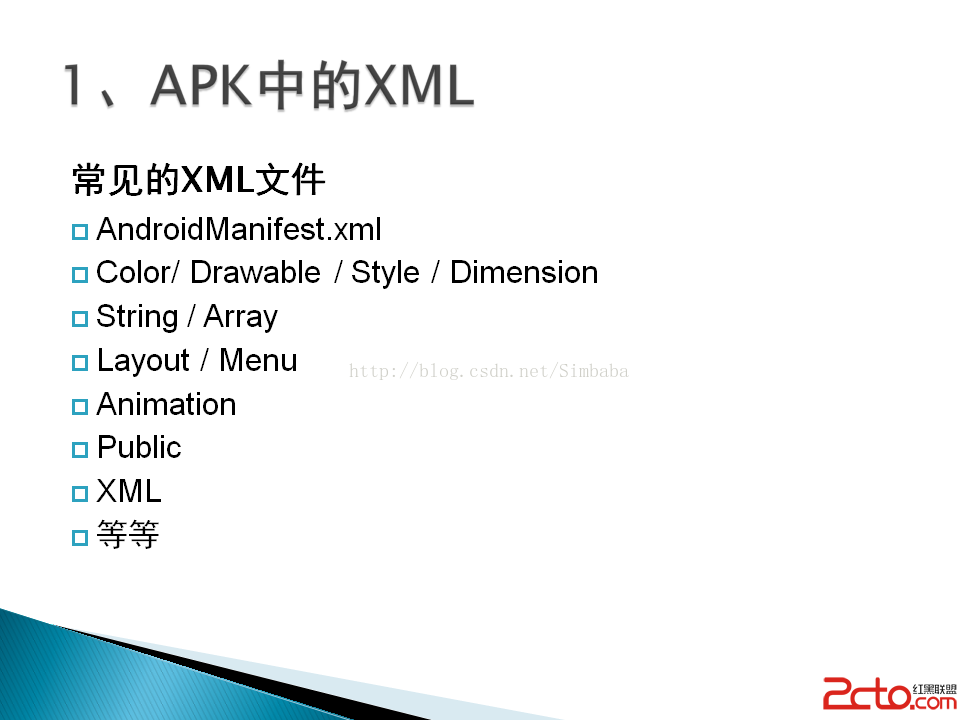 Android APK 中 XML 的解析與反編譯方法
APK 裡的 XML 為什麼無法直接打開?它是否只是簡單的二進制文件,難道被加密了?而為什麼用 AXMLPrinter2 反編譯時竟然報錯?本文將逐一解答這些疑問。 A