

編輯:關於 Android 開發
AutoCompleteTextView 能在使用者輸入單詞或句子的前幾個字時,自動彈出匹配的候選內容,大幅減少輸入。效果如下:
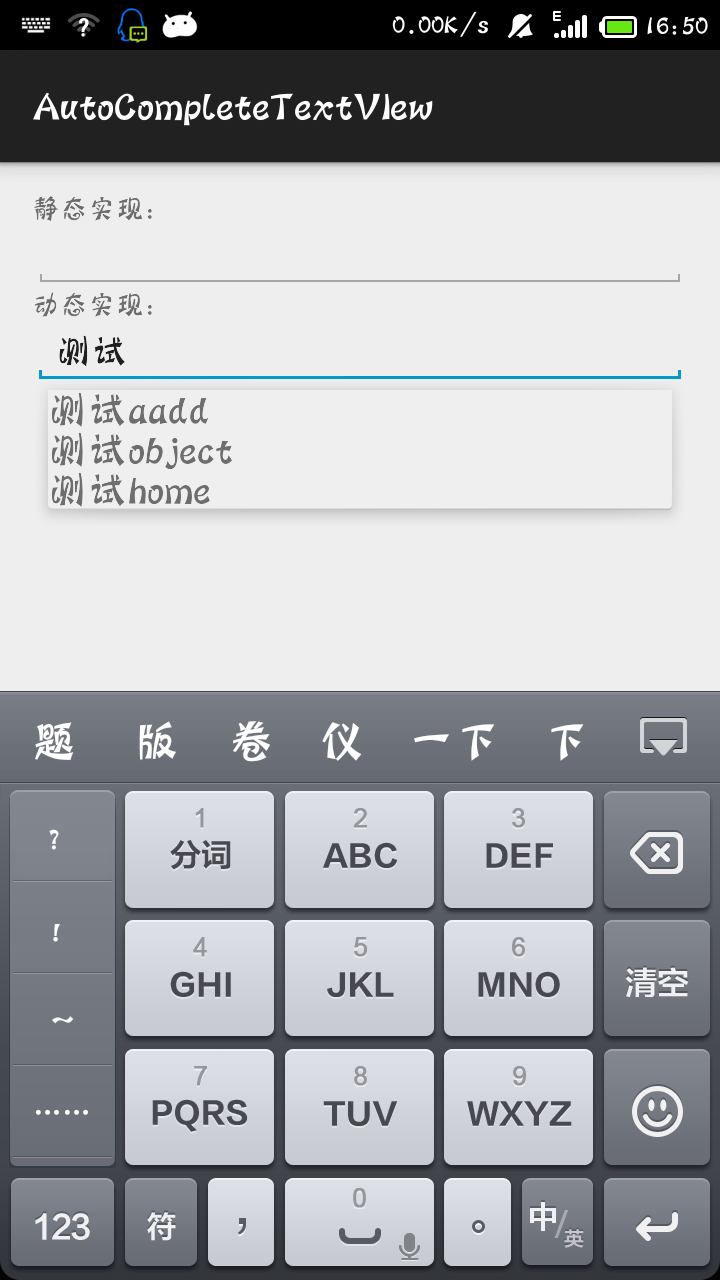
它支持靜態與動態兩種數據來源。靜態方式使用預先寫好的陣列,動態方式則由 List 決定:
package com.example.autocompletetextview;

import java.util.ArrayList;
import java.util.List;
import android.support.v7.app.ActionBarActivity;
import android.os.Bundle;
import android.widget.ArrayAdapter;
import android.widget.AutoCompleteTextView;

public class MainActivity extends ActionBarActivity {
    AutoCompleteTextView autoCompleteTextView = null;
    AutoCompleteTextView auto2 = null;
    private static final String[] COUNTRIES = {"china", "canada", "Belgium",
            "France", "Italy", "Germany", "Spain"};

    @Override
    protected void onCreate(Bundle savedInstanceState) {
        super.onCreate(savedInstanceState);
        setContentView(R.layout.activity_main);
        autoCompleteTextView = (AutoCompleteTextView) findViewById(R.id.auto1);
        auto2 = (AutoCompleteTextView) findViewById(R.id.auto2);

        // 靜態方式:自動匹配值已提前設置好
        ArrayAdapter<String> adapter = new ArrayAdapter<String>(
                this, android.R.layout.simple_dropdown_item_1line, COUNTRIES);
        autoCompleteTextView.setAdapter(adapter);

        // 動態方式:自動匹配值由 list 決定
        List<String> list = new ArrayList<String>();
        list.add("測試aadd");
        list.add("測試object");
        list.add("測試home");
        ArrayAdapter<String> adapter2 = new ArrayAdapter<String>(
                this, R.layout.simple_1, list);
        auto2.setAdapter(adapter2);
    }
}
<LinearLayout xmlns:android="https://schemas.android.com/apk/res/android"
    xmlns:tools="https://schemas.android.com/tools"
    android:layout_width="match_parent"
    android:layout_height="match_parent"
    android:orientation="vertical" >
    <TextView
        android:layout_width="match_parent"
        android:layout_height="wrap_content"
        android:text="靜態實現:" />
    <AutoCompleteTextView
        android:id="@+id/auto1"
        android:layout_width="match_parent"
        android:layout_height="wrap_content" />
    <TextView
        android:layout_width="match_parent"
        android:layout_height="wrap_content"
        android:text="動態實現:" />
    <AutoCompleteTextView
        android:id="@+id/auto2"
        android:layout_width="match_parent"
        android:layout_height="wrap_content" />
</LinearLayout>
<?xml version="1.0" encoding="utf-8"?>
<TextView
    android:id="@+id/textview"
    android:layout_width="match_parent"
    android:layout_height="wrap_content"
    android:textSize="20dp"
    xmlns:android="https://schemas.android.com/apk/res/android" />
核心就是為 AutoCompleteTextView 設置一個 ArrayAdapter。無論資料來自靜態陣列還是動態 List,只要綁定好適配器,就能實現輸入即補全的效果。
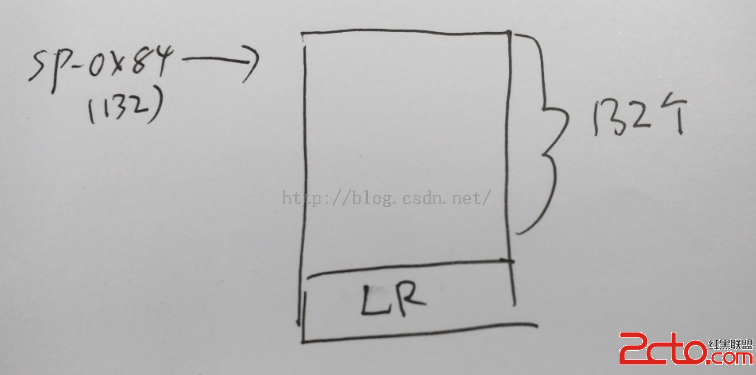 Android ARM 32 位 ROP 入門解析
ROP 的基本概念 ROP,即 Return-Oriented Programming,是一種常見的二進位利用技術。其核心概念是透過控制堆疊上的返回地址,讓程式執行到既有
 Android 實現底部彈出的橫向滿屏 Dialog
項目中經常需要從底部彈出分享框,這裡整理一個我用的比較順手的方案——從底部彈出一個橫向滿屏的 Dialog。效果圖如下
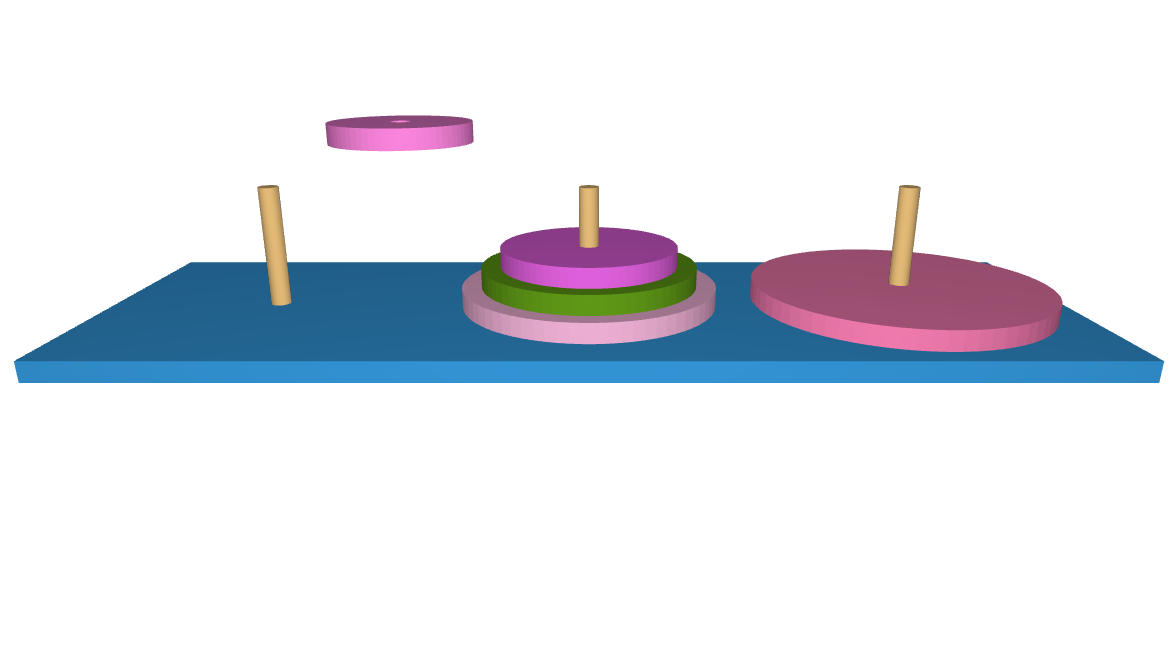 HTML5 WebGL 實作:漢諾塔 3D 遊戲開發解析
 漢諾塔是經典的遞歸問題。若要在瀏覽器中呈現 3D 版本,可結合 HTML5、JavaScript 與 WebGL
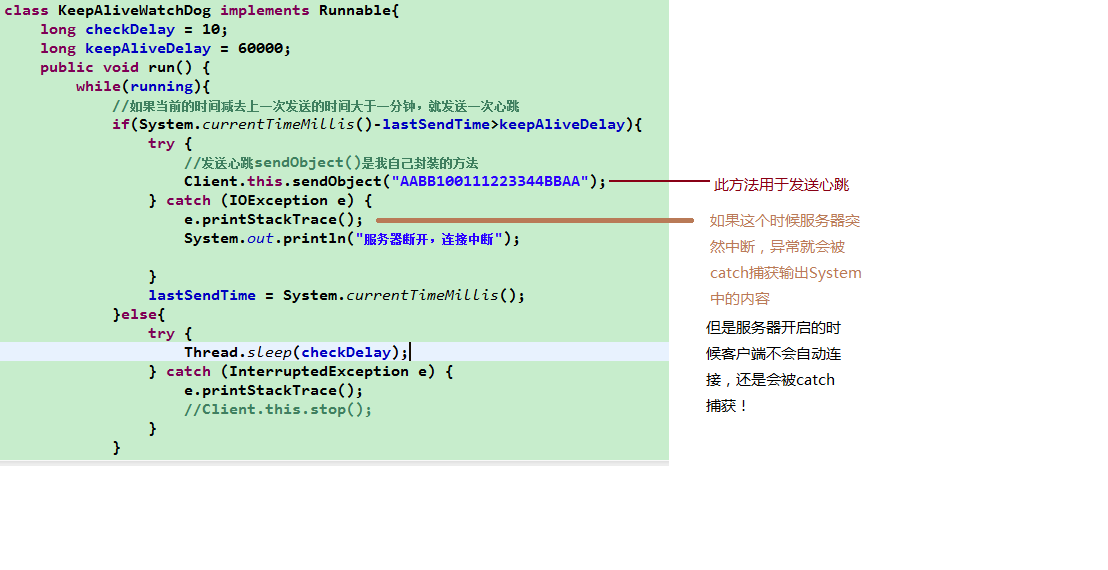 Android Socket 客戶端自動重連:服務端重啟後如何恢復連線
問題場景 在長連線應用中,伺服器重啟或網路瞬斷都可能讓 Socket 失效。若客戶端沒有自動重連機制,使用者就會看到功能卡住,甚至需要手動重開 App。 心跳與狀態判斷