

編輯:關於 Android 開發
EditText 大概是最常被使用的輸入元件。下面用一個最小可運行的例子,示範版面宣告、事件綁定,以及在 Java 端把使用者輸入的字串取出來。
<?xml version="1.0" encoding="utf-8"?>
<LinearLayout xmlns:android="https://schemas.android.com/apk/res/android"
    android:orientation="vertical"
    android:layout_width="fill_parent"
    android:layout_height="fill_parent">

    <EditText android:id="@+id/editText"
        android:layout_width="fill_parent"
        android:layout_height="wrap_content"
        android:text="@string/edittext" />

    <Button android:id="@+id/editBtn"
        android:layout_width="fill_parent"
        android:layout_height="wrap_content"
        android:text="@string/editBtn" />
</LinearLayout>
package cn.Kurodo;

import android.app.Activity;
import android.os.Bundle;
import android.util.Log;
import android.view.View;
import android.view.View.OnClickListener;
import android.widget.Button;
import android.widget.EditText;

public class EditTextActivity extends Activity {

    private Button m_button;
    private EditText m_editText;

    @Override
    protected void onCreate(Bundle savedInstanceState) {
        super.onCreate(savedInstanceState);
        setContentView(R.layout.edittext);

        m_button = (Button) findViewById(R.id.editBtn);
        m_editText = (EditText) findViewById(R.id.editText);
        m_editText.selectAll();     // 預設全選,方便直接覆寫

        m_button.setOnClickListener(new ButtonListener());
    }

    class ButtonListener implements OnClickListener {
        public void onClick(View v) {
            // 按下按鈕時,把輸入框內容印到 logcat
            Log.v("EditText", m_editText.getText().toString());
        }
    }
}
取值永遠透過 getText().toString();直接把 EditText 當字串用是新手常見的編譯錯誤來源。若只想限定輸入內容,XML 端可以用 android:inputType(如 textPassword、number、phone)或 android:maxLength,比在程式碼裡攔截按鍵乾淨得多。
另外提醒一個體驗細節:輸入框出現在畫面時,鍵盤會自動彈出並可能把版面推擠變形,這類問題通常靠 Manifest 的 android:windowSoftInputMode(例如 adjustPan 或 adjustResize)來調,而不是改版面本身。
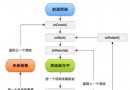 Android Activity 生命週期完整解析
 在 Android 開發中,理解 Activity 的生命週期是掌握頁面切換、資料保存與效能優化的基礎。一個 Acti
 Android 聯網實作:HttpURLConnection GET/POST 與 AsyncHttpClient
Android 聯網請求實作 Android 應用常需要與伺服器交換資料,常見方式包括 GET 與 POST。GET 會將參數附加在網址後方,POST 則將資料放入請求主
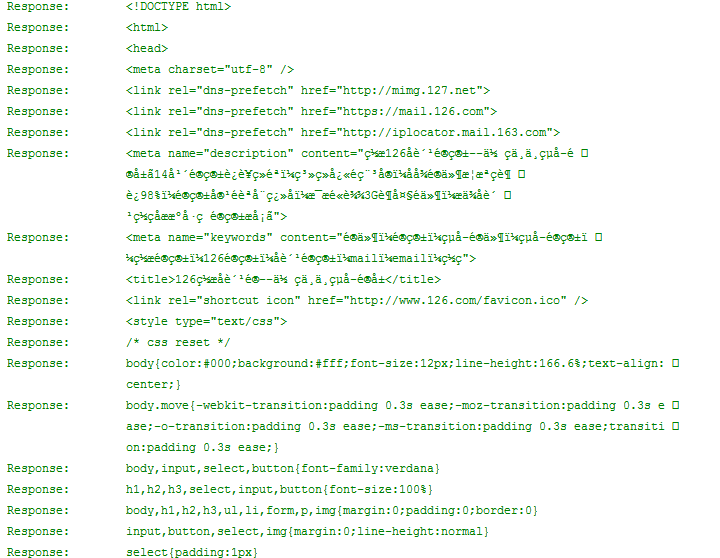 Android Volley 框架入門:三步驟完成高效網路請求
用 Volley 讓 HTTP 網路請求變得輕鬆簡單 在 Android 開發中,透過 HTTP 請求存取網路幾乎是家常便飯。為了讓這個過程更為簡潔,Google 於 2
 Android 開發:在 C 程式碼中呼叫 logcat 輸出日誌
 本文為〈Android Java 傳遞 int 型別陣列給 C〉加上「在 C 程式碼中呼叫 logca