

編輯:關於 Android 開發
Flume + Kafka + Storm 是日誌實時處理的一條經典鏈路:Flume 負責採集、Kafka 負責緩衝解耦、Storm 負責計算。本文聚焦前兩段——Flume 與 Kafka 的對接(Kafka 到 Storm 的部分可參考其他資料),並重點解決 Flume 1.5.2 沒有官方 Kafka Sink 的問題。
下載地址:https://www.apache.org/dyn/closer.cgi/flume/1.5.2/apache-flume-1.5.2-bin.tar.gz
tar -xzvf apache-flume-1.5.2-bin.tar.gz -C /opt/flume解壓後,配置文件放在 conf 目錄,可執行腳本放在 bin 目錄。把模板拷貝一份改成自己的配置:
cd conf
cp flume-conf.properties.template flume.conf
這裡的示例配置:source 用 exec(跟蹤一個日誌文件),channel 用 memory,sink 先用 file_roll 落盤。
agent.sources = seqGenSrc
agent.channels = memoryChannel
agent.sinks = loggerSink

# source 類型為 exec,command 指定要跟蹤的文件
agent.sources.seqGenSrc.type = exec
agent.sources.seqGenSrc.command = tail -F /data/mongodata/mongo.log
agent.sources.seqGenSrc.channels = memoryChannel

# sink 類型為 file_roll,指定落地目錄
agent.sinks.loggerSink.type = file_roll
agent.sinks.loggerSink.sink.directory = /data/flume
agent.sinks.loggerSink.channel = memoryChannel

# channel 類型為 memory
agent.channels.memoryChannel.type = memory
agent.channels.memoryChannel.capacity = 1000
agent.channels.memoryChannel.transactionCapacity = 100
啟動 agent:
cd ../bin
./flume-ng agent --conf ../conf -f ../conf/flume.conf --n agent -Dflume.root.logger=INFO,console
此時在 /data/flume 目錄下就能看到滾動生成的日誌文件,說明採集鏈路已通。
Flume 1.5.2 沒有內置 Kafka Sink,需要自己實現。可以直接參考 Flume 1.6 中的 KafkaSink 源碼,但要特別注意 Kafka 客戶端版本的兼容性——不同版本 API 差異不小,照抄容易編譯不過。
下面只貼 process() 方法的核心邏輯,這是 Sink 的心臟:
Sink.Status status = Status.READY;
Channel ch = getChannel();
Transaction transaction = null;
Event event = null;
String eventTopic = null;
String eventKey = null;

try {
    transaction = ch.getTransaction();
    transaction.begin();
    messageList.clear();

    if (type.equals("sync")) {
        // 同步模式:一次取一條,立即發送
        event = ch.take();
        if (event != null) {
            byte[] tempBody = event.getBody();
            String eventBody = new String(tempBody, "UTF-8");
            Map<String, String> headers = event.getHeaders();

            if ((eventTopic = headers.get(TOPIC_HDR)) == null) {
                eventTopic = topic;
            }
            eventKey = headers.get(KEY_HDR);

            ProducerData<String, Message> data =
                    new ProducerData<String, Message>(eventTopic, new Message(tempBody));
            producer.send(data);
        }
    } else {
        // 異步/批量模式:累積 batchSize 條後一起發
        long processedEvents = 0;
        for (; processedEvents < batchSize; processedEvents += 1) {
            event = ch.take();
            if (event == null) {
                break;
            }

            byte[] tempBody = event.getBody();
            String eventBody = new String(tempBody, "UTF-8");
            Map<String, String> headers = event.getHeaders();

            if ((eventTopic = headers.get(TOPIC_HDR)) == null) {
                eventTopic = topic;
            }
            eventKey = headers.get(KEY_HDR);

            ProducerData<String, String> data =
                    new ProducerData<String, String>(eventTopic, eventBody);
            messageList.add(data);
        }
        if (processedEvents > 0) {
            // 批量 publish 並提交事務
        }
    }

    transaction.commit();
} catch (Exception ex) {
    String errorMsg = "Failed to publish events";
    logger.error("Failed to publish events", ex);
    status = Status.BACKOFF;
    if (transaction != null) {
        try {
            transaction.rollback();
        } catch (Exception e) {
            logger.error("Transaction rollback failed", e);
            throw Throwables.propagate(e);
        }
    }
    throw new EventDeliveryException(errorMsg, ex);
} finally {
    if (transaction != null) {
        transaction.close();
    }
}
return status;
這段代碼裡有幾個值得注意的設計:
其一,事務邊界。begin() 與 commit() 之間的數據才算成功搬運,任何異常都必須 rollback,否則 channel 中的 event 狀態會與實際發送情況不一致,造成丟數據或重複。
其二,返回 Status.BACKOFF。這是 Flume 的失敗退避機制,告訴框架「現在別再餵數據了,稍後再試」,能在下游 Kafka 抖動時起到保護作用。
其三,同步與批量兩種模式的取捨。sync 模式延遲低但吞吐差;批量模式靠 batchSize 攤薄網絡開銷,是生產環境的常規選擇。
把 flume.conf 中 sink 部分改成自定義的 Kafka Sink:
producer.sinks.r.type = org.apache.flume.sink.kafka.KafkaSink
producer.sinks.r.brokerList = bigdata-node00:9092
producer.sinks.r.requiredAcks = 1
producer.sinks.r.batchSize = 100
producer.sinks.r.topic = testFlume1
其中 type 要寫 Kafka Sink 的完整類路徑(若是我們自定義的類,記得把 jar 放進 Flume 的 lib 目錄並配置 classpath)。其餘都是 Kafka 生產者參數,其中 brokerList 和 topic 是最關鍵的兩個。
重啟 Flume 後,用 Kafka 消費者訂閱對應 topic,就能實時看到流過來的日誌數據了。這條 Flume → Kafka 的採集緩衝層打通之後,後面接 Storm 做實時計算就只是水到渠成的事。
 Android 實作「連點兩下返回鍵退出 App」功能
 「連點兩下返回鍵才退出 App」是很常見的互動設計。實現它的大致思路是: 監聽返回鍵,比較兩次按壓的間隔,若低於
 Android 開發學習之路:傳感器初體驗
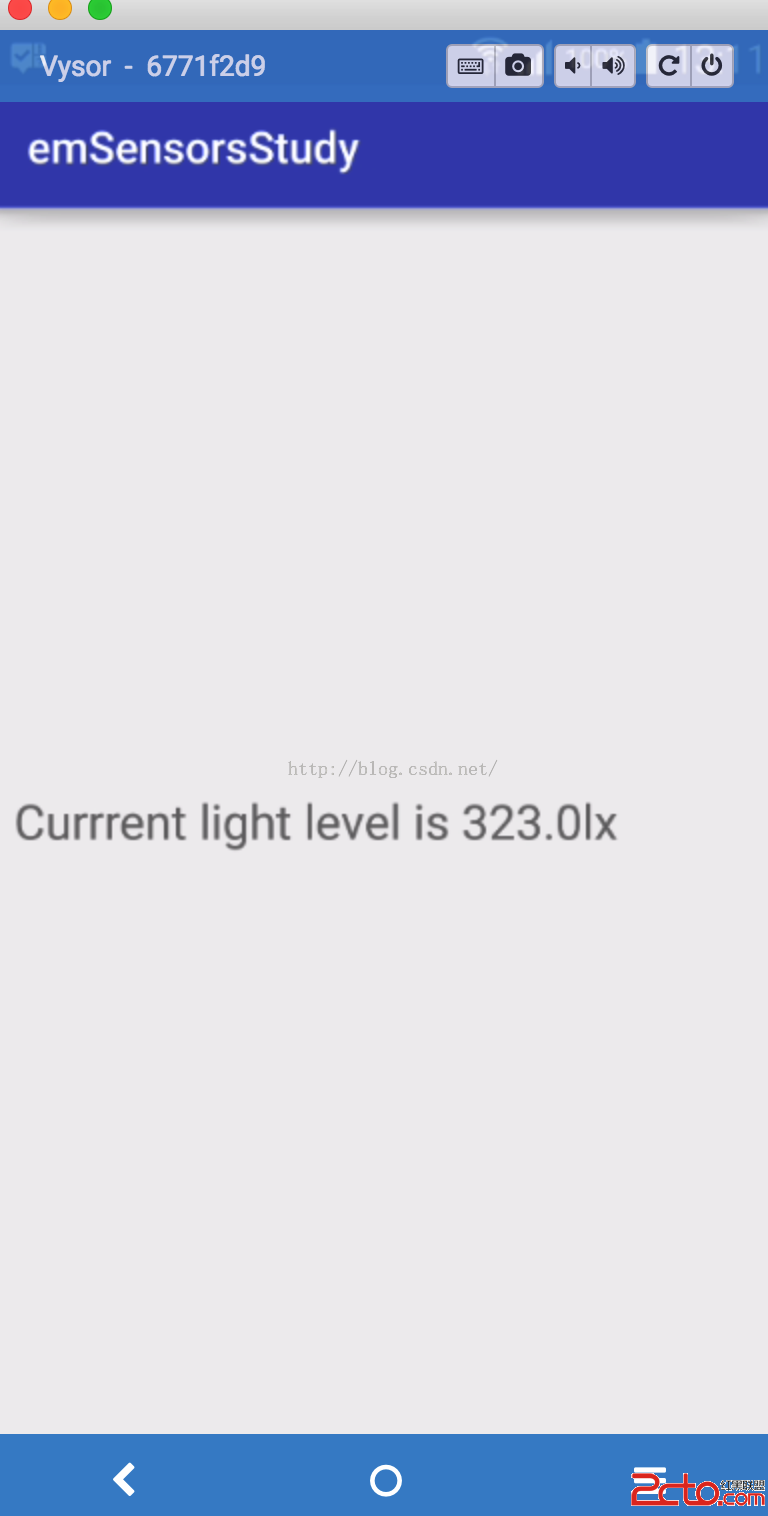
Android 開發學習之路——傳感器之初體驗 說到傳感器,種類還真不少:加速度、光照、磁傳感器等等。智慧型手機之所以「智慧」,少不了這幾款傳感器的功勞。本文就帶大家動手
 Android 補間動畫入門:透明度、縮放、位移、旋轉與組合動畫
 補間動畫是 Android 動畫體系中常見的一種。它只需要指定動畫的起點與終點,中間幀由系統補齊。相比逐
 安卓 UI 適配完全指南:常用資源限定符一次搞懂
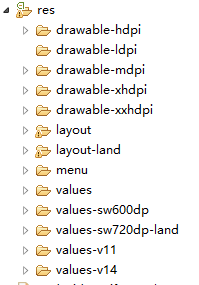
前言 同一套 App 要跑在尺寸、解析度、語言、版本都不同的裝置上,UI 適配一直是個額外負擔。限定符(qualifier)的出現,讓這件事變得單純許多:只要在 res