編輯:關於android開發
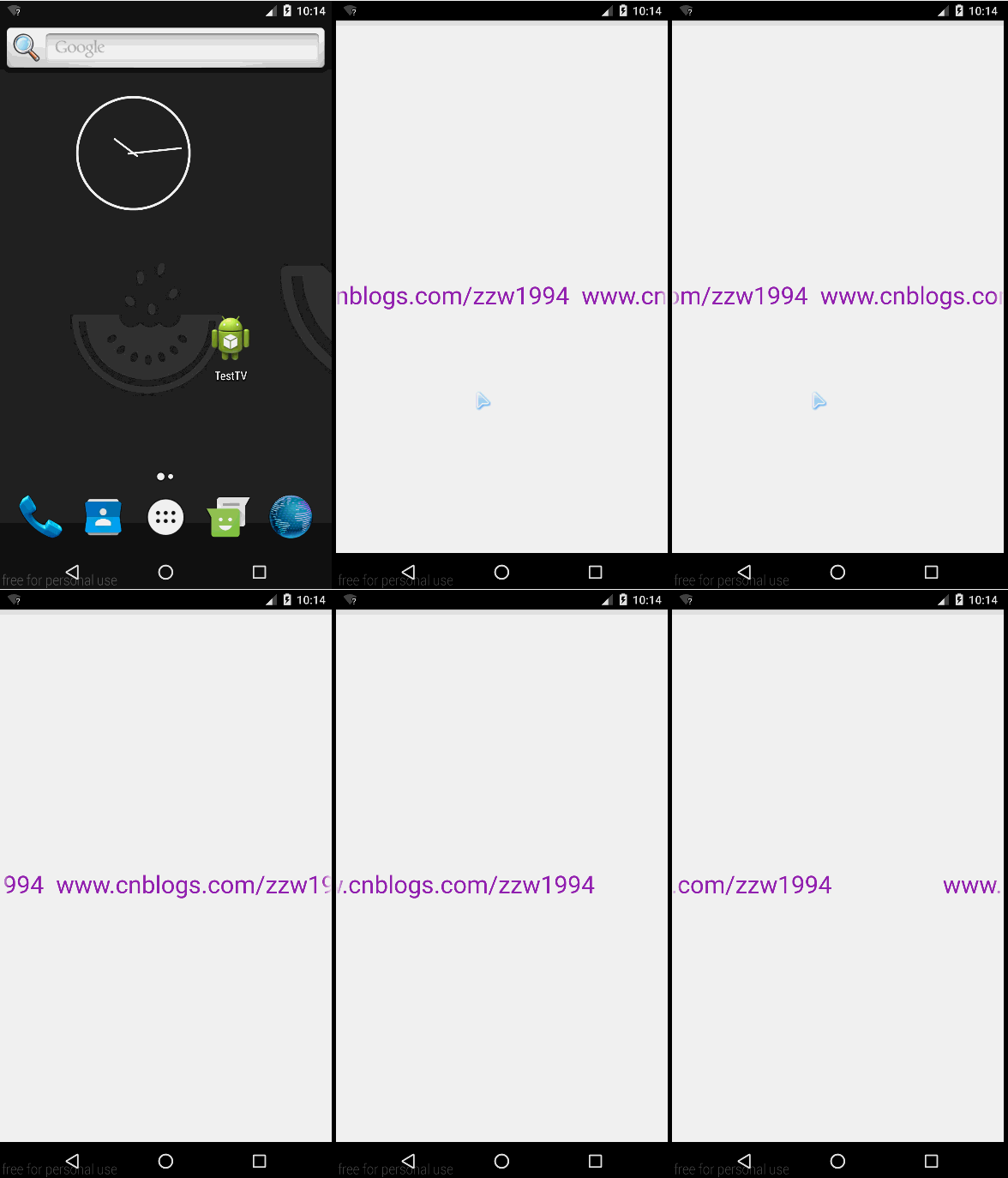
只需要在TextView中添加一些屬性即可:
<?xml version="1.0" encoding="utf-8"?>
<LinearLayout xmlns:android="http://schemas.android.com/apk/res/android"
    android:layout_width="match_parent"
    android:layout_height="match_parent"
    android:orientation="vertical" >

    <!-- 實現的屬性:ellipsize、focusable、focusableInTouchMode、singleLine -->

    <TextView
        android:layout_width="match_parent"
        android:layout_height="match_parent"
        android:layout_marginTop="20dp"
        android:textColor="#9C27B0"
        android:ellipsize="marquee"
        android:focusable="true"
        android:focusableInTouchMode="true"
        android:singleLine="true"
        android:gravity="center"
        android:text="www.cnblogs.com/zzw1994  www.cnblogs.com/zzw1994"
        android:textSize="30sp" />

</LinearLayout>
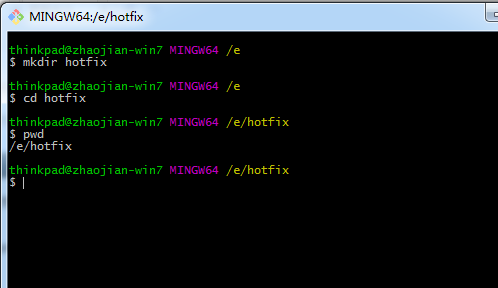 安卓熱更新之Nuwa實現步驟,安卓nuwa實現步驟
安卓熱更新之Nuwa實現步驟,安卓nuwa實現步驟
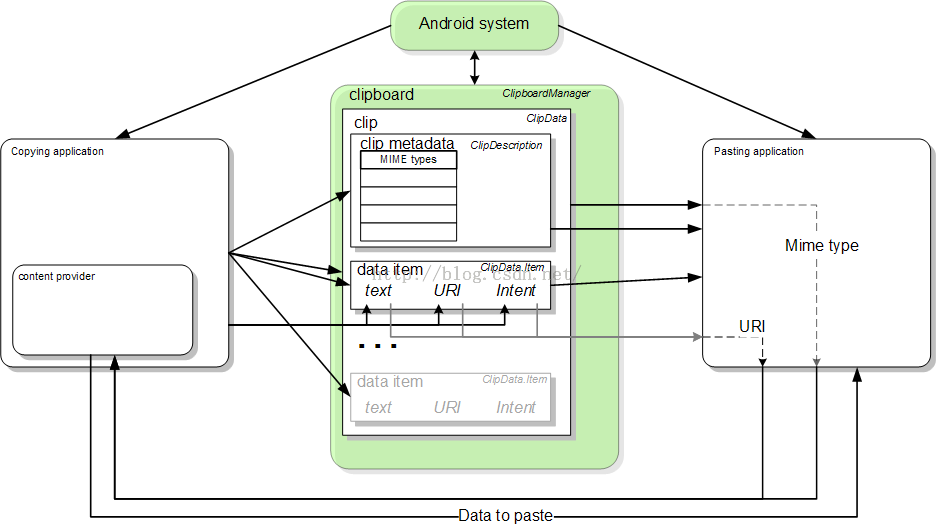 Android API Guides---Text and Input
Android API Guides---Text and Input 文本和輸入 使用文字服務添加便利功能,例如復制/粘貼和拼寫檢查到您的應用程序。您也可以開發自己
 android 滾動條下拉反彈的效果(類似微信朋友圈)
android 滾動條下拉反彈的效果(類似微信朋友圈) 微信朋友圈上面的圖片封面,QQ空間說說上面的圖片封面都有下拉反彈的效果,這些都是使用滾動條實現的。下拉,當松開
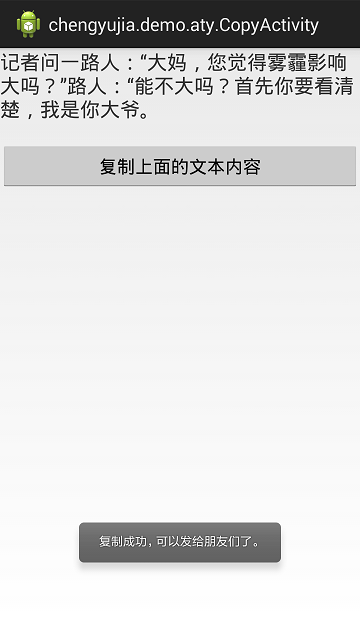 Android 復制文本內容到系統剪貼板的最簡單實踐,android剪貼板
Android 復制文本內容到系統剪貼板的最簡單實踐,android剪貼板這個例子很簡單,直接上截圖和代碼。 布局文件activity_copy.xml代碼如下: &