編輯:關於android開發
<LinearLayout xmlns:android="http://schemas.android.com/apk/res/android"
    xmlns:tools="http://schemas.android.com/tools"
    android:layout_width="match_parent"
    android:layout_height="match_parent"
    android:orientation="vertical" >
    <!-- 定義顯示軟鍵盤按鈕 -->
    <Button
        android:id="@+id/btn_soft"
        android:layout_width="match_parent"
        android:layout_height="wrap_content"
        android:text="彈出/關閉軟鍵盤" />

</LinearLayout>
package com.example.yanlei.yl2;

import android.content.Context;
import android.os.Bundle;
import android.support.v7.app.AppCompatActivity;
import android.view.View;
import android.view.View.OnClickListener;
import android.view.inputmethod.InputMethodManager;
import android.widget.Button;


public class MainActivity extends AppCompatActivity {
    // 定義軟鍵盤的按鈕
    private Button btnSoft;
    //聲明InputMethodManager對象
    InputMethodManager imm ;
    //聲明一個textview

    @Override
    public void onCreate(Bundle savedInstanceState) {
        super.onCreate(savedInstanceState);
        setContentView(R.layout.activity_main);
        //取得InputMethodManager對象
        imm = (InputMethodManager)getSystemService(Context.INPUT_METHOD_SERVICE);
        //得到布局中的所有對象
        findView();
        //設置對象的監聽器
        setListener();
    }

    private void findView() {
        // 得到布局中的所有對象
        btnSoft = (Button) findViewById(R.id.btn_soft);
    }
    //設置對象的監聽器
    private void setListener() {
        btnSoft.setOnClickListener(listener);
    }
    OnClickListener listener=new OnClickListener() {

        @Override
        public void onClick(View v) {
            // TODO Auto-generated method stub
            //第一次調用顯示,再次調用則隱藏,如此反復
            //觸發軟鍵盤,InputMethodManager.HIDE_NOT_ALWAYS能夠正常的隱藏,除非遇到SHOW_FORCED.
            imm.toggleSoftInput(0, InputMethodManager.HIDE_NOT_ALWAYS);
        }
    };
}
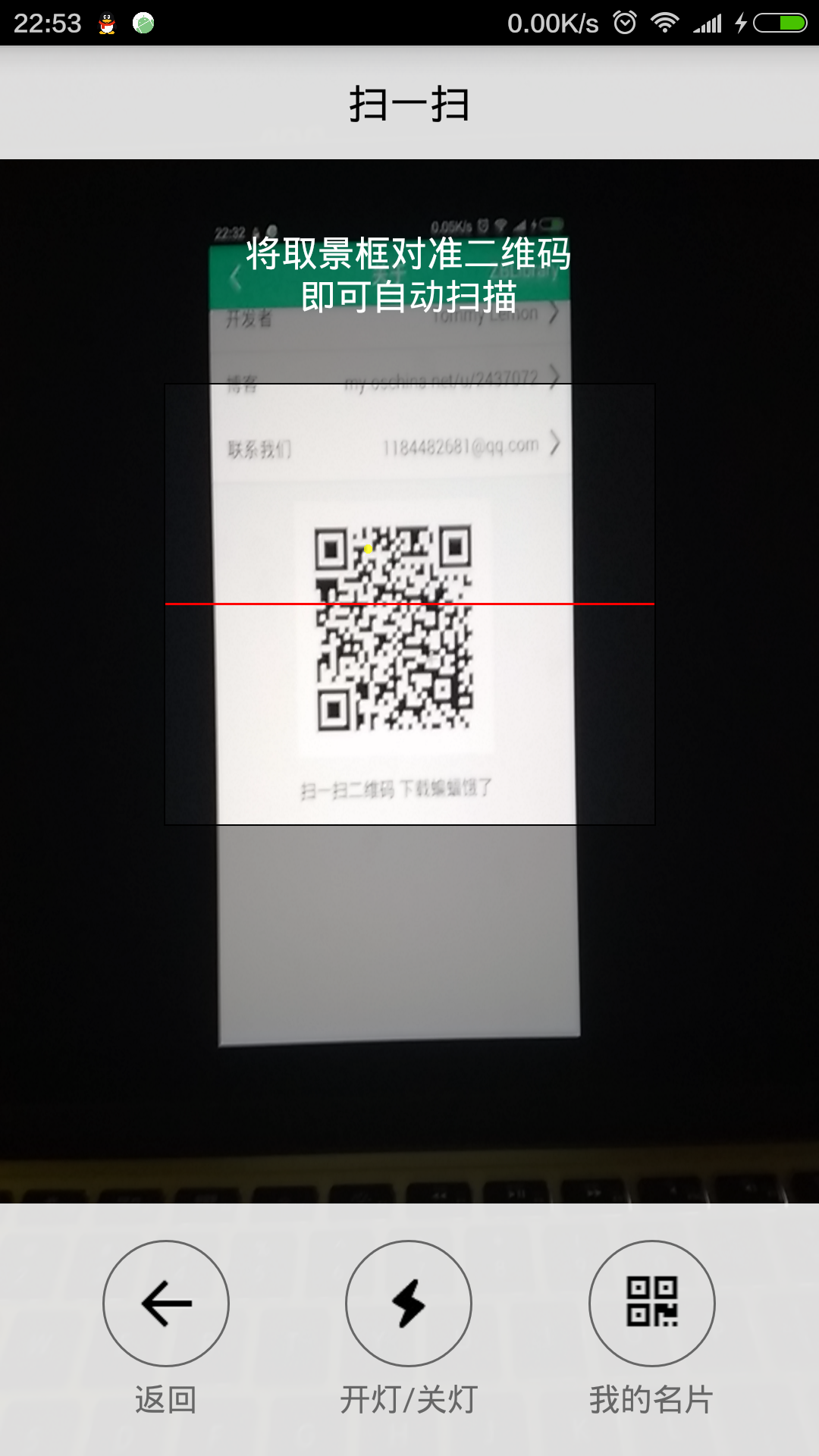 自定義ZXing二維碼掃描界面並解決取景框拉伸等問題,zxing拉伸
自定義ZXing二維碼掃描界面並解決取景框拉伸等問題,zxing拉伸先看效果 掃描內容是下面這張,二維碼是用zxing庫生成的 由於改了好
 android開發我的新浪微博客戶端-載入頁面UI篇(1.1),androidui
android開發我的新浪微博客戶端-載入頁面UI篇(1.1),androidui本軟件設定用戶第一個接觸到的功能就是頁面載入等待功能,這個功能對使用者來說就是一個持續1
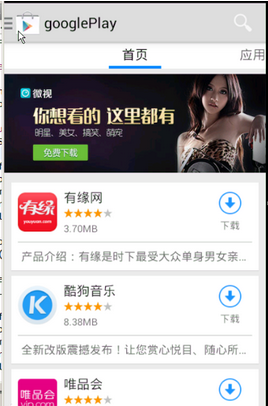 谷歌電子市場2--首頁,谷歌電子市場2--
谷歌電子市場2--首頁,谷歌電子市場2--1.ListView的封裝 ①getView的封裝 ②加載更多 &nbs
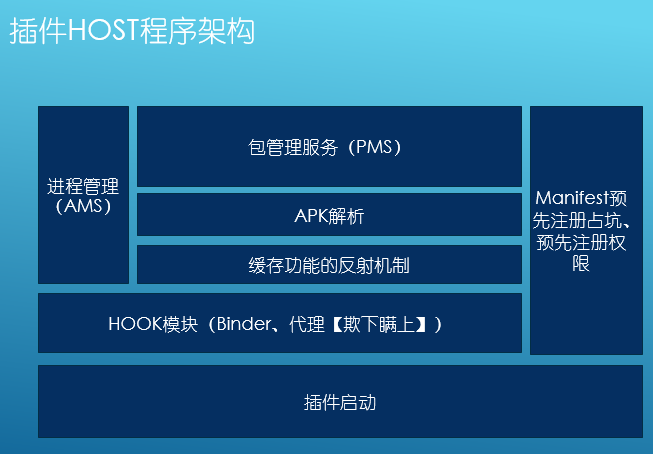 DroidPlugin插件化開發,droidplugin插件
DroidPlugin插件化開發,droidplugin插件360手機助手使用的 DroidPlugin,它是360手機助手團隊在Android系統上實現了一種插件機制。