編輯:關於android開發
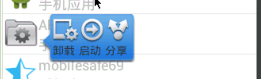
protected void showPopupWindow(View view) {
	View popupView = View.inflate(this, R.layout.popupwindow_layout, null);

	TextView tv_uninstall = (TextView) popupView.findViewById(R.id.tv_uninstall);
	TextView tv_start = (TextView) popupView.findViewById(R.id.tv_start);
	TextView tv_share = (TextView) popupView.findViewById(R.id.tv_share);

	tv_uninstall.setOnClickListener(this);
	tv_start.setOnClickListener(this);
	tv_share.setOnClickListener(this);

	//透明動畫(透明--->不透明)
	AlphaAnimation alphaAnimation = new AlphaAnimation(0, 1);
	alphaAnimation.setDuration(1000);
	alphaAnimation.setFillAfter(true);

	//縮放動畫
	ScaleAnimation scaleAnimation = new ScaleAnimation(
			0, 1,
			0, 1,
			Animation.RELATIVE_TO_SELF, 0.5f,
			Animation.RELATIVE_TO_SELF, 0.5f);
	scaleAnimation.setDuration(1000);
	alphaAnimation.setFillAfter(true);
	//動畫集合Set
	AnimationSet animationSet = new AnimationSet(true);
	//添加兩個動畫
	animationSet.addAnimation(alphaAnimation);
	animationSet.addAnimation(scaleAnimation);

	//1,創建窗體對象,指定寬高

	mPopupWindow = new PopupWindow(popupView,
			LinearLayout.LayoutParams.WRAP_CONTENT,
			LinearLayout.LayoutParams.WRAP_CONTENT, true);
	//2,設置一個透明背景(new ColorDrawable())
	mPopupWindow.setBackgroundDrawable(new ColorDrawable());
	//3,指定窗體位置
	mPopupWindow.showAsDropDown(view, 50, -view.getHeight());
	//4,popupView執行動畫
	popupView.startAnimation(animationSet);
}
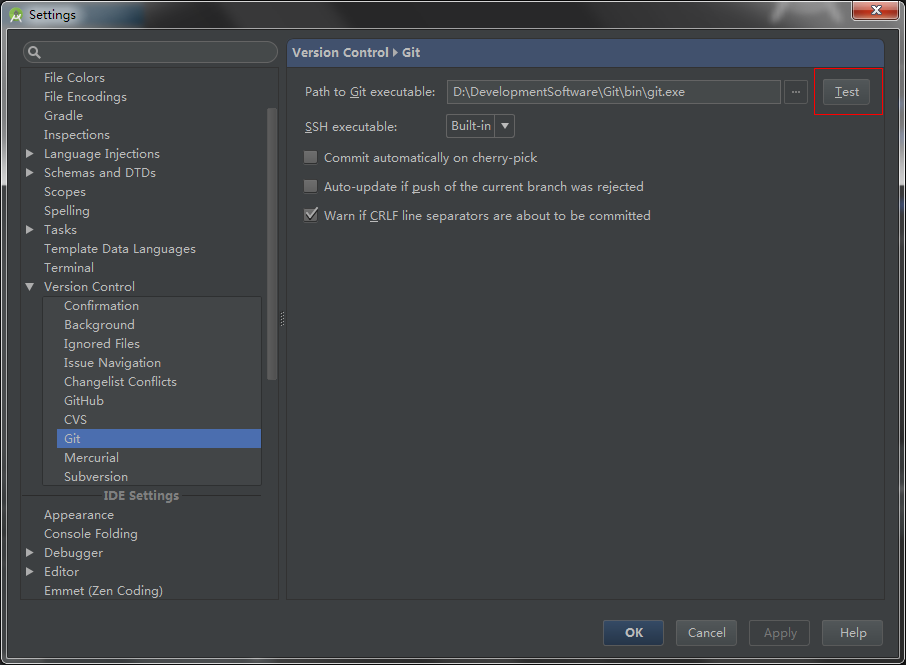 安卓開發GitHub的入門使用流程---》適合小學生
安卓開發GitHub的入門使用流程---》適合小學生 使用AndroidStudio項目發布到GitHub 在AndroidStudio中新建一個項目 設
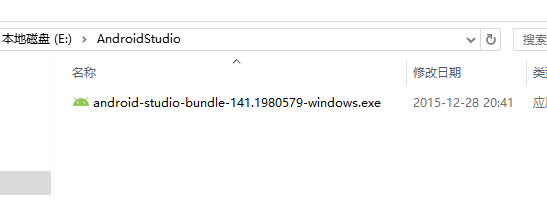 第二篇 Windows環境下Android Studio安裝和使用教程(圖文詳細步驟),androidstudio
第二篇 Windows環境下Android Studio安裝和使用教程(圖文詳細步驟),androidstudio第二篇 Windows環境下Android
 Android 內存洩漏的一些情況。,android洩漏
Android 內存洩漏的一些情況。,android洩漏最近在維護代碼,發現一個自定義View(這個View是在一個AsyncTask的工作線程doInBackgroun
 Android應用ViewDragHelper詳解及部分源碼淺析
Android應用ViewDragHelper詳解及部分源碼淺析 1 背景 很久沒有更新博客了,忙裡偷閒產出一篇。寫這片文章主要是去年項目中的一個需求,