編輯:關於android開發
想要全部窗口全屏無標題,修改
res\values\styles.xml 可設置主題和樣式
<resources>

    <!--
          Base application theme, dependent on API level. This theme is replaced
          by AppBaseTheme from res/values-vXX/styles.xml on newer devices.
      -->
    <style name="AppBaseTheme" parent="android:Theme.Light">
        <!--
            Theme customizations available in newer API levels can go in
            res/values-vXX/styles.xml, while customizations related to
            backward-compatibility can go here.
        -->
    </style>

    <!-- Application theme. -->
    <style name="AppTheme" parent="AppBaseTheme">
        <!-- 設置無標題-->
        <item name="android:windowNoTitle">true</item>
        <!-- 設置全屏-->
        <item name="android:windowFullscreen">true</item>
        <!-- All customizations that are NOT specific to a particular API-level can go here. -->
    </style>

</resources>
如果要單個窗口設置用如下2個方法
1. 修改AndroidManifest.xml
        <activity android:name=".Convert"
                  android:label="@string/app_name"
                  android:theme="@android:style/Theme.NoTitleBar.Fullscreen" >
            <intent-filter>
                <action android:name="android.intent.action.MAIN" />
                <category android:name="android.intent.category.LAUNCHER" />
            </intent-filter>
        </activity>
即加上 android:theme="@android:style/Theme.NoTitleBar.Fullscreen"
2. 在代碼中設置
getWindow().setFlags(WindowManager.LayoutParams.FLAG_FULLSCREEN,
WindowManager.LayoutParams.FLAG_FULLSCREEN);
this.requestWindowFeature(Window.FEATURE_NO_TITLE);
 android的布局-----GridLayout(網格布局),android網格布局
android的布局-----GridLayout(網格布局),android網格布局學習導圖 (一)簡介 網格布局由GridLayout所代表,在a
 redmine 整合ldap 用戶
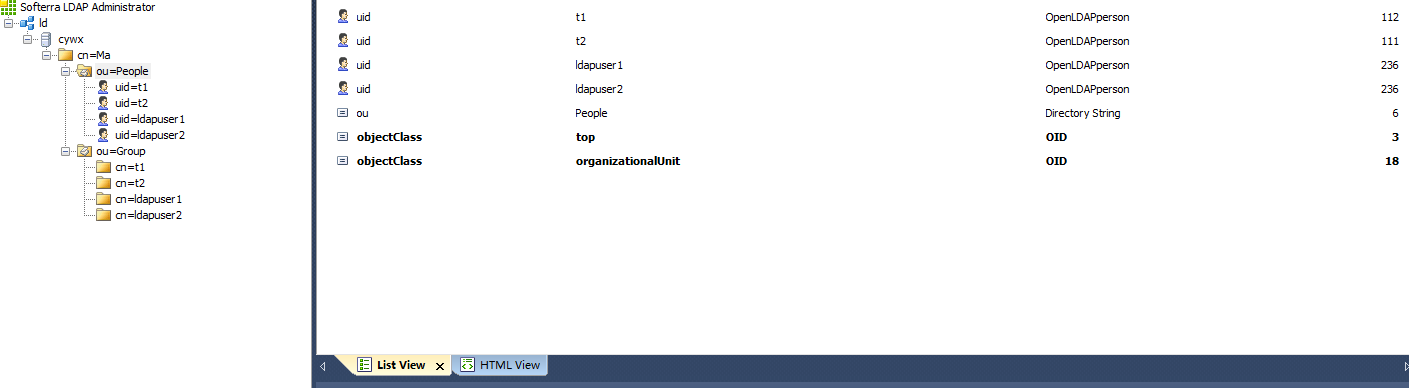
redmine 整合ldap 用戶首先要配置好LDAP 不然會把你累死LDAP的安裝過程在博客目錄中找一下()要對應slapd.conf配置文件來寫 我們需要三份數據文件
 AndroidStudio 1.4升級到1.5後,peer not authenticated錯誤
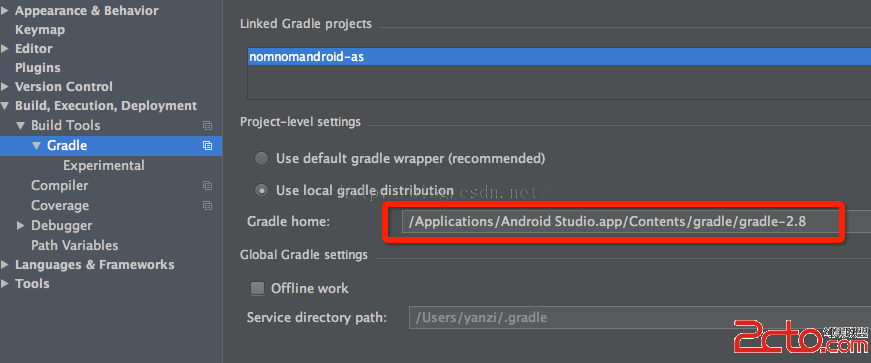
AndroidStudio 1.4升級到1.5後,peer not authenticated錯誤 解決方法: 找到項目最外層的build.gradle文件,將其中的
 詳解安卓項目-鬧鐘,詳解安卓鬧鐘
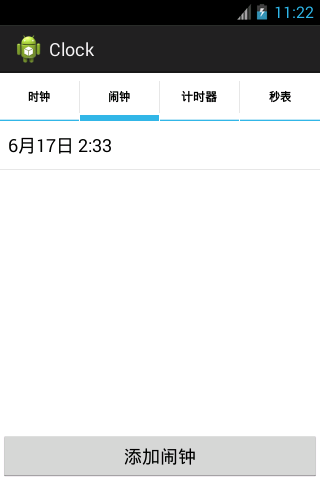
詳解安卓項目-鬧鐘,詳解安卓鬧鐘一.概述 * 鬧鐘功能概述:添加鬧鐘,刪除鬧鐘 * 思路: * 1.給一個button添加點擊監聽,用於添加鬧鐘 * 2.提供