編輯:關於android開發
軟件測試的分類
* 黑盒測試
* 測試邏輯業務
* 白盒測試
* 測試邏輯方法
根據測試粒度
* 方法測試:function test
* 單元測試:unit test
* 集成測試:integration test
* 系統測試:system test
根據測試暴力程度
* 冒煙測試:smoke test
* 壓力測試:pressure test
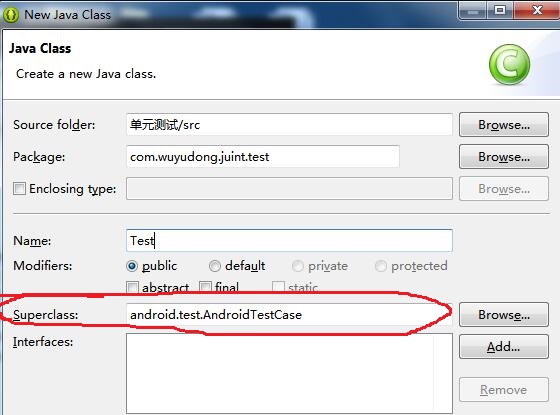
新建android項目,新建Test.java文件,注意定義一個類繼承一定要繼承AndroidTestCase
package com.wuyudong.juint.test;

import com.wuyudong.juint.util.Utils;

import android.test.AndroidTestCase;

public class Test extends AndroidTestCase {

    public void test() {
        int res = Utils.add(3, 5);
        assertEquals(8, res);
    }
}
新建工具包文件Utils.java
package com.wuyudong.juint.util;

public class Utils {
    public static int add(int a, int b) {
        return a - b;
    }

}
運行項目,報錯:
[2016-05-30 06:21:13 - 單元測試] 單元測試 does not specify a android.test.InstrumentationTestRunner instrumentation or does not declare uses-library android.test.runner in its AndroidManifest.xml
在AndroidManifest.xml中添加下面的代碼:
<?xml version="1.0" encoding="utf-8"?>
<manifest xmlns:android="http://schemas.android.com/apk/res/android"
    package="com.wuyudong.juint"
    android:versionCode="1"
    android:versionName="1.0" >

    <uses-sdk
        android:minSdkVersion="8"
        android:targetSdkVersion="17" />

    <instrumentation
        android:name="android.test.InstrumentationTestRunner"
        android:targetPackage="com.wuyudong.juint"
        ></instrumentation>
    <application
        android:allowBackup="true"
        android:icon="@drawable/ic_launcher"
        android:label="@string/app_name"
        android:theme="@style/AppTheme" >
        <uses-library
            android:name="android.test.runner"/>
        <activity
            android:name="com.wuyudong.juint.MainActivity"
            android:label="@string/app_name" >
            <intent-filter>
                <action android:name="android.intent.action.MAIN" />

                <category android:name="android.intent.category.LAUNCHER" />
            </intent-filter>
        </activity>
    </application>

</manifest>
繼續運行單元測試test,出現下面的斷言異常
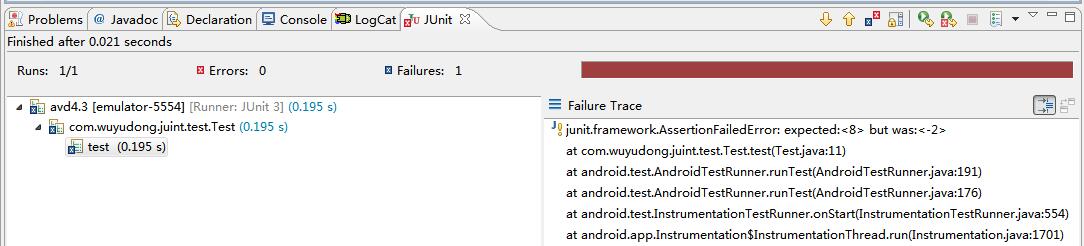
雙擊跳轉到
public class Test extends AndroidTestCase {

    public void test() {
        int res = Utils.add(3, 5);
        assertEquals(8, res);
    }
}
 Android 輪換控件,android輪換控件
Android 輪換控件,android輪換控件首先是控件輪換 一.創建主布局 1.用到的控件是 TextSwitcher (文本輪換
 Android安全專項-AndBug動態調試工具環境搭建
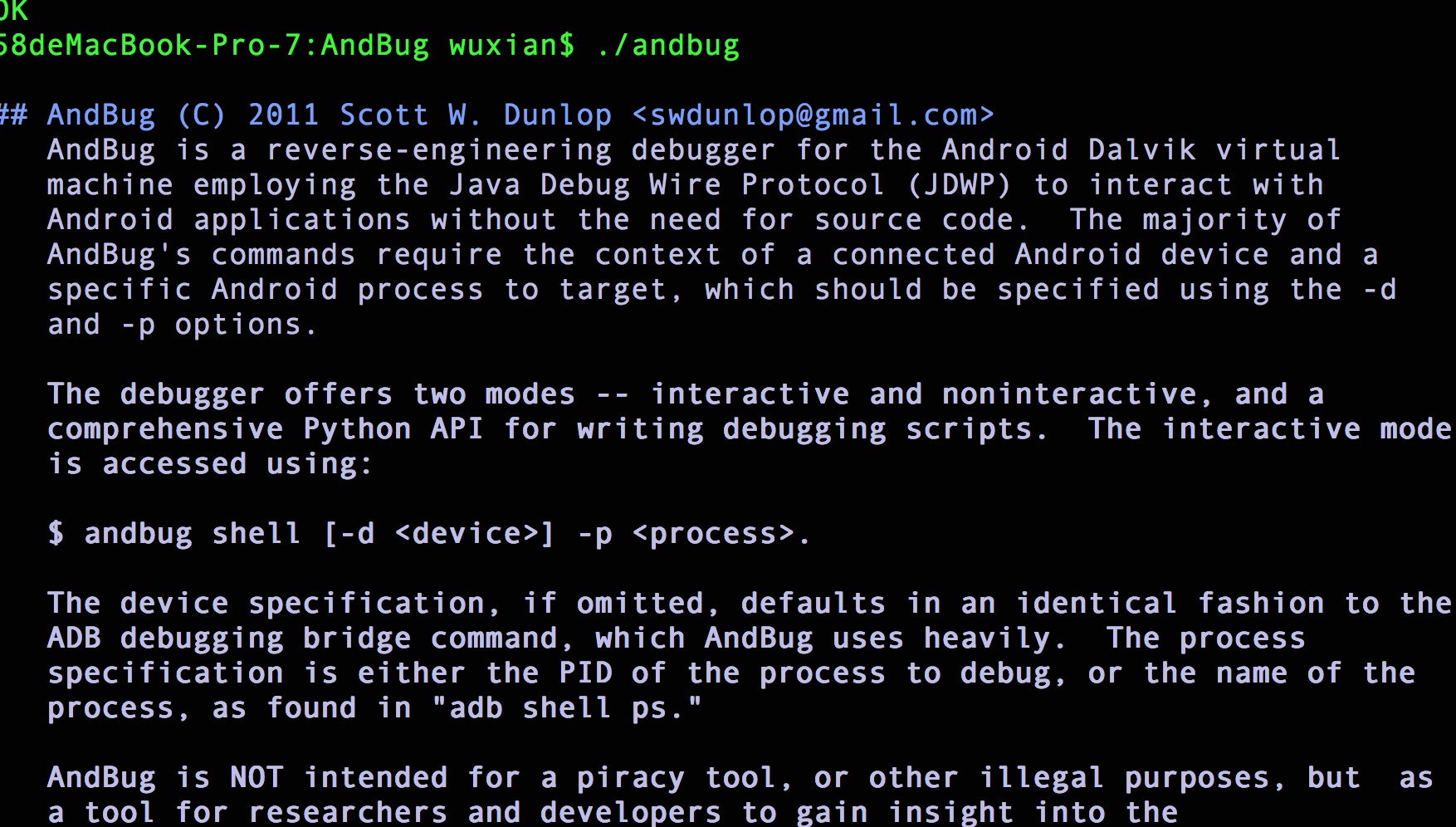
Android安全專項-AndBug動態調試工具環境搭建 環境搭建 git clone cd 到AndBug目錄,執行make 58deMacBook-Pro
 (轉)最強Android模擬器genymotion的安裝與配置,androidgenymotion
(轉)最強Android模擬器genymotion的安裝與配置,androidgenymotion Android開發人員都知道,原生的模擬器啟動比較慢,操作起來也不流暢
 為什麼 Android Studio 工程文件夾占用空間這麼大?我們來給它減減肥,androidstudio
為什麼 Android Studio 工程文件夾占用空間這麼大?我們來給它減減肥,androidstudio偶然中發現Android Studio的工程文件夾比ADT B