編輯:關於Android編程
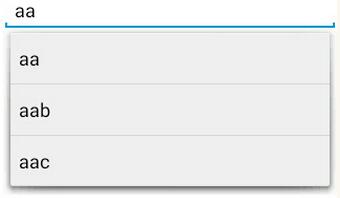
在輸入框中輸入我們想要輸入的信息就會出現其他與其相關的提示信息,這種效果在Android中是用AutoCompleteTextView實現的。
<AutoCompleteTextView
  android:layout_width="match_parent"
  android:layout_height="wrap_content"
  android:id="@+id/autotext"
  />
public class MainActivity extends Activity {
private AutoCompleteTextView autotext;
private ArrayAdapter<String> arrayAdapter;
  @Override
  protected void onCreate(Bundle savedInstanceState) {
    super.onCreate(savedInstanceState);
    setContentView(R.layout.test);

    autotext =(AutoCompleteTextView) findViewById(R.id.autotext);
    String [] arr={"aa","aab","aac"};
    arrayAdapter = new ArrayAdapter<String>(this, android.R.layout.simple_list_item_1,arr);
    autotext.setAdapter(arrayAdapter);
  }

}
以上就是本文的全部內容,希望對大家的學習有所幫助,也希望大家多多支持本站。
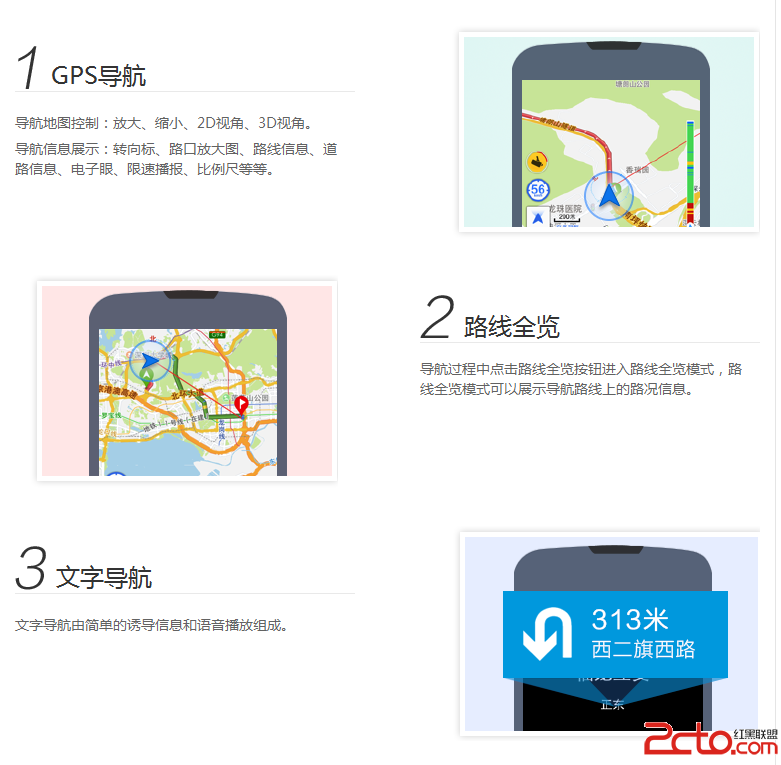 Android studio 百度地圖開發分析(3)地圖導航
Android studio 百度地圖開發(3)地圖導航email:chentravelling@163.com開發環境:win7 64位,Android Studio,
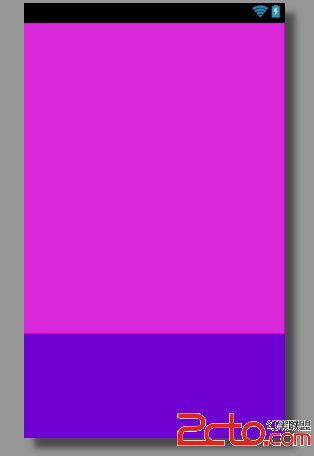 王立平-- android:layout_weight
效果:
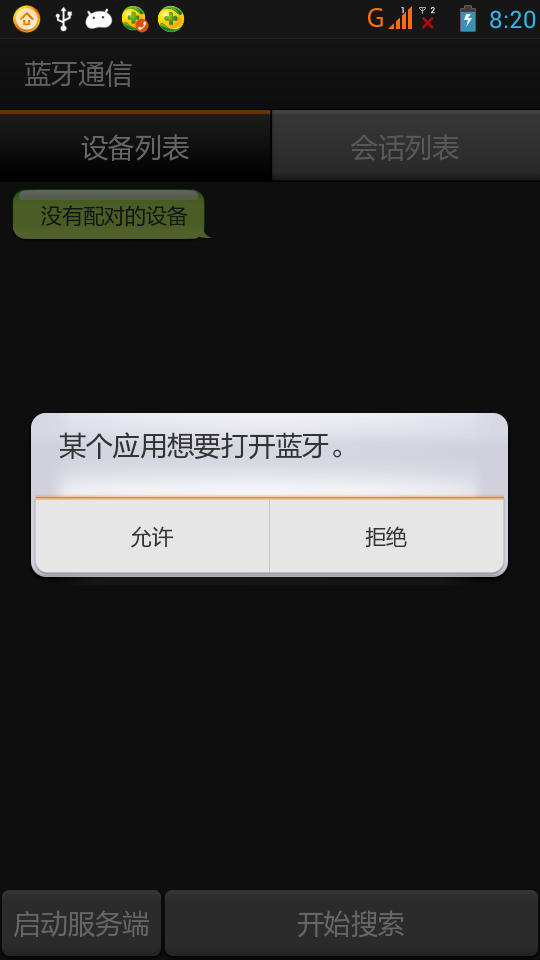 Android 實現藍牙客戶端與服務器端通信
一、首先說明:藍牙通信必須用手機測試,因為avd裡沒有相關的硬件,會報錯!好了,看看最後的效果圖:二、概述:1.判斷是否支持BluetoothBluetoothAdapt
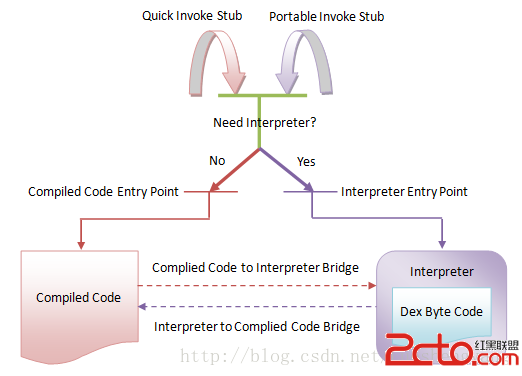 Android Art Hook 技術方案
0x1 開始Anddroid上的ART從5.0之後變成默認的選擇,可見ART的重要性,目前關於Dalvik Hook方面研究的文章很多,但我在網上