編輯:關於Android編程
本文實例講述了Android RadioGroup和RadioButton控件簡單用法。分享給大家供大家參考,具體如下:
RadioGroup和RadioButton代表的是Android中單選按鈕的一種控件,寫個簡單的代碼熟悉一下:
import android.app.Activity;
import android.os.Bundle;
import android.widget.RadioButton;
import android.widget.RadioGroup;
import android.widget.RadioGroup.OnCheckedChangeListener;
import android.widget.TextView;
public class Radio extends Activity {
  private TextView myTextView;
  private RadioButton chinaBtn;
  private RadioButton ukBtn;
  private RadioButton usaBtn;
  private RadioGroup rg;
  /** Called when the activity is first created. */
  @Override
  public void onCreate(Bundle savedInstanceState) {
    super.onCreate(savedInstanceState);
    setContentView(R.layout.main);
    //通過ID找到TextView
    myTextView = (TextView) findViewById(R.id.myTextView);
    //通過ID找到RadioButton
    chinaBtn = (RadioButton) findViewById(R.id.china_Button);
    ukBtn = (RadioButton) findViewById(R.id.uk_Button);
    usaBtn = (RadioButton) findViewById(R.id.usa_Button);
    //通過ID找到RadioGroup
    rg = (RadioGroup) findViewById(R.id.rBtnGroup);
    //只要對RadioGroup進行監聽
    rg.setOnCheckedChangeListener(new OnCheckedChangeListener() {
      @Override
      public void onCheckedChanged(RadioGroup group, int checkedId) {
        // TODO Auto-generated method stub
        if(R.id.china_Button == checkedId){
          myTextView.setText("您選擇的國家是:" + chinaBtn.getText().toString());
        }
        else if(R.id.uk_Button == checkedId){
          myTextView.setText("您選擇的國家是:" + ukBtn.getText().toString());
        }
        else if(R.id.usa_Button == checkedId){
          myTextView.setText("您選擇的國家是:" + usaBtn.getText().toString());
        }
      }
    });
  }
}
main.xml文件如下:
<?xml version="1.0" encoding="utf-8"?>
<LinearLayout xmlns:android="http://schemas.android.com/apk/res/android"
  android:orientation="vertical"
  android:layout_width="fill_parent"
  android:layout_height="fill_parent"
  >
  <TextView
    android:id="@+id/myTextView"
    android:layout_width="wrap_content"
    android:layout_height="wrap_content"
    android:text="@string/hello"
  />
  <RadioGroup android:id="@+id/rBtnGroup"
        android:layout_width="wrap_content"
        android:layout_height="wrap_content"
        >
    <RadioButton
      android:id="@+id/china_Button"
      android:layout_width="wrap_content"
      android:layout_height="wrap_content"
      android:text="中國"
    />
    <RadioButton
      android:id="@+id/uk_Button"
      android:layout_width="wrap_content"
      android:layout_height="wrap_content"
      android:text="英國"
    />
    <RadioButton
      android:id="@+id/usa_Button"
      android:layout_width="wrap_content"
      android:layout_height="wrap_content"
      android:text="美國"
    />
  </RadioGroup>
</LinearLayout>
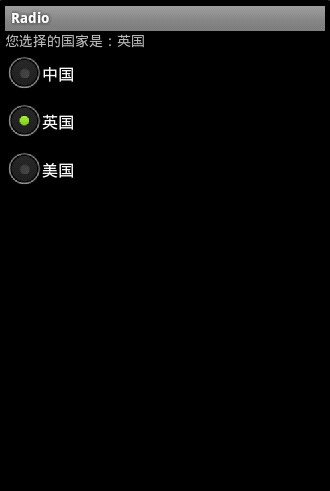
效果如下:
更多關於Android相關內容感興趣的讀者可查看本站專題:《Android控件用法總結》、《Android編程之activity操作技巧總結》、《Android視圖View技巧總結》、《Android操作SQLite數據庫技巧總結》、《Android操作json格式數據技巧總結》、《Android數據庫操作技巧總結》、《Android文件操作技巧匯總》、《Android編程開發之SD卡操作方法匯總》、《Android資源操作技巧匯總》及《Android開發入門與進階教程》
希望本文所述對大家Android程序設計有所幫助。
 Android智能指針淺析
長久以來,C++中的內存管理問題一直讓人頭疼,空指針,野指針,內存洩露。。。。。。C++程序員看到這樣的問題就是各種頭大!這樣的問題往往很難解決,尤其是代碼架構比較龐大或
 MultiDex與熱修復實現原理
一、Android的ClassLoader體系is = getAssets().open("app.apk");file = new File(get
 CoordinatorLayout.Behavior自定義效果的實現
先看一張效果圖,要做什麼就比較清晰了:實現思路:1.首先自定義一個View包括頭部和列表2.給自定義View添加注解,也就是默認使用自定義的BehaviorLayoutB
 Android開發趣事記之周期性廣告
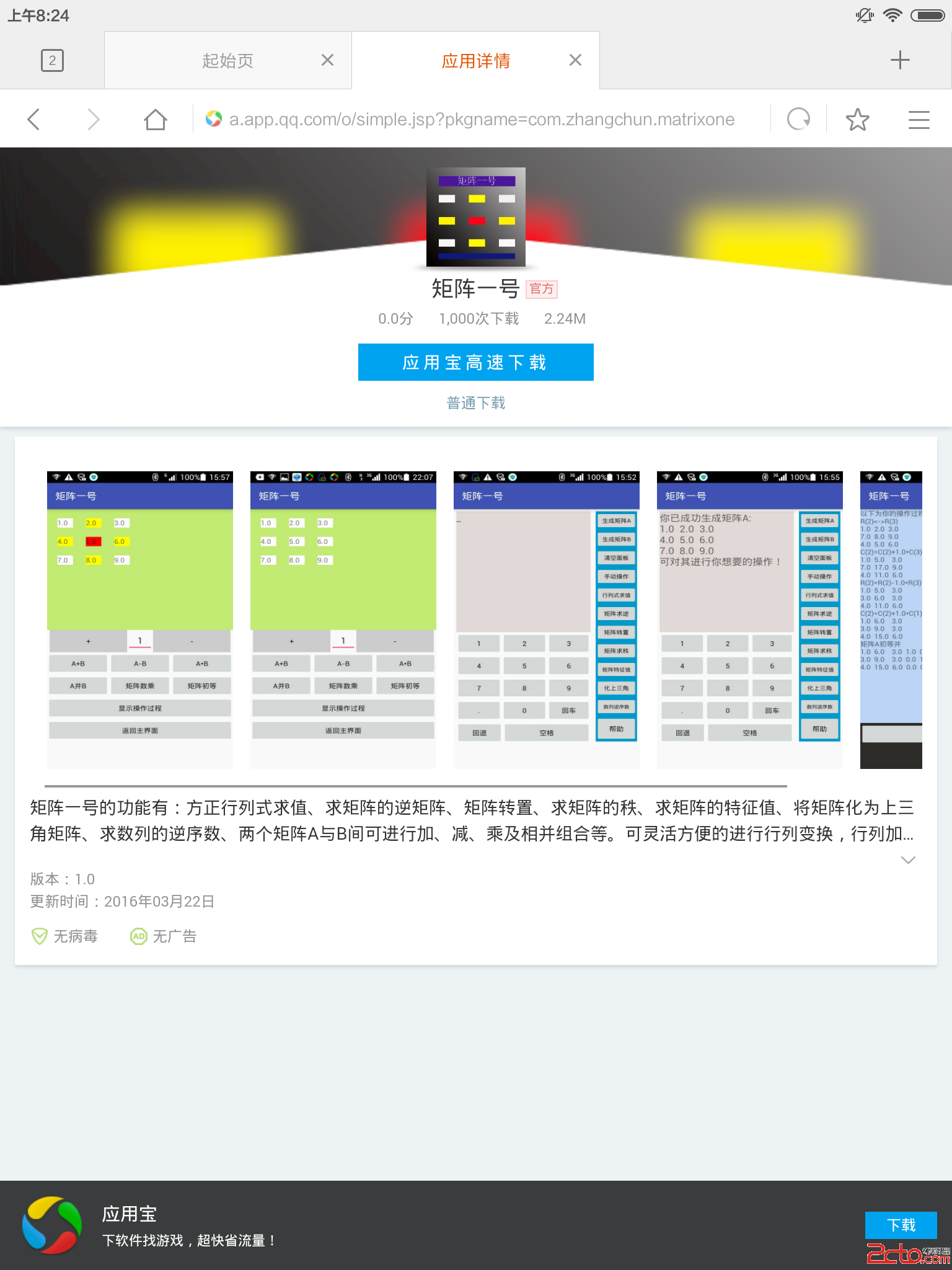
前些天做了一個應用,因為怕影響用戶體驗,所以我將廣告設定了一下,就是每啟動軟件8次,就會彈出一次廣告。在上傳到應用寶後,居然得到了這樣的結果:看到了吧!無病毒,無廣告。看