編輯:關於Android編程
本文實例講述了Android編程添加快捷方式(Short)到手機桌面的方法。分享給大家供大家參考,具體如下:
權限
要在手機桌面上添加快捷方式,首先需要在manifest中添加權限。
<!-- 添加快捷方式 -->
<uses-permission android:name="com.android.launcher.permission.INSTALL_SHORTCUT" />
<!-- 移除快捷方式 -->
<uses-permission android:name="com.android.launcher.permission.UNINSTALL_SHORTCUT" />
<!-- 查詢快捷方式 -->
<uses-permission android:name="com.android.launcher.permission.READ_SETTINGS" />
添加快捷方式
添加快捷方式,是向桌面應用(launcher)發送相關action的廣播,相關的action如下:
復制代碼 代碼如下:public static final String ACTION_ADD_SHORTCUT = "com.android.launcher.action.INSTALL_SHORTCUT";
添加快捷方式:
private void addShortcut(String name) {
  Intent addShortcutIntent = new Intent(ACTION_ADD_SHORTCUT);
  // 不允許重復創建
  addShortcutIntent.putExtra("duplicate", false);// 經測試不是根據快捷方式的名字判斷重復的
  // 應該是根據快鏈的Intent來判斷是否重復的,即Intent.EXTRA_SHORTCUT_INTENT字段的value
  // 但是名稱不同時,雖然有的手機系統會顯示Toast提示重復,仍然會建立快鏈
  // 屏幕上沒有空間時會提示
  // 注意:重復創建的行為MIUI和三星手機上不太一樣,小米上似乎不能重復創建快捷方式
  // 名字
  addShortcutIntent.putExtra(Intent.EXTRA_SHORTCUT_NAME, name);
  // 圖標
  addShortcutIntent.putExtra(Intent.EXTRA_SHORTCUT_ICON_RESOURCE,
      Intent.ShortcutIconResource.fromContext(MainActivity.this,
          R.drawable.ic_launcher));
  // 設置關聯程序
  Intent launcherIntent = new Intent(Intent.ACTION_MAIN);
  launcherIntent.setClass(MainActivity.this, MainActivity.class);
  launcherIntent.addCategory(Intent.CATEGORY_LAUNCHER);
  addShortcutIntent
      .putExtra(Intent.EXTRA_SHORTCUT_INTENT, launcherIntent);
  // 發送廣播
  sendBroadcast(addShortcutIntent);
}
移除快捷方式
移除快捷方式的action:
復制代碼 代碼如下:public static final String ACTION_REMOVE_SHORTCUT = "com.android.launcher.action.UNINSTALL_SHORTCUT";
移除快捷方式的方法:
private void removeShortcut(String name) {
  // remove shortcut的方法在小米系統上不管用,在三星上可以移除
  Intent intent = new Intent(ACTION_REMOVE_SHORTCUT);
  // 名字
  intent.putExtra(Intent.EXTRA_SHORTCUT_NAME, name);
  // 設置關聯程序
  Intent launcherIntent = new Intent(MainActivity.this,
      MainActivity.class).setAction(Intent.ACTION_MAIN);
  intent.putExtra(Intent.EXTRA_SHORTCUT_INTENT, launcherIntent);
  // 發送廣播
  sendBroadcast(intent);
}
在兩個手機上測試,發現小米手機上添加了快捷方式後不能移除,三星手機可以。
查詢快捷方式
查詢快捷方式是否存在的方法是從網上其他資料那裡查來的,但是測試查詢的時候失敗了,兩個手機(小米、三星)都查不到。
先留著代碼以後看看是什麼原因吧:
private boolean hasInstallShortcut(String name) {
  boolean hasInstall = false;
  final String AUTHORITY = "com.android.launcher2.settings";
  Uri CONTENT_URI = Uri.parse("content://" + AUTHORITY
      + "/favorites?notify=true");
  // 這裡總是failed to find provider info
  // com.android.launcher2.settings和com.android.launcher.settings都不行
  Cursor cursor = this.getContentResolver().query(CONTENT_URI,
      new String[] { "title", "iconResource" }, "title=?",
      new String[] { name }, null);
  if (cursor != null && cursor.getCount() > 0) {
    hasInstall = true;
  }
  return hasInstall;
}
希望本文所述對大家Android程序設計有所幫助。
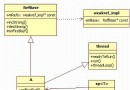 Android FrameWork中的SP、RefBase、weakref_impl,Thread類
在閱讀Android的Framework處的代碼可以發現,無處不在SP給予了我視覺上的沖擊,這個是什麼?初級的我,看這個當初就基本當成指針來用,熟不知其的內在美,於是在這
 訊飛輸入法怎麼設置手寫靈敏度
訊飛輸入法怎麼設置手寫靈敏度?在輸入法中使用手寫的時候,有的時候感覺靈敏度不是很好。如果你想讓手機系統快速反應你手寫的輸入文字,那就來設置下手寫靈敏度吧,訊
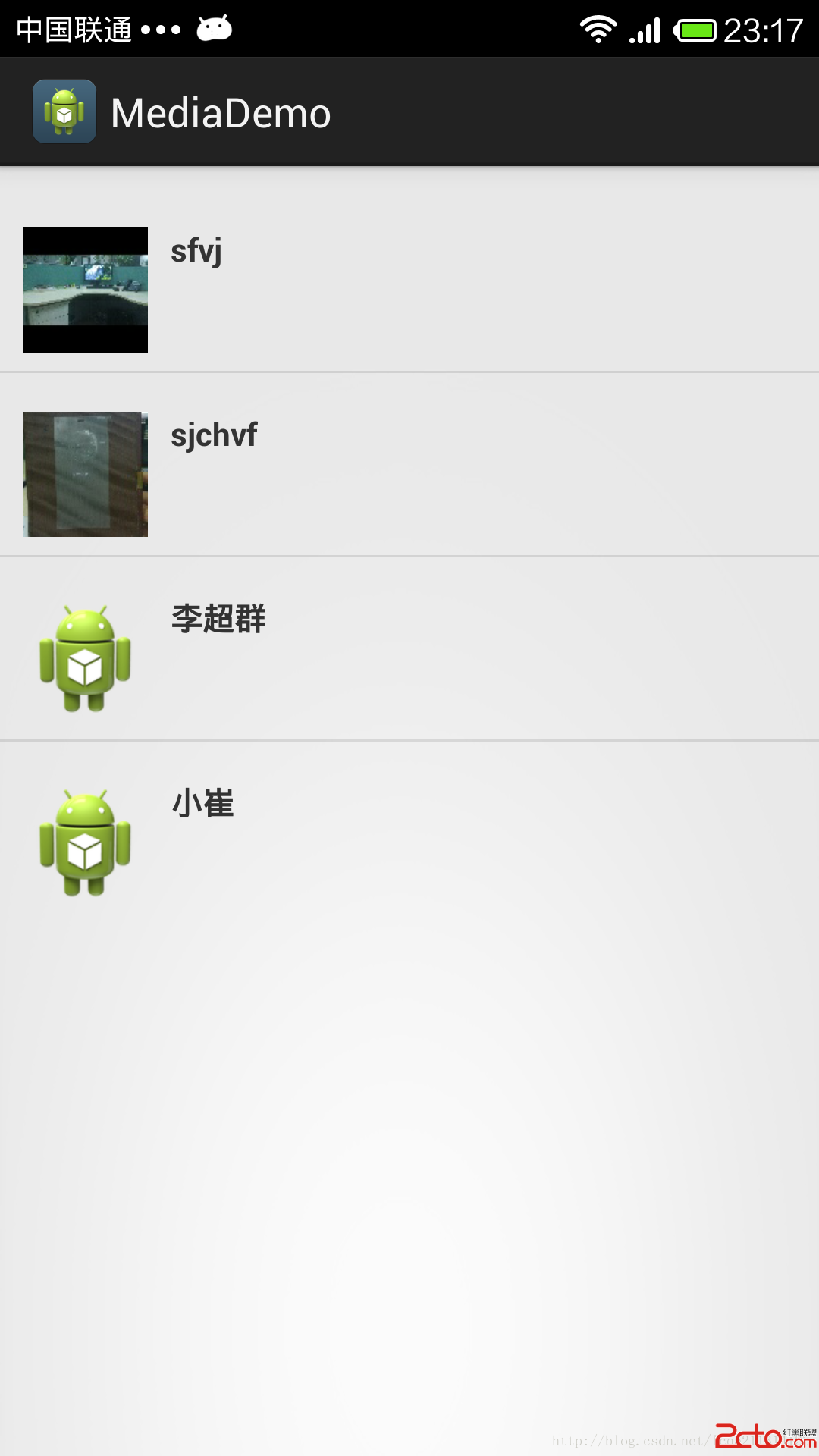 android獲取手機聯系人信息(電話,郵箱,姓名,頭像)
在我們開發應用程序時,通常都會用到獲取手機聯系人信息這一十分常用的功能,最近項目裡也要實現此功能,想到以後的APP還十分可能還有此功能,就干脆把這個小功能放到一個類中去,
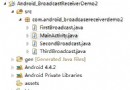 Android BroadcastReceiver實例Demo(有序廣播的發送)
上一篇簡單介紹了廣播的發送,這篇主要介紹下,有序廣播的發送。 設置完相關屬性的時候,廣播就會按照有序的方式進行發送: 發送順序: 第一條廣播; 再發送第二條廣播; 最後發