編輯:關於Android編程
本文實例講述了Android編程之listView中checkbox用法。分享給大家供大家參考,具體如下:
我們經常會用到在listView中使用checkbox的情況。直接不回應用後會發現,ListView中的OnItemClickListener事件會和checkbox中的選擇事件發生沖突,這個怎麼處理呢。直接上代碼。
list_item.xml代碼:
<?xml version="1.0" encoding="utf-8"?>
<RelativeLayout xmlns:android="http://schemas.android.com/apk/res/android"
  android:layout_width="match_parent"
  android:layout_height="match_parent"
  android:background="@color/color_while">
  <TextView
    android:id="@+id/txt_add_note_tag_list_name"
    android:layout_height="50dp"
    android:layout_width="fill_parent"
    android:gravity="center_vertical"
    android:textColor="@color/color_black"
    android:layout_marginLeft="8dp"
    />
  <CheckBox
    android:id="@+id/chk_add_note_tag_list_chk"
    android:layout_width="wrap_content"
    android:layout_height="wrap_content"
    android:gravity="center_vertical"
    android:layout_alignParentRight="true"
    android:layout_marginRight="8dp"
    android:focusable="false"   <!--這個是必須加上的,不然會出現沖突-->
    android:clickable="false"   <!--這個是必須加上的,不然會出現沖突-->
    />
</RelativeLayout>
BaseAdapter.java代碼:
package cg.guangda.androidnote;
import java.util.HashMap;
import java.util.List;
import java.util.Map;
import cg.guangda.androidnote.Model.noteTag;
import android.content.Context;
import android.view.LayoutInflater;
import android.view.View;
import android.view.View.OnClickListener;
import android.view.ViewGroup;
import android.widget.BaseAdapter;
import android.widget.CheckBox;
import android.widget.TextView;
public class Add_note_tag_list_BaseAdapter extends BaseAdapter {
  private LayoutInflater inflater;
  private List<noteTag> list_notetag_date;
  //定義多選框是否被選中
  public static Map<Integer, Boolean> isSelected;
  public Add_note_tag_list_BaseAdapter(Context context,List<noteTag> list_notetag_date)
  {
    this.inflater = LayoutInflater.from(context);
    this.list_notetag_date = list_notetag_date;
    //這兒定義isSelected這個map是記錄每個listitem的狀態,初始狀態全部為false。
    isSelected = new HashMap<Integer, Boolean>();
    for (int i = 0; i < list_notetag_date.size(); i++) {
      isSelected.put(i, false);
    }
  }
  @Override
  public int getCount() {
    // TODO Auto-generated method stub
    return list_notetag_date.size();
  }
  @Override
  public Object getItem(int position) {
    // TODO Auto-generated method stub
    return list_notetag_date.get(position);
  }
  @Override
  public long getItemId(int position) {
    // TODO Auto-generated method stub
    return position;
  }
  @Override
  public View getView(int position, View convertView, ViewGroup parent) {
    add_note_noteTag notetag = null;
    if(convertView==null)
    {
      convertView = inflater.inflate(R.layout.add_note_tag_list_item, null);
      notetag = new add_note_noteTag();
      notetag.txt_add_note_tag_list_name = (TextView)convertView.findViewById(R.id.txt_add_note_tag_list_name);
      notetag.chk_add_note_tag_list_chk = (CheckBox)convertView.findViewById(R.id.chk_add_note_tag_list_chk);
      convertView.setTag(notetag);
    }
    else {
      notetag = (add_note_noteTag)convertView.getTag();
    }
    notetag.txt_add_note_tag_list_name.setText(list_notetag_date.get(position).get_tagName());
    notetag.chk_add_note_tag_list_chk.setChecked(isSelected.get(position));
    return convertView;
  }
  public class add_note_noteTag
  {
    TextView txt_add_note_tag_list_name;
    CheckBox chk_add_note_tag_list_chk;
  }
}
應用頁面:
list_popwin_note_tag.setAdapter(new Add_note_tag_list_BaseAdapter(this, list_noteTag_date));
list_popwin_note_tag.setOnItemClickListener(new noteTagListItemOnClickListener());
/**
* 點擊列表項事件
* @author cg
*
*/
class noteTagListItemOnClickListener implements OnItemClickListener{
    @Override
    public void onItemClick(AdapterView<?> arg0, View view, int position,
        long arg3) {
      // TODO Auto-generated method stub
      add_note_noteTag vHollder = (add_note_noteTag) view.getTag();
      //在每次獲取點擊的item時將對於的checkbox狀態改變,同時修改map的值。
      vHollder.chk_add_note_tag_list_chk.setChecked(vHollder.chk_add_note_tag_list_chk.isChecked()==true ? false : true);
      boolean check = vHollder.chk_add_note_tag_list_chk.isChecked();
      Add_note_tag_list_BaseAdapter.isSelected.put(position, check);
      Log.v("noteTagListItemOnClickListener", list_noteTag_date.get(position).get_tagName() + check);
    }
}
希望本文所述對大家Android程序設計有所幫助。
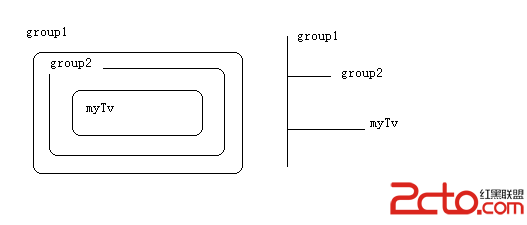 Android——View、ViewGroup事件(Touch事件)處理機制總結
Android中的事件Touch事件,四種狀態: ACTION_DOWN ——> 表示按下了屏幕,一個事件必然從ACTION_DOWN開始
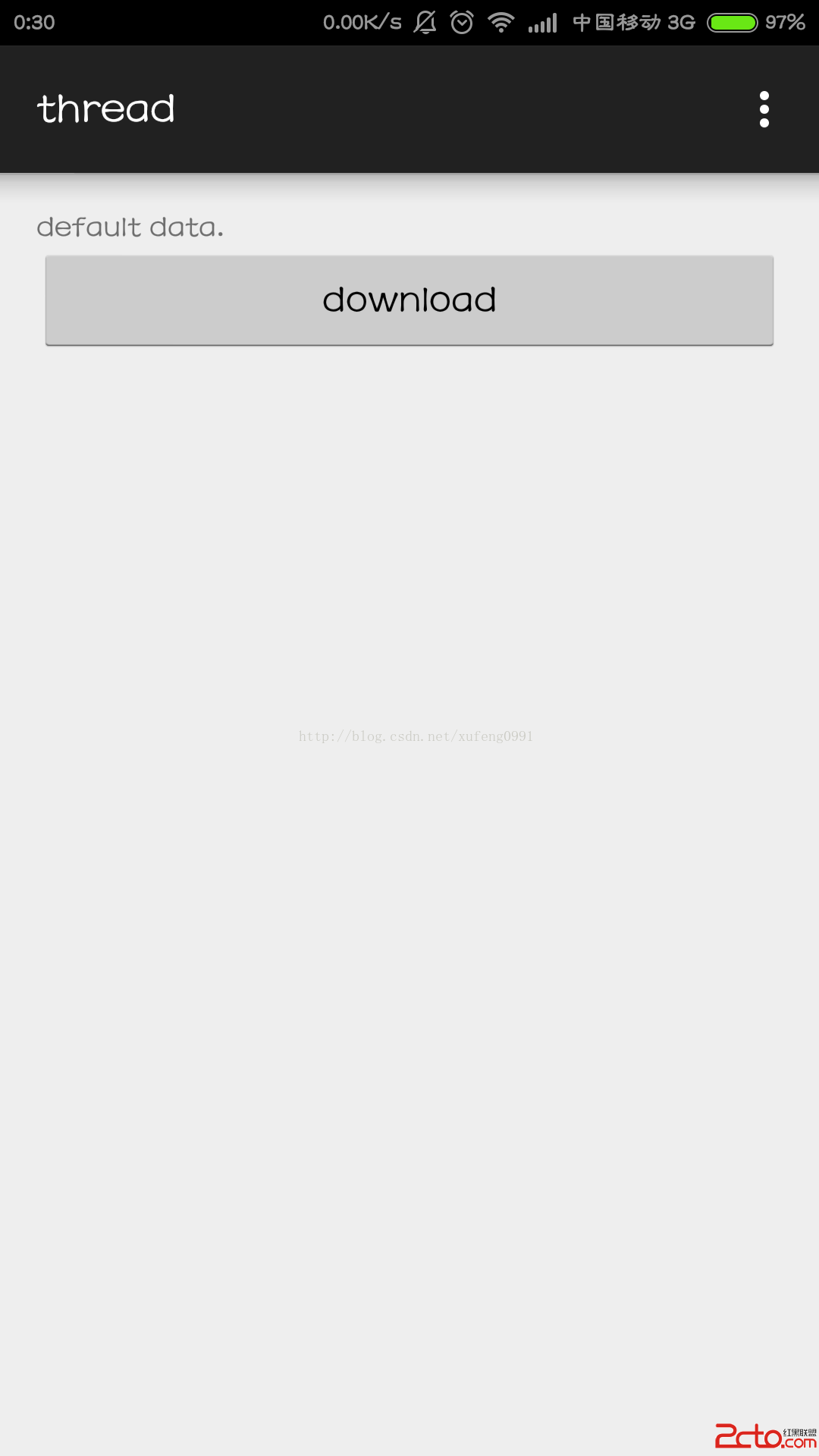 Android開發基礎之Worker線程向Main線程發送消息
由於Worker線程不能修改UI,所以當在Worker線程中接收到消息之後,需要通知主線程來更新UI。下面是一個下例子: 一 布局 二 代碼&
 Service 入門——service調用執行順序&利用service模擬完成一個後台服務
package com.example.xh.myapplication;import android.content.ComponentName;import andr
 Android Studio ADB響應失敗解決方法
當啟動Android Studio時,如果彈出 adb not responding. you can wait more,or kill adb.exe proc