編輯:關於Android編程
                File file1 = null,file2=null,file3=null,file4=null;
		Date date2 = new Date();
		SimpleDateFormat format2 = new SimpleDateFormat(yyyyMMdd);
		//獲取項目文件files的目錄
		File tempFile = this.getFilesDir();
		String yygypathstr = tempFile.toString();
		//文件命名格式為以時間(年月日)+資源名
		file1 = new File(yygypathstr, (format2.format(date2)+VICE中國+ .xml));
		file2 = new File(yygypathstr, (format2.format(date2)+設計癖+ .xml));
		file3 = new File(yygypathstr, (format2.format(date2)+知乎+ .xml));
		file4 = new File(yygypathstr, (format2.format(date2)+豆瓣一刻+ .xml));
		//如果文件不存在,才創建
		if (!file1.exists() && !file2.exists() && !file3.exists() && !file4.exists()) {
			try {
				file1.createNewFile();
				file2.createNewFile();
				file3.createNewFile();
				file4.createNewFile();
			} catch (IOException e) {
				// TODO Auto-generated catch block
				e.printStackTrace();
			}
		}
                        Date date = new Date();
			SimpleDateFormat format = new SimpleDateFormat(yyyyMMdd);
			String paperTitleName=format.format(date)+title+ .xml;
			File file=null;

			File fileXml=new File(xmlPath.toString());
			File[] tempList = fileXml.listFiles();
			//點擊那一份雜志,找到這份雜志的當天xml賦給file
			for (int i = 0; i < tempList.length; i++) {
				if (paperTitleName.equals(tempList[i].getName())) {
					file=tempList[i];
				}
			}
如果不為空就不存入數據
                        HttpClient client = new DefaultHttpClient();
			HttpGet get = new HttpGet(RSS_URL);
			try {
				HttpResponse response = client.execute(get);
				if (response.getStatusLine().getStatusCode() == 200 && file.length()==0) {
					InputStream inputStream = response.getEntity().getContent();

					FileOutputStream fos = new FileOutputStream(file);
					int byteread = 0;
					byte[] buffer = new byte[1024];
					while ((byteread = inputStream.read(buffer)) != -1) {

						fos.write(buffer, 0, byteread);
					}
					fos.flush();
					fos.close();
					inputStream.close();
				}
			} catch (ClientProtocolException e) {
				// TODO Auto-generated catch block
				e.printStackTrace();
			} catch (IOException e) {
				// TODO Auto-generated catch block
				e.printStackTrace();
			}
存入數據之後,開始解析xml文件讀取數據,方法和我之前寫的如何讀取xml的方法一樣。明天我將完成如何向下滑動,刷新出昨天的文章。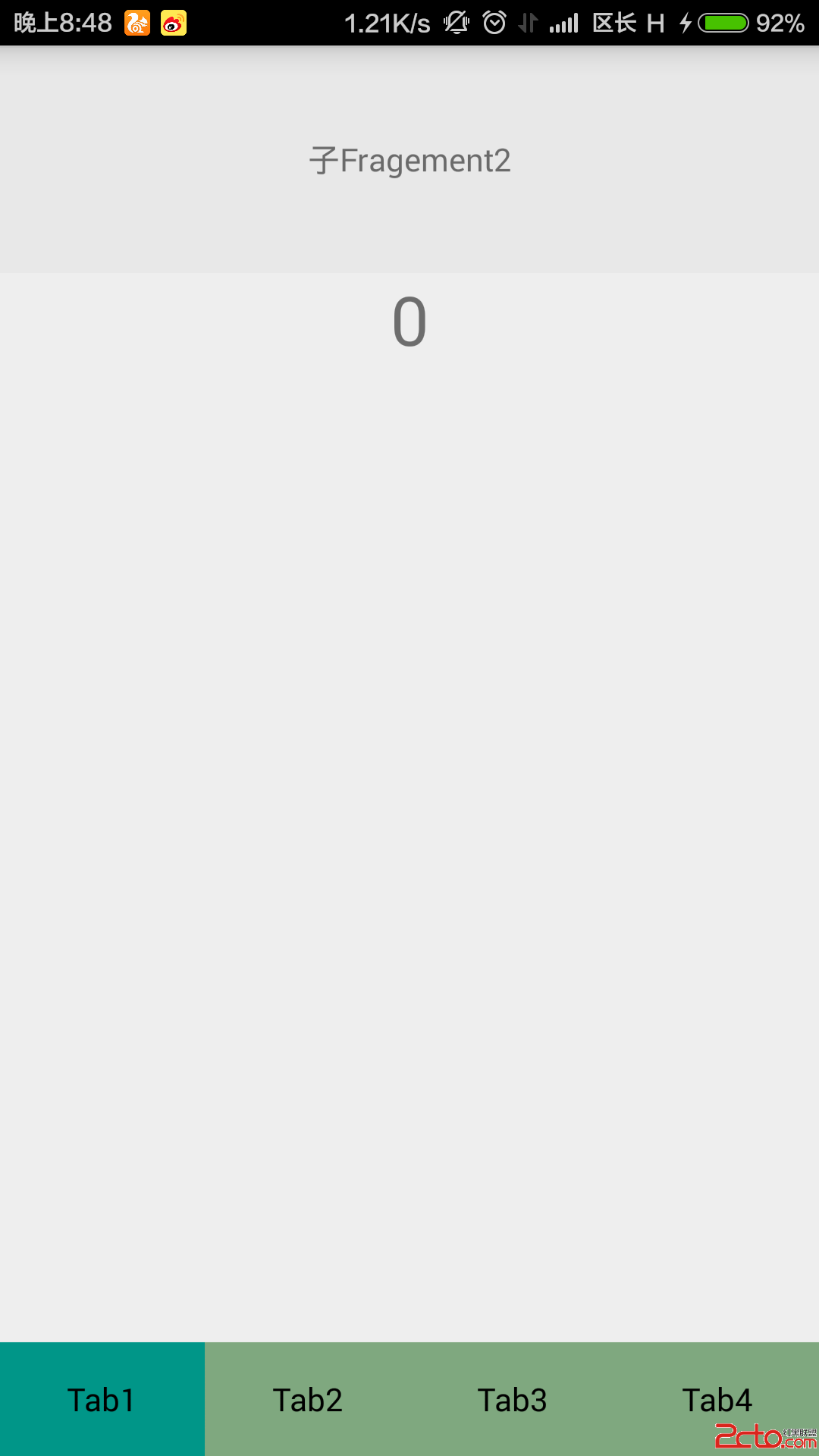 Android底部Tab頁基於ViewPager的實現
在眾多主流App中,包括QQ,微信等,為了和ios的UI保持統一,很多App使用的都是底部導航,當然在Android中也並不反對這種設計。這篇文章使用ViewPager實
 Android網絡收音機--使用Vitamio解碼(一)
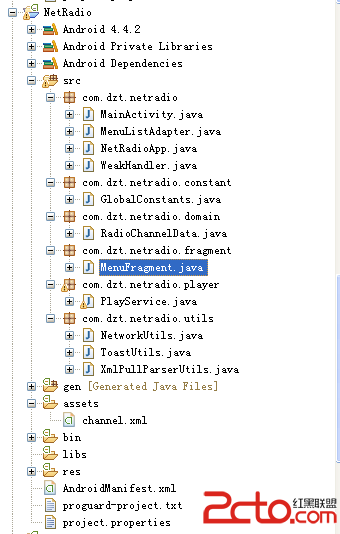
前面講到Vitamio可以支持一些流媒體,在這裡就用Vitamio來播放網絡上的一些流媒體,如:mms、rtsp、http,參考前輩的一些文章來寫一個網絡收音機程序,對於
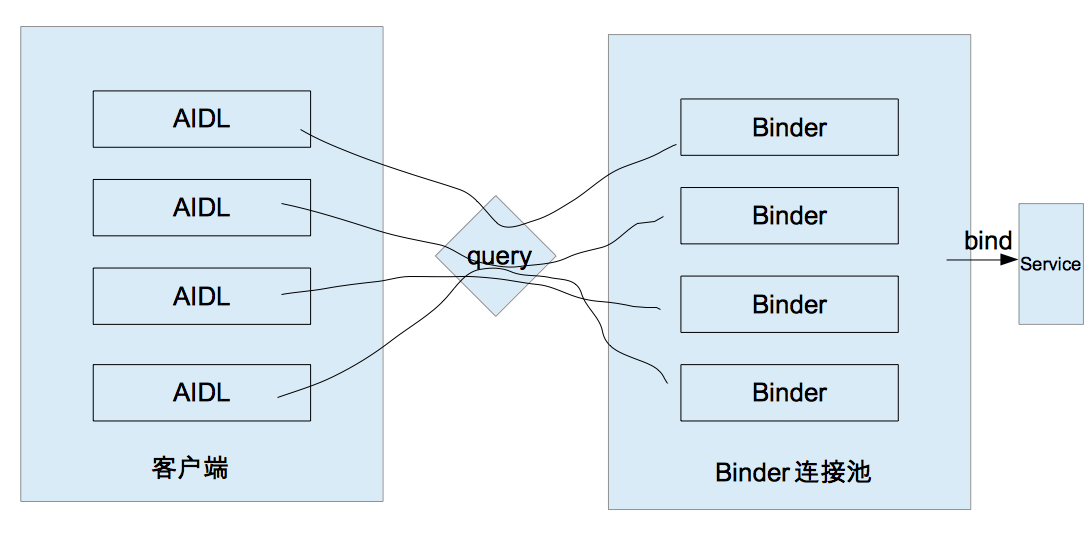 Android開發 二 IPC機制(下)
我們繼續來講IPC機制,在本篇中你將會學習到ContentProvider Socket Binder連接池一.使用ContentProvider ContentPro
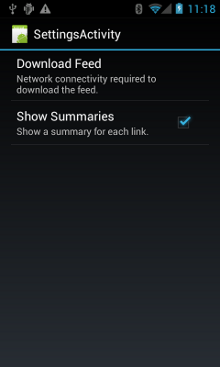 Android官方開發文檔Training系列課程中文版:網絡操作之網絡管理
原文地址:http://android.xsoftlab.net/training/basics/network-ops/managing.html這節課將會學習如何對網