編輯:關於Android編程
接下來我們看看android\vendor\qcom\opensource\fm\fmapp2\src\com\caf\fmradio\PresetList.java
定義一個List列表List
同步電台數量
public synchronized int getStationCount(){
        return mPresetList.size();
    }
獲得電台名字
 public synchronized String getStationName(int stationNum){
        String name = "";
        if (mPresetList.size() > stationNum){
            name = mPresetList.get(stationNum).getName();
        }
        return name;
    }
獲取電台頻率
public synchronized int getStationFrequency(int stationNum){
        int frequency = 102100;
        if (mPresetList.size() > stationNum){
            frequency = mPresetList.get(stationNum).getFrequency();
        }
        return frequency;
    }
設置電台頻率
public synchronized void setStationFrequency(int stationNum, int frequency){
        PresetStation mStation = mPresetList.get(stationNum);
        mStation.setFrequency(frequency);
    }
設置電台名字
public synchronized void setStationName(int stationNum, String name){
        PresetStation mStation = mPresetList.get(stationNum);
        mStation.setName(name);
    }
通過ID得到電台
public synchronized PresetStation getStationFromIndex(int index){
        int totalPresets = mPresetList.size();
        PresetStation station = null;
        if (index < totalPresets) {
            station = mPresetList.get(index);
        }
        return station;
    }
通過頻率得到電台
public synchronized PresetStation getStationFromFrequency(int frequency){
        int totalPresets = mPresetList.size();
        for (int presetNum = 0; presetNum < totalPresets; presetNum++ ) {
            PresetStation station = mPresetList.get(presetNum);
            if (station != null) {
                if(frequency == station.getFrequency()) {
                    return station;
                }
            }
        }
        return null;
    }
添加電台名字和頻率
public synchronized PresetStation addStation(String name, int freq){
        PresetStation addStation = new PresetStation(name, freq);
        if(addStation != null) {
            mPresetList.add(addStation);
        }
        return addStation;
    }
添加電台
public synchronized PresetStation addStation(PresetStation station){
        PresetStation addStation = null;
        if(station != null) {
            addStation = new PresetStation (station);
            mPresetList.add(addStation);
        }
        return addStation;
    }
刪除電台
 public synchronized void removeStation(int index){
       int totalPresets = mPresetList.size();
       if((index >= 0) && (index < totalPresets))
       {
          mPresetList.remove(index);
       }
    }
清除調頻列表
public synchronized void clear(){
        mPresetList.clear();
    }
/ *如果用戶選擇一個新電台在這個列表中,將調用這個函數來更新列表。
* /
public synchronized boolean setSelectedStation(PresetStation selectStation){
        int totalPresets = mPresetList.size();
        if (selectStation != null) {
            for (int presetNum = 0; presetNum < totalPresets; presetNum++ ) {
                PresetStation station = mPresetList.get(presetNum);
                if (station != null) {
                    if(selectStation.getFrequency() == station.getFrequency()) {
                        if(selectStation.getName().equalsIgnoreCase(station.getName())) {
                            mCurrentStation = presetNum;
                            return true;
                        }
                    }
                }
            }
        }
        return false;
    }
/ *檢查是否有相同電台存在在列表中
* /
public synchronized boolean sameStationExists(PresetStation compareStation){
        int totalPresets = mPresetList.size();
        if (compareStation != null) {
            for (int presetNum = 0; presetNum < totalPresets; presetNum++ ) {
                PresetStation station = mPresetList.get(presetNum);
                if (station != null) {
                    if(compareStation.getFrequency() == station.getFrequency()) {
                        return true;
                    }
                }
            }
        }
        return false;
    }
/ *如果用戶在這個列表中選擇一個新電台,將調用這個例程
*更新列表。
* /
public synchronized boolean setSelectedStation(int stationIndex){
        boolean foundStation = false;
        int totalPresets = mPresetList.size();
        if (stationIndex < totalPresets) {
            mCurrentStation = stationIndex;
            foundStation = true;
        }
        return foundStation;
    }
選擇電台
public synchronized void selectStation(PresetStation selectStation){ int totalPresets = mPresetList.size(); if (selectStation != null) { for (int presetNum = 0; presetNum < totalPresets; presetNum++ ) { PresetStation station = mPresetList.get(presetNum); if (station != null) { if(selectStation.getFrequency() == station.getFrequency()) { mCurrentStation = presetNum; return; } } } } }
獲取選擇的站
public synchronized PresetStation getSelectedStation(){
        int totalPresets = mPresetList.size();
        PresetStation station = null;
        if (mCurrentStation < totalPresets) {
            station = mPresetList.get(mCurrentStation);
        }
        return station;
    }
選擇下一個電台
public synchronized PresetStation selectNextStation(){
        int totalPresets = mPresetList.size();
        PresetStation station = null;
        if(totalPresets > 0) {
            mCurrentStation ++;
            if ( (mCurrentStation) >= totalPresets) {
                mCurrentStation =0;
            }
            station = mPresetList.get(mCurrentStation);
        }
        return station;
    }
選擇上一個電台
 public synchronized PresetStation selectPrevStation(){
        int totalPresets = mPresetList.size();
        PresetStation station = null;
        if(totalPresets > 0) {
            mCurrentStation --;
            if ( mCurrentStation < 0) {
                mCurrentStation = totalPresets-1;
            }
            station = mPresetList.get(mCurrentStation);
        }
        return station;
    }
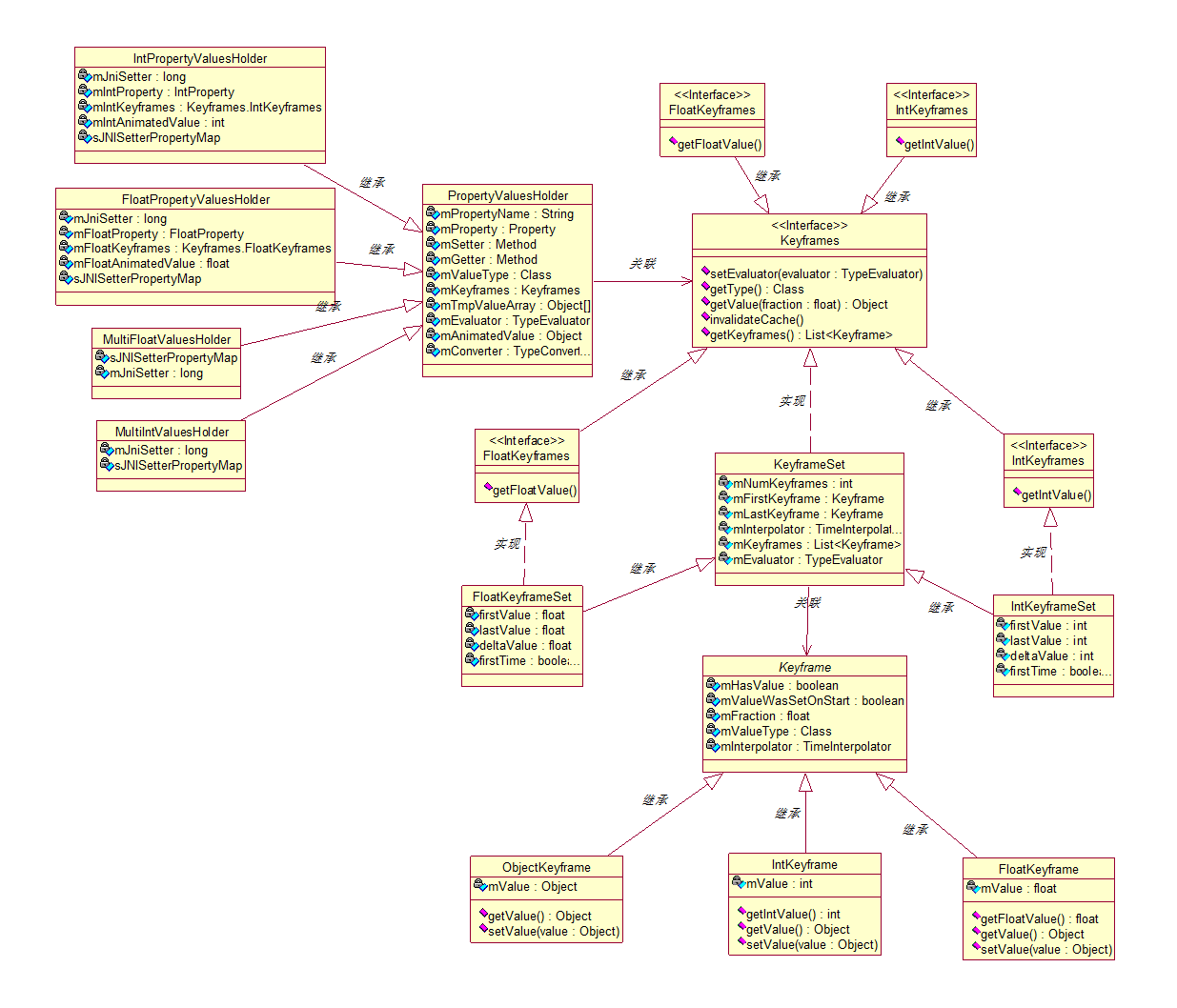 Android屬性動畫ValueAnimator源碼簡單分析
Android開發的過程中經常要用到屬性動畫,經常都是網上扒下來看下怎麼用,但是經常不知道為什麼要這麼用,手一哆嗦一不小心就點到源碼裡面去了。我們就來看看Android屬
 Android應用開發中使用GridView網格布局的代碼示例
基本布局演示1. 定義包含GridView 的 main.xmk<?xml version=1.0 encoding=utf-8?><L
 BlueStacks安卓模擬器屏幕窗口大小的調整方法
BlueStacks安卓模擬器屏幕窗口大小的調整方法,使用過BlueStacks安卓模擬器的朋友都知道,這款安卓模擬器非常好用,占用資源很少,但是有個缺點是
 Android Studio設置主題與字體大小圖文教程
一、Android Studio 主題的設置1.1 設置Android Studio 自帶的主題及包名字體大小1.2 導入第三方主題:下載了第三方的主題,然後執行:Fil